Picking among AI tools for live translation is harder than it looks. Some tools work only inside Microsoft Teams, some are built for conference halls, some live on your phone, and one popular name does not translate live at all. If you choose the wrong type, you pay for features you never use.
This guide compares nine tools that people actually use for live translation in 2026. For each one you get a short review, the key details in a table, and a list of pros and cons. After the list, you will find the best pick for Zoom and Teams meetings, events, travel, phone calls and earbuds, plus a clear look at accuracy, delay, privacy and the limits of real-time translation.
What AI Live Translation Tools Actually Do
An AI live translation tool listens to someone speaking, turns the speech into text, translates the text, and then shows it as captions or reads it aloud in another language. Good tools do all of this within a few seconds. That is why the same tool can feel natural in a short chat and clumsy in a long technical talk.
Live translation vs interpretation vs captions
These three words are often mixed up. Captions show the words on screen in the same language. Live translation software shows or speaks those words in a second language. Interpretation usually means a trained person does the same job, sometimes with an AI tool helping in the background.
The difference matters when you buy. A tool built for captions will not give your guests a spoken translation, and a tool built for one-way events will feel slow in a two-way conversation.
How the speech pipeline works
Most tools run a chain of three steps: speech recognition, machine translation and speech output. Newer tools skip some of these steps and go straight from voice to voice, which cuts the delay. This is the reason voice-to-voice translation is the feature that vendors now promote the most.
AI Tools for Live Translation at a Glance
Here are the nine tools from this guide, each with the situation where it fits best. The full reviews follow below.
- DeepL Voice – Business meetings on Teams, Zoom and Google Meet
- ElevenLabs – Dubbing recorded video and live transcription, not live translation itself
- Wordly – Large events with many languages and no app for guests
- Google Translate Conversation Mode – Free, everyday conversations on a phone
- Microsoft Translator – Groups and Teams users
- Apple Live Translation – People who already use iPhone and AirPods
- ChatGPT Voice – Flexible spoken translation when you give it instructions
- KUDO – Events that need both AI and human interpreters
- Timekettle – Translation earbuds for travel and face-to-face talks
How We Picked AI Tools for Live Translation
We looked at what vendors publish on their own pages and what independent reviewers report, and we checked the details that change from month to month, like language counts, platforms and pricing. Where a vendor makes a claim we could not confirm, the review says so.
Latency
Delay decides whether a conversation feels natural. A gap of one or two sentences is fine for a presentation and painful for a debate, so we note it where the vendor or a reviewer reports it.
Language support
Every tool lists a large number of languages, but the real number depends on the feature. Voice translation usually covers fewer languages than captions, so we separate the two. Students and teachers who need translated lessons can also look at the list of AI tools for class 9.
Platform support
A tool is only useful if it works where you meet. We checked Zoom, Microsoft Teams, Google Meet, phones and event platforms.
Pricing transparency
Some tools list prices openly. Others ask you to request a quote. We say which is which, because it changes how fast you can start.
Privacy
Meetings often hold private information. We note what vendors say about data storage and which claims come only from the vendor.
9 Best AI Tools for Live Translation
The reviews below follow the same order: what the tool is, where it works, and where it falls short. Costs and language counts change often, so check the vendor page before you commit.
1. DeepL Voice: best for business meetings
DeepL is known for text translation that reads naturally, and DeepL Voice brings the same engine to speech. DeepL Voice for Meetings adds voice-to-voice translation and live subtitles to Microsoft Teams, Zoom and Google Meet. Voice translation covers 30 languages, and subtitles cover more than 40. The full experience asks for the DeepL Voice desktop app.
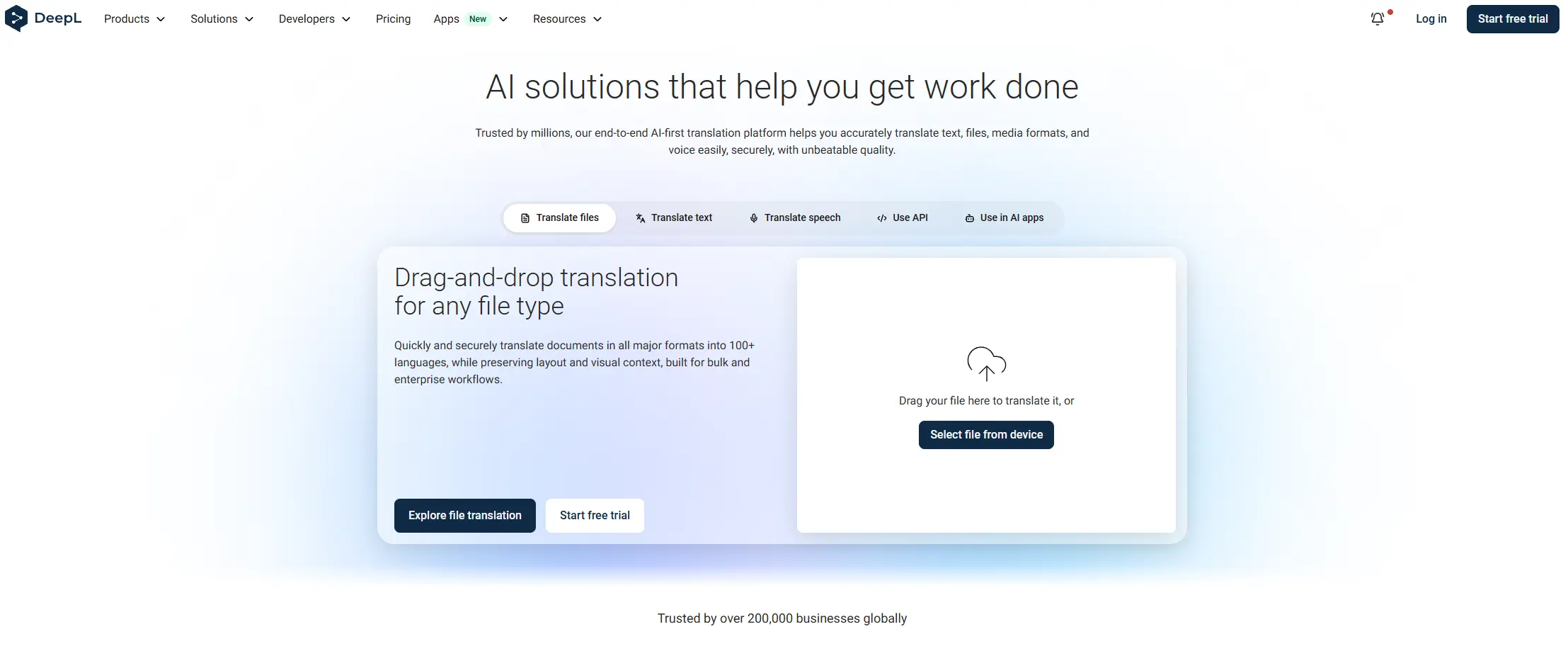
The vendor says meeting data is processed in memory and deleted when the call ends. Pricing is not public, so you need to talk to sales. At a DeepL event in April 2026, a live demo showed a delay of one to two sentences, which is a good reminder to test before an important call.
| Detail | Estimate |
|---|---|
| Platforms | Microsoft Teams, Zoom, Google Meet |
| Languages | 30 for voice, 40+ for subtitles |
| Pricing | Custom quote |
| Best for | Business teams with international meetings |
Pros
- Works on the three main meeting platforms
- Strong reputation for natural wording
- Voice and subtitles in one product
- Meeting data is deleted after the call, according to the vendor
- Custom vocabulary support is announced
Cons
- No public pricing
- Full experience needs the desktop app
2. ElevenLabs: best for dubbing and live transcription
ElevenLabs belongs on this list with a clear warning: it is not a live interpreter. Its dubbing product translates recorded audio and video into more than 90 languages and keeps a clone of the original speaker’s voice. You upload a file or paste a link, and the system does the rest. The page does not offer live translation.
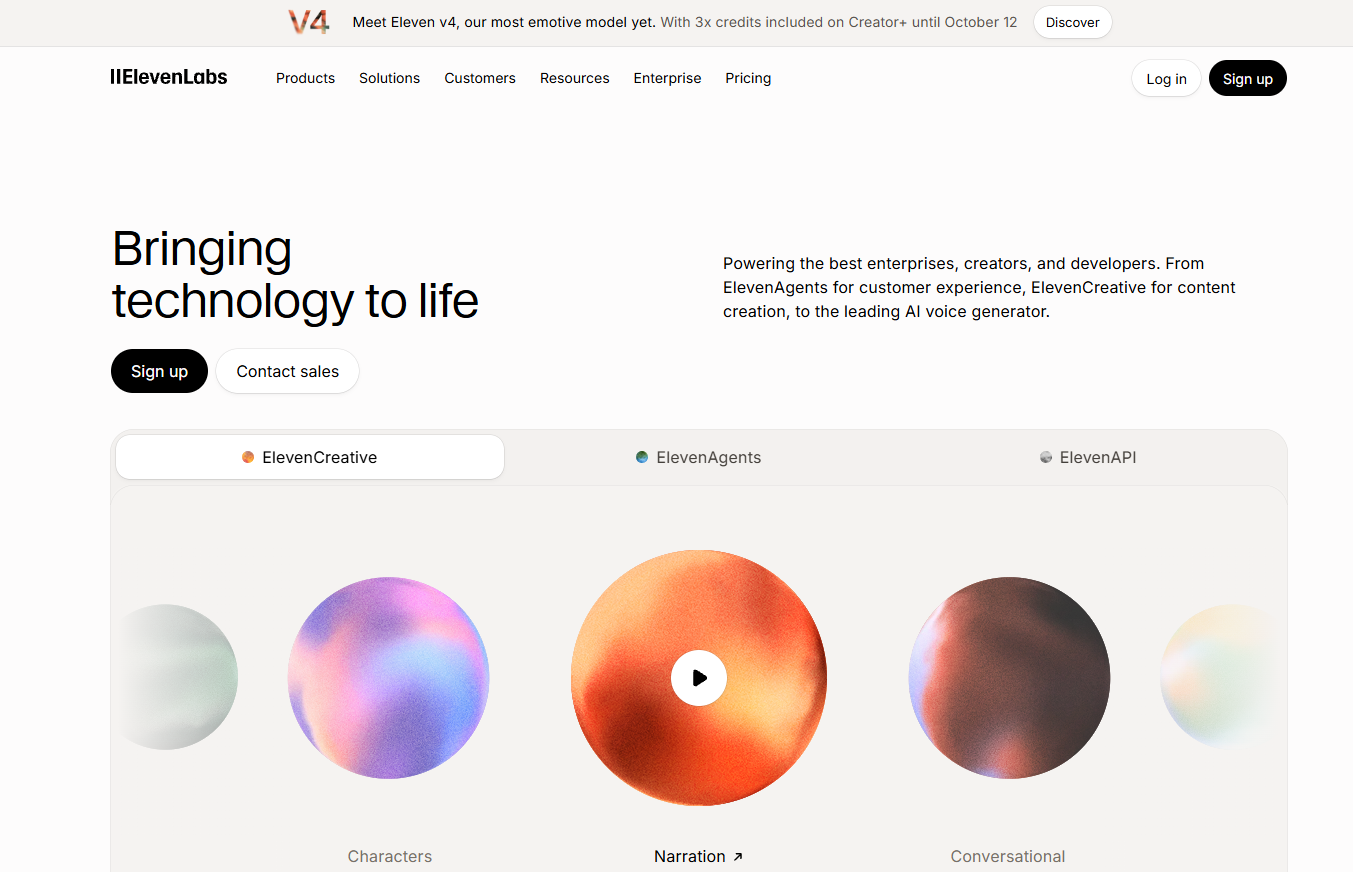
It becomes useful after the event, when you want to publish a recording in several languages. ElevenLabs also offers a real-time speech-to-text model that is reported to give live transcription with a very short delay in 90+ languages, which can be used as one part of a live system. Check the current vendor page for details. Dubbing plans start with a free tier, then Starter at $6 a month, Creator at $22 and Pro at $99.
| Detail | Estimate |
|---|---|
| Platforms | Web, API |
| Languages | 90+ for dubbing |
| Pricing | Free tier, then from $6 a month |
| Best for | Dubbing recordings and building live transcription |
Pros
- Voice clone keeps the speaker’s voice
- Over 90 languages for dubbing
- Free plan to test
- Good for turning event recordings into content
- Real-time transcription model for developers
Cons
- Dubbing is not live
- Needs extra tools to build a full live translation setup
3. Wordly: best for large events
Wordly is built for conferences, webinars, town halls and company meetings. Speakers talk as usual, and attendees read captions or hear audio in their own language. Guests join with a QR code or a link on a phone or computer, and the page says they need no account and no download.
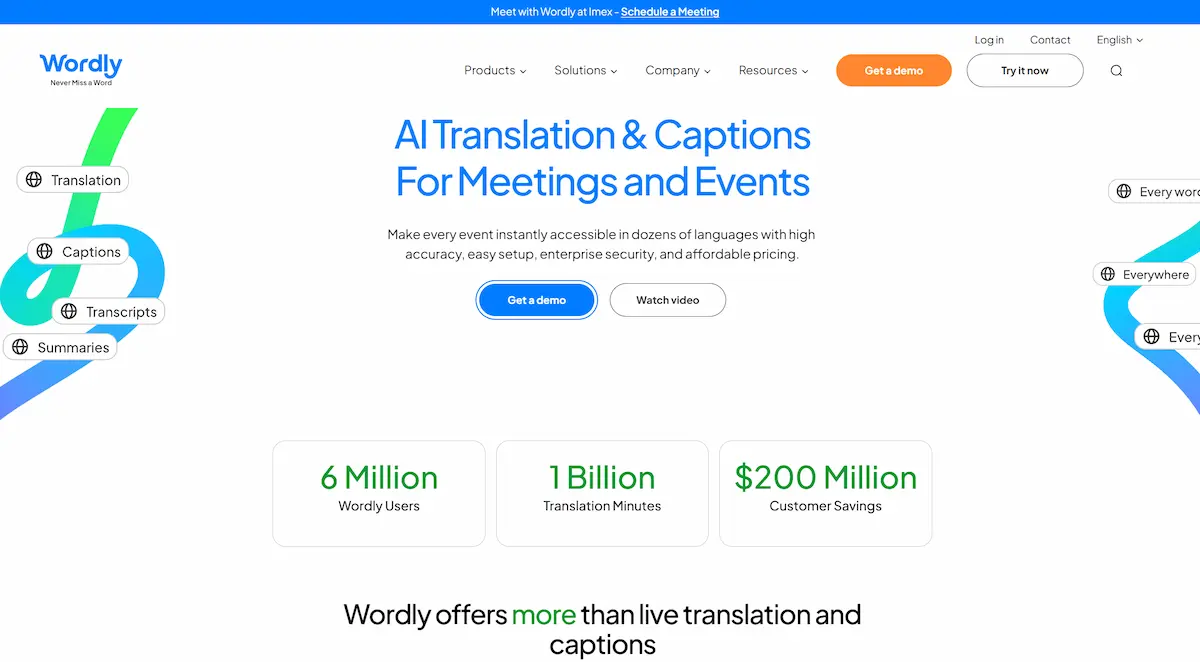
Wordly lists over 3,000 language pairs and works with Zoom and Microsoft Teams. The company also lists SOC 2 Type II, ISO 27001, GDPR and HIPAA compliance, but these are the vendor’s own statements. Pricing is not shown on the page, and reviewers note that it is less suited to fast two-way conversation.
| Detail | Estimate |
|---|---|
| Platforms | Zoom, Microsoft Teams, browser and mobile apps |
| Languages | 3,000+ language pairs |
| Pricing | Quote based, free trial available |
| Best for | Conferences, webinars and company events |
Pros
- Guests join with a QR code, no app needed
- Captions and audio for many languages at once
- Transcripts and summaries after the event
- Works with Zoom and Teams
- Security certifications listed by the vendor
Cons
- Pricing is not public
- Better for one speaker than for open discussion
4. Google Translate Conversation Mode: best free option
Google Translate is the tool most people already have on their phone. Its live translate feature supports more than 70 languages on Android and iOS. You open the live option, pick two languages, and talk. The app speaks the translation aloud and shows a transcript in both languages on the screen.
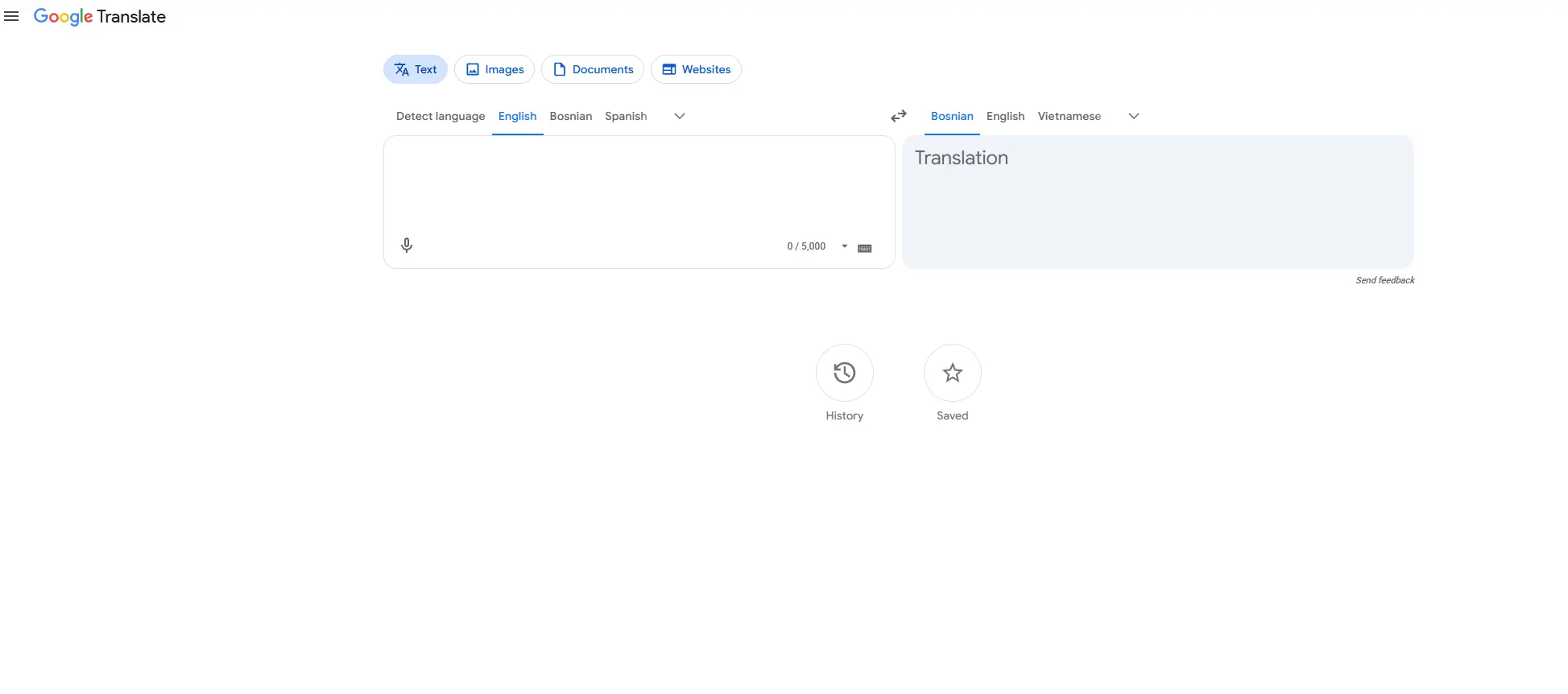
Google first rolled this out in the United States, India and Mexico, so check that it is available in your country. The tool is free and simple, but it is built for short, face-to-face talks. It is not made for meetings with many speakers, and it has no meeting platform integration.
| Detail | Estimate |
|---|---|
| Platforms | Android, iOS |
| Languages | 70+ for live translate |
| Pricing | Free |
| Best for | Travel and everyday conversation |
Pros
- Free and already on most phones
- Large language list
- Spoken translation plus a written transcript
- Easy to start without setup
- Works for short conversations
Cons
- Not built for group meetings
- Availability depends on your country
5. Microsoft Translator: best for Teams and groups
Microsoft Translator lets several people join the same conversation, each reading or hearing the translation in their own language. It is a good fit for people who already work in Microsoft Teams, and it is often named as a strong free option for small group talks.
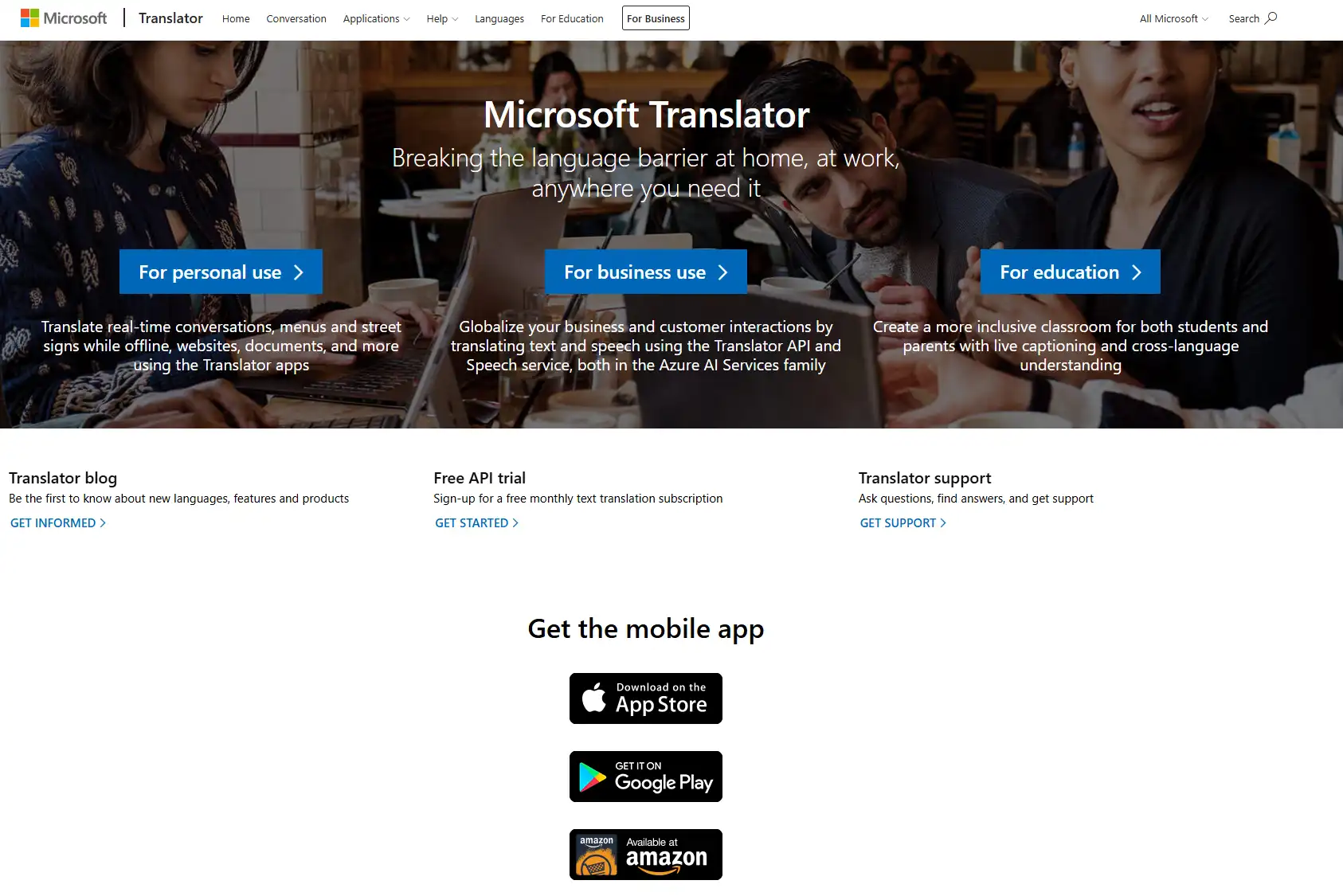
The weak point is quality in long, technical conversations. Like most free tools, it gives a rough translation fast, but it may need correction when the topic is specialized. For high-stakes meetings, compare it with a paid tool before you decide.
| Detail | Estimate |
|---|---|
| Platforms | Mobile apps, web, Microsoft Teams |
| Languages | Large list, varies by feature |
| Pricing | Free to start |
| Best for | Small groups and Teams users |
Pros
- Several people can join one conversation
- Works with Microsoft Teams
- Free to try
- Simple for non-technical users
- Text and voice translation
Cons
- Rough wording on specialized topics
- Fewer event features than dedicated tools
6. Apple Live Translation: best with AirPods
Apple Live Translation works inside the Apple system, so you hear the translation in your AirPods while the other person talks. It makes the most sense if you already use an iPhone and compatible AirPods, since the feature depends on your device and your software version.
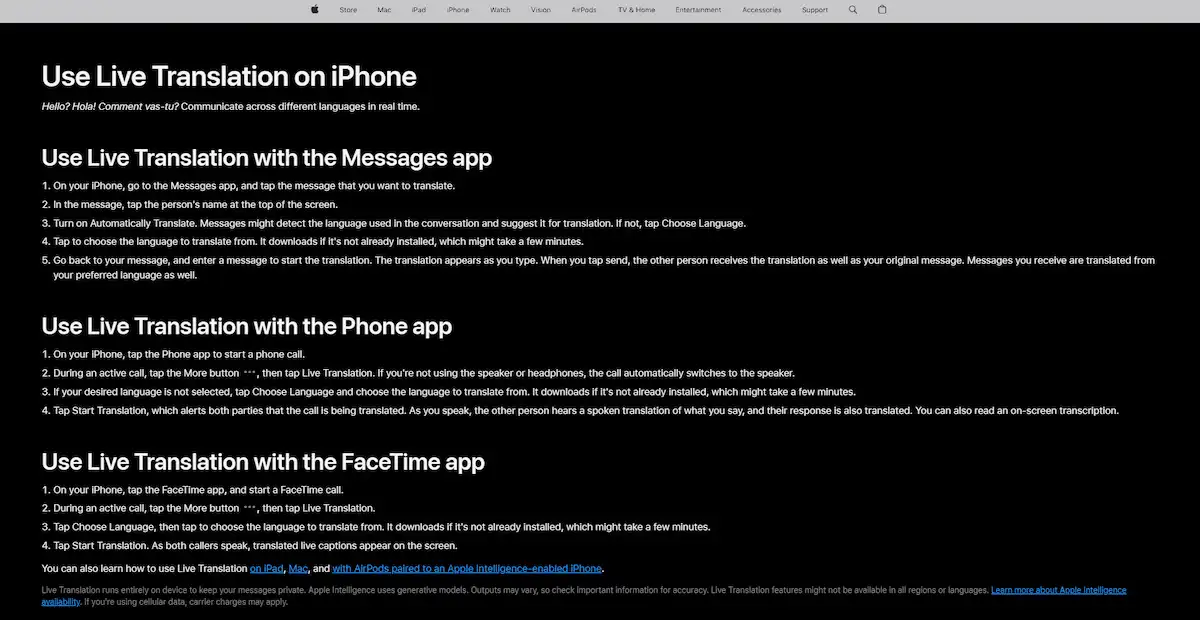
Availability varies by region and device, and the feature does not work on Android. Before you rely on it for travel, check that your phone model, your AirPods and your country are on Apple’s supported list.
| Detail | Estimate |
|---|---|
| Platforms | Supported Apple devices |
| Languages | Limited list, check Apple’s page |
| Pricing | Included with supported devices |
| Best for | iPhone and AirPods owners |
Pros
- Translation goes straight into your earbuds
- No extra app subscription
- Natural for travel and short talks
- Built into the system
- Easy to start if you own the hardware
Cons
- Needs specific Apple devices
- Not available on Android or in every region
7. ChatGPT Voice: best for flexible conversation
ChatGPT Voice is not a dedicated translation tool, but you can ask it to translate while you talk. The advantage is flexibility. You can tell it to use a formal tone, explain a word, or repeat a sentence slower. That makes it handy for one-on-one conversations where you want control.
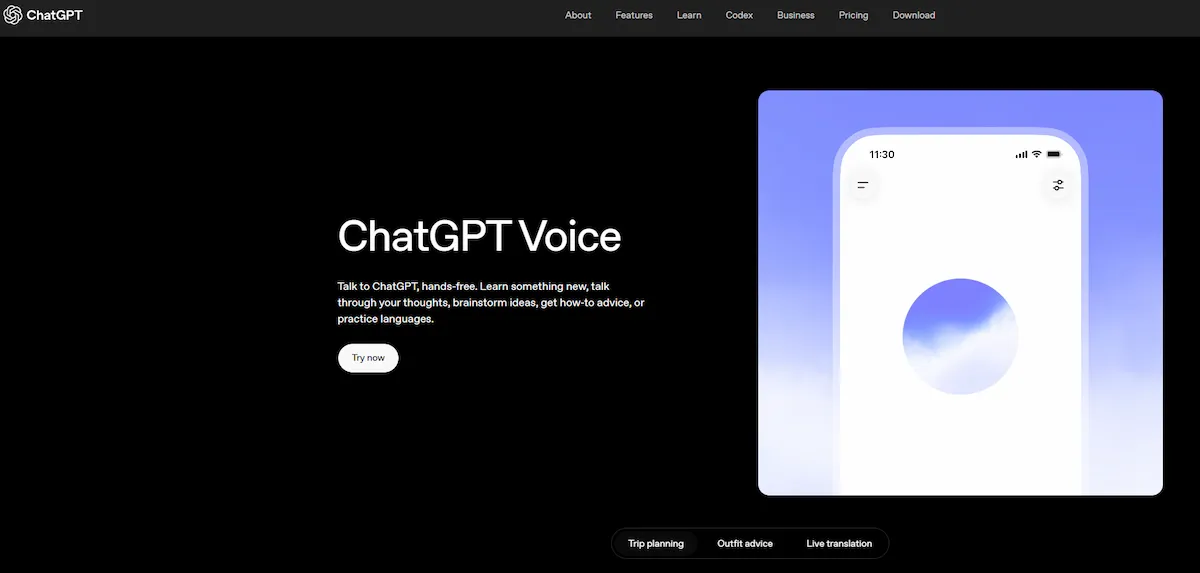
The downside is that it has no meeting integration and no event features. It depends on how you prompt it, so results vary from one session to the next. ChatGPT is also not the only assistant that can do this, and the guide to AI tools alternative to Claude covers other chat assistants you can test.
| Detail | Estimate |
|---|---|
| Platforms | Mobile and desktop apps |
| Languages | Many, no fixed translation list |
| Pricing | Free and paid plans, check the vendor |
| Best for | One-on-one conversations with custom instructions |
Pros
- You can set tone and style
- Can explain words and repeat sentences
- No separate app for translation
- Works for many language pairs
- Useful for learning
Cons
- No meeting or event integration
- Results depend on your prompt
8. KUDO: best for human plus AI interpreting
KUDO sits between a pure AI tool and a traditional interpreting service. It offers AI translation and also lets you book human interpreters for the same event. That mix suits conferences where some sessions are routine and others, like legal or medical talks, need a person.
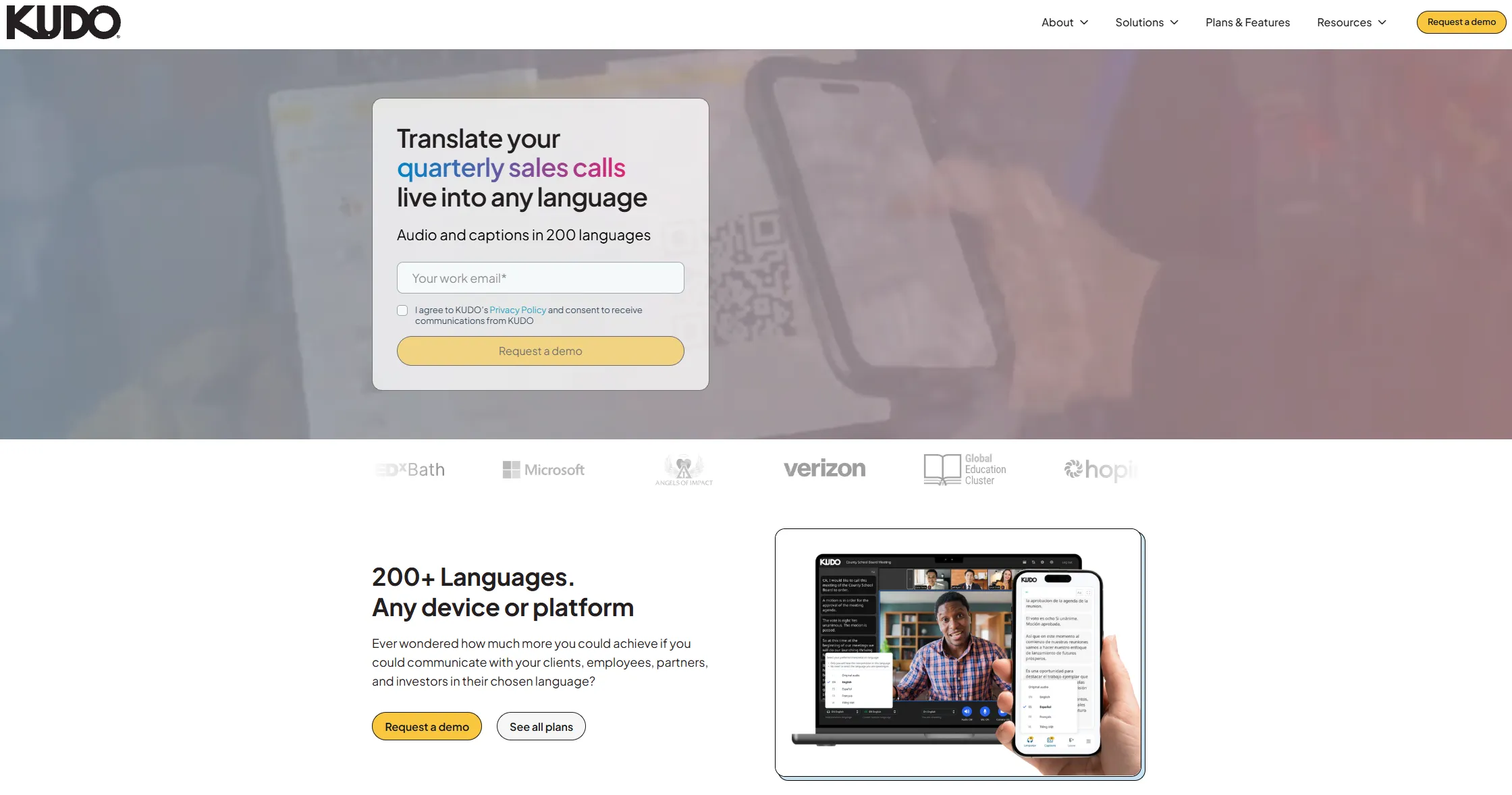
Pricing is by quote, and reviewers describe it as a premium option. It is not the right choice for a casual weekly meeting, but it makes sense when a wrong translation would cost real money.
| Detail | Estimate |
|---|---|
| Platforms | Web, Zoom, event platforms |
| Languages | Large list, varies by service |
| Pricing | Quote based, premium |
| Best for | Events that mix AI and human interpreters |
Pros
- AI and human interpreters in one place
- Suits formal and high-stakes events
- Works with common meeting platforms
- You can switch to a person for sensitive sessions
- Used by large organizations
Cons
- Higher price than AI-only tools
- Not worth it for casual meetings
9. Timekettle: best translation earbuds
Timekettle makes earbuds built only for translation. Reviews often name the W4 Plus for travel and face-to-face talks, and the W4 Pro for business conferences. You each wear an earbud, and the device translates in both directions, so you do not need to pass a phone back and forth.
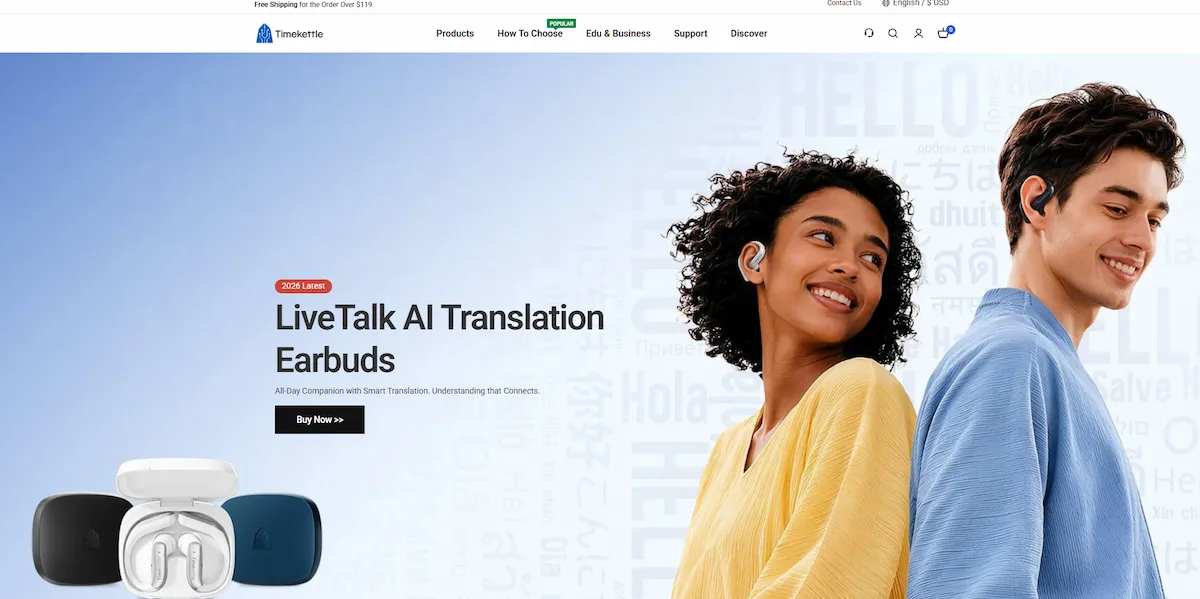
Earbuds cost money, and results depend on the model, the room noise and your internet connection. Some features work offline, but language support is usually smaller in that mode. If you travel often, these AI translation earbuds can be worth it. If you need translation once a year, a free app is enough.
| Detail | Estimate |
|---|---|
| Platforms | Hardware with a mobile app |
| Languages | Varies by model and mode |
| Pricing | One-time purchase, check current price |
| Best for | Frequent travel and face-to-face conversations |
Pros
- Hands-free, built for two-way talks
- No need to pass a phone around
- Some models work for meetings
- Good for travel
- Single purchase instead of a subscription
Cons
- Costs more than a free app
- Noise and connection affect results
Best AI Tools for Live Translation by Use Case
If you already know your situation, this section saves time. Here is the best match from the nine tools above, with a quick reason for each.
Meetings on Zoom and Teams
DeepL Voice is the first pick for business teams because it supports Teams, Zoom and Google Meet. Microsoft Translator is a good free option for small groups. For live translation for Zoom calls with a few international guests, check which platform each tool supports before you invite people.
Events and conferences
Wordly and KUDO are built for events. Wordly is simpler when guests only need captions or audio on their phones. KUDO makes sense when some sessions need a human interpreter. Companies that host international events, like teams working in Dubai, can read how a business gets started in the guide on how to start a SaaS business in Dubai.
Travel and daily conversation
Google Translate covers most travelers, and it is one of the best free live translation apps because it costs nothing. Apple Live Translation is nicer if you own an iPhone and AirPods. ChatGPT Voice helps when you want to ask follow-up questions or change the tone.
Phone calls
Phone calls are harder than face-to-face talk, because audio quality is lower. For live translation on phone calls, look for a tool that says it supports calls, and test it with a friend before you use it for something important. Free conversation apps are usually not built for this.
Earbuds and headphones
Timekettle is the main earbuds option on this list. Apple AirPods can also deliver translation if your phone and region support it. For occasional use, a phone app is cheaper. For frequent travel or two-way business talks, earbuds are easier because both people stay hands-free.
Latency and Accuracy: What to Expect
No tool is perfect, and vendors rarely publish independent numbers. One tester reports that delay depends on language pair, internet speed and how fast the speaker talks. Tools usually do better with common pairs, like English and Spanish, than with pairs like English and Japanese, where grammar and word order differ more.
Accuracy also drops with fast speech, accents, background noise and technical words. A few habits help. Use a good microphone, ask speakers to talk at a steady pace, and prepare a short word list before a meeting. Some tools, like DeepL Voice, are adding custom vocabulary for this reason.
It is also worth running a short test with your real topic and your real speakers before the event. A five minute test shows more than any comparison table.
AI Live Translation vs Human Interpreters
AI is faster to start and costs far less than hiring interpreters, especially for regular meetings. A human interpreter still wins when the topic is legal, medical or very emotional, because a person can catch tone, jokes and context that a tool misses.
Many organizations now use both. AI handles routine meetings and internal calls, and a human interpreter handles contracts, court-related talks and public speeches. Services like KUDO are built around this mix.
Privacy and Limits of Live Translation
Before you use any tool in a private meeting, ask where the audio goes and how long it is stored. DeepL says meeting data is processed in memory and deleted at the end of the call, and Wordly lists several security certifications. Both are statements from the vendors, so confirm them for your own contract and country.
Free tools often use your data differently from paid business plans, so read the terms before you use a free app for confidential talks. Sensitive settings, like remote job interviews, are another example, and the guide on AI tools for live coding interviews shows how much attention companies now give to AI use during live sessions.
Every tool also shares the same limits: it can miss names, jokes and local expressions, it needs a stable connection for most features, and offline mode usually supports fewer languages.
How to Choose the Right Tool
Six questions narrow the choice quickly.
- One speaker or everyone? One speaker fits Wordly. Open discussion fits DeepL Voice, Microsoft Translator or earbuds.
- Do listeners hear it or read it? Captions are easier in noisy rooms. Audio is better when people cannot look at a screen.
- Machine or human? Choose KUDO or a human interpreter for high-stakes talks.
- Whose voice comes out? Voice cloning exists in tools like ElevenLabs, but it needs the speaker’s consent.
- How much of the meeting is translated? Some tools translate only what the speaker says, others include chat and slides.
- Where does the audio go? Ask for the vendor’s data policy before you start.
FAQ
What is the best AI tool for live translation?
It depends on where you use it. DeepL Voice fits business meetings, Wordly fits large events, and Google Translate is the best free option on a phone. Among the nine AI tools for live translation in this guide, none is the best for everything.
How accurate are AI live translation tools?
Accuracy is good for common language pairs and clear speech, and it drops with fast talking, noise and technical words. For legal or medical talks, use a human interpreter.
Can Google Translate translate in real time?
Yes. Its live translate feature supports more than 70 languages on Android and iOS, speaks the translation aloud and shows a transcript. Availability depends on your country, so check the Translate app.
Are there free live translation apps?
Yes. Google Translate and Microsoft Translator are free, and ChatGPT and ElevenLabs have free tiers with limits. Free tools are fine for casual use, but they usually have fewer business features.
Does Zoom or Microsoft Teams have live translation?
Both platforms have some built-in options, but they are limited. Tools like DeepL Voice and Wordly add voice or caption translation on top of them.
Can AI translate phone calls in real time?
Some tools can, but quality depends on the phone line. Check that the tool lists phone calls as a feature, and test it before an important call.
Is DeepL Voice better than ChatGPT or Google Translate?
DeepL Voice is built for meetings and has platform support, while ChatGPT is more flexible and Google Translate is free. A study commissioned by DeepL reports that linguists preferred DeepL Voice over native meeting translation, but that result comes from the vendor, so test it yourself.
Do AI translation earbuds work in real time?
Yes, with a short delay. Results depend on the model, the noise around you and your connection, and some functions work offline with fewer languages.
Can live translation work offline?
Some apps and earbuds offer offline mode, but it usually covers fewer languages and gives rougher results than online mode.
Is AI live translation safe for private meetings?
It can be, if the vendor deletes data after the call and offers a business contract. Read the data policy first, and do not use free tools for confidential talks.
Will AI replace human interpreters?
Not fully. AI handles routine meetings well, while people are still needed for formal, legal and sensitive talks. Many events now use both.
Conclusion
The best AI tools for live translation are the ones that match your meeting, not the ones with the longest language list. Use DeepL for business calls, Wordly for events, Google Translate for travel, and ElevenLabs when you want to dub the recording afterward. Test your pick with real speakers, check the vendor’s current details, and keep a human interpreter for anything where a mistake would be expensive.
Sources: DeepL Voice for Meetings and Google Translate live translate announcement.