Picking AI tools for Japan comes down to three things: how well they handle Japanese, what they cost in yen, and whether they fit your kind of work. A tool that writes clean English can still produce stiff business Japanese, and a plan that looks cheap in dollars can cost more once the exchange rate hits your card.
This guide lists the best AI tools in Japan for office work, content and marketing, research and translation, and learning Japanese. Each pick has a short note on what it does best, what it costs and where it falls short. The quick answer: start with ChatGPT for general use, add DeepL for translation, and bring in Notion AI, Canva or Semrush only when your work calls for them.
Prices were checked against current Japanese pricing pages in October 2026. Plans change often, so confirm the number on the official page before you pay.
Best AI Tools in Japan at a Glance
Here are the ten picks, grouped by what each one does best. The full notes, prices and limits follow in the sections below.
- ChatGPT: best all-round pick for writing, summaries and Japanese practice
- Claude: best for long documents and natural Japanese phrasing
- Microsoft Copilot: best for offices that run on Microsoft 365
- Notion AI: best for team notes and meeting minutes
- Canva: best for social graphics and slides
- Semrush: best for SEO research with Japanese keyword data
- Midjourney: best for concept images
- DeepL: best for Japanese translation
- Perplexity: best for research with sources
- Anki with AI plugins: best for kanji and vocabulary
For most people, the best AI tools in Japan are ChatGPT and DeepL. Everything else on the list solves a narrower problem.
Which AI Tools Do People in Japan Actually Use?
Usage numbers show a clear order. In a survey by GMO Research & AI, ChatGPT had 54.9% of active generative AI users in Japan, ahead of Gemini at 29.7% and Microsoft Copilot at 14.6%. Perplexity (4.5%) and Claude (3.3%) were far behind. The same survey found that 43.5% of users apply these AI tools to business efficiency and document creation.
A newer survey by ICT Research in February 2026, with 2,024 respondents, found that 54.7% of people had used a generative AI service in the past year. ChatGPT led with 36.2%, followed by Gemini at 25.0%, Copilot at 13.3% and Claude at 4.3%. The two surveys count different groups, so the percentages do not match, but the order of the top three stays the same.
ChatGPT in Japan: Market Share and Why It Leads
ChatGPT works in Japanese from the first prompt, has a free plan and is sold in yen. Plus costs about 3,000 yen per month. Go, the cheaper plan that OpenAI rolled out worldwide in January 2026, costs around 1,400 to 1,500 yen. Most Japanese guides name it the default choice because it handles writing, summaries, translation and images in one place.
Claude, Gemini and Copilot: Where Each One Fits
Gemini grew fastest. The Nippon Research Center reported that its usage rose from 3.2% to 14.0% in the year to June 2025, helped by Google Search and Workspace. Copilot sits inside Windows and Microsoft 365, which most Japanese offices already use. Claude has a small share but is often picked for long documents and natural Japanese writing.
How We Chose These AI Tools
Every pick had to meet five points:
- Japanese language support and output quality, including keigo, the polite and honorific speech used in business
- Price in yen, or a clear dollar price you can convert
- Free plan or trial, so you can test before paying
- Access from Japan without a VPN
- Data handling under APPI, the Japanese privacy law
Prices come from official Japanese pages and recent Japanese price guides. Where two sources gave different numbers, this guide shows a range.
Best AI Tools for Japanese Business and Office Work
AI tools for Japanese business have to write polite emails, summarize meetings and keep company data under control. These four cover most office work.
1. ChatGPT: Best All-Round Pick
Best for: general writing, summaries, spreadsheets, translation and Japanese practice.
ChatGPT is the safest first pick because it covers the most tasks and has the largest user base in Japan, so most guides, prompts and templates are written for it. Its Japanese language support is strong: it takes prompts in Japanese, answers in Japanese and can switch between casual speech and keigo on request. Custom GPTs let you save a setup for jobs you repeat, such as reply emails or meeting notes.
Pricing: ChatGPT in Japan has a free plan with usage limits. Go is around 1,400 to 1,500 yen per month and Plus is 3,000 yen. Plus is the plan most people use for daily work.
Limitations: it can state wrong facts with confidence, and its Japanese sometimes sounds too formal for casual messages. Read anything you plan to send to a client.
2. Claude: Best for Long Documents and Natural Japanese

Best for: summarizing contracts and reports, proofreading long text and writing polished Japanese.
Claude reads long files in one go and is often praised in Japan for sentences that sound less stiff than other chatbots. Anthropic has a Tokyo office, and business plans come with data controls that suit companies worried about privacy. If you want to compare it with other options, this list of AI tools that work as an alternative to Claude shows what else is available.
Pricing: a free plan with limits, and a paid plan at around 20 dollars per month, billed in USD.
Limitations: its user share in Japan is small, so fewer local tutorials exist, and it does not create images on its own.
3. Microsoft Copilot: Best for Microsoft 365 Offices
Best for: drafting in Word, cleaning up Excel data, building PowerPoint decks and summarizing Teams meetings.
Most Japanese companies already pay for Microsoft 365, so Copilot needs almost no training. It works inside the apps staff use every day, and business customers can ask Microsoft about Japan data residency options.
Pricing: included in some Microsoft 365 plans and sold as an add-on in others. Check which plan you have before buying anything extra.
Limitations: it is useful mainly inside Microsoft apps, and the features you get depend on your plan.
4. Notion AI: Best for Team Notes and Meeting Minutes
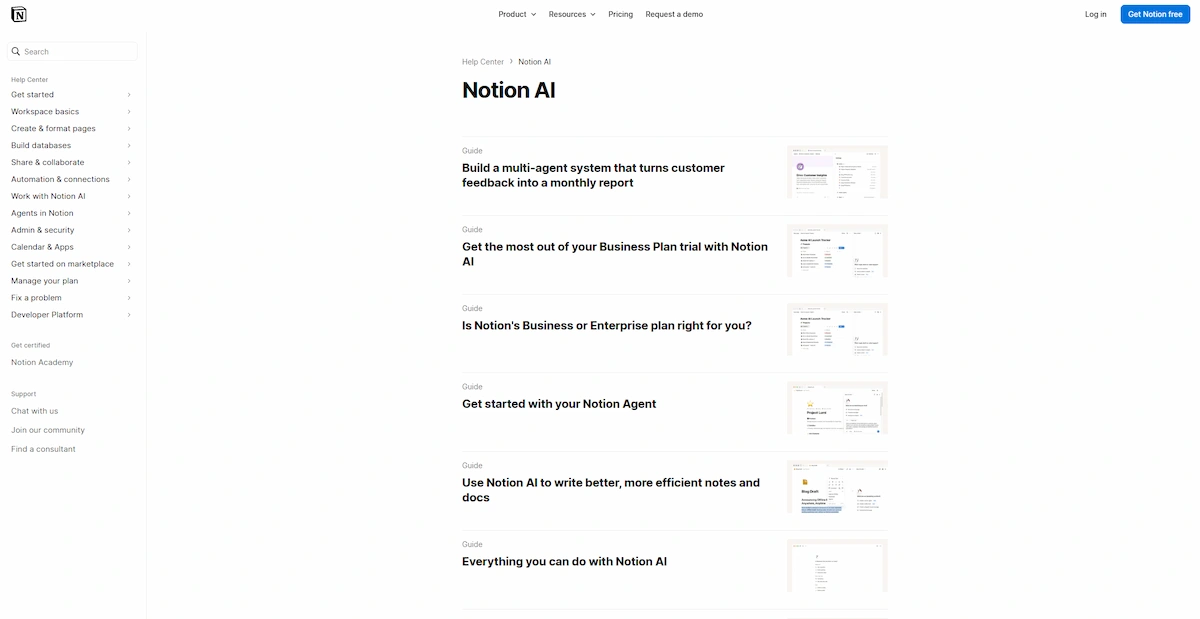
Best for: internal wikis, meeting minutes (gijiroku), project notes and searching across connected apps such as Slack and Google Drive.
Notion AI reads the pages in your workspace and answers questions from them. It can write minutes after a meeting, fill database fields and summarize long project pages. The Japanese interface is complete, and many Japanese startups already run their notes on Notion.
Pricing: full AI features need the Business plan, which costs 3,150 yen per member per month when billed yearly and 3,800 yen when billed monthly. The Free and Plus plans only give a trial of about 20 uses. The old 10-dollar add-on was discontinued, so guides that still mention it are out of date.
Limitations: the price is per seat, and a messy workspace gives messy answers. Set up templates and page owners first.
Best AI Tools for Content Creators and Marketers in Japan
AI tools for marketing in Japan need to produce mobile-friendly visuals, short copy for LINE and Instagram, and keyword data in Japanese. AI writing tools in Japan also have to respect tone, so a native reader should check any text that goes live.
5. Canva: Best for Social Graphics and Slides
Best for: social posts, banners, presentations and quick image edits.
Canva has Japanese templates and fonts, and its AI features, grouped under Magic Studio, accept Japanese prompts. You can generate an image, remove a background or rewrite a caption without leaving the editor. Canva in Japan is a good fit for small shops and bloggers who do not have a designer.
Pricing: the free plan includes a limited number of AI uses. Canva Pro is listed at about 11,800 yen per year on Japanese price trackers that follow the official page.
Limitations: AI uses are capped, and generated images still need editing. It is not a replacement for detailed photo retouching.
6. Semrush: Best for SEO Research in Japanese
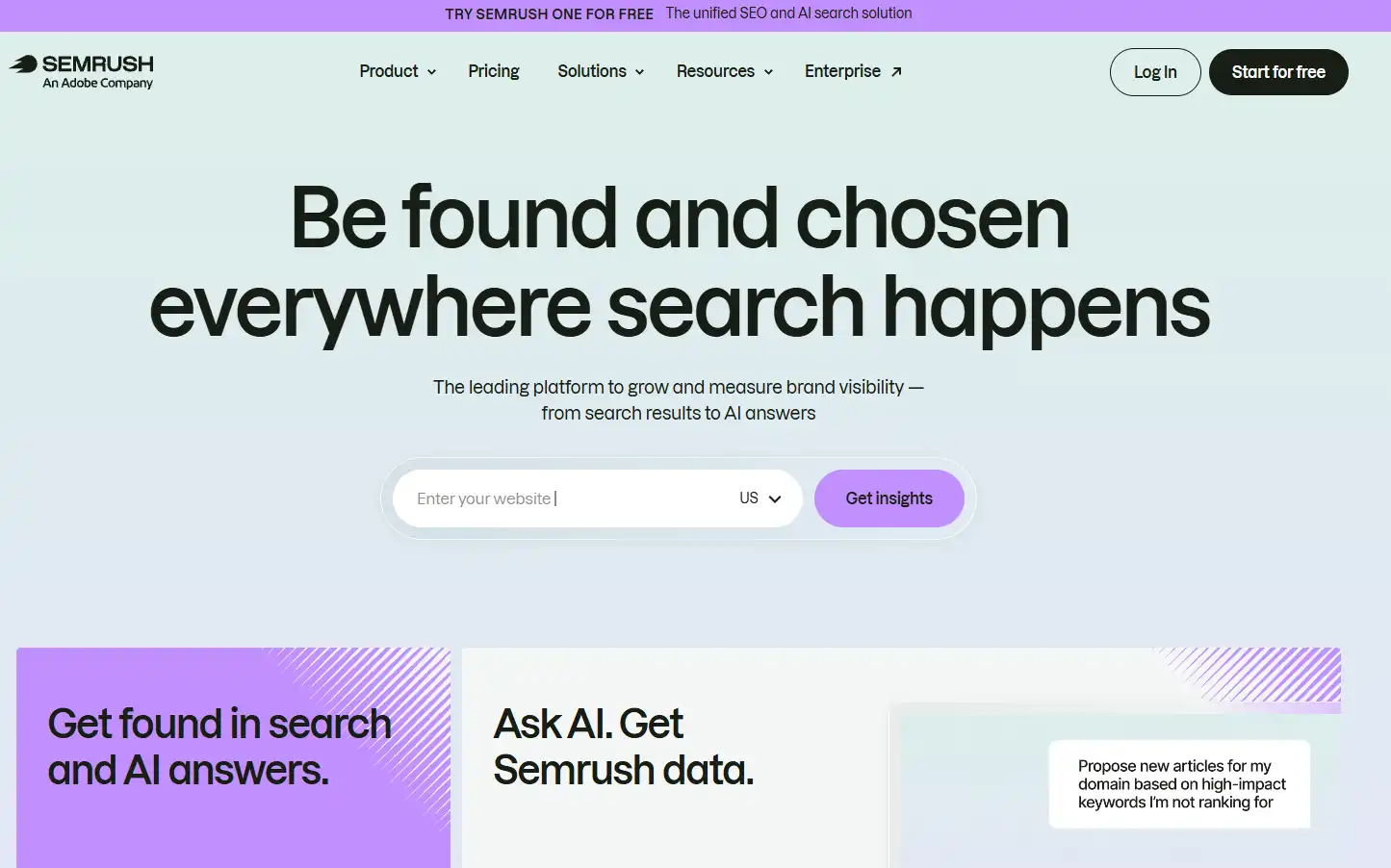
Best for: keyword research, competitor checks and tracking how a brand appears in AI answers.
Semrush has a Japanese interface at ja.semrush.com and a Japan database for Google Japan keywords. The Keyword Magic Tool groups related terms and shows volume, difficulty and cost per click. Its AI Visibility features track how your brand or site shows up in ChatGPT, Google AI and Gemini, which matters more each year for sites that depend on search traffic.
Pricing: paid plans sit roughly between 140 and 200 dollars per month, billed in USD, and the exact figure depends on the plan. A limited free account and a trial are available.
Limitations: the price is high for a single small site, and some reviewers say Ahrefs gives deeper keyword data. Try the trial with your own Japanese keywords before you commit.
7. Midjourney: Best for Concept Images

Best for: mood boards, campaign concepts, illustration styles and hero images.
Midjourney makes some of the most detailed AI images available and works through its website and Discord. Japanese guides advise writing prompts in English for the best results. If you need to place a person into an existing photo instead, these AI tools to add a person to a photo are built for that job.
Pricing: there is no free plan, and paid plans start at 10 dollars per month.
Limitations: commercial rights depend on your plan, so read the terms before using images for a client. Text inside images is still unreliable, especially kanji.
Best AI Tools for Research and Translation
Research and translation are where Japanese and English differ the most. The two picks below handle these jobs better than a general chatbot.
8. DeepL: Best for Japanese Translation
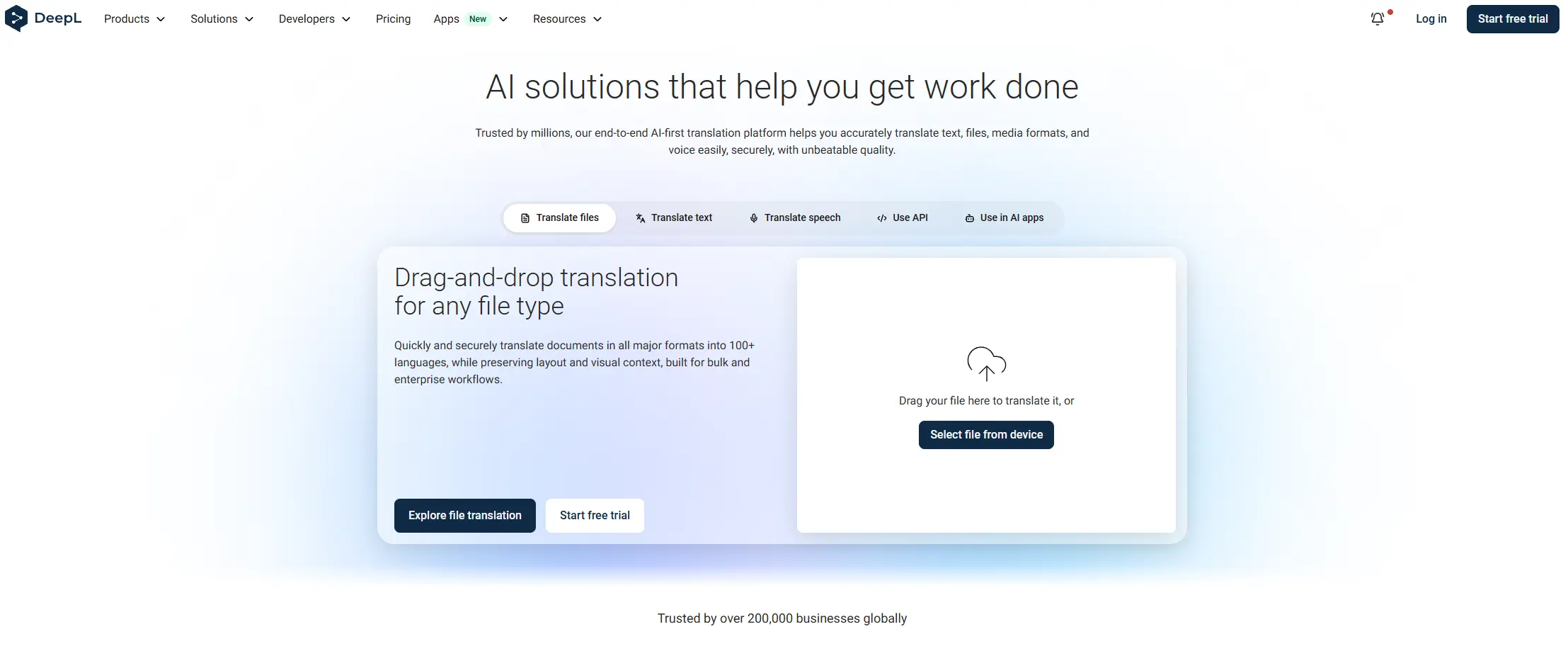
Best for: English to Japanese and Japanese to English, business emails, contracts and PDFs.
DeepL is the translation tool most Japanese guides recommend because it keeps the register of the original text. DeepL Write adds style options such as Business and Casual, which helps when you need a polite tone. When Pro launched in Japan, DeepL said that input and output text is deleted right after translation, which is why companies choose it for sensitive documents. For spoken conversations, look at these AI tools for live translation.
Pricing: the free version has a monthly cap and a limit per text. Starter costs about 1,150 to 1,200 yen per month in Japan.
Limitations: it translates and polishes, nothing more. Learners who translate everything stop practicing grammar.
9. Perplexity: Best for Research With Sources
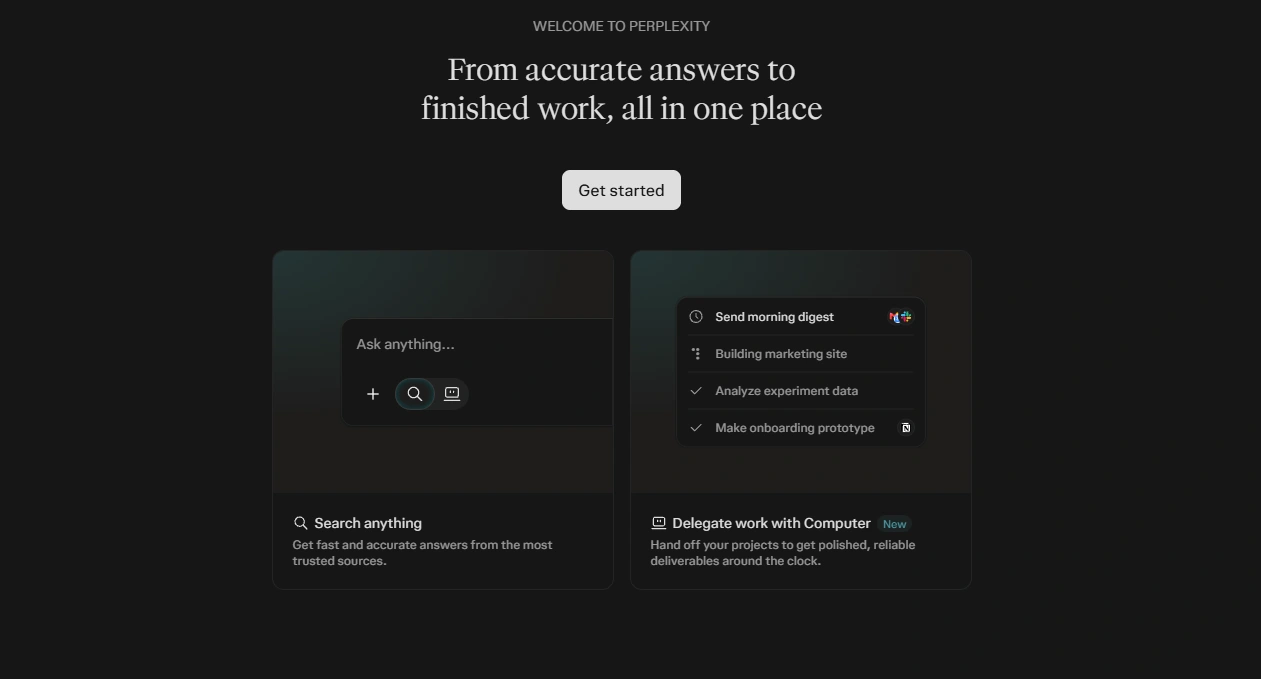
Best for: fact checking, market research and quick answers with links.
Perplexity shows the source behind each answer, so you can open the page and check it. Japanese queries work well. It has a free plan and a Pro plan at around 20 dollars per month. The limit is depth: for niche topics it may only repeat the top search results, so open the sources before you rely on a claim.
Best AI Tools for Learning Japanese
AI tools for learning Japanese help with grammar, vocabulary and writing, and they are weak at real speaking practice. Pairing two of them with a human tutor gives the best results for JLPT preparation. Younger students can start with this list of AI tools for class 9 and move to the tools below later.
10. Anki With AI Plugins and ChatGPT as a Tutor
Best for: kanji, vocabulary and grammar correction at any JLPT level.
Anki is a flashcard app built on spaced repetition. AI plugins connect it to ChatGPT, Gemini or Claude, which can create cards with example sentences and readings in seconds. ChatGPT works as a tutor when you give it a clear setup, for example: “Act as a Japanese tutor at JLPT N4 level. Correct my mistakes and explain each rule in simple English.”
Pricing: Anki is free on Windows, Mac and Android. The iPhone app costs about 4,000 yen once. ChatGPT has a free plan.
Limitations: AI-made cards sometimes contain errors, so check them before you study them. The plugin setup is hard for beginners.
AI Tools Made in Japan
Most people in Japan still use ChatGPT, Gemini and DeepL for daily work, but AI tools made in Japan are growing, mainly for companies and developers.
- PLaMo by Preferred Networks: a large language model trained from scratch in Japan. PLaMo 3.0 Prime was released commercially on June 22, 2026, and the company also offers PLaMo Chat, a translation tool and an API.
- Sakana AI: a Tokyo company that released Sakana Fugu on the same day. It does not train a large model of its own. It calls outside models, including GPT and Claude, and combines their answers.
- LLM-jp: a model from the National Institute of Informatics that publishes its weights, training data and training method.
Among AI tools from Japan, these three show different approaches: one sells a model, one shares it openly and one builds on top of other companies’ models. For everyday office work, an overseas tool with good Japanese support is still the easier choice.
What You Need to Know Before Using AI Tools in Japan
Do AI Tools Work Well in Japanese?
Yes, with limits. Japanese language support is built into all ten picks, but quality varies with the task. Casual chat is easy. Business Japanese with keigo, contracts and regional dialects is harder. Ask the tool for the tone you want, such as polite or formal, and have a native reader check anything that goes to a client or a government office.
Are AI Tools Available in Japan Without a VPN?
Yes. Every tool in this guide is sold and supported in Japan, and ChatGPT, Notion, Canva, DeepL and Semrush all run Japanese pages with yen pricing or a Japanese interface. You can use them from a Japanese connection without a VPN.
Data Privacy and APPI
Japan’s Personal Information Protection Commission issued an alert on generative AI in June 2023. It tells companies to check that any personal data typed into a prompt stays within the purpose they declared, and to confirm that the provider does not use that data for machine learning without consent. A summary is available in the Baker McKenzie data privacy handbook for Japan. In practice, remove names and customer details from prompts and use a business plan when staff handle personal data.
Prices in Yen and Billing in USD
ChatGPT, Notion, DeepL and Canva show yen prices to Japanese users. Semrush, Midjourney, Perplexity and Claude bill in dollars, so the final charge moves with the exchange rate and your card may add a foreign fee. Annual billing is cheaper than monthly for most of them, but only commit to a year after you have used the free plan or trial.
AI Tools in Japan Compared
This table puts the main points side by side. Prices are approximate and were taken from Japanese pricing pages in October 2026.
| Tool | Best for | Free plan | Price in Japan | Japanese support |
|---|---|---|---|---|
| ChatGPT | All-round use | Yes | Go 1,400 to 1,500 yen, Plus 3,000 yen per month | Strong |
| Claude | Long documents | Yes | About 20 dollars per month | Strong |
| Microsoft Copilot | Microsoft 365 work | Limited | Depends on Microsoft plan | Strong |
| Notion AI | Team notes | Trial only | Business 3,150 yen per member per month, billed yearly | Full interface |
| Canva | Graphics and slides | Yes | Pro about 11,800 yen per year | Japanese templates and fonts |
| Semrush | SEO research | Limited account | About 140 to 200 dollars per month | Japanese interface and database |
| Midjourney | Concept images | No | From 10 dollars per month | English prompts work best |
| DeepL | Translation | Yes | Starter about 1,150 to 1,200 yen per month | Very strong |
| Perplexity | Research | Yes | Pro about 20 dollars per month | Good |
| Anki with AI | Kanji and vocabulary | Yes on desktop | iPhone app about 4,000 yen once | Built for Japanese study |
How to Choose the Right AI Tools for Your Situation
The best AI tools in Japan depend on what you do each day. Start from your work, not from the longest feature list.
For Freelancers and Bloggers
Use ChatGPT for drafts and ideas, DeepL for anything you translate, and Canva for graphics. Add Semrush only when your site earns enough to justify the monthly cost. Test it first with the trial.
For Office Workers and Teams
Choose Copilot if your company is on Microsoft 365, or Notion AI if your notes already live in Notion. ChatGPT or Claude covers the rest. A team that juggles many tools may also need someone to run them, and this guide to the online business manager role explains what that person does.
For Students and Japanese Learners
Combine Anki with ChatGPT for study, and use DeepL to check texts you cannot read yet. Plan your study around the JLPT dates and book a human tutor for speaking.
Final Verdict: Best AI Tools in Japan
The best AI tools in Japan for most readers are ChatGPT for general work and DeepL for translation. Both have a free plan, both handle Japanese well and both take little time to learn.
- Best overall: ChatGPT
- Best for translation: DeepL
- Best for office teams: Notion AI or Microsoft Copilot
- Best for content and design: Canva
- Best for SEO: Semrush
- Best for learners: Anki with ChatGPT
Start with the free plans for a few weeks and note which tool you open every day. Pay only for that one, then add a second tool when a real task needs it.
Frequently Asked Questions
Can ChatGPT be used in Japan?
Yes. ChatGPT in Japan is available with no restrictions, it has a free plan and the paid plans are priced in yen. Plus costs about 3,000 yen per month.
Is there a Japanese ChatGPT?
There are Japanese models, such as PLaMo from Preferred Networks and LLM-jp from the National Institute of Informatics. They are aimed mostly at companies and developers, and ChatGPT remains the tool most people in Japan use.
Which AI tool is best for the Japanese language?
DeepL is the best for translation, ChatGPT is the best all-round choice and Claude is a strong pick for long, polished Japanese text. For business Japanese, always ask for the tone you need and have a native speaker review the result.
Is Canva free in Japan?
Yes. Canva in Japan has a free plan with a limited number of AI uses. Canva Pro is the paid plan and is listed at about 11,800 yen per year, so check the official page for the current price.
Is Gemini or ChatGPT better in Japan?
ChatGPT has more users and is the safer choice for writing and general tasks. Gemini grew quickly and works well if you live in Gmail, Google Docs and Google Search. Try the free version of both and keep the one that fits your habits.
Do I need a VPN to use AI tools in Japan?
No. The tools in this guide are available in Japan, and most of them have Japanese pages. A VPN is not needed to sign up or pay.