Some links on this page are affiliate links, so we may earn a commission if you buy through them. Prices come from vendor pages and reviews published between May and September 2026. They change often, so confirm them before you pay.
More candidates now walk into a technical interview with an AI assistant open in a second window, and the market for these tools has grown fast. The AI tools for live coding interview rounds fall into two groups. Some help you practice before the call. Others listen to the interviewer, read your screen, and suggest code while the round is running. Mixing the two up is the most common mistake candidates make when they shop for one.
This guide compares four options: Final Round AI, LockedIn AI, Interview Coder, and interviewing.io. The first three are built for live help. The fourth is a practice platform, and it earns its place because many candidates need practice more than they need a live copilot. Each review below has a short description, a table with price and platforms, and a list of pros and cons.
One more point before the list. Many employers ban AI help during a live coding interview, and some track it. So the guide also covers company rules, detection risk, and how to prepare without leaning on a tool you cannot explain.
AI Tools for Live Coding Interview at a Glance
Here are the four picks in one list. Prices are monthly unless stated, and sources disagree on several of them, so read each figure as a range.
- Final Round AI: Live copilot plus mock interviews for the full loop, from $25 per month billed yearly
- LockedIn AI: Live copilot for coding inside an editor, $29.99 to $54.99 per month depending on plan
- Interview Coder: Coding-focused copilot with a one-time option, $299 per month or $799 lifetime
- interviewing.io: Practice with real engineers before the round, from $225 per mock interview
Final Round AI and LockedIn AI also cover behavioral and system design questions. Interview Coder began as a coding-only tool, and its maker now lists behavioral and product manager rounds as well.
Live Help vs Practice: Which Type of Tool Do You Need?
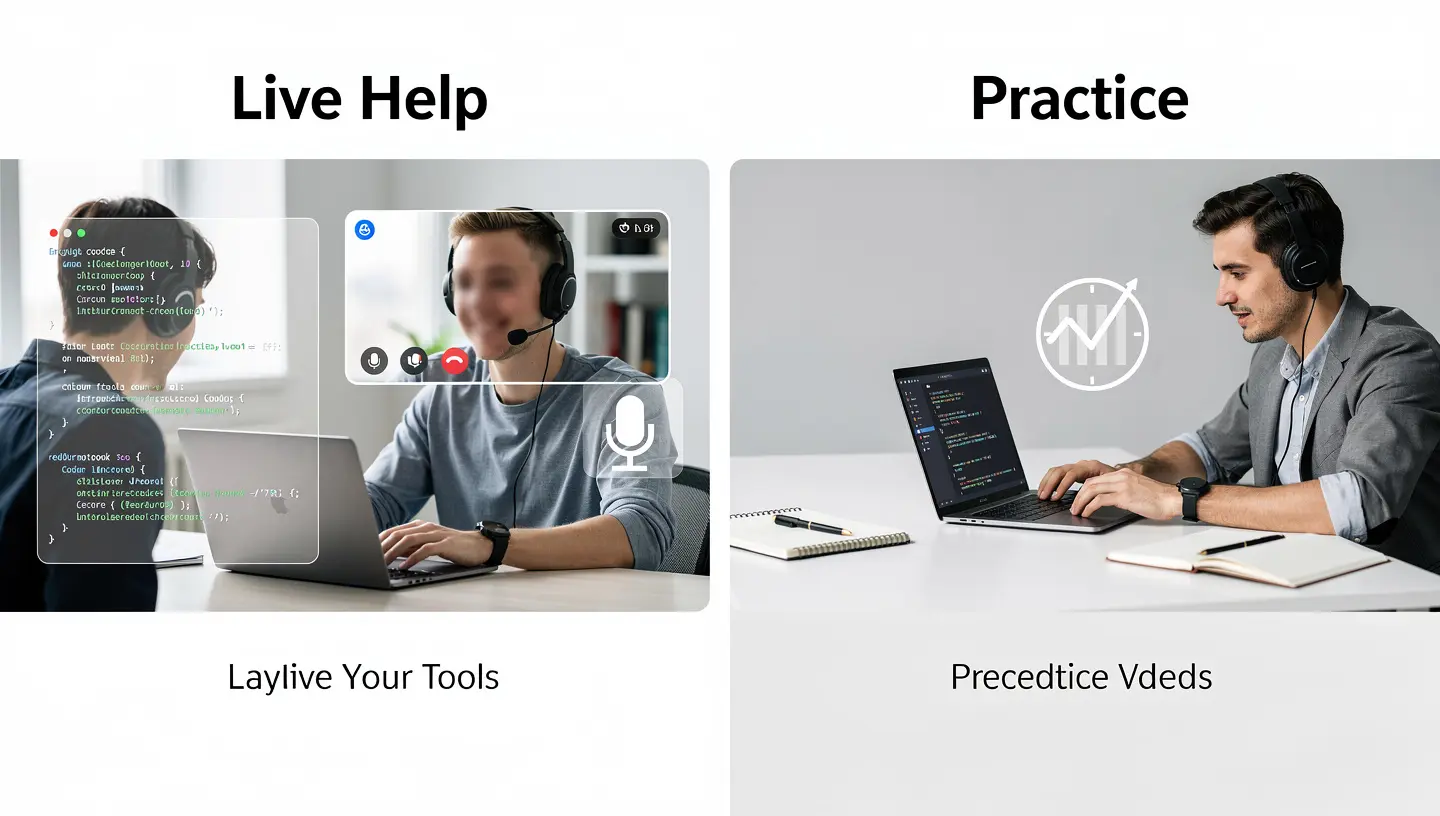
What Live Coding Interview AI Does
A live tool listens to the interviewer through your audio, reads the problem from a screenshot, and shows an answer in a window that only you see. The output is usually an approach, working code, and a note on time and space complexity. Several products also transcribe both sides of the call. Most run on models such as GPT, Claude, Gemini, or DeepSeek, and some let you switch between them.
What Practice Platforms Do
Practice platforms work before the call. You run a mock interview with an AI or a human interviewer, then read the feedback. The goal is to build pattern recognition and to get used to explaining your thinking while you type. A coding interview scores communication as well as correct code, and a solo problem set rarely trains that.
The sensible order is practice first, then a live tool only where the employer allows it.
How an AI Coding Interview Assistant Works During a Call
Every AI coding interview assistant follows the same basic flow, even when the interface looks different.
- Capture. The app takes a screenshot of the problem or reads it from a shared editor during the coding interview.
- Listen. It transcribes the interviewer’s voice so it can follow clarifying questions and hints.
- Generate. The model returns an approach, code, and a complexity note, usually within a few seconds.
- Review. After the call, most products save a transcript and a report you can study.
The delay between the question and the answer is the weak point. Several reviews report lags of a few seconds, and an interviewer who asks a quick follow-up can leave the tool behind. That is why an AI interview assistant works best as a prompt for your own thinking, not a script to read aloud.
The flow is the same in Final Round AI, LockedIn AI, and Interview Coder. The real difference is how well each one handles a live coding interview that comes with interruptions, hints, and changes to the problem.
How the Four Tools Were Compared
Each tool was checked against the same list:
- Type of help: live, practice, or both
- Platforms it works with, including HackerRank, CodeSignal, and CoderPad
- Languages and interview types it covers
- Price, free tier, and billing model
- Known problems reported by reviewers
Most reviews of these tools are written by rival vendors, so every claim about a competitor is marked as such. Vendor statements about screen share invisibility are treated as claims, not facts.
Best Live Copilots for a Coding Interview
These three tools run during the call. They differ most in price, scope, and how much of the interview loop they cover.
1. Final Round AI: Best for the Full Interview Loop
Final Round AI centers on Interview CoPilot, a desktop app for macOS and Windows. Its Screen Help feature captures what is on your screen, including a coding problem, and Solve Screen turns that into an approach and code. After the call the app writes a debrief with a transcript and feedback. The platform also includes AI Mock Interview, where an AI interviewer asks questions and scores your answers, and it supports more than 30 languages.
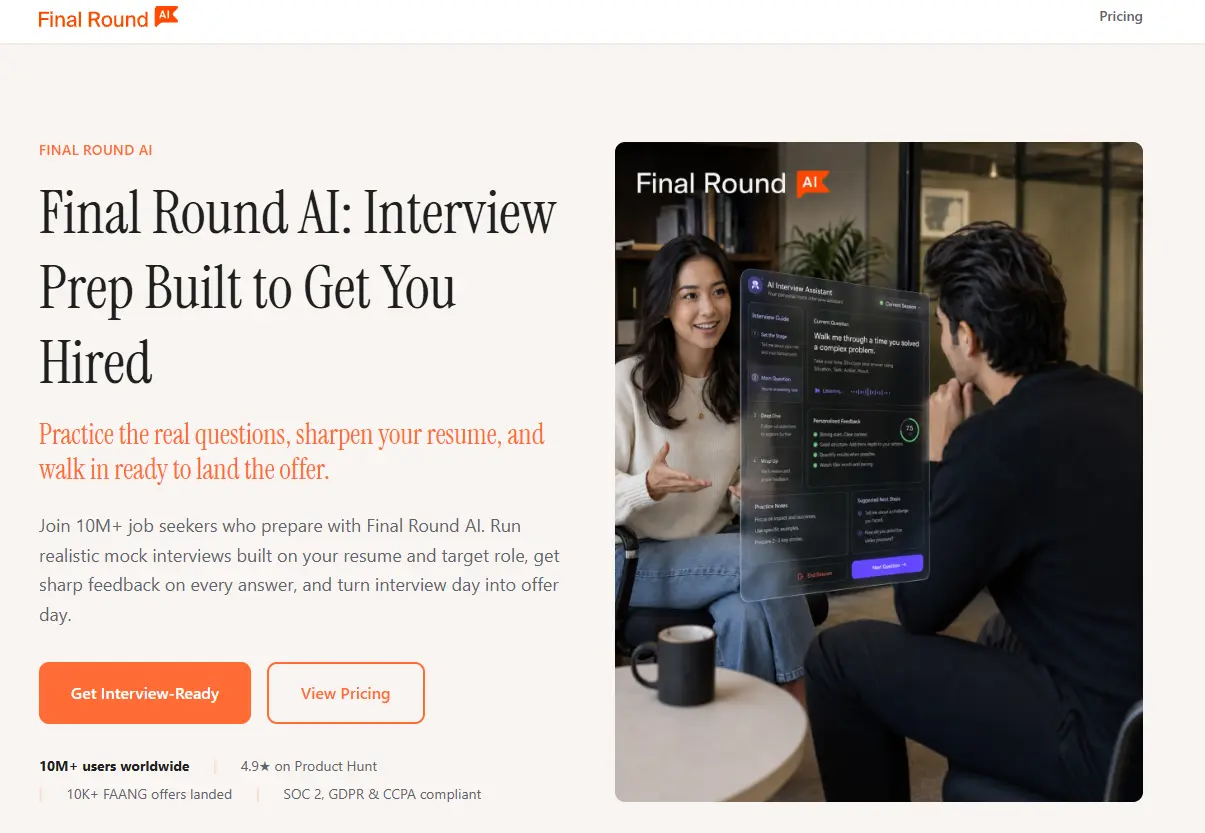
The vendor sells a Stealth Mode that hides the window during screen share, but reviews disagree on how well that works. One competing review argues the web version is hidden only when you share a single browser tab, so treat the claim with care. Its own coding guide says Interview CoPilot fits the behavioral rounds around a coding screen better than the live coding round itself. Trustpilot shows 3.9 out of 5 from 255 reviews, and billing complaints come up often.
| Detail | Info |
|---|---|
| Type | Live copilot plus mock interviews |
| Price (source, date) | Free plan, then $150 billed monthly, $83.33 billed quarterly, or $25 billed yearly (vendor page, June 2026) |
| Works with | Zoom, Google Meet, Teams, HackerRank, CodeSignal |
| Best for | Candidates with coding, behavioral, and system design rounds |
Pros
- One subscription covers practice, live help, and review
- Covers behavioral and system design as well as coding
- Free plan with mock interviews
- Debrief and transcript after every call
- Supports more than 30 languages
Cons
- Price depends heavily on the billing term, and billing complaints are common
- Its own guide rates it stronger for behavioral rounds than for the live coding round
- The screen share invisibility claim is disputed by rival reviews
2. LockedIn AI: Best for Coding Inside Your Editor
LockedIn AI is the tool most often described as editor-friendly. It connects to VS Code and Cursor and works with HackerRank, CodeSignal, and HireVue. It reads your screen, picks out the coding question, and returns a step-by-step solution with test cases and a complexity note. It also covers behavioral, system design, and phone interviews, and it produces a report after the call.
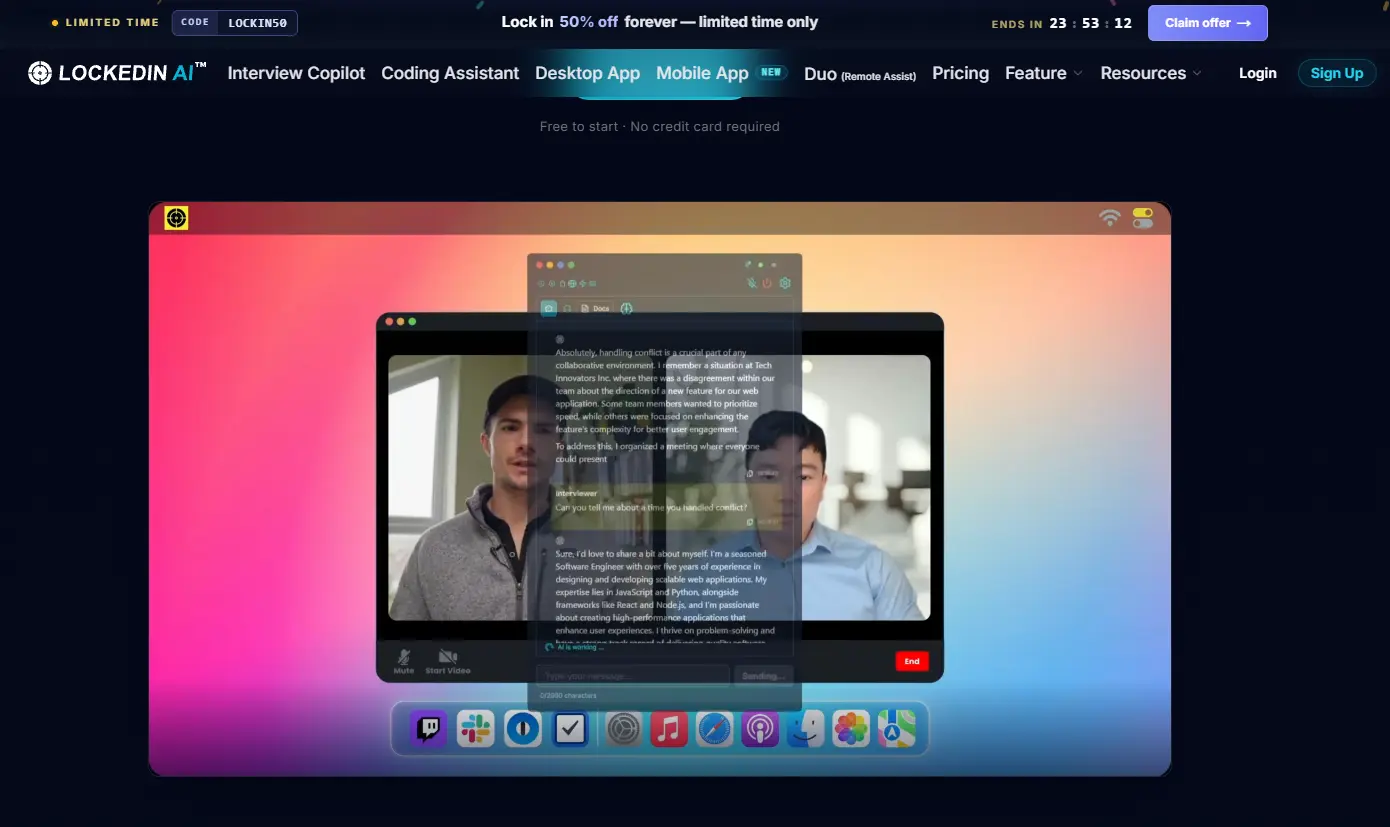
The product comes as a native desktop app and as a Chrome extension. A rival comparison says the extension is visible in a screen share capture, and that the stealth claim applies only to the desktop app, so check which version your plan includes. Prices vary a lot between reviews. One lists $54.99 per month, or $39.99 per month on a three-month plan billed at $119.97. Another quotes $29.99 per month on quarterly billing, and a third reports a $119.99 plan that adds the desktop stealth feature. One competing test measured transcription lag of several seconds.
| Detail | Info |
|---|---|
| Type | Live copilot |
| Price (source, date) | $29.99 to $54.99 per month depending on plan, with a free trial of about 10 minutes (reviews, June to September 2026) |
| Works with | VS Code, Cursor, HackerRank, CodeSignal, HireVue |
| Best for | Coding rounds that run inside an editor |
Pros
- Integration with VS Code and Cursor
- Covers coding, behavioral, system design, and phone interviews
- Step-by-step solutions with test cases and complexity notes
- Report after each call
- Lower entry price than Interview Coder
Cons
- Prices differ widely between sources and plans
- The Chrome extension may be visible in a screen share, according to a rival
- Credit caps and reported transcription lag
3. Interview Coder: Best for Coding-Only Rounds
Interview Coder is a desktop app for Mac and Windows built around LeetCode-style problems. It captures the problem, captures audio so it can follow the interviewer’s questions, and returns code with an explanation. According to its own site, the answers run on Claude Sonnet 4.6, and global hotkeys mean you do not need a mouse. The free download gates its AI features. Pro costs $299 per month, down from $499, with 1,000 credits, and Lifetime Pro costs $799, down from $1,598. Final Round AI calculates that the lifetime plan breaks even against a $49.99 LockedIn AI subscription after about 16 months.
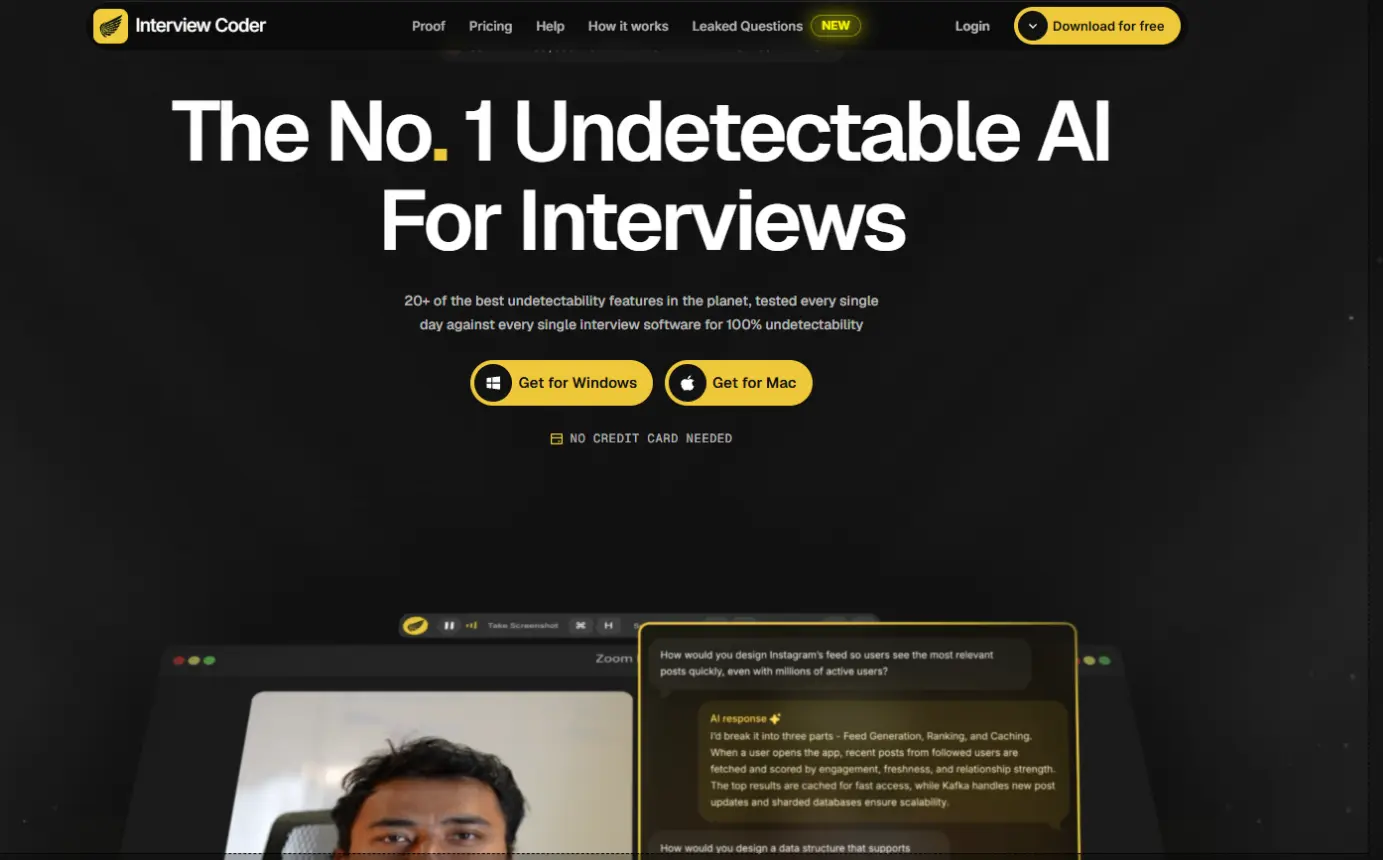
Candidates who search for Interview Coder alternatives usually end up comparing it with LockedIn AI and Final Round AI on price, since both cost less per month and cover more interview types. Two cautions apply. Status is disputed: Final Round AI says the original product became Cluely and is no longer maintained, while the Interview Coder site still sells plans and publishes 2026 posts. Look at the site yourself before you pay. A rival tester also reported a bug that left traces of the tool on a second computer watching the screen share, which is one reason to test any live tool in a practice call first.
| Detail | Info |
|---|---|
| Type | Live copilot, coding focus |
| Price (source, date) | $299 per month or $799 lifetime, with a free download that gates AI features (vendor page, mid 2026) |
| Works with | HackerRank, CoderPad, Codility, Zoom, Google Meet, Teams |
| Best for | One or two coding screens and a one-time payment |
Pros
- Lifetime plan avoids a monthly bill
- Built around coding problems
- Audio capture for follow-up questions
- Hotkeys keep your hands on the keyboard
- Free download to try the app
Cons
- The monthly price is far above LockedIn AI and Final Round AI
- Sources disagree on whether the product is still maintained
- Narrower scope, since behavioral and product manager rounds were added only recently
Best Practice Platform Before a Coding Interview
A live tool cannot fix weak fundamentals. This practice platform is the one that helps most before the call.
4. interviewing.io: Best for Practice With Real Engineers
interviewing.io is not an AI copilot. It is a practice platform where you take anonymous mock interviews with engineers from large tech companies and receive feedback afterward. Final Round AI describes it as the closest simulation of a senior engineer sitting across from you, and it names staff-level candidates as the group that gains most from the cost. Coding and system design rounds both appear.
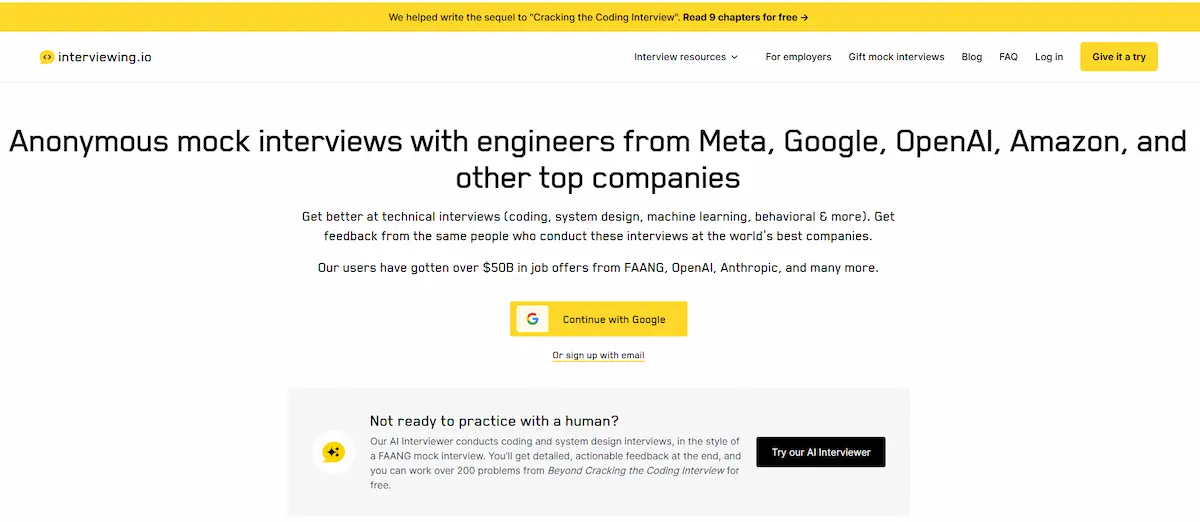
One competitor page puts a mock interview at $225 or more, with coaching packages of 5 to 10 mock interviews at $2,800 to $4,000. That page sells a rival product, so check the real prices on the interviewing.io site. Pramp is a free alternative that matches you with another candidate for peer practice, with five free mock interviews a month according to Final Round AI. Pick interviewing.io if your weak spot is calibration: you can solve problems, but you do not know how a strong interviewer would score you.
| Detail | Info |
|---|---|
| Type | Practice with human interviewers |
| Price (source, date) | From $225 per mock interview, coaching packages $2,800 to $4,000 (reported by a competitor, verify on the site) |
| Works with | Its own platform |
| Best for | Senior and staff-level candidates who want realistic scoring |
Pros
- Feedback from real engineers, not a model
- Anonymous mock interviews
- Covers coding and system design
- Closest practice to a senior-level interview
- No risk of breaking an employer’s AI rules
Cons
- Costs far more than any AI tool or Pramp
- Published prices come from a rival, so confirm them first
Other AI Tools for Live Coding Interview Worth Knowing
Several other products show up in reviews. None of them replaces the four above, but a few suit special cases.
- Parakeet AI: $74.90 per month in two reviews, while another source reports credit packs near $29.50 for 3 credits. Supports GPT and Claude models and works with Zoom, Google Meet, HackerRank, LeetCode, and CodeSignal.
- Cluely: $19.99 per month, or $149.99 with screen share invisibility. A reported 2025 breach exposed data for about 83,000 users, which matters if your interview audio is private.
- Linkjob AI: from $29.99 per month. The company also publishes the reviews that rank it first, so weigh that.
- LeetCode Wizard: EUR 49 per month, coding rounds only.
- Ultracode AI: $899 to $1,799 for lifetime access, with no refund policy.
Tools also differ by country and language. For candidates interviewing in Japan, our guide to AI tools in Japan covers the wider market.
AI Tools for Live Interview Help Beyond Coding Rounds
Most loops contain more than a coding round. You may face a behavioral screen, a system design discussion, a phone call, or a one-way video interview on HireVue. AI tools for live interview help vary a lot in how much of this they cover.
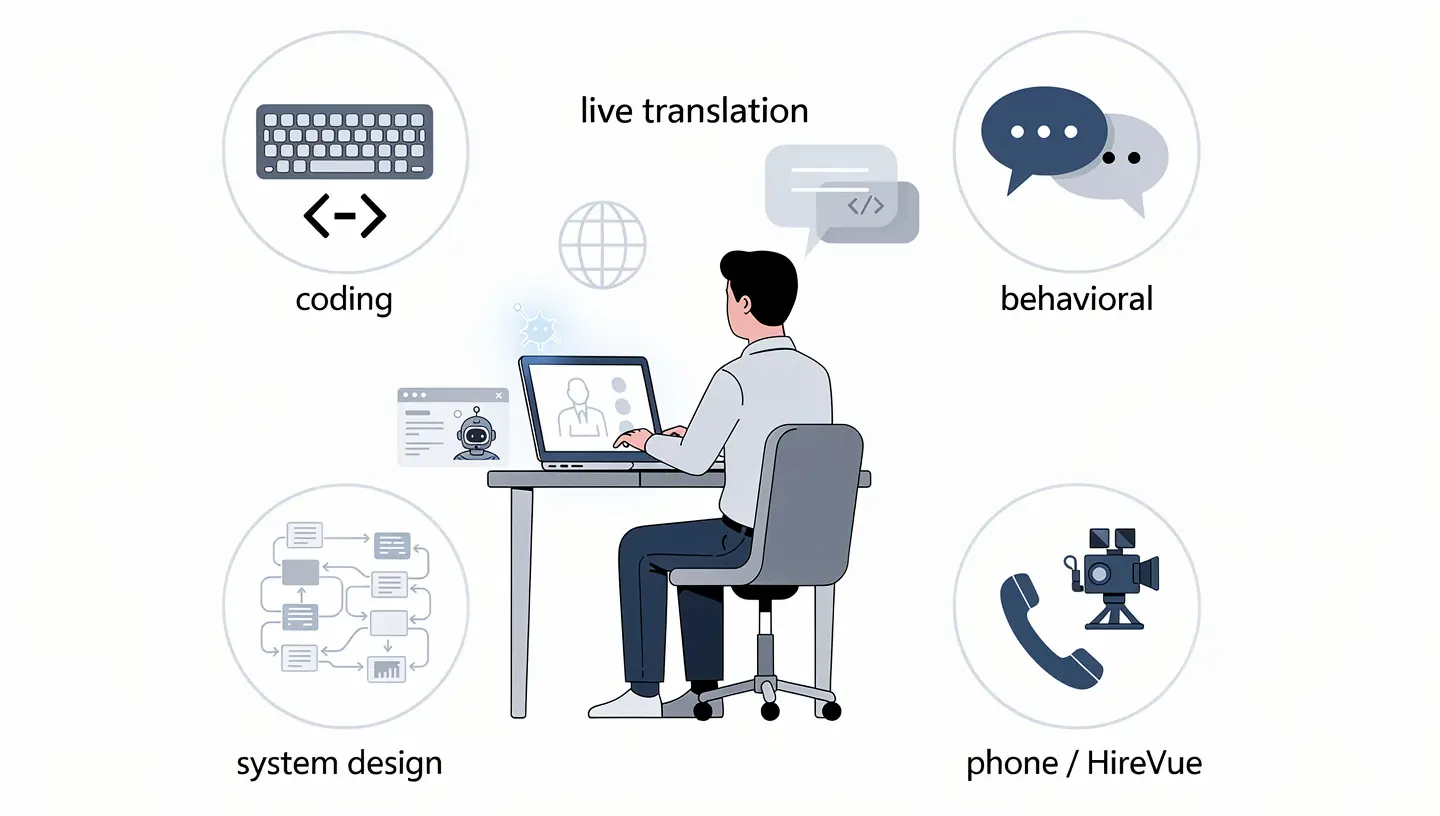
Final Round AI lists eight interview modes, including phone interview, HireVue, and system design. LockedIn AI covers behavioral, system design, and phone interviews. Interview Coder started with coding only, and its maker says it has widened its scope to behavioral and product manager rounds.
System design is harder for any live tool. The conversation moves quickly, the interviewer pushes back, and the answer depends on the follow-up. Final Round AI says live support helps more with behavioral rounds than with system design for that reason. That is a fair warning for anyone who expects a copilot to carry a design round.
If you interview in a second language, live interview help can include translation and language coaching. Final Round AI supports more than 30 languages, and our list of AI tools for live translation shows other options for calls in a language you are still learning.
Do Companies Allow AI in a Coding Interview?
Rules change often and differ by team, so ask your recruiter in writing before any round. Here is what the sources report.
| Company | What Sources Report | Source |
|---|---|---|
| Amazon | Prohibits unauthorized AI help, and candidates can be disqualified | ITPro, via a Hedy review |
| Sources disagree: one guide says AI help is not allowed in live rounds, a community thread says some coding rounds now allow it | Final Round AI guides | |
| Meta | Runs a designated AI-enabled coding round | Final Round AI |
| Canva | Allows AI in technical interviews | Final Round AI |
| Shopify | Allows AI in some rounds | Final Round AI |
| Anthropic | AI allowed for preparation and applications, not for live interviews or assessments | Fortune, 2025 |
Where AI is allowed, say so openly and explain how you used it. Interviewers at companies that run AI-friendly rounds expect that kind of transparency. Where it is banned, covert use is a misrepresentation, and an offer can be pulled over it.
Detection Risk and What Interviewers Notice
Detection is not only about software. Fabric’s analysis of 19,368 interviews flagged 38.5% of candidates for cheating behavior, and the share reached 48% for technical candidates. Computerworld reports that 72.4% of recruiting leaders now run in-person interviews to fight fraud, and that Google, Cisco, and McKinsey have brought in-person rounds back.
Proctoring platforms add their own checks. CodeSignal uses a Suspicion Score that looks at typing behavior, copy-paste activity, and tab switching. HackerRank also monitors for odd behavior.
Human interviewers notice patterns too:
- Correct code that the candidate cannot explain
- A smooth pace with no pauses or false starts
- Spoken reasoning that does not match the code on screen
- Trouble with a follow-up question or an edge case
A live coding interview is also judged differently from a take-home assessment. On a take-home, the employer often lists which tools are allowed and reviews the code afterward. In a live round the interviewer watches you think, so a gap between what you say and what you type stands out quickly. Read the instructions for each coding interview step by step, because the AI policy can change from one stage to the next.
No vendor can promise that a round will not be flagged, and the vendors themselves say results vary by platform and computer. If you cannot walk through the solution in your own words, you will lose the follow-up regardless of the tool.
Free AI Tools for Coding Interview Practice
You can cover most of your preparation without paying. These are the free or low-cost options that come up most in reviews:
- NeetCode: a structured roadmap of 150 problems grouped by pattern
- LeetCode free tier: a large question bank with community solutions
- Pramp: free peer mock interviews, five a month
- ChatGPT or Claude: explain a pattern, review your code, or generate variations of a problem
- Google Interview Warmup: free practice for behavioral questions
If you want another assistant besides Claude, see our list of AI tools alternative to Claude. Any general chatbot can act as a tutor when you ask it why your code failed, not only for the fix.
How to Prepare With AI Before a Live Coding Interview
A short plan works better than a long list of tools.
- Learn the patterns. Sliding window, two pointers, BFS and DFS, and dynamic programming cover a large share of questions. Ask an AI why a pattern fits one problem and not another.
- Solve under a timer. Set 30 minutes, attempt the problem first, and ask for a hint only after you are stuck.
- Debug with questions. When a solution fails, ask what your logic missed instead of asking for the corrected code.
- Practice talking. Explain your approach out loud and run at least a few mock interviews with a person on Pramp or interviewing.io.
- Check the rules. Ask the recruiter which rounds allow AI before you decide on any live tool.
A small project also gives you something concrete to discuss. If you want an idea to build, read how to start a SaaS business for a sense of what a small software product involves.
If you plan to use a live copilot where rules allow it, run it in practice calls first. The first real round is the worst moment to find out what the tool gets wrong.
How to Choose the Right Tool
Use the table to match your situation to one of the four picks.
| Your Situation | Pick |
|---|---|
| Your loop has coding, behavioral, and system design rounds | Final Round AI |
| Your coding rounds run in VS Code, Cursor, or another editor | LockedIn AI |
| You have one or two coding screens and want a single payment | Interview Coder, after you confirm its status |
| You want to get better, not only pass one round | interviewing.io plus Pramp |
| Your budget is close to zero | NeetCode, LeetCode free tier, and Pramp |
Compare at least two price sources and read the refund terms before any annual or lifetime plan.
Final Thoughts on AI Tools for Live Coding Interview
The best AI tools for live coding interview rounds are the ones that match your loop and your employer’s rules. Final Round AI is the broadest, LockedIn AI is the most editor-friendly, and Interview Coder is the narrowest. interviewing.io is the one that helps most when practice is the real gap. A live tool cannot replace the skill of explaining your own code.
If the job search runs long, some developers start a product of their own. Our list of business ideas for an application is one place to begin.
Frequently Asked Questions
Is It Cheating to Use AI in a Coding Interview?
It depends on the rules of the company. Using AI to practice is fine. Using it live in a round that bans it is a misrepresentation of your skills, and it can cost you the offer. Some employers, such as Meta, Canva, and Shopify, run rounds where AI is allowed, so always ask first.
Can Interviewers Detect AI Tools in a Live Coding Interview?
Sometimes. Proctoring tools track typing, copy-paste activity, and tab switching, and interviewers notice long pauses, polished answers, and trouble with follow-up questions. Vendors say their windows stay hidden during screen share, but reviews disagree, and no tool can promise a round will not be flagged.
Do Companies Allow AI During Technical Interviews?
Most do not for live rounds. Amazon prohibits unauthorized AI help, Anthropic keeps live interviews AI-free, and Meta, Canva, and Shopify run AI-friendly rounds. Sources disagree on Google, so check with your recruiter before the call.
What Is the Best AI Tool for Live Coding Interview Help?
The best AI coding interview assistant depends on the round. LockedIn AI works well when you code inside an editor, Final Round AI fits a full loop with behavioral and system design rounds, and Interview Coder is built only for coding screens. For practice, interviewing.io and Pramp give you feedback from real people.
What Is the Difference Between Final Round AI and LockedIn AI?
Final Round AI is a wider platform with mock interviews, live help, and a debrief after every call. LockedIn AI leans toward coding, with VS Code and Cursor integration and a desktop app next to a browser extension. Both cover behavioral questions, and both vary in price by plan.
Is Interview Coder Worth $299 a Month?
Only for a short, intense search. The $299 monthly plan costs far more than a LockedIn AI or Final Round AI subscription. The $799 lifetime plan breaks even against a $49.99 LockedIn AI plan after roughly 16 months. Confirm the tool is still maintained before you pay for either.
Are There Free AI Tools for Live Coding Interviews?
Several tools offer limited free access. Interview Coder has a free download with gated features, LockedIn AI offers a trial of about 10 minutes, and Final Round AI has a free plan with mock interviews. For free practice, NeetCode, the LeetCode free tier, Pramp, and a general chatbot cover most of what you need.
Is interviewing.io Worth the Price?
It is worth it if you already solve problems well but want to know how a strong interviewer would score you, especially for senior or staff roles. At a reported $225 or more per mock interview, it costs far more than Pramp. If you are earlier in your preparation, start with free practice and add interviewing.io later.