The best AI tools for class 9 students help you understand a chapter, fix an essay and plan your study time, but they do not do the homework for you. Most of them have a free plan, so a class 9 student can build a useful set of tools for ₹0. The catch is age rules, daily limits and the habit of copying answers.
This guide covers the ai tools class 9 students and parents ask about most: ChatGPT, Grammarly, QuillBot, Notion AI and a few free extras. It also covers the CBSE AI subject, with tools like Python and Jupyter Notebook, and short picks for class 5, class 6 and class 8.
Each of the eight main tools below works like a short review: a plain description, a table with plan and price details, and a list of pros and cons. Prices for ChatGPT and Gemini are shown in ₹ for India, and the other tools bill in dollars. Prices and limits change often, so confirm them on each tool site before you sign up.
Best AI Tools for Class 9 at a Glance
Here are the eight main ai tools for class 9 and what each one does best. The full reviews follow in the sections below.
- ChatGPT – Explanations and practice questions with a free plan and daily limits
- Grammarly – Grammar fixes for essays, letters and notices
- QuillBot – Paraphrasing and summaries with a low yearly price
- Notion AI – Notes, homework lists and study plans in one place
- Google Gemini – Quick answers inside Docs, Gmail and Classroom
- Perplexity – Research with sources you can check
- NotebookLM – Questions answered from your own notes
- Canva – Posters and presentations, free for school students through a teacher
What Counts as AI Tools in Class 9
When people search for ai tools class 9, the phrase can mean two different things, and most students mix them up. One meaning is the apps you use to study. The other is the software you learn to use in the school AI subject.
AI Study Tools for Class 9 Students
These are chatbots, writing checkers and note apps. Students use them for homework help, revision and board exam practice. A good study tool explains a topic in simple words, checks your writing or turns messy notes into a plan. A bad habit is asking it to hand over the final answer.
AI Tools in the CBSE Class 9 AI Subject
CBSE offers Artificial Intelligence as a skill subject with the code 417. Here, tools means the programs you use to build small AI projects, such as Python, Jupyter Notebook and Anaconda. Students who pick this subject learn the AI project cycle and write simple code. Both meanings are covered below.
Best AI Tools for Class 9 Students
These are the best ai tools for students in class 9 for writing, notes and doubt solving. Each one has a free plan, so you can try it before paying.
1. ChatGPT
ChatGPT is the chatbot most students already know, and it works best as a tutor you can ask again and again. You can ask it to explain a science chapter in simple words, give you ten practice questions on algebra or point out what is weak in your paragraph. It also has a study mode that asks you questions back instead of giving the full answer.
The free plan has a daily message limit, so heavy use needs a paid plan. In India the cheapest paid plan is ChatGPT Go at ₹399 a month, and Plus costs ₹1,999. Check facts against your NCERT book, because it can sound sure and still be wrong.
| Detail | Info |
|---|---|
| Free plan | Yes, with daily limits |
| Paid plan | Go ₹399/month, Plus ₹1,999/month in India |
| Best for | Explanations and practice questions |
| Age rule | Minimum age 13, parent or guardian permission under 18 (OpenAI terms) |
Pros
- Explains topics in simple words
- Gives practice questions on any chapter
- Study mode asks you questions back
- Free plan is enough for light use
Cons
- Can give wrong answers with confidence
- Daily limit on the free plan
- Easy to misuse for copying answers
2. Grammarly
Grammarly fixes grammar, spelling, punctuation and tone while you write. For a class 9 student, it helps most with essays, letters, notices and comprehension answers in English. It shows the mistake, explains it and lets you accept or ignore the fix, so you learn the rule instead of just pasting a result. The paid plan is now called Grammarly Pro.
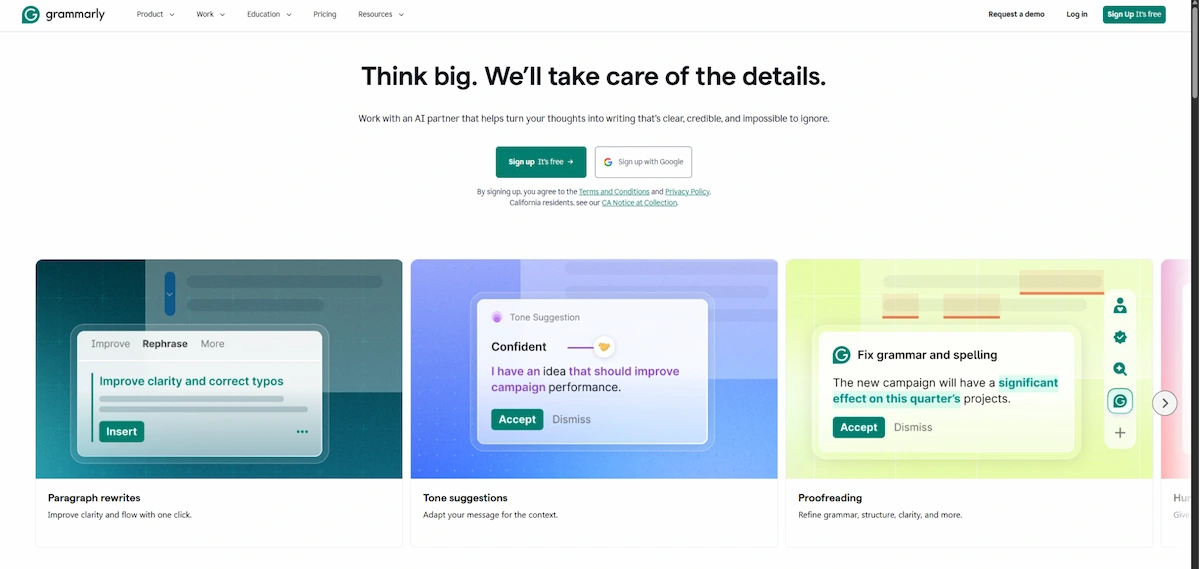
Write the first draft yourself and run Grammarly after. If you let it rewrite everything, your own writing skill will not grow.
| Detail | Info |
|---|---|
| Free plan | Yes, basic grammar and spelling |
| Paid plan | Pro about $12/month billed yearly, $30/month billed monthly |
| Best for | Essays, letters and notices |
| Age rule | Minimum age 13 (check parent permission rules) |
Pros
- Explains each mistake so you learn the rule
- Works in the browser, Docs and email
- Free plan covers basic fixes
- Good for English letters and essays
Cons
- Advanced checks need Pro, which costs $30 a month if billed monthly
- Does not help with Hindi writing
- Makes you lazy if you accept every rewrite
3. QuillBot
QuillBot is a paraphrasing tool that rewrites a sentence in a different way and shortens long text with its summarizer. It is useful when you understand an idea but your sentence sounds clumsy. It also has a grammar checker and a citation tool. Do not use it to rewrite someone else’s work and hand it in as yours. Teachers can spot it, and you learn nothing.
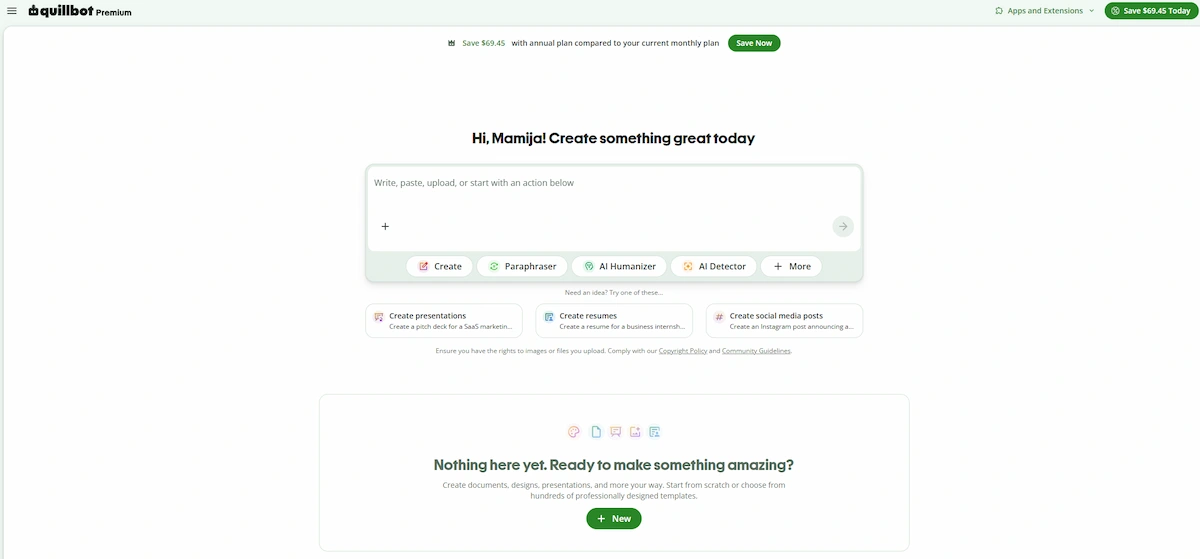
Use it to see how a better sentence can be built from your own words. Verified students may get a discount on the paid plan.
| Detail | Info |
|---|---|
| Free plan | Yes, about 125 words at a time |
| Paid plan | Premium about $8.33/month billed yearly, $19.95/month billed monthly |
| Best for | Paraphrasing and summaries |
| Age rule | Check current terms |
Pros
- Lower yearly price than Grammarly Pro
- Summarizer helps with long chapters
- Grammar checker and citation tool included
- Shows different ways to build a sentence
Cons
- Free plan has a short word limit
- Monthly billing costs much more than yearly billing
- Easy to misuse for rewriting other people’s work
- Rewrites can sound unnatural
4. Notion AI
Notion AI keeps your notes, homework list and exam dates in one place. The free plan is enough for a student’s notes and planner, and it includes a limited trial of the AI part, which can summarize messy notes, make a to-do list and turn a chapter into a short revision sheet. Full Notion AI now comes with the Business plan, which is built for teams, and the free Education plan is meant for college students, so a class 9 student will mostly use the free plan.
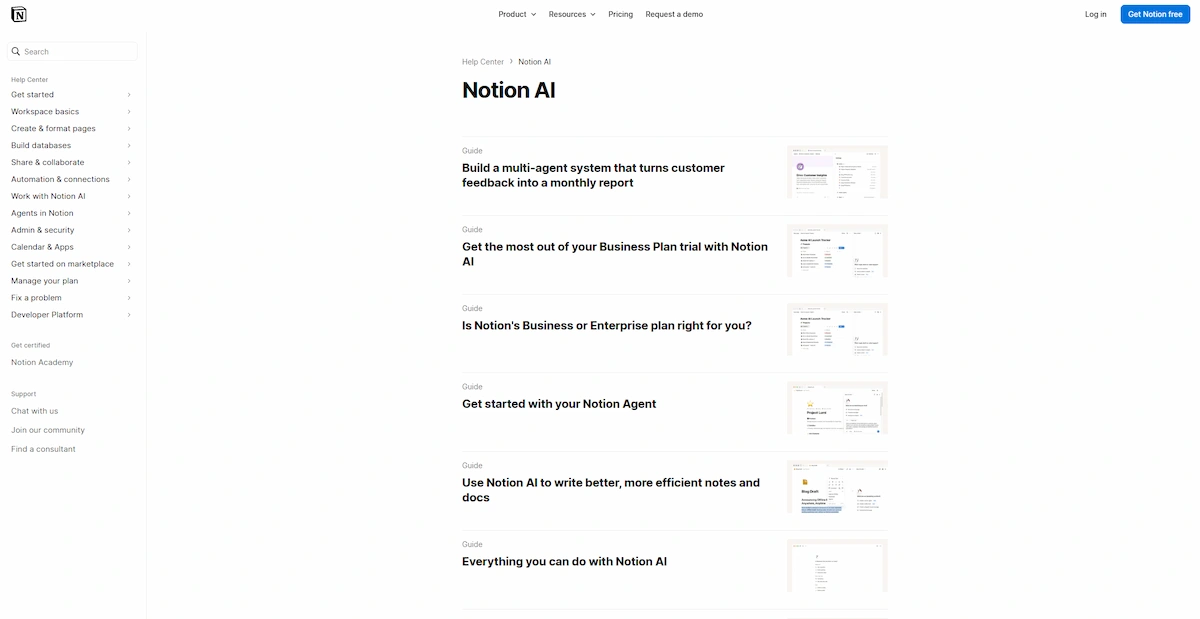
A simple setup for a class 9 student has four pages: one for subjects with chapter notes, a homework list, an exam planner with test dates and a mistake notebook for the questions you got wrong. Once the pages are ready, it works as a study planner for the whole year. Avoid putting your full address, phone number or school details in your workspace.
| Detail | Info |
|---|---|
| Free plan | Yes, with a limited AI trial |
| Paid plan | Business plan with full AI, about $20/month per member billed yearly |
| Best for | Notes and study plans |
| Age rule | Check current terms |
Pros
- Keeps notes, homework and exam dates together
- AI trial can summarize messy notes
- Free plan works for basic pages
- Pages can be reused for each subject
Cons
- Takes time to set up
- Full Notion AI needs the Business plan at about $20 a month
- The free Education plan is for college students
- Personal details should stay out of it
5. Google Gemini
Google Gemini works inside Google apps, so it fits students who already use Docs, Gmail and Classroom. You can ask it to explain a passage, check a fact or draft questions for revision.
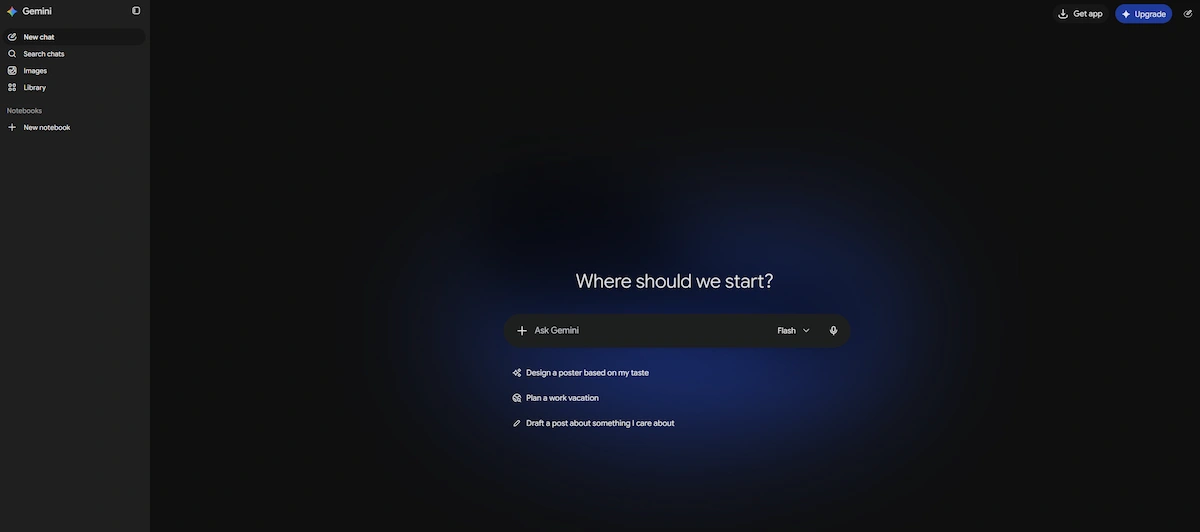
The free version is enough for most school use. Account type matters, because school and teen accounts have extra safety rules and some features may be off, so ask your school what is allowed.
| Detail | Info |
|---|---|
| Free plan | Yes, with a Google account |
| Paid plan | AI Plus ₹399/month, AI Pro ₹1,950/month in India |
| Best for | Quick answers inside Google apps |
| Age rule | Personal accounts 13+, school accounts follow school settings |
Pros
- Works inside Docs, Gmail and Classroom
- Free version is enough for school use
- Quick fact checks and revision questions
Cons
- School accounts may have features turned off
- Answers can be wrong
- Paid plans cost ₹399 to ₹1,950 a month, and free student offers are for college students aged 18 and over
6. Perplexity
Perplexity gives answers with sources, which helps in history, civics and geography because you can open the link and check where a date came from.
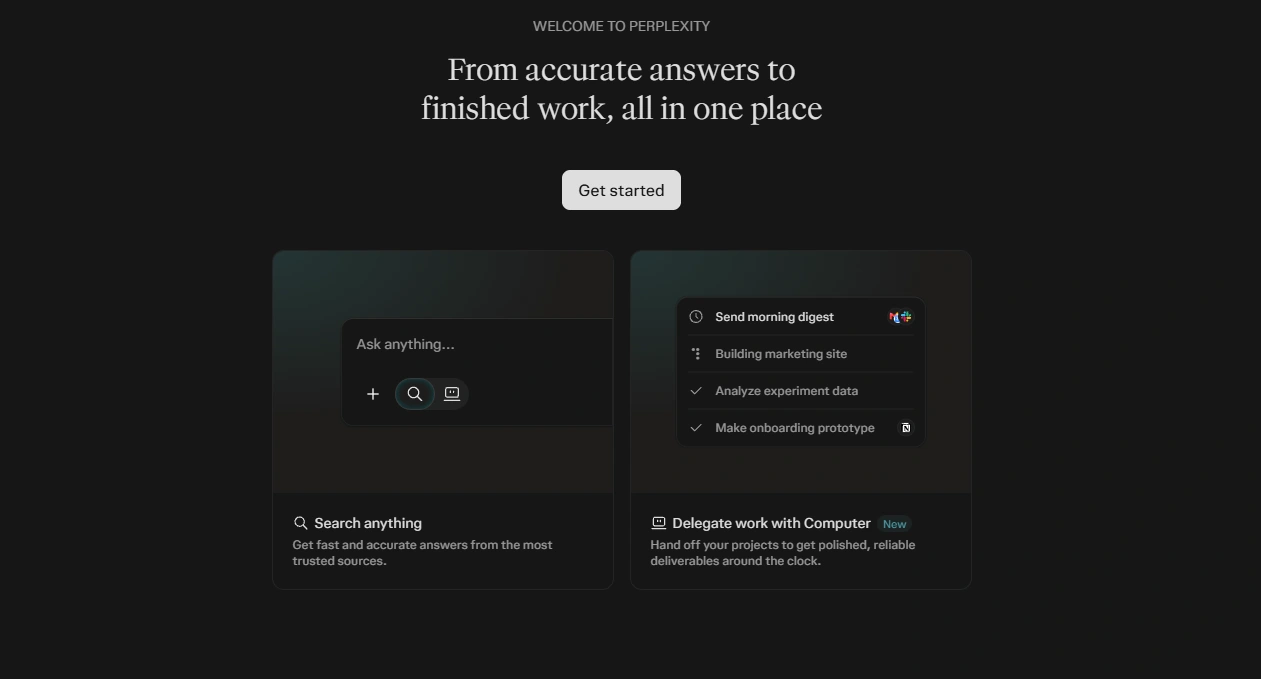
It works like a search engine that writes a short answer first. Use it to find sources, then compare the facts with your NCERT chapter.
| Detail | Info |
|---|---|
| Free plan | Yes, standard searches |
| Paid plan | Pro $20/month or $200/year |
| Best for | Research with sources |
| Age rule | Reported minimum age 13 (check current terms) |
Pros
- Shows a source for each answer
- Good for dates, names and places
- Free plan covers daily use
Cons
- Sources still need checking
- Only a few Pro searches per day on the free plan
- Not built for step by step maths
7. NotebookLM
NotebookLM answers only from the notes and files you upload, so it stays close to your own material. Upload a chapter or your class notes, then ask for a summary, a study guide or questions on a topic.
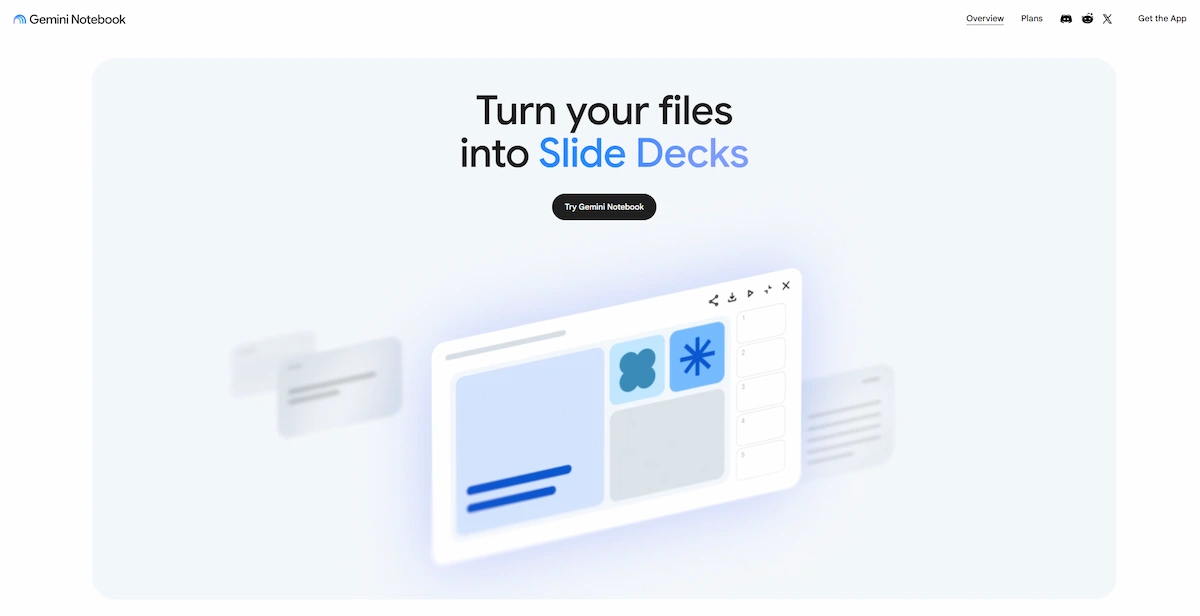
It is a good way to revise without drifting into random facts from the internet.
| Detail | Info |
|---|---|
| Free plan | Yes |
| Paid plan | Free to start |
| Best for | Questions on your own notes |
| Age rule | Personal accounts 13+, school accounts if the school turns it on |
Pros
- Answers only from the files you upload
- Makes summaries and study guides from your notes
- Free to start
Cons
- Only as good as the notes you upload
- Needs a Google account
- Not made for general questions
8. Canva
Canva helps with posters, charts and presentations for school projects. Templates make a clean slide in minutes, and Canva Education is free for school students through a teacher invite.
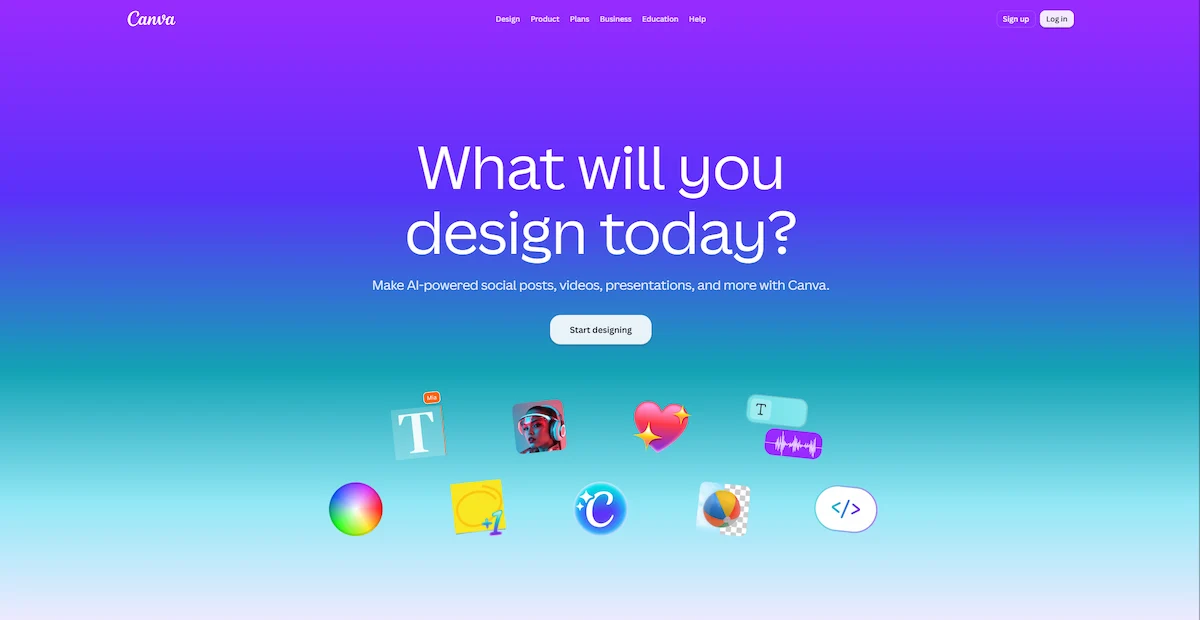
Use it for the design part and write the content yourself, because a nice layout cannot hide weak content.
| Detail | Info |
|---|---|
| Free plan | Yes, school version free through a teacher |
| Paid plan | Canva Pro about $15/month (optional) |
| Best for | Posters and presentations |
| Age rule | School plan needs a teacher invite, parent consent under 13 |
Pros
- Free for school students through a teacher
- Templates make posters and slides quick
- Easy for beginners
Cons
- School plan needs a teacher invite
- Some features are paid
- A good layout can hide weak content
If you want other chatbots to compare, see our list of AI tools alternative to Claude.
Free AI Tools for Class 9 Students
You do not need to pay for anything to start. Here is what is free in each tool and the limit to keep in mind.
- ChatGPT – Basic chats are free, with a daily message limit and answers that can be wrong
- Grammarly – Grammar, spelling and punctuation are free, while tone and plagiarism checks are paid
- QuillBot – Standard paraphrasing is free, about 125 words at a time
- Notion – Notes and pages are free, with limited AI queries
- Google Gemini – Free with a Google account, and school accounts may have rules
- Perplexity – Standard searches are free, with a few Pro searches per day
- Khan Academy – Lessons and practice are free, and Khanmigo availability depends on your country, so check Khan Academy
A simple free setup for most class 9 students is ChatGPT for explanations, Grammarly for writing, Notion for notes and Perplexity for facts. Add QuillBot only if you struggle with sentence flow.
AI Tools by Subject for Class 9
Each subject needs a different way of asking. The same tool can help or hurt depending on the question.
Maths
Do not ask for the answer. Ask the tool to explain the method on a simple example, then solve the real problem on your own. If you get stuck, send your own steps and ask where the mistake is. ChatGPT works for this, and so does Khanmigo where it is available. It keeps your practice intact for the exam.
Science
Ask why, not what. A question like why a prism splits white light gives you an explanation you can remember, and board questions often test exactly that. For recent examples or facts, use Perplexity so you can open the source and check it.
English
Write the essay or letter first. Then paste it into Grammarly for grammar and ask ChatGPT to name the two weakest parts and why. For letters, ask if the format and tone match what the board expects. Keep the rewriting in your own hands.
Social Science
History, civics and geography need correct dates and names. Use Perplexity to find sources, then compare the facts with your NCERT chapter, because AI answers and textbooks sometimes differ. Ask the tool to explain why an event mattered, not just when it happened.
Hindi and Other Languages
Support for Hindi and regional languages is weaker than for English, so use AI only to understand the meaning of a hard passage. Grammar rules should come from your textbook and your teacher. If you want to understand speech in another language, see our guide to AI tools for live translation.
Sample Prompts for Class 9 Students
The way you ask decides how useful the answer is. A short, clear prompt that names your class, subject and goal gives better results than a vague question. Here are prompts that work for class 9 students, and you can change the subject to fit your own study plan.
- “Explain the quadratic formula to a class 9 student with one simple example.”
- “Give me ten practice questions on the chapter on force and motion. Do not show the answers yet.”
- “Here is my paragraph. Name the two weakest parts and say why.”
- “I wrote this answer for a history question. Which dates and names should I check against my NCERT book?”
- “Make a seven day revision plan for my class 9 maths test, one hour a day.”
- “Ask me five questions on what I studied today, one at a time, and tell me what I got wrong.”
Answer the practice questions on paper before you look at any answer from the tool. For board exam style practice in class 9, this works better than reading a list of ready answers, because you find your weak chapters early. Keep a note of the prompts that worked, and reuse them for each new chapter. If an answer looks odd, ask the tool to explain its steps, then check the same point in your textbook.
AI Tools for the CBSE Class 9 AI Subject
Students who choose the Artificial Intelligence subject (code 417) learn what AI is, the stages of the AI project cycle and the basics of Python. The project cycle has five steps: problem scoping, data acquisition, data exploration, modelling and evaluation. Some sources also report that generative AI was added to the class 9 syllabus from 2024-25, so check the current syllabus on the CBSE Academic website.
These are the tools students meet or use for practice:
- Python: the programming language used in the subject, with libraries like pandas for data.
- Anaconda and Jupyter Notebook: Anaconda installs Python and the packages together, and Jupyter Notebook lets you write code and notes in one page.
- Google Colab: runs Python in the browser for free, so no installation is needed.
- Teachable Machine: trains a simple image, sound or pose model without writing code.
- Scratch: block coding with machine learning blocks, good for beginners.
- Kaggle: free datasets to practice data exploration.
- PictoBlox: block and Python coding with AI extensions, used by many schools.
Good project ideas for class 9 are a chatbot that answers school questions, a spam message detector, a grade predictor based on study hours, a handwritten digit recognizer and a weather forecaster built on past data. Older students who enjoy Python can later look at AI tools for live coding interviews to see where coding skills can lead.
AI Tools for Class 5, 6 and 8
Younger students need tighter rules. Many chat tools set a minimum age of 13, so a child in class 5 or 6 should not use them alone. Parents should sit beside the child, pick tools that work without a personal account and keep the use short.
AI Tools for Class 5
The CBSE plan for classes 3 to 5 builds thinking skills with puzzles and patterns, and it does not teach AI directly. For ai tools for class 5, keep it simple: Scratch for block coding, Canva for posters through a teacher invite and Teachable Machine with a parent beside the child to see how a computer learns from pictures. Skip chatbots at this age. If your child likes making things, our ideas for business ideas for kids show safe projects to try.
AI Tools for Class 6
Class 6 is where AI awareness begins. Students learn what AI is, the difference between AI and plain automation, types of data and the main ways machines learn. The best ai tools for class 6 are Scratch, Teachable Machine and Canva, because they let a child see AI at work without needing a chatbot. Talk about safe use at home, such as never sharing a name, address or school.
AI Tools for Class 8
Class 8 moves from learning about AI to using it. Students follow a four-step project cycle: define the problem, collect data, test AI tools and reflect on the result. The ai tools for class 8 are mostly no-code tools such as image classifiers, simple chatbots and data prediction apps. Teachable Machine fits well here, and Google Colab can come later for students who want to try Python. For poster and photo projects, see our list of AI tools to add a person to a photo.
How to Use AI Tools Without Copying Answers
The students who gain from AI use it like a tutor. The students who lose marks use it like a shortcut. Here is the difference in common situations.
- A chapter makes no sense: ask for a simple explanation, then read the NCERT chapter again. Do not ask for a summary and skip the chapter.
- Essay due tomorrow: write your own draft, then ask for feedback on structure and grammar. Do not ask the tool to write it and hand it in.
- A maths sum will not work: ask for the method on a similar example, then solve yours. Do not copy the final answer into the notebook.
- Test next week: ask for ten practice questions and answer them on paper first. Do not memorize AI answers without thinking.
- Science project: ask for ideas, then do the work and write it in your words. Do not paste an AI report as your project.
A simple check helps. After a study session, close the tool and explain the topic out loud in your own words. If you cannot, the tool did the learning for you. Always check important facts against the NCERT textbook.
Safe Use of AI Tools for Students: Age, Privacy and Parents
Safety matters more for school students than for adults. Most AI services set a minimum age of 13, and many ask for parent permission for anyone under 18. Read the terms of each tool before making an account.
- Never share your full name, home address, phone number or school name in a chat.
- Do not upload photos of other people or private documents.
- Check facts before you write them in an exam answer.
- Follow your school rules on AI. Some teachers allow it for revision but not for homework.
- Parents should look at the chat history now and then, especially for younger students.
Parents can also ask a simple question once a week: what did you learn with AI this week, and can you explain it? Students who can answer in their own words are using the tools well. Teens who want to turn their skills into a small online project can read how to start an online business under 18.
How to Choose AI Tools for Class 9
Start with what you need, not with the longest list. A good choice depends on three checks.
- Free plan: pick tools you can use for ₹0 first, and pay only if you hit a limit.
- Age rules: check the minimum age and the need for parent permission.
- Use case: choose one tool for explanations, one for writing and one for notes. Using five tools for the same job wastes time.
A tutor-style tool such as ChatGPT or Khanmigo helps with understanding. A writing tool like Grammarly or QuillBot helps with essays. A planner like Notion helps with study routine.
How We Picked These AI Tools
We compared student-focused lists from edtech and education sites and the plan pages of each tool. We looked at the free plan, price, age rules, safety and how useful each tool is for CBSE subjects. We have not run formal tests on every tool, so the notes come from published plans and common student use. Prices and age rules were checked in October 2026 against pricing guides, news reports and the terms of each service. ChatGPT and Gemini prices are for India in ₹, and the other tools bill in dollars, so the rupee price depends on the exchange rate and any local plan.
Frequently Asked Questions
Which Are the Best AI Tools for Class 9 Students?
ChatGPT, Grammarly, QuillBot and Notion AI cover most needs: explanations, writing, paraphrasing and notes. Add Perplexity for research and Canva for presentations. All of them have a free plan, so try them before paying.
Are There Free AI Tools for Class 9 Students?
Yes. ChatGPT, Grammarly, QuillBot, Notion, Google Gemini, Perplexity and NotebookLM all have free plans with limits. Canva is free for school students through a teacher, and Khan Academy lessons are free.
Is AI a Compulsory Subject in CBSE Class 9?
No. Artificial Intelligence is an elective skill subject with the code 417. Students can pick it as an additional subject next to the regular ones.
Do I Need Coding Experience for AI in Class 9?
No. The subject starts with the basics of Python, so you can begin without any coding. Tools like Teachable Machine and Scratch help beginners see how AI works before writing code.
Can Class 9 Students Use ChatGPT?
Usually yes, with parent permission. The service sets a minimum age of 13 and asks for parent consent for teens under 18. Check the current terms and your school rules first.
Is Grammarly or QuillBot Better for Class 9 Students?
They do different jobs. Grammarly is better for fixing grammar and tone in essays and letters. QuillBot is better for paraphrasing and summarizing. Many students use both, with Grammarly for the final check.
Can AI Tools Replace Studying?
No. They help you understand and practice, but the learning happens when you think and write on your own. A student who only copies answers loses the practice that builds marks.
Are AI Tools Safe for Class 9 Students?
They are safe when used with care. Do not share personal details, check facts against NCERT and follow school rules. Parents should stay involved and look at how the tools are used.
Which AI Tools Can Class 5 and Class 6 Students Use?
Tools without a personal chat account work best: Scratch, Teachable Machine and Canva through a teacher invite. Chatbots usually need an age of 13 or more, so younger students should skip them or use them only with a parent beside them.
Which AI Tools Help With Board Exam Preparation?
ChatGPT helps with practice questions and step by step methods, and Khanmigo does the same where it is available. Notion helps plan revision, and Perplexity helps check facts. Always answer practice questions on paper first and check them against NCERT.
Final Thoughts
The best ai tools class 9 students can use are the ones that build understanding, not the ones that give quick answers. Start with the free plans of ChatGPT, Grammarly, Notion and Perplexity, and add QuillBot if your writing needs it. Students in the CBSE AI subject should add Python, Jupyter Notebook and Teachable Machine. Keep the age rules in mind, stay involved as a parent and check the current prices before you pay.