Making a 3D logo used to mean learning Blender or paying a designer for a render. Today AI tools for 3D logos can turn a text prompt or a flat file into a chrome emblem, a glass icon or a printable model in a few minutes, and the results differ a lot from tool to tool. Some give you a picture that only looks three-dimensional, while others export a real model in STL, GLB or FBX that you can print, animate or place on a website.
This guide compares nine tools: Midjourney, Canva, Fotor, ImagineArt, Logo Diffusion, Sloyd, Meshy, Spline and Icons8 Mega Creator. Each review has a short description, a table with price and output type, and a list of pros and cons. If you need an AI 3D logo generator with a free plan, a 2D to 3D logo converter for a logo you already have, or 3D logo prompts you can paste into Midjourney, the picks below show where every tool is strong and where it falls short.
Prices were checked in October 2026 and they change often, so confirm them on the vendor page before you pay. The comparison relies on official pricing pages and published feature lists, and the prompts are examples to adjust, not guaranteed results.
AI tools for 3D logos at a glance
Nine tools cover almost every case. The list shows the best use of each one, and the full reviews follow after the section that explains what these tools actually produce.
- Midjourney – Best for 3D logo prompts with chrome, gold or glass materials
- Canva – Best for quick 3D effects, templates and background removal
- Fotor – Best free AI 3D logo maker for beginners
- ImagineArt – Best for trying many 3D logo styles on a free plan
- Logo Diffusion – Best for turning a flat logo into 3D
- Sloyd – Best for real 3D logo files in STL, GLB and FBX
- Meshy – Best for 3D models made from an image
- Spline – Best for interactive 3D logos on a website
- Icons8 Mega Creator – Best for drag and drop 3D logo editing
3D logo vs 2D logo: advantages and limits
A flat logo is simple, easy to print and readable at any size. A 3D logo adds depth, light and material, which makes it more memorable on a screen, but it also brings a few limits. Knowing both sides helps you decide if you need one at all.
Advantages of a 3D logo
- Stands out on websites, ads, app stores and social feeds
- Looks premium with metal, glass or glossy finishes
- Works for animation, video intros and AR or VR
- Can be printed as a real sign, keychain or display piece
Limits of a 3D logo
- Harder to read at very small sizes, such as a favicon
- Costs more to reproduce in one-color printing, embroidery or stamps
- Shadows and reflections need a fitting background
- Can look dated if the effect is too heavy
That is why most brands keep a flat logo as the main mark and use the 3D version for places where depth is visible. The difference between a normal logo and a 3D logo is therefore a question of use, not of quality.
3D look or real 3D model: what AI tools for 3D logos actually make
Most pages that rank for this topic skip one detail that decides which tool you should pick. An AI image tool draws a logo with shadows, depth and reflections, but the file you download is still a flat picture in PNG or JPG. A 3D model tool builds geometry, which you can rotate, print or import into other software. AI tools for 3D logos fall into both groups, and the right one depends on where the logo will be used.
A flat logo with a 3D look
Midjourney, Canva, Fotor, ImagineArt and Logo Diffusion belong here. You type a prompt or upload your 2D logo, and the tool renders a version with bevels, glossy metal or soft glass. The finished 3D logo works well on a website, in social posts, on a business card or inside a 3D logo mockup. The limit is that you cannot turn the logo around or send it to a printer, because there is no model behind the picture.
Real 3D model files: STL, GLB and FBX
Sloyd and Meshy create a 3D logo as a model with real depth. You export it as STL for a 3D printer, GLB for the web or FBX for animation software. Spline sits between the two groups, since you build or import a 3D shape and then publish it as an interactive embed. If you want a 3D print logo for a sign, a keychain or a display piece, you need this group.
Which one do you need
- Website header, social media, ads: a picture with a 3D look is enough.
- Signage, keychains, merch, laser engraving: choose a tool that exports STL.
- Animated intro or interactive hero section: choose GLB or a tool like Spline.
- Brand identity you plan to register: keep a flat vector version too, because a 3D version is a variation of the main mark.
How these AI 3D logo generators were compared
Every tool was checked against the same list, so the nine tools in this article can be compared fairly.
- Price: free plan, entry plan and the cost of heavier use.
- Output type: picture with a 3D look or a real 3D file.
- Control: how much you can steer material, lighting, depth and text.
- Export: file formats, resolution, transparent background and watermark rules.
- Commercial use: what the free and paid plans allow.
- Ease of use: time from upload or prompt to a usable file.
Some links on this page may be affiliate links. If you buy through them the site earns a commission at no extra cost to you, and the ranking does not depend on that commission.
9 best AI tools for 3D logos
The first three suit most beginners, and the last six solve narrower jobs such as printing, animation or web embeds.
1. Midjourney: best for 3D logo prompts
Midjourney gives the most control over material and light, which is why it is the best place to learn 3D logo prompts. You describe the symbol, the material and the lighting, and it renders a polished emblem such as a 3D chrome logo, a glass badge or a neon tube mark. It is not a logo editor, so letters in a 3D logo often come out distorted, and you will need a few rounds of variations to keep the text readable.
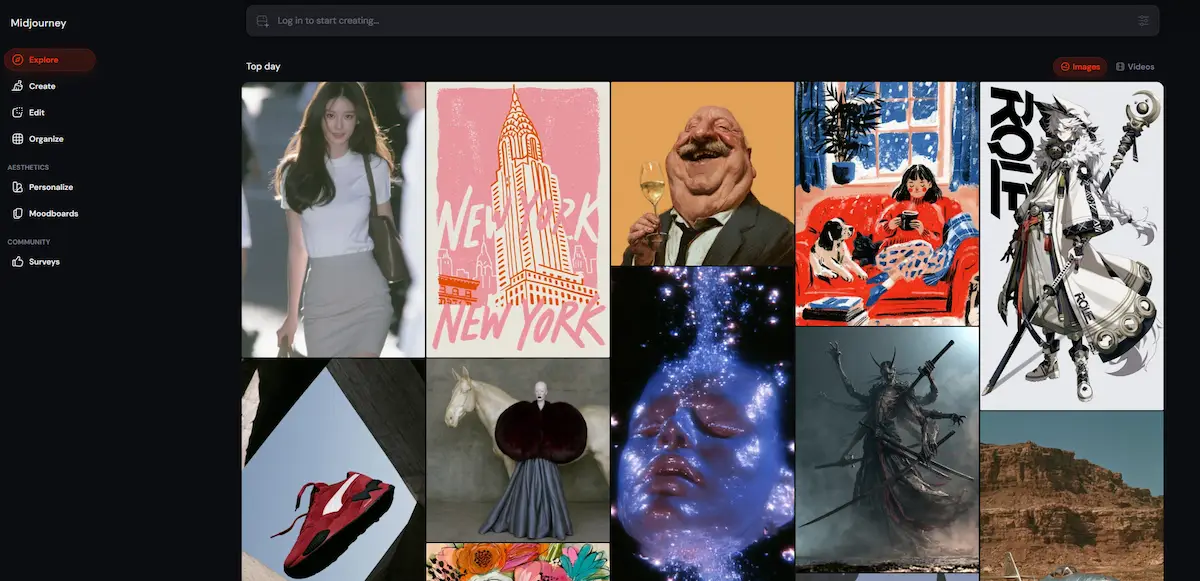
Many designers use Midjourney for the symbol and add the name later in Canva or Illustrator. Save the prompts that work, since good 3D logo prompts are easy to reuse for the next brand.
| Detail | Estimate |
|---|---|
| Starting price | Basic $10 per month, $8 on yearly billing |
| Free plan | None, no free trial |
| Output | Picture with a 3D look |
| Best for | Material and lighting control |
Pros
- Very good control over chrome, gold, glass and matte finishes
- Strong results for symbols and emblems
- Many variations from one prompt
- Paid plans include commercial usage rights
Cons
- No free plan
- Text inside the logo often breaks
- No vector or 3D model export
- Needs prompt practice
2. Canva: best for quick 3D effects and templates
Canva is the easiest way to give a logo you already have a 3D logo look. You upload the file, remove the background, add shadows and gradients, and place the result on templates for social posts, cards and mockups. Canva also has an AI 3D model generator that turns a prompt into a 3D-style image, which you can then edit with fonts and shapes inside the same project.
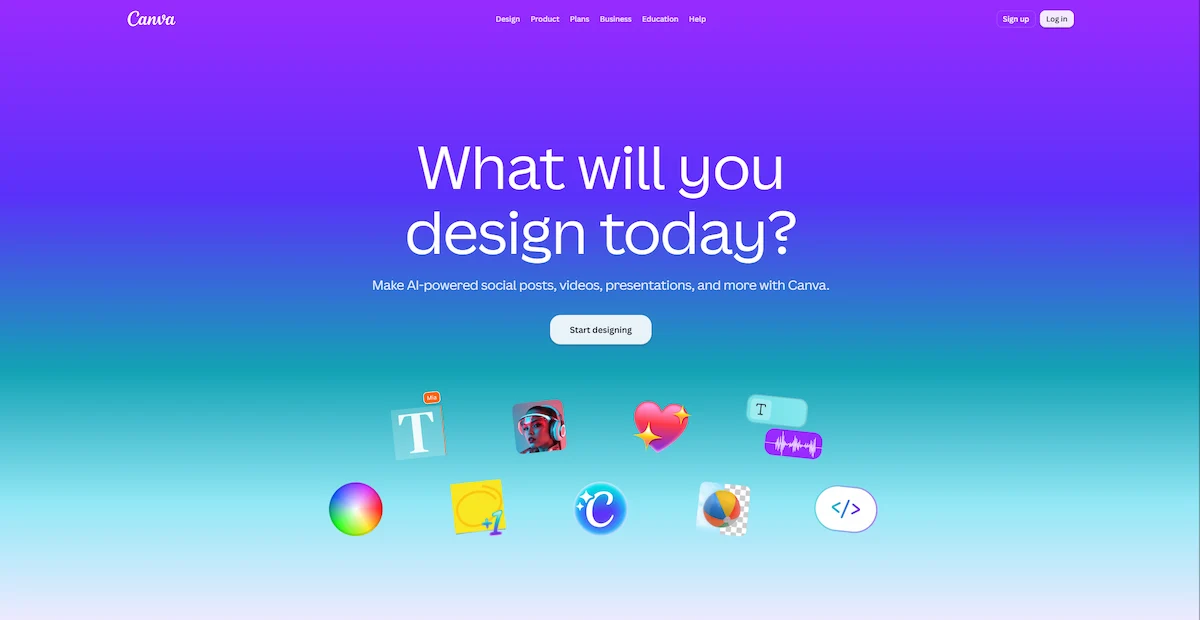
The same editor helps when you need to place a person or product next to the logo, and the article on AI tools to add a person to a photo covers the photo side of that workflow. Canva does not export a true 3D model, so treat it as a finishing tool.
| Detail | Estimate |
|---|---|
| Starting price | Free, Pro $144 per year |
| Free plan | Yes, up to 20 AI uses |
| Output | Picture with a 3D look |
| Best for | Editing, templates, background removal |
Pros
- Large template library and a simple editor
- Background remover included in Pro
- Works well for text, fonts and brand colors
- Good for mockups and social media sizes
Cons
- The free plan limits AI use
- No STL, GLB or FBX export
- 3D effects are less realistic than Midjourney renders
3. Fotor: best free AI 3D logo maker
Fotor is a good first stop if you want to test the idea without paying. The free AI 3D logo maker creates a logo from text, converts an uploaded 2D logo into 3D and places the result in a 3D logo mockup on products such as mugs and T-shirts. You can start from a template and edit colors, fonts and icons, or describe the style in a prompt. Fotor says downloads are watermark-free, and the paid plans add HD export and a transparent PNG.
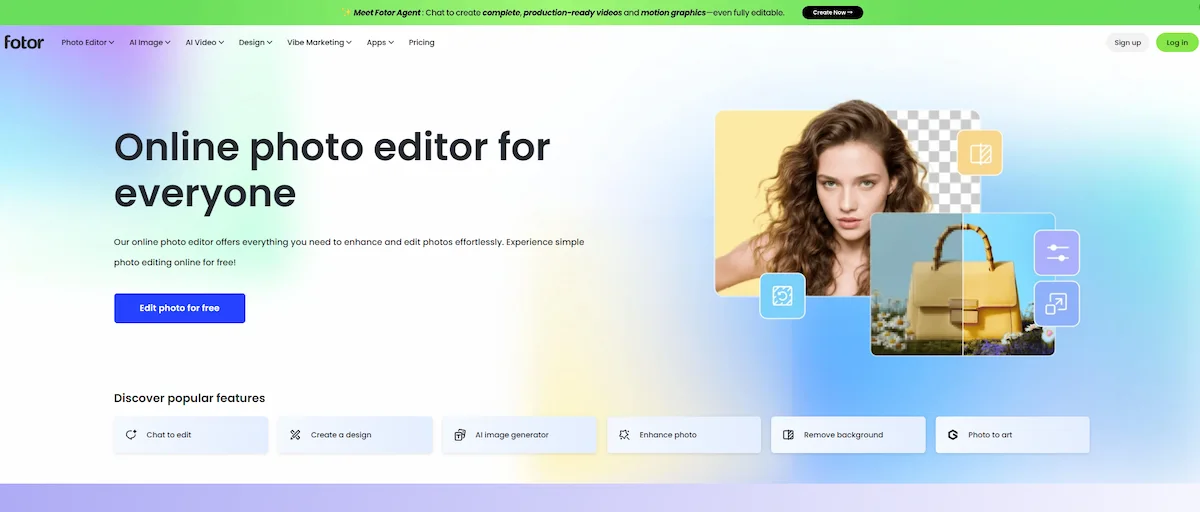
The AI results are good for a first draft, though finer details can look soft when you enlarge them.
| Detail | Estimate |
|---|---|
| Starting price | Free, paid plans on the Fotor pricing page |
| Free plan | Yes, limited credits |
| Output | Picture with a 3D look |
| Best for | Beginners and mockups |
Pros
- Free plan with text and image input
- 2D to 3D conversion in a few clicks
- Built-in mockup generator
- Templates with editable colors and fonts
Cons
- Free credits run out fast
- HD and transparent PNG need a paid plan
- Limited control over materials
4. ImagineArt: best for trying 3D logo styles on a free plan
ImagineArt has a dedicated page for an AI 3D logo generator and a free plan with daily credits, which makes it useful for testing several looks before you commit. You describe the 3D logo, pick a style and generate variations. Credits do not roll over, so use them within the month, and check the commercial use policy before you publish a result.
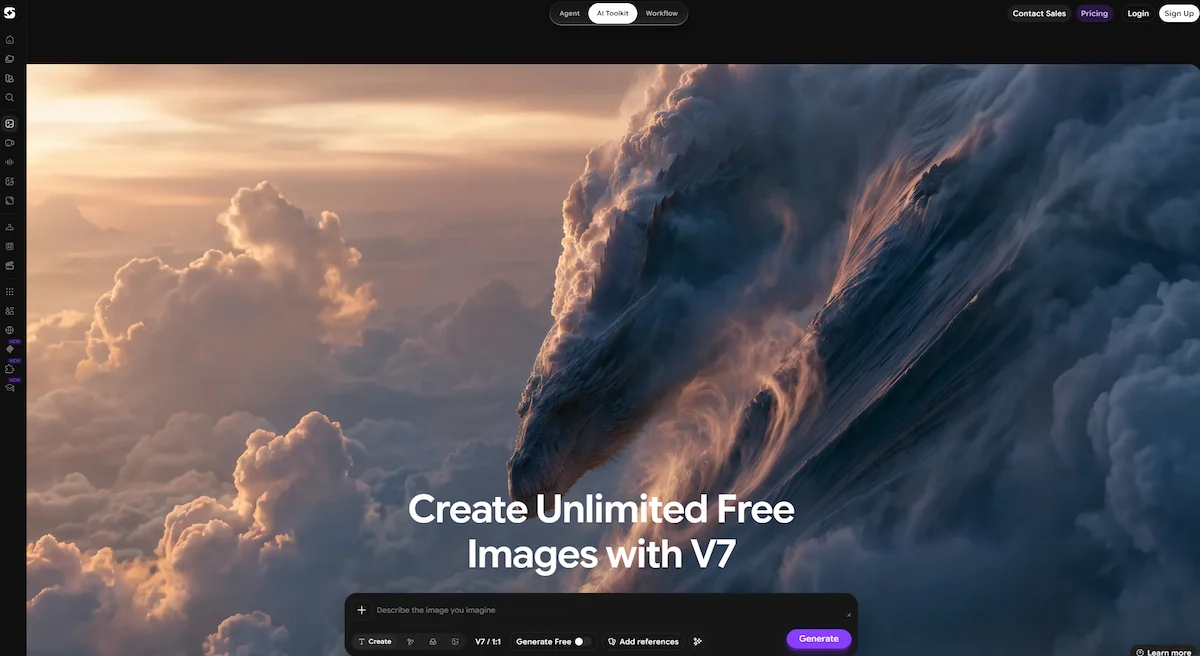
The free plan is only for testing, since most business uses need a paid plan.
| Detail | Estimate |
|---|---|
| Starting price | Free, Basic $9, Standard $20, Ultimate $34 per month |
| Free plan | Yes, daily credits |
| Output | Picture with a 3D look |
| Best for | Style testing |
Pros
- Free daily credits
- Low entry price for paid plans
- Quick variations from a text prompt
Cons
- Monthly credits expire
- Commercial terms need a careful check
- No 3D model export
5. Logo Diffusion: best for turning a flat logo into 3D
Logo Diffusion is built for logos, so it handles a 2D to 3D logo converter job better than a general image tool. You upload the flat file, write the 3D style you want and the tool keeps the shape while adding depth, lighting and materials. It has a background remover, an upscaler and a vectorizer for paid plans, which helps when you need a clean file for print.
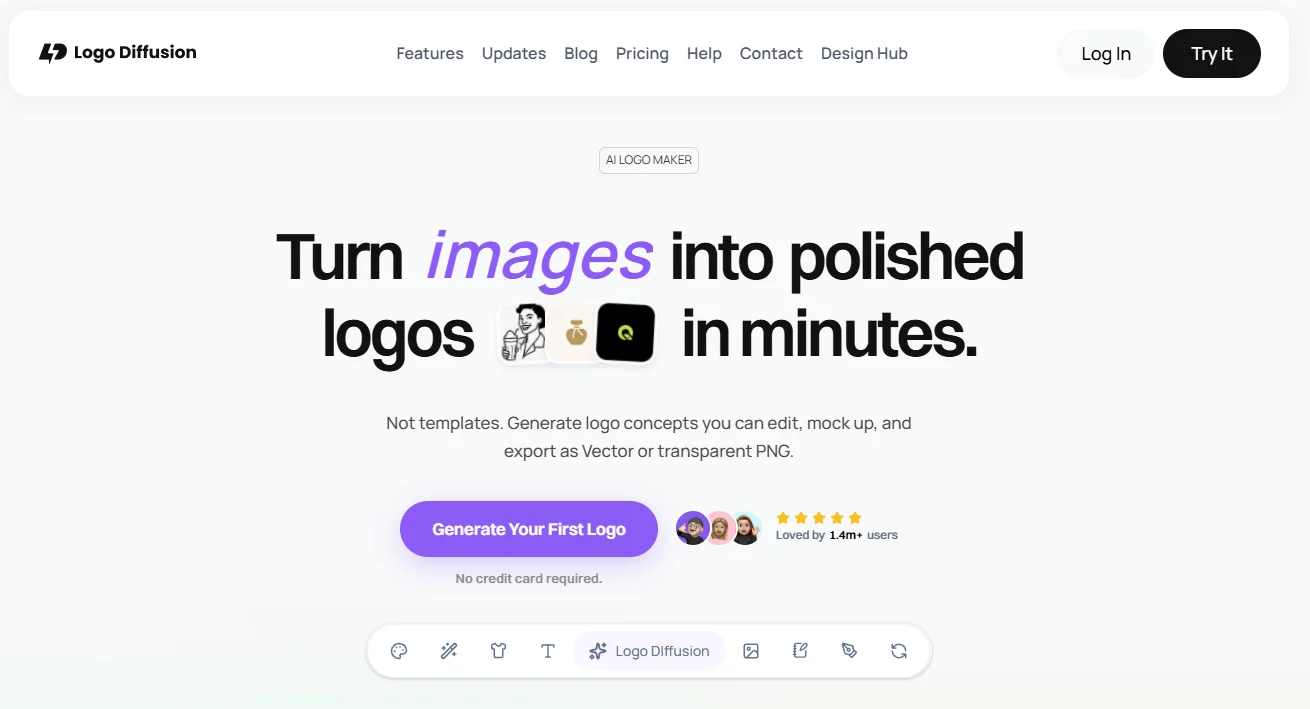
The free plan is limited to watermarked 512 by 512 downloads and has no commercial license, so it is only for testing.
| Detail | Estimate |
|---|---|
| Starting price | Free, Basic $24, Pro $49, Elite $99 per month |
| Free plan | Yes, 24 credits, watermarked, no commercial use |
| Output | Picture with a 3D look, vector export on paid plans |
| Best for | Converting an existing logo |
Pros
- Keeps the original logo shape
- Commercial license on paid plans
- Background remover and upscaler included
- Vector export on paid plans
Cons
- Free plan has a watermark and no commercial rights
- Credit and upscale limits differ between pages
- Price rises quickly for heavy use
6. Sloyd: best for real 3D logo files
Sloyd turns a JPG, PNG or WebP logo, or typed text, into a real 3D model. You upload the logo, the AI builds the geometry and you export it as STL, GLB or FBX. That makes it the best fit for signage, keychains, engraving and any 3D print logo, and the GLB file can be placed on a website.
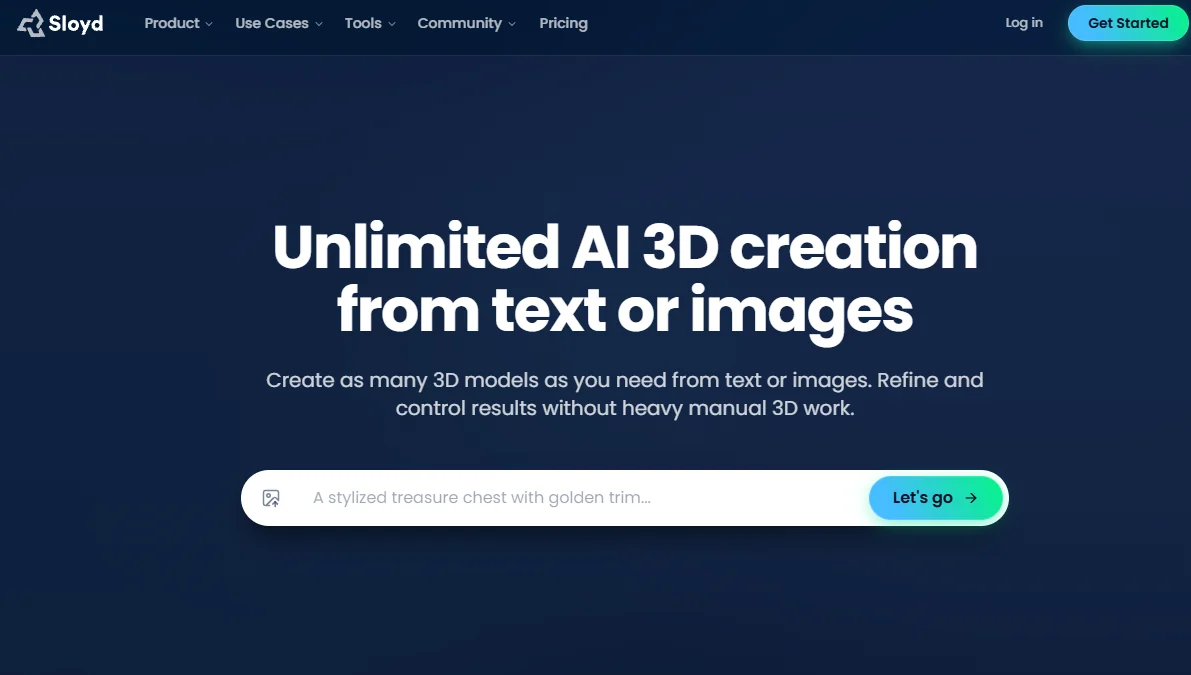
You do not need CAD skills, but a very detailed 3D logo with thin lines may need simplifying before you upload it.
| Detail | Estimate |
|---|---|
| Starting price | Guest $0, Plus $15 per month, Pro $50 per month |
| Free plan | 1 AI 3D generation per day, personal use only |
| Output | Real 3D model, STL, GLB, FBX |
| Best for | 3D printing and web models |
Pros
- Exports STL, GLB and FBX
- Works from an image or from typed text
- Plugins for Unity, Unreal and Blender
- Commercial use from the Plus plan
Cons
- Free plan allows one generation per day and personal use only
- Thin details can be lost
- Reselling and redistribution are limited on Plus
7. Meshy: best for 3D models from an image
Meshy is a general text to 3D and image to 3D tool, and it works for a 3D logo design when you upload a simple flat symbol. It exports FBX, OBJ, USDZ, GLB, STL and Blender files, and it has an AI texturing option for adding materials. The free plan gives 100 credits per month under a CC BY 4.0 license, which allows commercial use with attribution, and the Pro plan gives 1,000 credits and ownership of what you create.
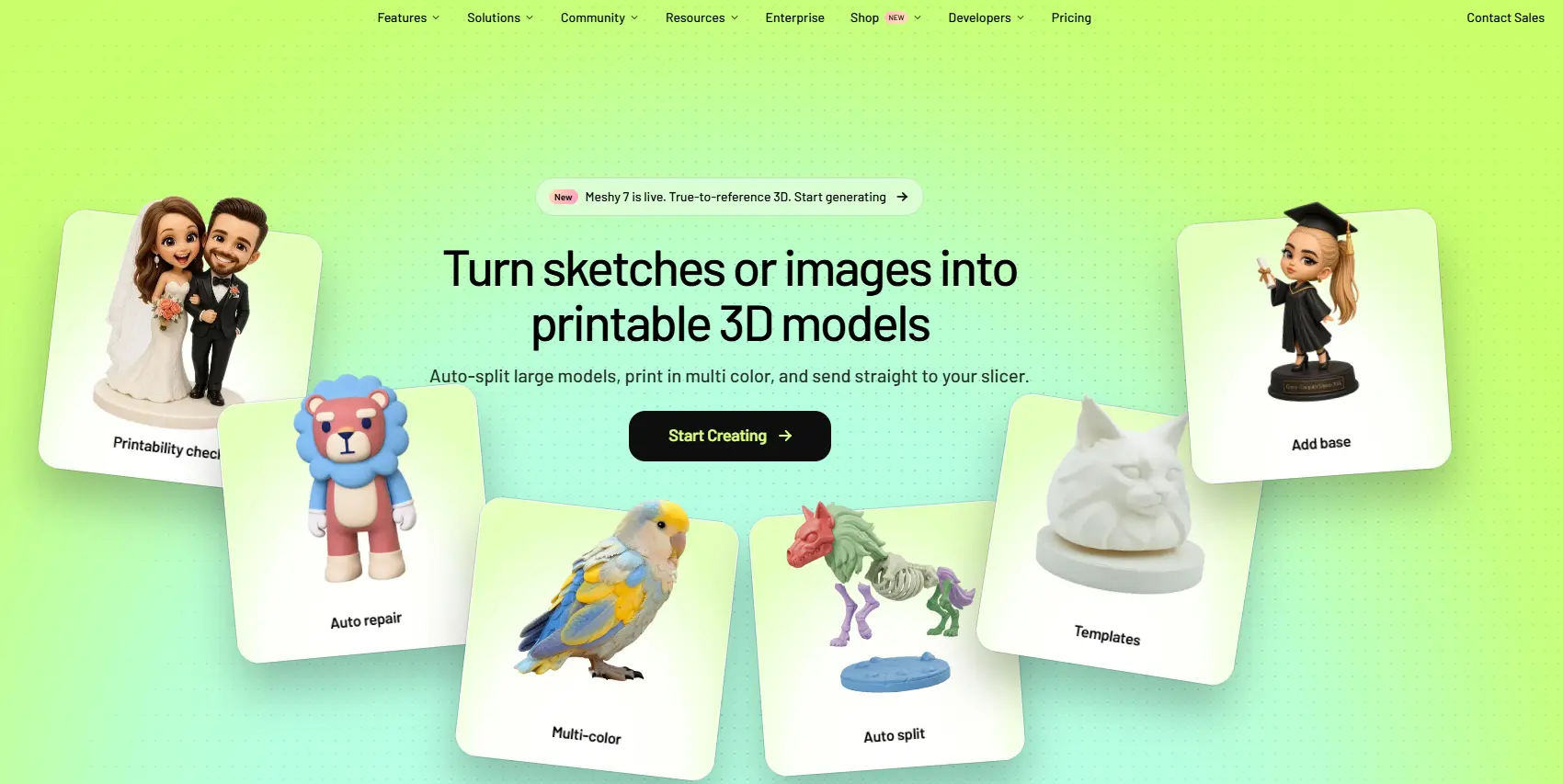
Meshy is not built around logos, so letters and fine edges need checking.
| Detail | Estimate |
|---|---|
| Starting price | Free, Pro and Studio on the Meshy pricing page |
| Free plan | Yes, 100 credits per month |
| Output | Real 3D model, FBX, OBJ, USDZ, GLB, STL, Blender |
| Best for | Image to 3D conversion |
Pros
- Many export formats
- Free plan with monthly credits
- AI texturing for materials
- Pro plan includes ownership of assets
Cons
- Not made for logos or text
- Free outputs need attribution
- Results vary with the source image
8. Spline: best for interactive 3D logos on a website
Spline is a browser-based 3D design tool where you build a scene, add lighting and materials, and publish it as a web embed. It works well for an animated 3D logo that reacts to the mouse or rotates in a hero section, and it also exports video.
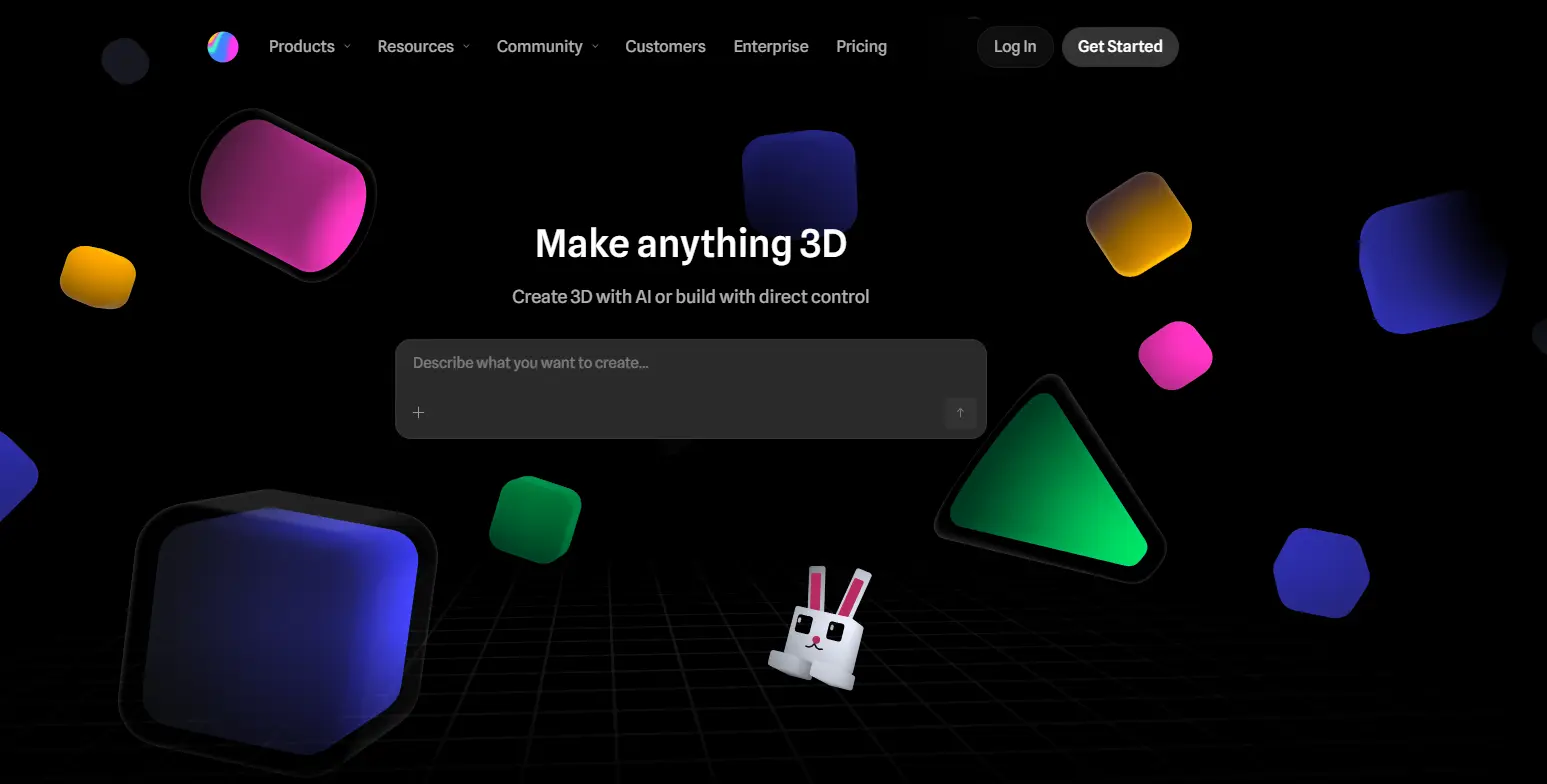
Spline is more of an editor than a one-click AI generator, so expect a short learning curve. AI credits come with every paid plan.
| Detail | Estimate |
|---|---|
| Starting price | Free, Hobby $15, Pro $30, Max $70 per month |
| Free plan | Yes, exports with watermark |
| Output | Interactive 3D scene, web embed, video |
| Best for | 3D logo animation on a website |
Pros
- Real-time lighting and shadows
- Interactive web embeds
- Video and app exports on higher plans
- Free plan to start
Cons
- More manual work than an AI generator
- Free exports carry a watermark
- Commercial terms are not stated on the pricing page
9. Icons8 Mega Creator: best for drag and drop editing
Mega Creator is a drag and drop editor with a library of 3D elements, AI generation and tools for lighting, shadows and material textures such as metallic, glass and plastic. You choose a canvas size, place the elements, rotate the view and export the result. It is a practical choice for a 3D logo for business use when you want to build the mark piece by piece instead of describing it in a prompt.
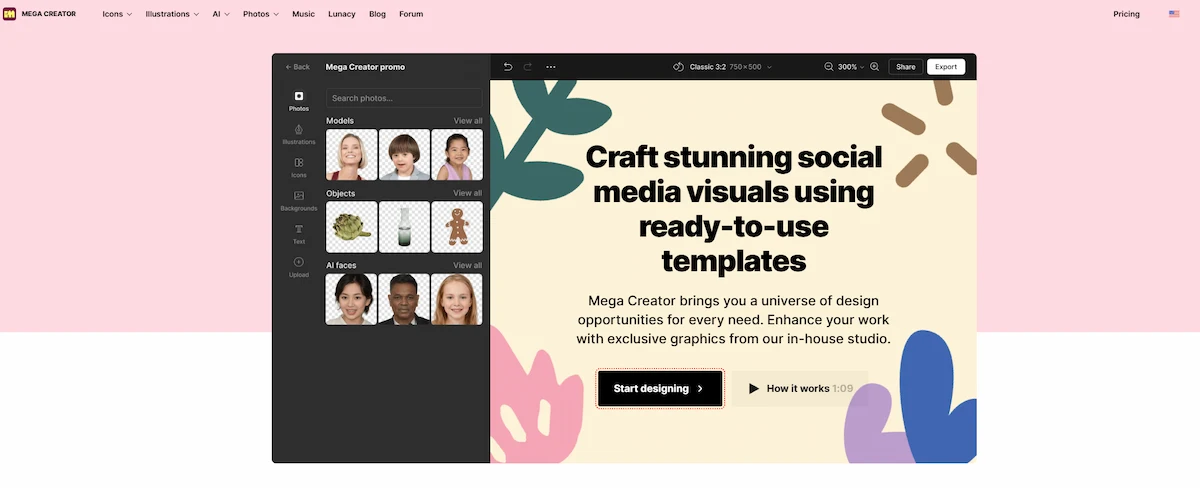
The free tier exports basic logos, and paid plans add premium 3D models and higher resolution. The pages do not state commercial terms, so read the Icons8 license before you publish.
| Detail | Estimate |
|---|---|
| Starting price | Free tier, paid plans on the Icons8 pricing page |
| Free plan | Yes, basic export |
| Output | Picture with a 3D look |
| Best for | Building a logo from 3D elements |
Pros
- Large library of 3D elements
- Lighting, shadow and material controls
- One-click background removal
- Free tier available
Cons
- Premium models and HD export need a paid plan
- Commercial terms are not stated on the product page
- Less realistic than Midjourney renders
More AI 3D logo tools worth a look
The nine tools above cover most needs, but a few more names appear often in other lists and can fit a narrow job.
- Dreamina: from CapCut, with a page for converting a 2D logo to 3D through image style transfer.
- Venngage: a free AI 3D logo generator with a drag and drop editor, a brand kit and PNG, JPG or PDF export.
- Pixa: upload a flat logo, describe the 3D style and download a high-resolution PNG without a watermark.
- Renderforest: customizable 3D logo templates for video and brand work.
- FlamingText: a simple generator for a 3D text logo.
- MakeSweet Logo: made for black-and-white logos, with basic lighting and texture settings.
- Looka and Brandmark: flat logo makers that sell logo packages and brand kits, useful if you need a base logo before you add depth.
How to choose the right AI tool for your 3D logo
Answer four questions and the choice gets short. Do you already have a logo, or do you start from an idea? Do you need a picture or a 3D file? Do you need a free plan? Do you need to use the result commercially?
- You have a flat logo and want a quick 3D version: Logo Diffusion, Fotor or Canva.
- You start from an idea and want the best material and lighting: Midjourney.
- You need a printable or web model: Sloyd or Meshy.
- You want an interactive or animated 3D logo on a website: Spline.
- You need a free draft with no card: Fotor or ImagineArt.
Midjourney vs Canva vs Logo Diffusion
These three are the most common starting points, and they solve different problems. The table puts them side by side.
| Detail | Midjourney | Canva | Logo Diffusion |
|---|---|---|---|
| Free plan | None | Yes | Yes, watermarked |
| Starting price | $10 per month | Pro $144 per year | $24 per month |
| Best for | Material and lighting | Text, templates, mockups | Converting a flat logo |
| Weak spot | Text breaks | Less realistic depth | No commercial use on free |
How to turn a 2D logo into 3D with AI
The steps are almost the same in every tool, so you can follow them in any AI 3D logo generator from the list. Plan on three or four tries, because the first 3D logo rarely keeps the exact shape.
Prepare the logo file
Start with the cleanest file you have. A PNG with a transparent background gives the best results, and a vector file such as SVG is even better for tools that accept it. If the logo sits on a solid background, remove it first. Remove.bg has been the usual choice for that, but its standalone website is closing on 1 December 2026, and the service is moving to Canva, so the Canva background remover is the safer option from now on. Keep the logo simple, since thin lines and tiny text are the parts the AI changes most.
Upload the logo and describe the 3D style
Upload the file and write what you want in one or two lines: the material, the lighting and the angle. A short prompt that names one material works better than a long list of effects. Most tools let you add a negative instruction such as no extra text, no extra icons or no distortion, and you should use it.
Refine, export and check the result
Generate several versions, keep the one that matches the original shape and run it again with a small change. Check the letters first, because that is where mistakes appear. Download the highest resolution your plan allows, and save the file as PNG with a transparent background for web use. If you need a model, export STL or GLB from Sloyd or Meshy instead.
What makes a 3D logo look good
A strong 3D logo design starts from a simple shape. The AI adds depth to what is already clear, so a bold symbol with few details gives a cleaner result than a busy one. Four points matter most.
- Simple shape: one main symbol, thick lines and little text.
- Contrast: keep a clear difference between the logo and the background. Chrome and glass need a darker or neutral background to show reflections.
- Colors: two or three main colors work best, and a metallic or glossy finish already adds visual interest.
- Size: check the logo at 32 pixels and at full size. If the shape or letters disappear when small, simplify it, and export at least 2000 pixels on the long side for large screens and print.
Test the logo on a light and a dark background before you choose a final version, since a 3D finish can look good on one and weak on the other.
3D logo prompts that work
Good 3D logo prompts follow a pattern, and the same pattern works in Midjourney, Fotor, ImagineArt and Logo Diffusion. If you do not like writing prompts from scratch, a chatbot can draft variations for you, and the guide on AI tools alternative to Claude compares the options.
The core prompt formula
Write 3D logo prompts in this order: the subject, the style, the material, the lighting, the angle and the background. Keep it under about 40 words. Midjourney and similar tools give more weight to the first words, so put the subject first.
| Part | Example |
|---|---|
| Subject | Letter M monogram logo |
| Style | 3D render, minimal, bold shape |
| Material | polished chrome |
| Lighting | soft studio light, sharp reflections |
| Angle | front view, slight tilt |
| Background | plain dark gray |
Material prompts: chrome, gold, glass, neon and matte
The material word changes the look of a 3D logo more than any other part of the prompt. Use one of these as a starting point and keep everything else the same when you compare results.
- 3D chrome logo monogram: letter monogram, 3D render, polished chrome, sharp reflections, dark background.
- 3D glass logo emblem: round emblem, 3D render, clear glass, soft refraction, light background.
- Gold badge: shield badge logo, 3D render, brushed gold, warm studio light, black background.
- Neon tube mark: simple symbol, 3D render, glowing neon tube, dark wall.
- Matte extrusion: flat symbol pushed out into 3D, matte plastic, soft shadow, white background.
- Glossy 3D text: brand name in rounded letters, glossy 3D text, bright color, plain background.
Lighting and angle words
Lighting creates depth. Words such as soft studio light, rim light and top light give a 3D logo a clean product-render look, while hard spotlight and high contrast make the logo feel heavier. For the angle, front view keeps the logo readable, and isometric view works for badges and icons. Avoid extreme perspective, because it bends the letters and makes the logo hard to reuse.
Prompt templates by logo type
The type of logo changes how the prompt should read. Use the templates below as a base and replace the words in brackets with your own.
| Logo type | Prompt template |
|---|---|
| Wordmark or 3D text | brand name [word] in bold rounded letters, glossy 3D text, [color], soft shadow, plain background |
| Lettermark or monogram | letter [X] monogram, 3D render, polished chrome, studio light, dark background |
| Emblem or badge | round badge logo, 3D render, brushed gold, warm light, front view |
| Pictorial mark | simple [object] symbol, 3D render, matte plastic, soft shadow, white background |
| Mascot | friendly [animal] mascot, 3D render, smooth clay finish, bright colors, plain background |
| Abstract symbol | abstract geometric shape, 3D render, clear glass, soft refraction, light background |
3D text logos and fonts
Text is the weakest part of most AI tools for 3D logos, so treat it as a separate step. Keep the name to one or two words, choose a bold, rounded font and avoid thin or script letters, because the edges break when depth is added. A text-first tool such as FlamingText, Canva or Sloyd, which creates 3D text from typed input, is a safer way to get readable letters. If you want to match a font from a picture, upload it to a font finder and check the closest match.
Five mistakes that distort your logo
- Too many effects in one prompt. Use one material and one light.
- Long text in the 3D logo. Generate the symbol and add the name afterward.
- No negative instruction. In Midjourney use the –no parameter to keep out extra text or icons.
- Busy backgrounds. A plain background keeps the edges clean for removal.
- Using the first result. Run several variations and compare the shapes with the original.
AI tools vs 3D software like Blender
Blender is free and gives full control over every edge, material and light, but it takes weeks to learn. AI tools give a first 3D logo in minutes, and the trade-off is less control over exact shapes and text. Use AI for drafts, ideas and quick marketing assets. Choose Blender or a designer when the logo must match a precise vector, when you need clean geometry for manufacturing, or when you plan to animate it in detail.
Free AI 3D logo makers and their limits
You can make a decent first 3D logo without paying, but every free plan has a catch. Small shops that only need a draft for a sign or a social page, such as the ones described in the list of business ideas in Ghana, can start here and pay only when the design is final.
- Fotor: a free 3D logo maker with limited credits, and HD export on paid plans.
- ImagineArt: daily free credits that expire at the end of the month.
- Canva: free plan with up to 20 AI uses, background remover in Pro.
- Logo Diffusion: 24 free credits, watermarked 512 by 512 downloads and no commercial license.
- Sloyd: one AI 3D generation per day for personal use.
- Meshy: 100 credits per month, outputs under CC BY 4.0 with credit to Meshy.
- Spline: a free plan where web exports carry a watermark.
For a free 3D logo maker that also exports without a watermark, Fotor is the most direct start, and ImagineArt is the easiest place to compare many styles. Before you use a free result for a business, check whether the plan allows commercial use.
Best file formats and sizes for 3D logos
The right format depends on the place where the logo will appear. Export a flat version and a 3D version, so you always have a fallback.
| Format | Use |
|---|---|
| PNG with transparent background | Websites, social media, presentations |
| JPG | Photos and mockups on a solid background |
| SVG or other vector | Flat version for print and resizing |
| STL | 3D printing, engraving, signage |
| GLB | Websites and AR or VR |
| FBX or OBJ | Animation and 3D software |
For a 3D logo picture, export at least 2000 pixels on the long side, so it stays sharp on large screens and printed material. A 3D look made by AI cannot be turned into a clean vector by itself, which is why a flat vector version of the mark is worth keeping.
Where to use a 3D logo
A 3D logo is strong on screens and products, and weaker where plain, small or one-color printing is needed. Use it where depth is visible.
- Website hero section and app icon: a glossy 3D version stands out, and a GLB or Spline embed can rotate.
- Social media profile and ads: a 3D logo mockup on a product or a scene works well.
- Signage, keychains and merch: an STL file can be printed or engraved.
- Engraving, embossing and laser-ready work: an STL file or a depth map from a model tool gives the cutter a surface to follow.
- Packaging and displays: a physical 3D print logo adds a premium feel.
- Video intros: a 3D logo animation works as an opener or end card.
- AR and VR: a GLB model can be placed in an immersive scene.
Software teams often start with a 3D logo as an app icon and a hero animation, which is a good fit for the launch plan in the guide to how to start a SaaS business in Dubai.
To animate the logo, export the model as GLB or FBX and move it in Spline or in Blender, or render a short video from a still image with an image-to-video tool. Keep the movement short, since a slow spin of two or three seconds is enough for an intro. Export a short loop at 30 frames per second, so the file stays small enough for a landing page and loads fast on a phone.
Build a brand kit around your 3D logo
A 3D logo works best as part of a small set of files. Keep a flat version as the main logo, a one-color version for stamps and embroidery, a small icon version for a favicon or profile picture, and the 3D version for places where depth shows. Write down the colors, the fonts and the minimum size in a short brand style guide, so every file looks like the same brand on every platform.
Can you use an AI 3D logo commercially
The answer depends on the plan and the tool, so read the license before you publish. Young founders with a first project, such as those in the guide on how to start an online business under 18, should also check the age limits in each tool terms. The points below come from the pricing and terms pages checked in October 2026, and they are not legal advice.
- Midjourney: paid plans include general commercial usage rights.
- Logo Diffusion: the free plan has no commercial license, and paid plans include one.
- Sloyd: the free guest plan is for personal use, and Plus and Pro include commercial use, with limits on reselling.
- Meshy: free outputs fall under CC BY 4.0, which means commercial use with credit, and the Pro plan gives you ownership of your assets.
- Canva, Fotor, ImagineArt, Icons8 and Spline: check the current terms, because the pages used here do not state them clearly.
There are two more risks. In some countries, including the United States, purely AI-generated artwork may not get copyright protection, which makes it harder to stop copies of your logo. A generated mark can also look like an existing brand, so search a trademark database before you register or print it on products.
When to hire a designer instead
AI tools are enough for a draft, a small project or a quick test. A designer is the better choice when the logo is the center of the brand, when you need to register a trademark, or when the mark has to work in one color, at a tiny size and on signage. Many founders use AI for early 3D logo design ideas and then hand the best one to a designer for clean vector files. If your business is growing and you want someone to manage that work, the guide to the role of an online business manager explains how that person can coordinate designers and tools.
AI tools for 3D logos compared by price
The table shows the free plan, the entry plan and the type of file you get. Check the current prices on the Canva pricing page and the Sloyd pricing page, because plans and credits change often.
| Tool | Free plan | Paid from | Output |
|---|---|---|---|
| Midjourney | None | $10 per month | Picture |
| Canva | Yes | Pro $144 per year | Picture |
| Fotor | Yes | See Fotor pricing | Picture |
| ImagineArt | Yes | $9 per month | Picture |
| Logo Diffusion | Yes, no commercial use | $24 per month | Picture, vector |
| Sloyd | 1 generation per day | $15 per month | 3D model |
| Meshy | 100 credits per month | See Meshy pricing | 3D model |
| Spline | Yes, watermark | $15 per month | Interactive 3D |
| Icons8 Mega Creator | Yes | See Icons8 pricing | Picture |
Final recommendation
For most people the best AI tools for 3D logos are Fotor for a free first draft, Midjourney for the best material and lighting, and Logo Diffusion for converting a logo you already have. Choose Sloyd or Meshy if you need a real file for printing or the web, and Spline if the logo has to move on a website. Canva is the finishing tool for text, background removal and mockups. Start with a free plan, run the same logo through two tools and keep the version that holds the original shape best.
Frequently asked questions
What is the best AI tool for 3D logos?
Midjourney gives the best material and lighting for a 3D logo picture, Logo Diffusion is the best for converting an existing logo, and Sloyd is the best for a real 3D model. The best choice depends on whether you need an image for a screen or a file for printing.
Is there a free AI 3D logo maker?
Yes. Fotor, ImagineArt and Canva have free plans, Sloyd allows one AI generation per day, and Meshy gives 100 credits per month. Free plans limit credits, resolution or commercial use, so check the terms before you use the result for a business.
Can I turn my 2D logo into 3D with AI?
Yes. Upload the logo to Logo Diffusion, Fotor or Canva for a 3D look, or to Sloyd or Meshy for a real model. Use a transparent PNG or a vector file, and keep the design simple, because thin lines and small text are often changed.
Can Midjourney make a 3D logo?
Yes, with 3D logo prompts that name the subject, the material, the lighting and the background. It creates a picture with a 3D look, not a 3D model, and text in the logo often breaks, so add the name later in an editor.
What file format is best for a 3D logo?
Use PNG with a transparent background for websites and social media, STL for 3D printing, GLB for the web and AR, and FBX or OBJ for animation software. Keep a flat vector version of the logo as well.
Can I 3D print an AI-made logo?
Yes, if the tool exports a real model. Sloyd exports STL, and Meshy exports STL and several other formats. A picture from Midjourney, Canva or Fotor cannot be printed as a model without conversion.
Can I use an AI-made 3D logo commercially?
It depends on the tool and the plan. Midjourney paid plans include commercial usage, Logo Diffusion and Sloyd allow it on paid plans, and Meshy free outputs need credit. Read the current terms and search a trademark database before you register the logo.
Why does the AI change my logo text?
Image generators draw letters as shapes and do not read them as text, so words can come out distorted. Generate the symbol alone, then add the name in Canva or another editor, or use a tool built for logos such as Logo Diffusion.
How do I make a 3D logo with a transparent background?
Remove the background from the original logo before you upload it, or export the finished picture as a transparent PNG from a paid plan. The Canva background remover replaces Remove.bg, whose standalone site closes on 1 December 2026.
How do I animate a 3D logo?
Export a GLB or FBX model from Sloyd or Meshy and animate it in Spline or Blender, or build it directly in Spline and publish it as a web embed. For a still image, an image-to-video tool can add a short rotation or light sweep.
What is the difference between a normal logo and a 3D logo?
A normal logo is flat and uses simple shapes and colors, while a 3D logo adds depth, light, shadow and material. The flat version is easier to print and resize, and the 3D version stands out more on screens, in video and on physical signs.
Where can I find 3D logo ideas?
Start with the prompt templates in this guide and test chrome, glass, gold and matte finishes on the same symbol. Brand pages on Behance and Dribbble, template galleries in Canva and Fotor, and the examples inside Midjourney and ImagineArt also give plenty of 3D logo ideas.
What colors work best for a 3D logo?
Two or three main colors with strong contrast against the background work best. Metallic finishes such as chrome and gold look good on dark or neutral backgrounds, while glass and matte plastic suit lighter ones.
What size should a 3D logo be?
Export at least 2000 pixels on the long side for screens and large prints, and check that the shape stays readable at 32 pixels. For a printed sign or a 3D print, use the STL model and set the size in the printing software.
What is a 3D logo mockup?
A 3D logo mockup places your logo on a product or scene, such as a mug, a T-shirt, a card or a storefront, so you can see how it looks in real use. Fotor and Canva include mockup tools, and a flat PNG with a transparent background gives the cleanest result.
Do I need 3D software or CAD skills to make a 3D logo?
No. Tools such as Fotor, Canva, Midjourney and Logo Diffusion work from a prompt or an upload, and Sloyd builds a model without CAD. 3D software like Blender gives more control, but it takes much longer to learn.