You can learn how to start an AI business with no money, but you pay in hours instead of cash. Free AI tools, such as the free plan of a big AI assistant, plus a free design app and a free scheduling link, are enough to send a first invoice. What money buys you is speed. Without it, plan on roughly six to ten unpaid hours building samples before anyone pays you anything. That trade is worth it if you pick one narrow service, show a few samples and start with people who already know you.
This guide covers nineteen AI business ideas you can start for free, what it costs, a free tool stack, a weekend plan for building a portfolio, how to package and price your service, how to find your first client and deliver the work, the legal basics and a 30-day plan. Free tiers and prices change, so check each provider before you rely on a plan. The earnings in this guide are rough ranges from beginner guides, not promises.
Key Takeaways
- Sell a service first, because an AI business built on services pays quickly and teaches you what buyers want
- Pick one niche and one deliverable instead of offering “AI services” to everyone
- Build three samples before you send a single message
- Package your service as one niche, one package and one price
- Deliver with an intake form, a checklist and one edit pass, and offer a small paid pilot before a long free trial
- Free plans have limits on messages, models, volume and commercial use, so read the terms
- Your first paying client will most likely come from someone who already knows you
- Expect small and uneven income in the first months, and keep your records clean from day one
The 19 AI Business Ideas at a Glance
The ideas are sorted by how fast you can reach a first client. Each AI business idea has its own review below with a cost estimate, pros and cons.
- AI content writing – Blog posts, product pages and emails for small businesses, with a sample in a couple of hours
- AI social media management – Post plans, captions and scheduling on free scheduler plans
- AI automation for small businesses – Simple workflows that connect forms, sheets, email and calendars
- AI consulting and training for business owners – Audits and short lessons for owners who do not know where to start
- AI virtual assistant services – Inbox sorting, meeting notes and research summaries
- No-code AI chatbots for local businesses – Bots that answer common questions and take bookings
- Product images and photo editing – Clean, consistent photo sets for small sellers
- Digital products and templates – Prompt packs, planners, checklists and lesson outlines
- Translation and localization – Existing pages adapted for customers who speak another language
- Print-on-demand and design – Shirts, mugs and posters made and shipped after each sale
- Prompt engineering and prompt packs – Tested prompt systems and templates for one profession
- AI research and insight reports – Short, sourced reports on markets, rivals and policy
- SOP and process documentation – Written procedures for small teams
- Review responses and local reputation content – Replies and posts built from customer reviews
- Data annotation and human-in-the-loop review – Labeling and rating work through platforms
- GEO and AEO consulting – Helping small businesses get cited in AI answers
- Niche online courses – Short, practical courses on one skill you know well
- Websites for local businesses – Small sites built with free builders and AI help
- AI coaching programs – Monthly coaching in one narrow area with AI-assisted tracking
What an AI Business With No Money Really Is
An AI business sells a result that you produce faster because a model does part of the work. The client buys the deliverable and does not buy the software. That is why you can start an AI business for free: the tools you need to produce a first deliverable already have free plans, and your own skill and judgment are the product. Understanding that split is the first step in how to start an AI business with no money.
The Three Parts of a Zero-Cost AI Business
Every version that works has the same shape:
- Something you already know – Your job, hobby, language or industry contacts
- A model that handles the slow middle – Drafting, summarising, sorting, restyling or transcribing
- A deliverable people already pay for – A document, an image set, a spreadsheet or a small automation
If one part is missing, you have a pastime and not a business.
Do You Need Technical Skills?
For most of these ideas, no coding is needed. You do need three skills: writing a clear instruction, checking the output against a real standard and explaining the result to a buyer. If you can brief a junior colleague, you can write a good prompt. Automation and chatbot work reward some technical comfort, but they are a minority of the starting points here.
What Free Really Means
Free AI tools cap the number of messages and often restrict the newest models. That is fine for solo service work. The real cost is your time, since you will spend hours on samples before the first payment, and income in the first months is uneven. Competition at the low end is also tough, because the barrier you just cleared is low for everyone. Treat free as a way to test an offer, not as a business model, and expect your AI business to change shape once real clients arrive.
How Much Does It Cost to Start an AI Business?
If you are working out how to start an AI business with no money, the cash cost of the first month is close to zero, and the real cost is hours. It helps to split the list into what costs nothing today and what costs money first.
- Free today – Free assistant plans, a free design app, free documents, a free scheduling link and a free invoice template
- First paid upgrade – A paid assistant plan, which is often around 20 dollars a month for the main chat subscriptions, once you hit message limits every day
- Second upgrade – A paid automation plan or image credits, but only after a client depends on the work
- Later – A domain, a business email address and a website, once you know which service sells
Pay for the tool that removes your biggest bottleneck, not the one that sounds most impressive, and review your subscriptions once a month so small charges do not pile up. You do not need outside funding for a service business. If you want it later, look at small business loans or grants where you live, and walk away from anyone who asks for a fee up front to arrange funding.
Challenges to Plan For
An AI business built on services has fewer risks than one built on software, but it still has a few you should plan for before the first client.
- Reliability – The same prompt can give different results on different days, so keep your best prompts and notes in one file
- Accuracy – Models can state wrong facts with confidence, so verify every number, name and price
- Regulation and privacy – Client data and regulated topics such as health, law and finance need extra care or a pass
- Quality – Readers notice flat, generic text, so every piece needs an edit pass and a real voice
How to Choose Your First AI Business
The wrong idea is the fastest way to stall when you work out how to start an AI business with no money. Niche matters more than tools. A generic “AI services” freelancer competes with everyone, while someone who writes appointment reminder texts for physiotherapy clinics competes with almost nobody. For ideas that need no startup money at all, read about an online business without investment.
Score Each Idea Before You Commit
Answer six questions about every idea on your list:
- Can you name one real person who would buy this?
- Can you make a believable sample in under four hours?
- Would the buyer notice if you stopped delivering?
- Is the topic low-risk, meaning no medical, legal or financial advice?
- Does the work still hold up after an honest edit pass?
- Could you repeat it twenty times without dreading it?
Five or six yes answers mean you can go. Three or fewer mean you should change the idea or the buyer.
Test Demand With Five Messages
Send five short messages to people who fit the buyer, describing the deliverable and the price. Count how many reply with a question. Two curious replies out of five means the offer is alive. Zero replies out of fifteen means the wording, the price or the buyer is wrong, so change one of them and try again. Watch the questions, not the compliments. “How fast can you deliver?” is a buying signal. “That sounds useful” is not.
The Best AI Business Ideas You Can Start for Free
These nineteen AI business ideas for free all rely on a free assistant plan and a free design or document app, which is how to start an AI business for free without buying software. Costs below are rough and assume you already own a laptop and an internet connection.
1. AI Content Writing
Small businesses need blog posts, product descriptions, newsletters, email sequences and social captions, and many of them do not have time to write. You use an AI assistant to draft, then edit, check facts and match the client’s tone.
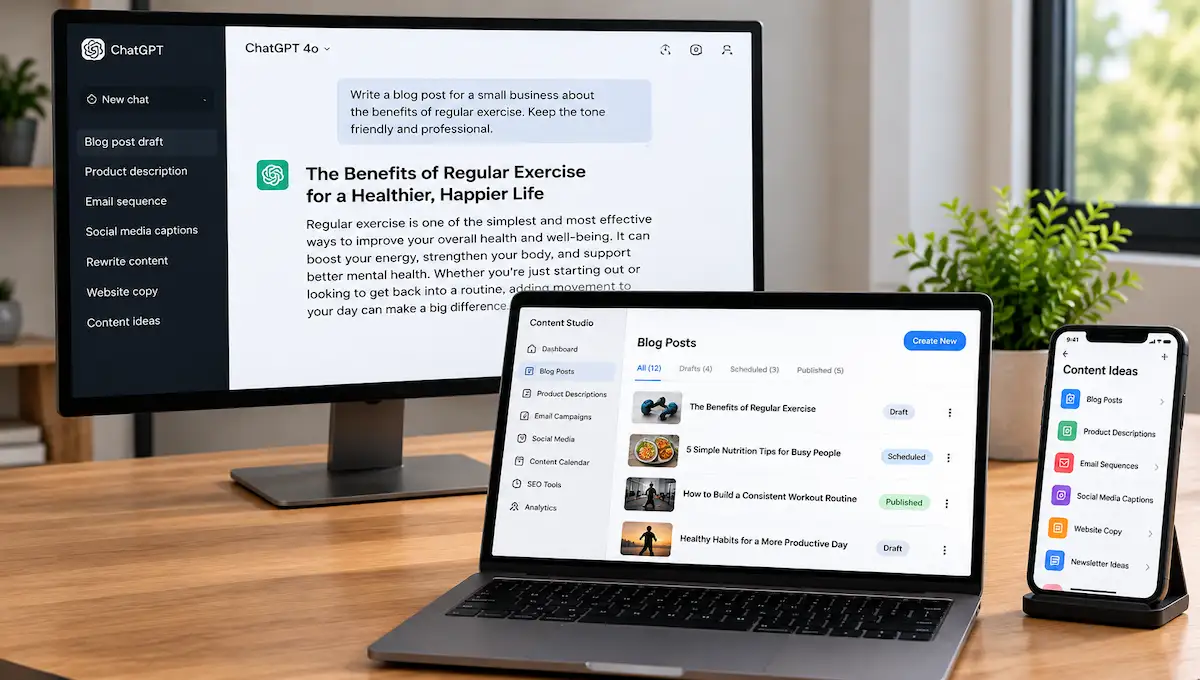
Pick a niche you understand, such as local clinics, boutique gyms or online shops. The easiest sample is a rewrite of a page the client already has, because they can see the improvement right away. Sell it as a package, for example four posts a month, and not as hours.
| Detail | Estimate |
|---|---|
| Typical startup cost | Free, using a free assistant plan and a free document app |
| Time to first client | 1 to 3 weeks |
| Income model | Fee per piece or a monthly package |
| Best for | People who already write clearly |
Pros
- No software to build
- Samples take hours, not weeks
- Monthly packages bring repeat income
- Easy for buyers to understand
Cons
- Crowded at the low end, with many buyers expecting very low prices
- Unedited AI text is easy to spot
- You are responsible for every fact you publish
First steps
- Pick one niche and rewrite one page from a real local business
- Edit it by hand, check every fact and save it as a one-page sample
- Send it to five owners in that niche with a short offer
2. AI Social Media Management
Brands need a steady flow of posts, but few small owners have the time. As an AI social media manager you build a posting plan, use an assistant to draft captions and ideas, schedule them and review each post for accuracy and brand fit before it goes out.
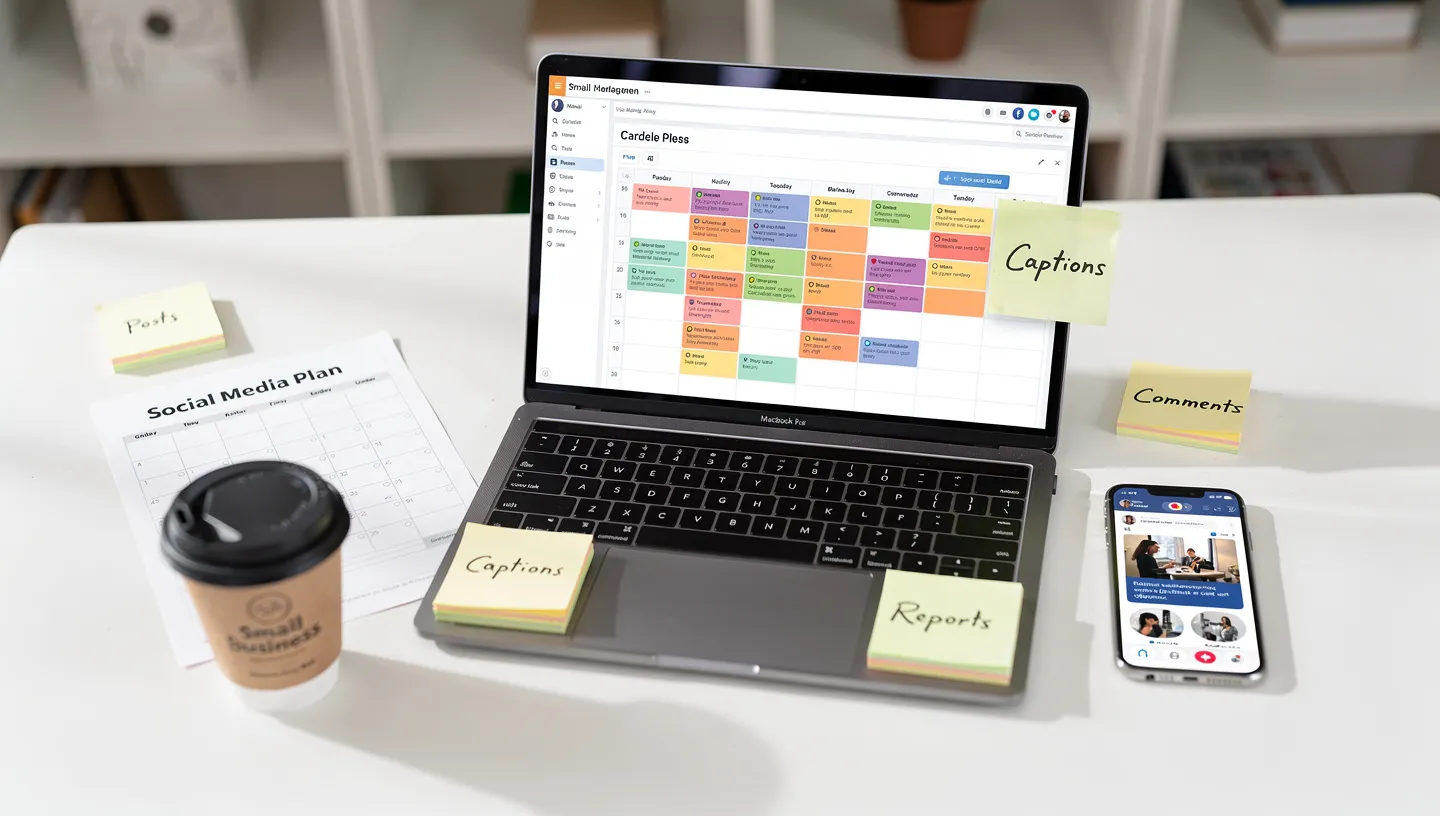
You also handle replies and report what worked. Scheduling tools such as Buffer have free or low-cost entry plans, so you can start with one or two clients. Show your skill by growing a small page of your own first, then use those numbers in your pitch.
| Detail | Estimate |
|---|---|
| Typical startup cost | Free, with a free scheduler plan and a free design app |
| Time to first client | 2 to 4 weeks |
| Income model | Monthly retainer per brand |
| Best for | People who already use social platforms well |
Pros
- Retainers repeat every month
- Results are visible to the client
- Free scheduler plans are enough to start
- Easy to add more brands
Cons
- Approvals from clients can slow you down
- Free scheduler plans cap channels and posts
- One scheduling error is public
First steps
- Set up a free scheduler plan and plan two weeks of posts for a page you know
- Note any growth you achieved and keep screenshots
- Offer one local brand a trial month
3. AI Automation for Small Businesses
Many small businesses do the same tasks by hand every day: copying form entries into a sheet, sending reminders, chasing invoices. An AI automation service connects those steps so they run on their own. You can build a first version with visual tools, such as the free plans of Make and Zapier, or with n8n, which is free to self-host.
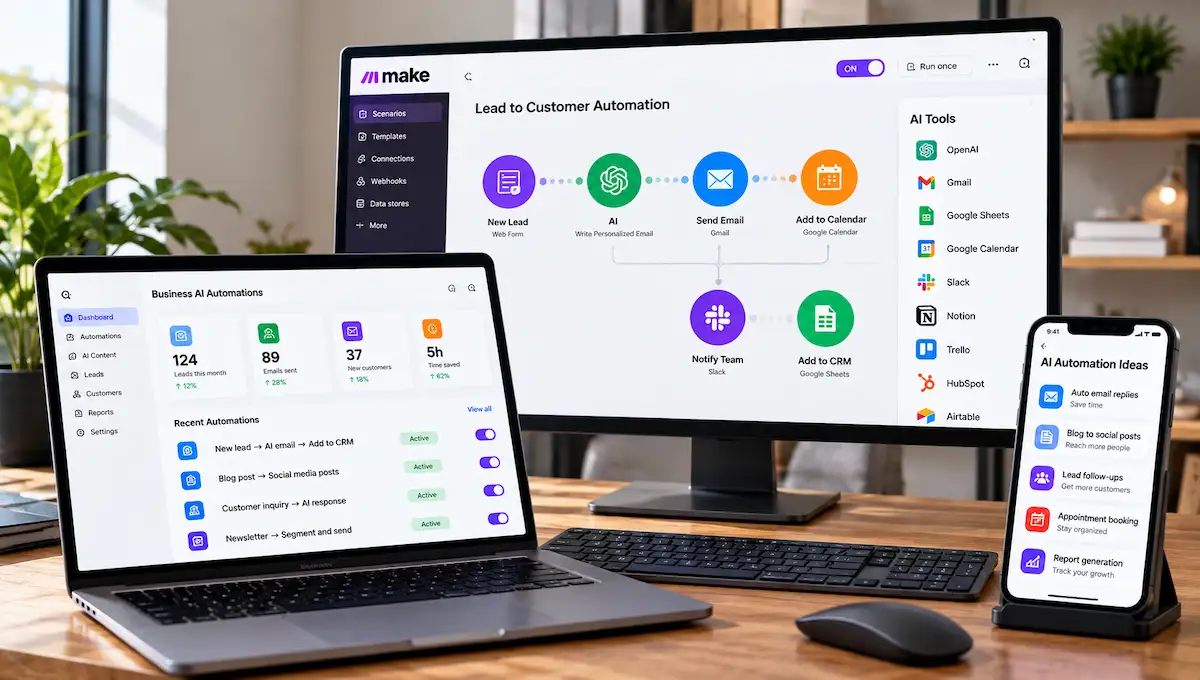
Make’s free plan includes 1,000 operations a month and two active scenarios, and Zapier’s free plan gives you 100 tasks a month, so both are enough for demos but small for real client work. Record a five-minute screen walkthrough of one working automation, such as a form that adds a lead to a sheet and sends an email, and use it as your demo.
| Detail | Estimate |
|---|---|
| Typical startup cost | Free for demos, paid plans once a client depends on it |
| Time to first client | 3 to 6 weeks |
| Income model | Fee per build plus a small monthly support fee |
| Best for | People comfortable with logic and spreadsheets |
Pros
- Clients see the time you save them
- Higher fees per project than writing
- Monthly support brings repeat income
- Demos are easy to record
Cons
- Needs some technical comfort
- Free plan limits are small for live clients
- You carry support when something breaks
- Client logins and data must be handled carefully
First steps
- Build one automation, such as a form that adds a lead to a sheet and sends an email
- Record a five-minute walkthrough
- Offer the same setup to three local businesses
4. AI Consulting and Training for Business Owners
Many owners know AI could help them but do not know where to start. As a consultant you audit one team’s repetitive tasks, show them which free tools fit, and teach staff how to use them.
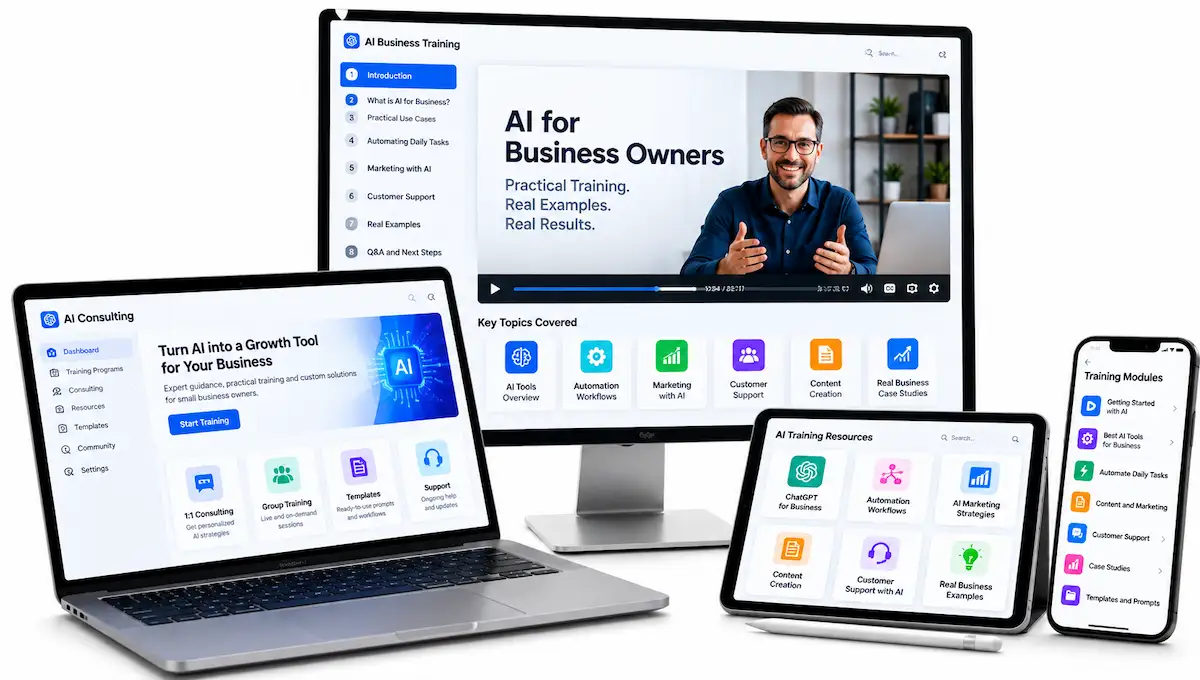
Stay narrow, for example AI for dental offices or AI for online shops, and do not try to master every product on the market. A short checklist, such as five AI tools every owner in your niche should try, makes a good free gift for outreach.
| Detail | Estimate |
|---|---|
| Typical startup cost | Free, with a free assistant plan and a free presentation app |
| Time to first client | 2 to 5 weeks |
| Income model | Paid audit, hourly session or small workshop |
| Best for | People with real experience in one industry |
Pros
- No software to build
- Uses the work experience you already have
- Can lead to automation or content work
- Higher hourly rates than most beginner services
Cons
- Buyers want proof you know the industry
- Sales conversations take longer
- Do not promise specific results
First steps
- Pick one industry you know and list ten repeating tasks
- Write a one-page checklist of free tools that fit those tasks
- Offer a short paid audit to three owners
5. AI Virtual Assistant Services
A virtual assistant handles the admin that piles up for owners and managers: sorting an inbox, drafting replies, summarising meetings, booking calls, researching suppliers and cleaning spreadsheets.
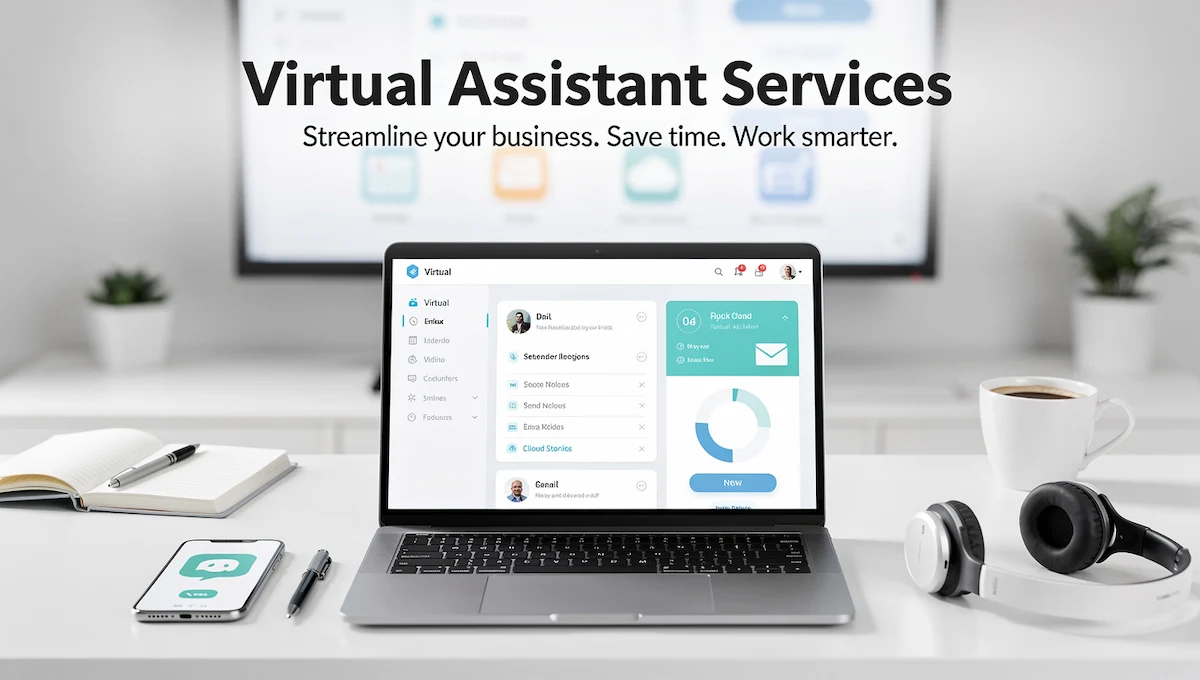
AI cuts the time on each task, and you check the output before it reaches the client. Meeting and interview summaries are a good first deliverable, since a one-hour recording can become a clear page of notes. Ask clients what material is confidential before you touch anything, and never paste private files into a free tool without their permission.
| Detail | Estimate |
|---|---|
| Typical startup cost | Free, with a free assistant plan and free documents |
| Time to first client | 1 to 3 weeks |
| Income model | Hourly block or monthly package |
| Best for | Organised people who like admin work |
Pros
- Low skill barrier
- Steady demand from busy owners
- Natural path to larger services
- Easy to test with one client
Cons
- Confidential material needs care
- Clients may expect same-day replies
- Pay per hour can stay low without a package
First steps
- Pick one task, such as meeting summaries, and make a sample from a public recording
- Write a short note on how you protect confidential files
- Offer a trial week to one busy owner
6. No-Code AI Chatbots for Local Businesses
Salons, clinics, restaurants and repair shops answer the same questions all day: opening hours, prices, booking. A chatbot can handle those questions on a website or a messaging app and pass harder ones to a person.
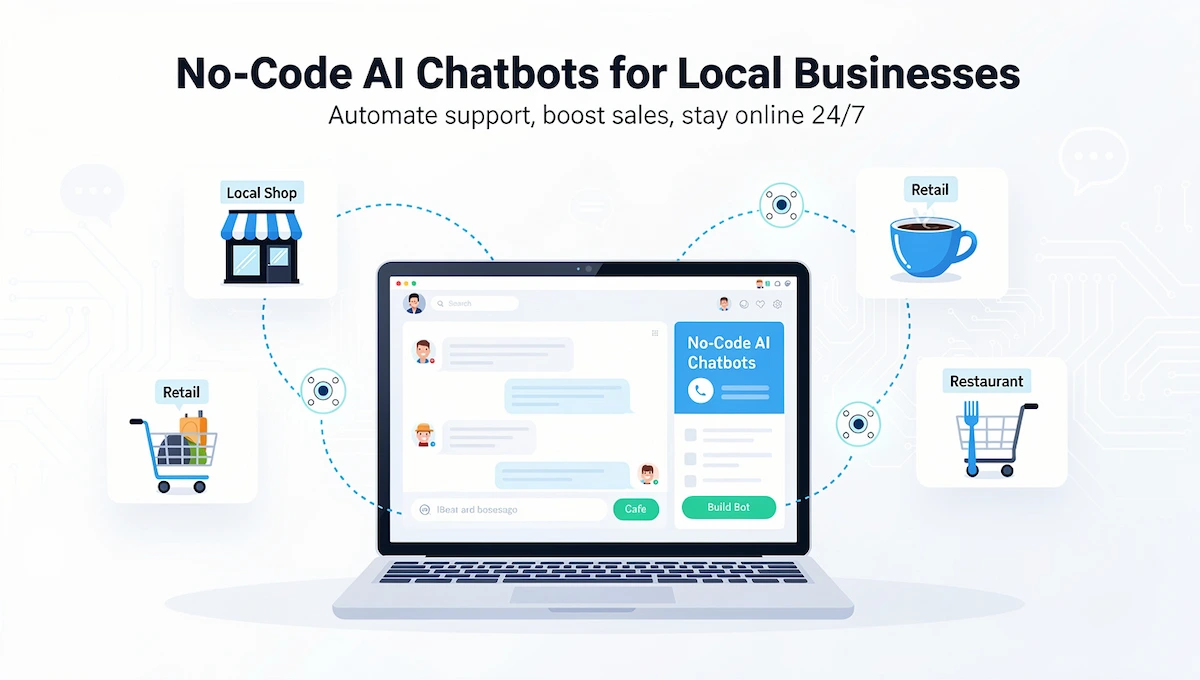
Some no-code chatbot builders have free plans, so check the limits before you promise a client anything. The work is mostly connecting the bot to real information, such as a price list and a calendar, because a bot that answers with confidence from incomplete information creates more problems than it solves. Start by building one for your own practice page and test it with real questions.
| Detail | Estimate |
|---|---|
| Typical startup cost | Free for a demo, then a paid plan for live use |
| Time to first client | 3 to 6 weeks |
| Income model | Setup fee plus a monthly fee for updates |
| Best for | People who like building and testing |
Pros
- Clear value for busy local businesses
- Setup fee plus a monthly fee
- Reusable template across clients in one industry
- Visible demo
Cons
- A wrong answer costs the client trust
- Needs updates when prices or hours change
- Customer data must be handled with care
First steps
- Build a bot for your own practice page on a free plan
- Test it with twenty real questions and fix the wrong answers
- Offer the same bot to one local business with a price list and a calendar
7. Product Images and Photo Editing
Many small sellers still use phone photos with messy backgrounds. AI image tools can clean backgrounds, place products in a scene and give a whole catalog the same look. You shoot or collect the reference images, run and re-run them until the result is right, and deliver a finished set for the client to publish.
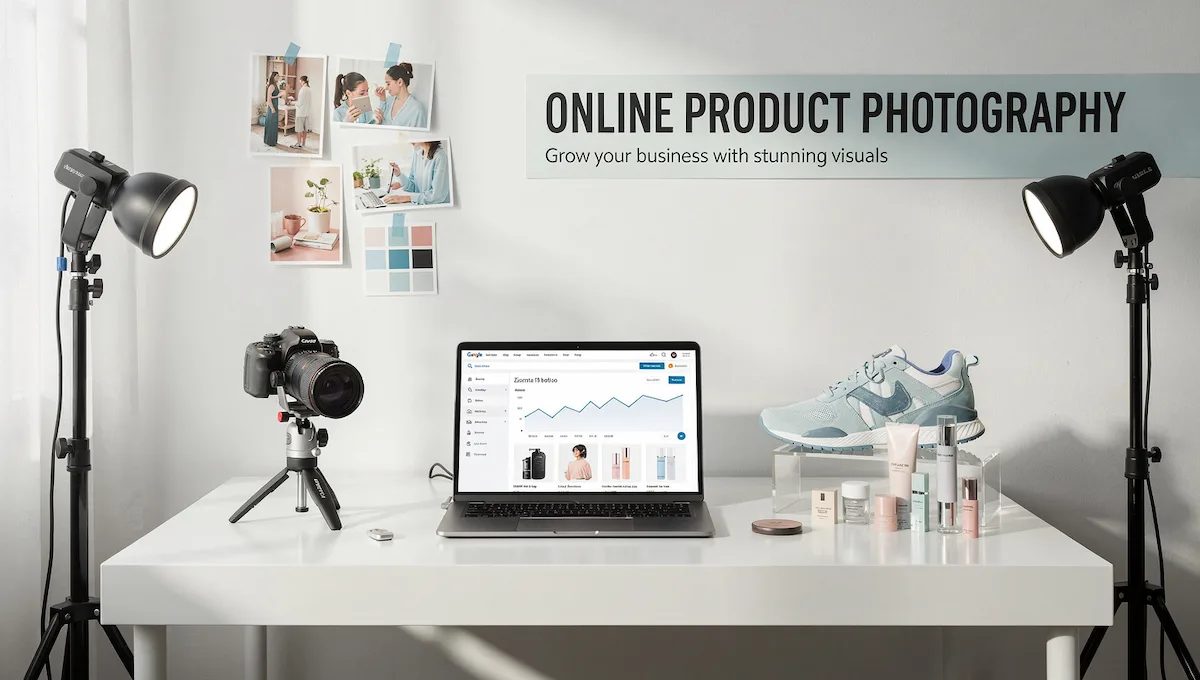
Price per image so a full catalog is easy to quote. Confirm the commercial terms of the tool before your first job, since licenses differ. If your work involves photos of people, read how AI tools add a person to a photo, and always get consent first.
| Detail | Estimate |
|---|---|
| Typical startup cost | Free for a few images, paid plans for volume |
| Time to first client | 1 to 3 weeks |
| Income model | Fee per image or per product set |
| Best for | People with a good eye for photos |
Pros
- Before and after samples sell themselves
- Easy to price per image
- Many sellers have no photo budget for studios
- Repeat orders when catalogs change
Cons
- Commercial terms differ between tools
- Free plans limit the number of images
- Product details must stay accurate
First steps
- Clean ten product photos from one small seller’s page
- Show the before and after pairs
- Quote a price per image for a full catalog
8. Digital Products and Templates
A digital product is made once and sold many times. Good starting points are prompt packs for one profession, planners, checklists, SOP templates, lesson outlines and client onboarding forms.
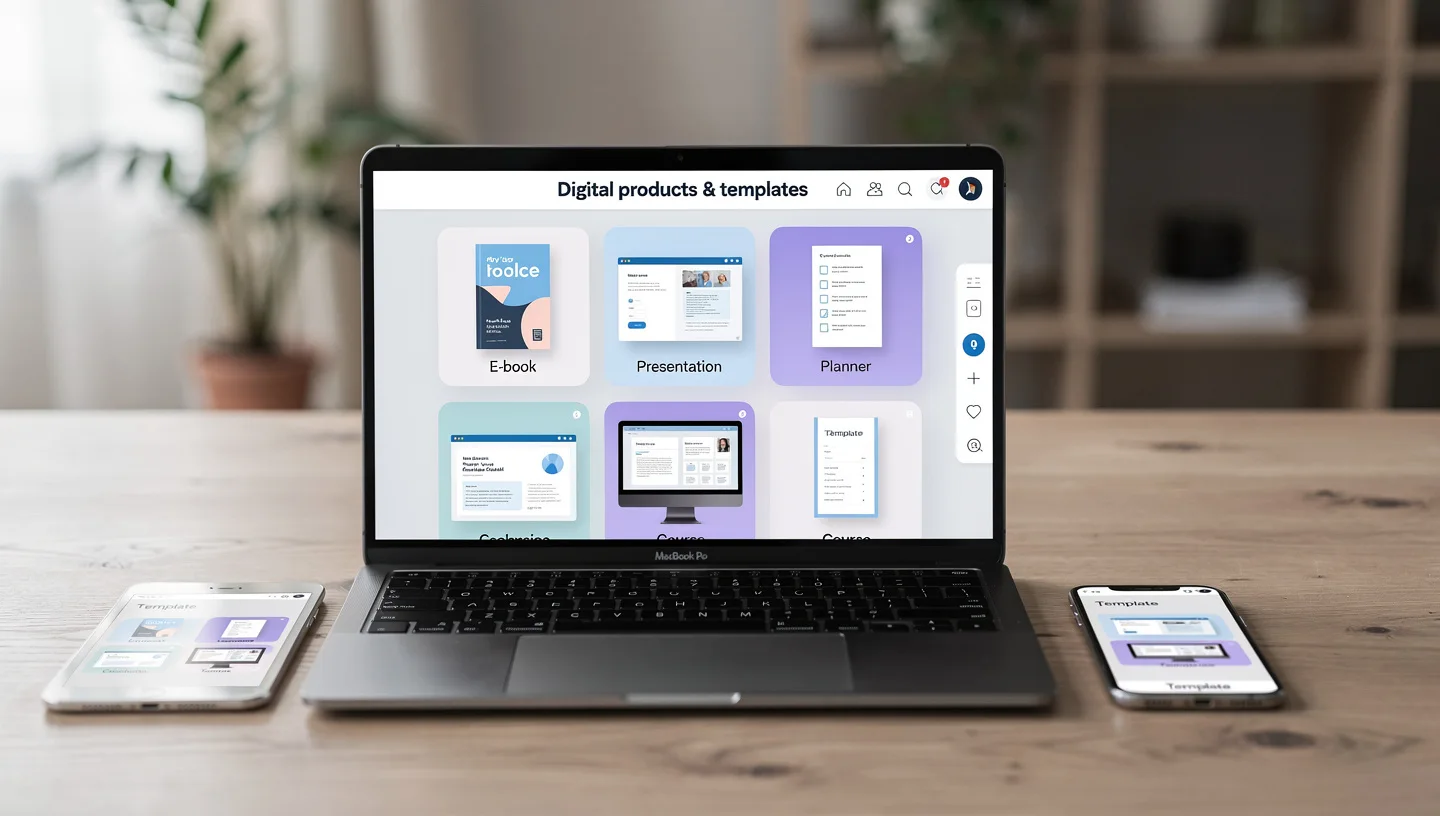
You use an AI assistant to draft, then edit, test and design the file in a free design app. Pick one niche, one format and one price, then ask a few people in that niche to try it before you sell. Add your own work to every file, such as examples, layout and a short guide, because material made only by an AI model may not be protected by copyright.
| Detail | Estimate |
|---|---|
| Typical startup cost | Free, with a free assistant plan and a free design app |
| Time to first sale | 2 to 6 weeks |
| Income model | One-time sales or small bundles |
| Best for | People who already know a niche well |
Pros
- Create once, sell again and again
- No client work after the sale
- Free tools are enough
- Can grow into courses later
Cons
- You need buyers before it earns anything
- Many similar products exist
- Income is slow at first
First steps
- Pick one niche and one format
- Make a first version and test it with five people
- List it on your own page and ask for honest feedback
9. Translation and Localization
Businesses with customers who speak another language need more than a word-for-word translation. They need pages that feel local. You can use an AI assistant to produce a first draft, then adapt tone, idioms and examples and, if you know the language well, finish the review yourself.
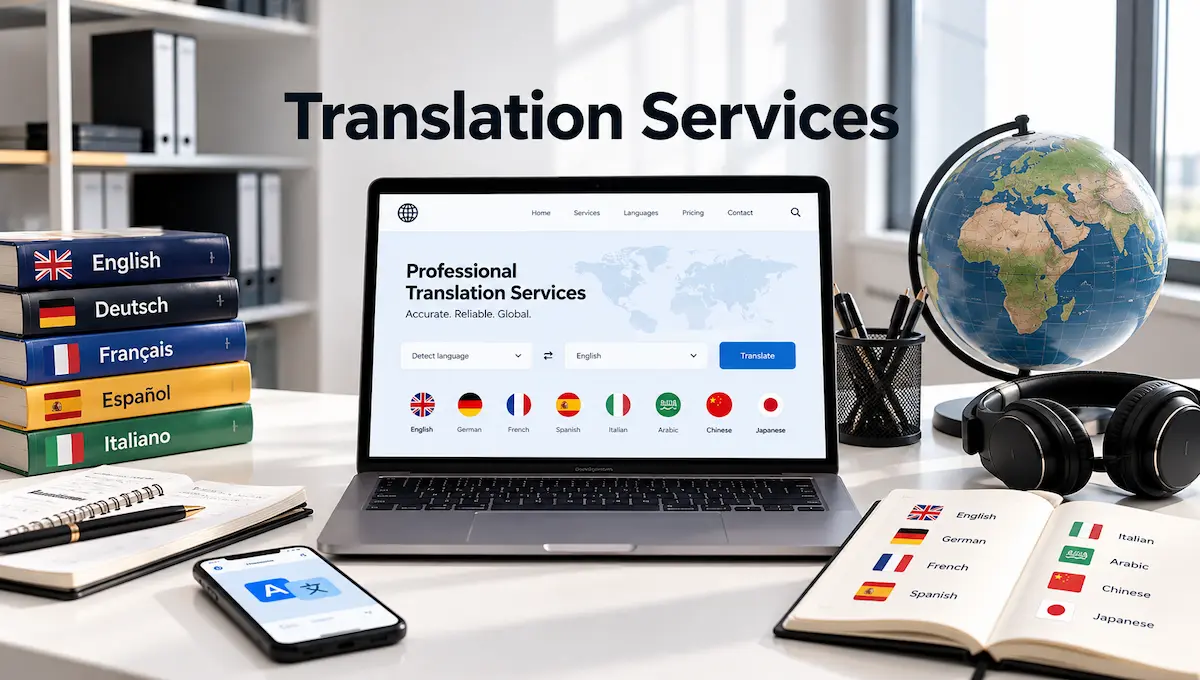
Good first jobs are product pages, service pages and email templates for local businesses with immigrant customers. If you also want to see how real-time tools work, look at these AI tools for live translation. Avoid legal and medical text unless a qualified expert reviews it.
| Detail | Estimate |
|---|---|
| Typical startup cost | Free, with a free assistant plan |
| Time to first client | 2 to 4 weeks |
| Income model | Fee per page or per word, or a monthly package |
| Best for | Bilingual people who know two cultures |
Pros
- Clear demand from businesses with mixed customers
- Your language skill is hard to copy
- Repeat updates when pages change
- Free assistant plans cover drafting
Cons
- Errors in sensitive text carry risk
- You need real fluency to check the output
- Machine translation tools are cheap, so you must add value
First steps
- Pick one language pair you know well
- Adapt one real page and ask a native speaker to check it
- Offer the same service to a business with customers in that language
10. Print-on-Demand and Design
With print-on-demand, a print company makes and ships a shirt, mug or poster only after someone buys it, so you hold no stock. You design, list and market. An AI assistant helps with themes, slogans and listing text, and a free design app makes the files.

Pick a niche with a clear audience, such as a hobby, a sport or a profession, and make a small set of designs before you launch. Stay away from copyrighted characters and brand names. If you also want a logo for your own shop, these AI tools for 3D logos are a quick place to start.
| Detail | Estimate |
|---|---|
| Typical startup cost | Free to list, with print costs paid per order |
| Time to first sale | 3 to 8 weeks |
| Income model | Margin on each item sold |
| Best for | Creative people who like testing niches |
Pros
- No stock and no packing
- Many niches to test cheaply
- Designs can be reused on several products
- Works alongside other services
Cons
- Platform and print fees cut your margin
- Crowded niches are hard to enter
- Marketing is your job from day one
First steps
- Choose one niche and make five designs
- List them with a print partner and check the license terms for fonts and images
- Share the first designs with the community you picked
11. Prompt Engineering and Prompt Packs for One Niche
Many companies use AI tools every day and still get uneven results.
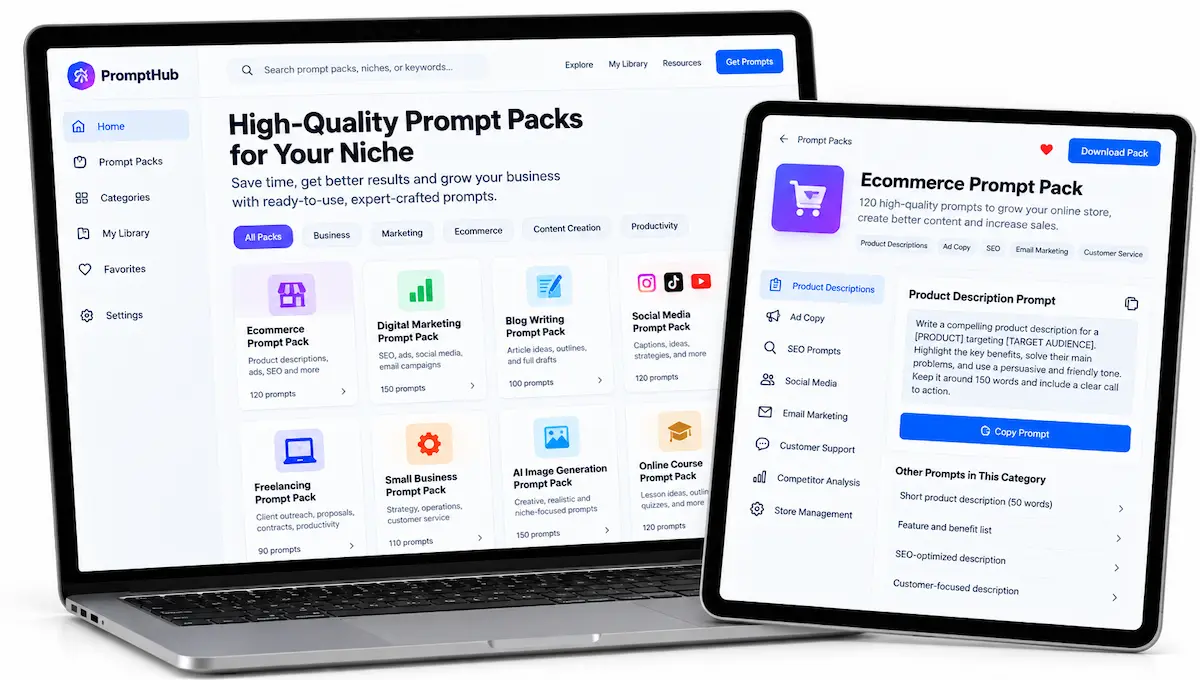
A prompt engineering service designs reusable prompt systems, templates and short guides for one profession, such as recruiters, real estate agents, teachers or accountants. You test the prompts on real tasks, document what works and sell the result as a pack, a workshop or a setup session. The value is saved time and fewer errors, not clever wording, so show a before and after on a task your buyer already does every week.
| Detail | Estimate |
|---|---|
| Typical startup cost | Free, using a free assistant plan and a free document app |
| Time to first client | 2 to 5 weeks |
| Income model | Fee per pack, workshop or setup session |
| Best for | People with hands-on experience in one profession |
Pros
- Reusable across clients in the same industry
- No software to build
- Fits training and workshops
- Easy to demonstrate with a real task
Cons
- Models change, so prompts age quickly
- Buyers can copy a pack once they have it
- You need proof that it saves time
First steps
- Pick one profession you know and list five tasks it repeats
- Write and test a prompt set for each task and note the results
- Offer a short workshop to three people in that profession
12. AI Research and Insight Reports
AI is good at reading and summarising large amounts of material, and many owners and managers have no time to do it. An insight service delivers short, sourced reports on a market, a set of competitors, a policy change or a new tool, with your own interpretation on top.
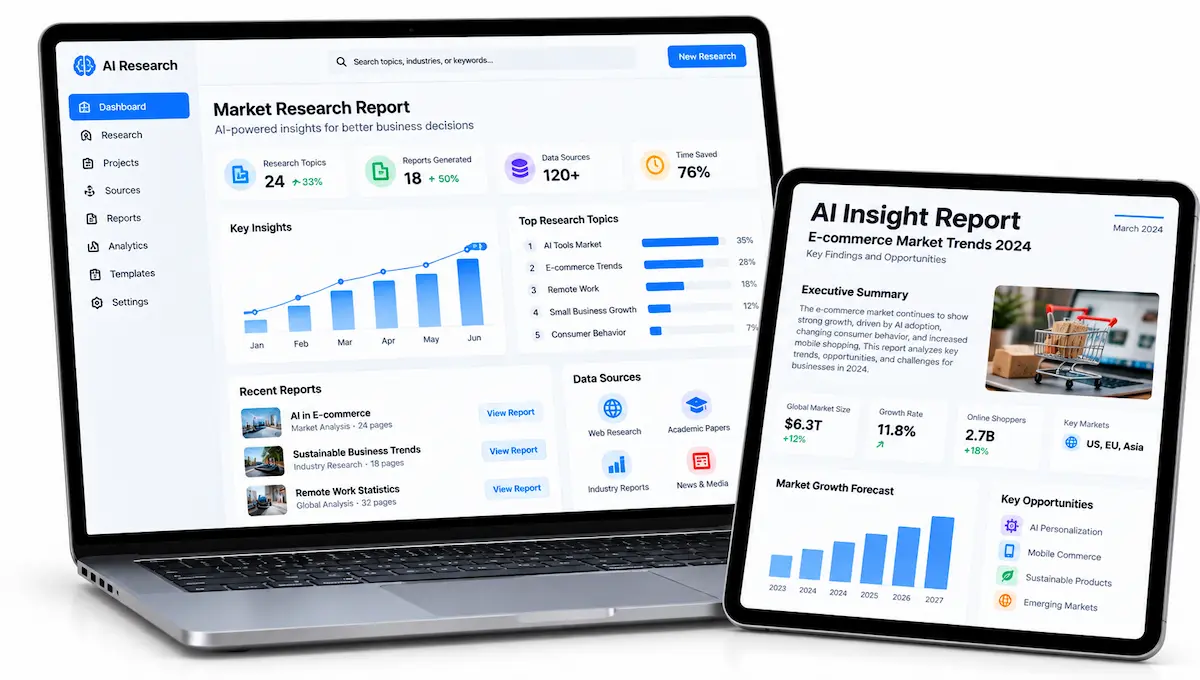
Clients pay for clarity and a clear next step, not for a pile of summaries. Check every claim against its source and mark what you could not confirm. Stay away from investment advice and anything that looks like professional advice in a regulated field.
| Detail | Estimate |
|---|---|
| Typical startup cost | Free, with a free assistant plan and free sources |
| Time to first client | 2 to 4 weeks |
| Income model | Fee per report or a monthly briefing |
| Best for | Analytical people who write clearly |
Pros
- High perceived value for little cost
- Reports can repeat monthly
- Uses your own judgment
- Samples can be built from public material
Cons
- Accuracy risk is high if you skip checks
- Sources must be cited and verified
- Confidential data needs care
First steps
- Pick one topic or industry and write a two-page briefing with sources
- Mark what you checked and what you could not confirm
- Offer a monthly briefing to three people who follow that industry
13. SOP and Process Documentation
Small teams run on habits that live in people’s heads. An SOP service turns those habits into written procedures: how to onboard a customer, close the shop, handle a refund or post to social media.
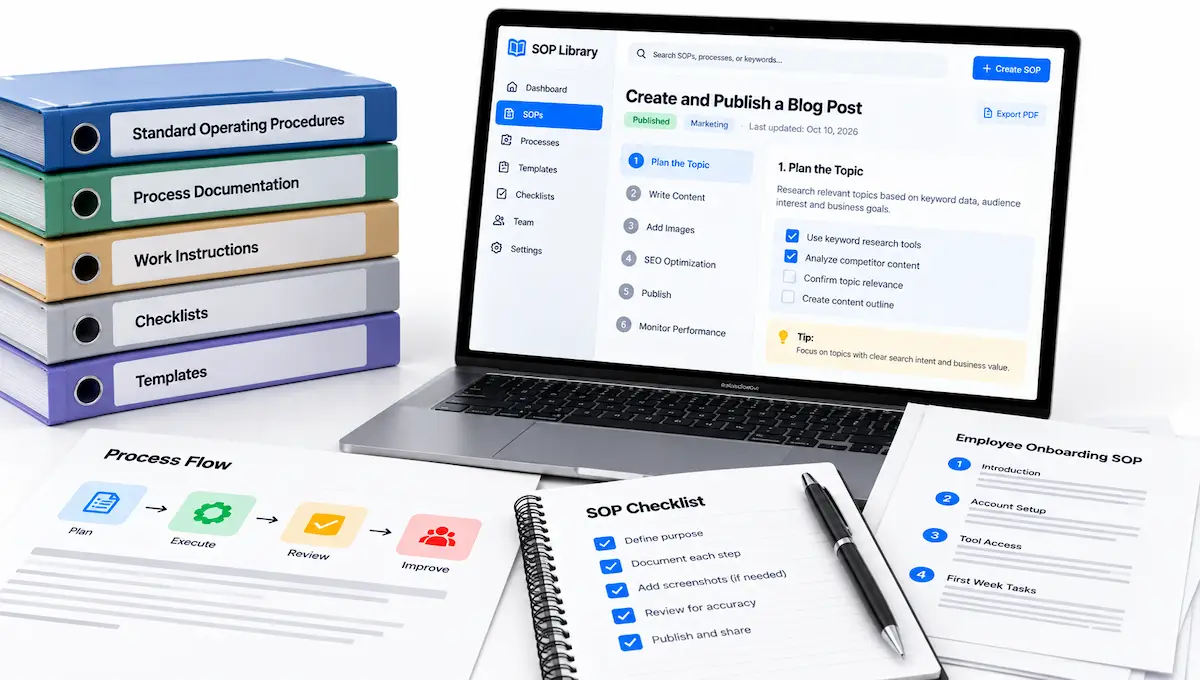
You interview the owner or record a short walkthrough, draft the steps with an AI assistant, then test the draft by asking someone new to follow it. Deliver the result as a clean document with a checklist version, and offer to update it every few months.
| Detail | Estimate |
|---|---|
| Typical startup cost | Free, with a free assistant plan and a free recording app |
| Time to first client | 1 to 3 weeks |
| Income model | Fee per procedure or per package of procedures |
| Best for | Organised people who like detail |
Pros
- Every small team needs it
- Clear deliverable and easy to price
- Repeat updates bring steady income
- Samples can be built from your own routine
Cons
- Needs patience with detail
- Clients must share access and time
- The value shows only after the team uses it
First steps
- Document one routine you know well, such as closing a shop or posting to social media
- Test it by asking someone to follow it and fix the gaps
- Offer to document three routines for a small team at a set price
14. Review Responses and Local Reputation Content
Local businesses with many customer reviews often leave them unanswered. This service writes honest replies to reviews, turns reviews into social posts, FAQs and page copy, and flags the common complaints for the owner.
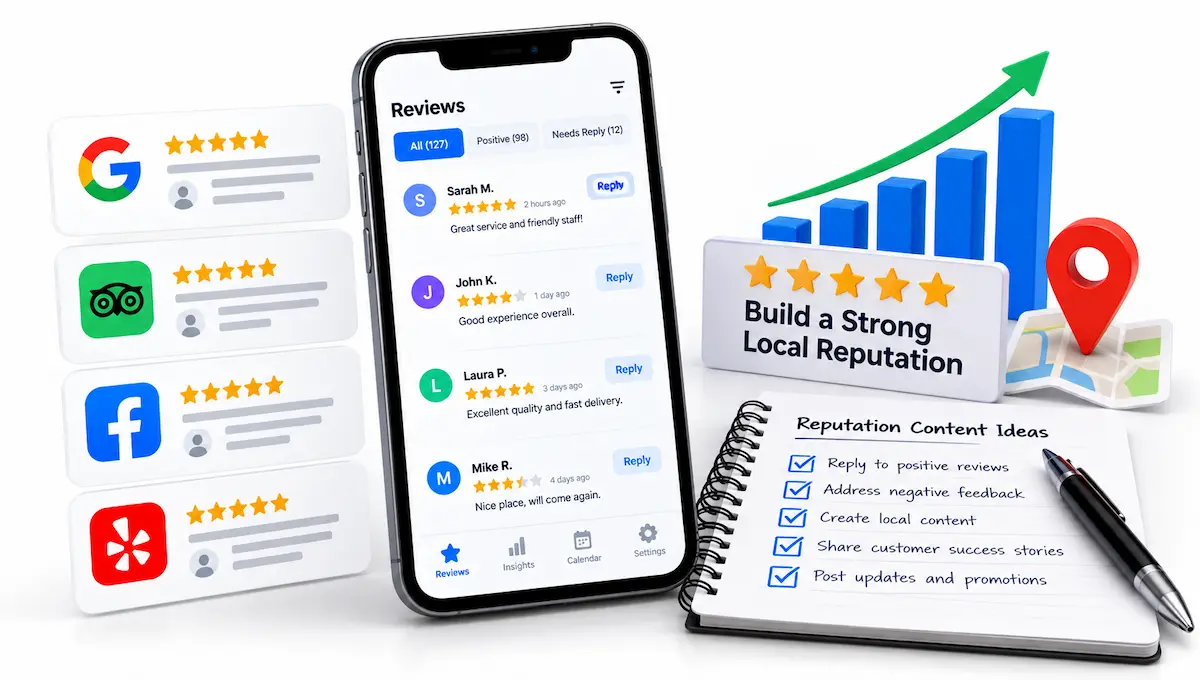
Reviews are public, so they make easy samples, but ask permission before you show a client’s name. Keep replies human and specific, never invent a review and follow each platform’s rules on responding. The aim is a steady monthly job that the owner no longer has to think about.
| Detail | Estimate |
|---|---|
| Typical startup cost | Free, with a free assistant plan and a free document app |
| Time to first client | 1 to 3 weeks |
| Income model | Monthly package per location |
| Best for | People who write warmly and quickly |
Pros
- A weekly need for owners with many reviews
- Easy to show a before and after
- Monthly packages repeat
- Content from reviews saves time on posts and FAQs
Cons
- Tone has to fit the brand
- Platforms have rules about responses
- Sensitive complaints need a human decision
First steps
- Pick one local business type and read twenty public reviews
- Draft replies and three posts based on the common themes
- Offer a free sample set to five owners and ask for permission to show it
15. Data Annotation and Human-in-the-Loop Review
Some companies need people to label data, check AI answers and rate responses. You do this work through platforms and projects run by others, so there are no clients to find, and you can often start with a profile and a short test.
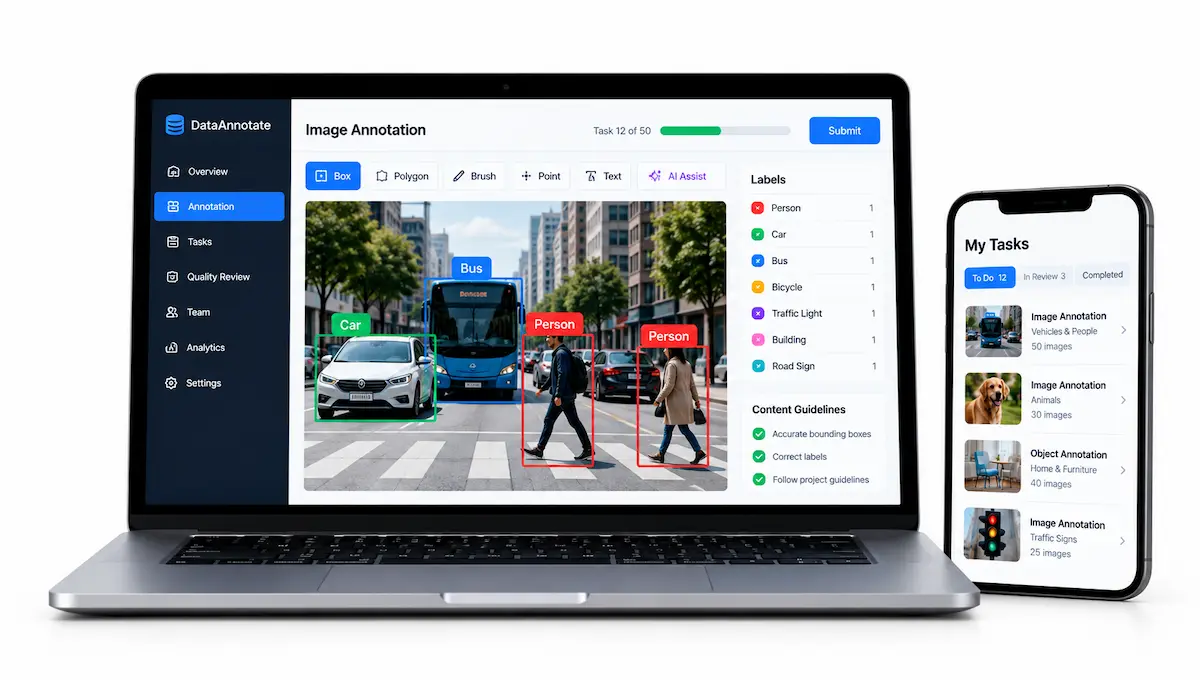
Pay, hours and availability vary a lot, and many projects come with confidentiality rules. Treat it as flexible side income that teaches you how models fail, not as a business by itself. Be careful with any site that asks you to pay for access.
| Detail | Estimate |
|---|---|
| Typical startup cost | Free to apply, never pay for access |
| Time to first pay | 1 to 4 weeks, depending on tests and availability |
| Income model | Per task or per hour through the platform |
| Best for | Careful, detail-minded people |
Pros
- No client hunting
- Free to start
- Teaches you how models fail
- Flexible hours
Cons
- Pay and availability vary a lot
- Confidentiality rules limit what you can show
- Not a lasting business on its own
First steps
- Search for annotation and review platforms and read the pay and terms
- Complete the profile and test honestly
- Keep records of hours and income from the first task
16. GEO and AEO Consulting
Generative engine optimization, known as GEO, is the practice of making content easy for AI tools such as ChatGPT, Gemini and Perplexity to find, understand and cite when they answer a question.
Answer engine optimization, or AEO, is a close cousin. Small businesses can win on narrow topics, because depth of knowledge matters more than size. A basic service audits a business’s page, checks how AI tools answer the questions its customers ask, and delivers a fix list: direct answers, clear structure, fresh content and a tidy Google Business Profile. Do not promise rankings, because the signals change quickly.
| Detail | Estimate |
|---|---|
| Typical startup cost | Free, using free AI tools to test answers |
| Time to first client | 3 to 6 weeks |
| Income model | Paid audit, fix list or monthly review |
| Best for | People with some SEO or content experience |
Pros
- New demand from owners who feel behind
- Small businesses can compete on niche depth
- Audits are easy to productise
- Works alongside content and review services
Cons
- Results are hard to prove
- Signals and tools change fast
- Never guarantee citations or rankings
First steps
- Ask several AI tools the questions customers ask about one business type and note who is cited
- Write a one-page audit for one local business with five fixes
- Offer the audit to three owners at a small fixed price
17. Niche Online Courses
A short, practical course on one skill is a good way to turn what you know into a product. Pick a narrow topic that people already search for, such as spreadsheet basics, resume writing, budgeting or a software tool, and aim at one type of learner.
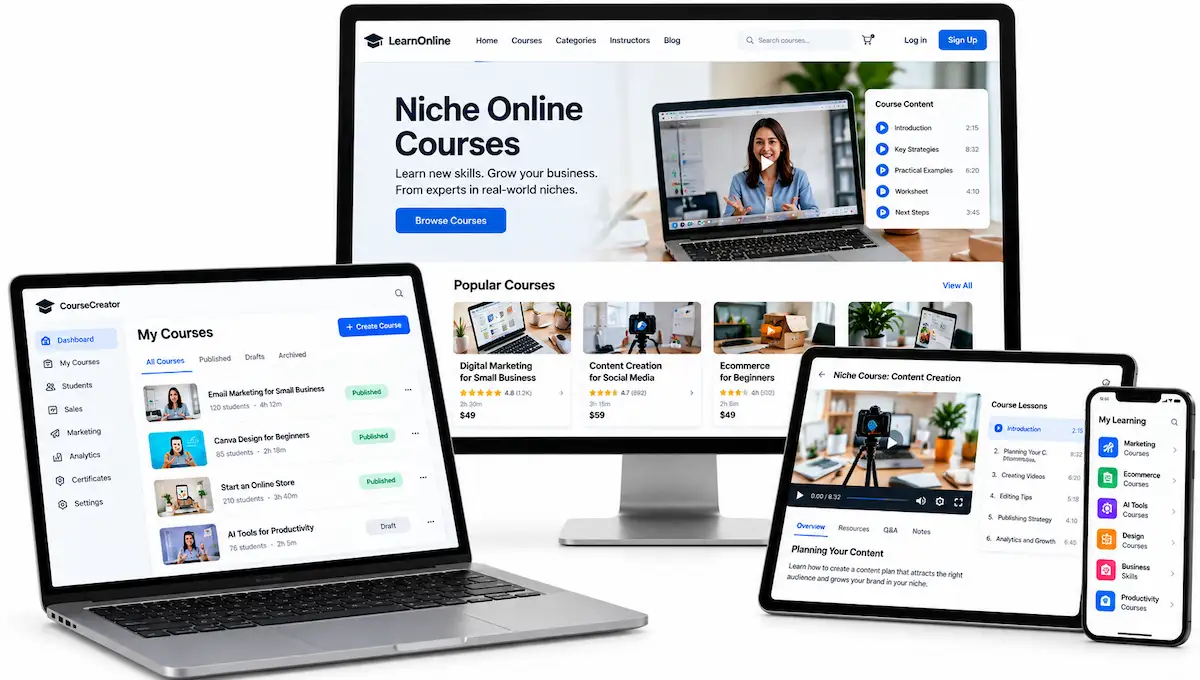
An AI assistant can help you outline lessons, draft scripts and design slides, and you record with your phone or a free screen recorder. Sell through a course marketplace or a simple page, keeping in mind that marketplaces usually take a share of each sale. Start with one short course and a workbook, and ask five learners to try it before you publish. Avoid health, legal and financial promises. If you are still studying, these business ideas for students show other low-cost ways to earn.
| Detail | Estimate |
|---|---|
| Typical startup cost | Free to build, with a free assistant plan and free recording tools |
| Time to first sale | 3 to 8 weeks |
| Income model | Course fees, workbooks or small bundles |
| Best for | People who already teach or explain things well |
Pros
- Create once, sell again and again
- Free tools are enough to build a first version
- Can grow into a monthly membership
- Updates are easy when learners ask for more
Cons
- You need an audience before it earns
- Marketplaces take a share and set the rules
- A weak first lesson leads to refunds
First steps
- Pick one narrow skill and write a five-lesson outline
- Record the first two lessons and test them with five learners
- Publish a short course with a checklist and ask for feedback
18. Websites for Local Businesses
Many local shops, clinics and trades still have no website or an old one. You can build a small site with a free builder, use an AI assistant to write the copy and, where needed, small code snippets, and then deliver it on the client’s own account.
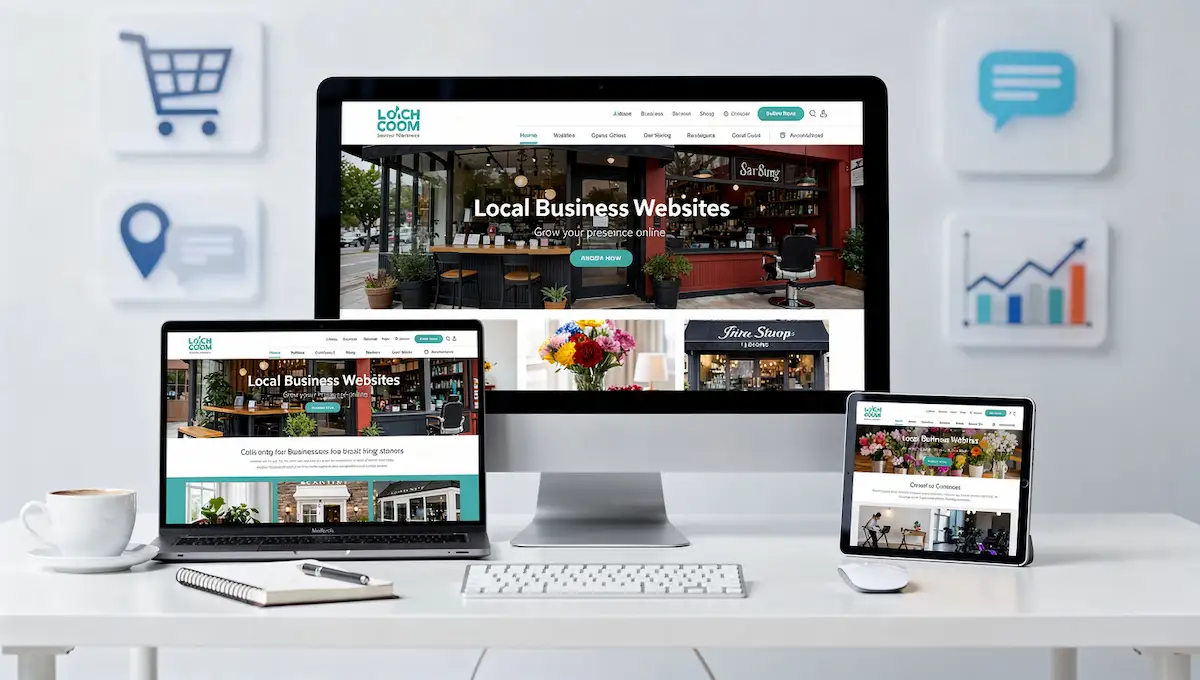
Test everything that an assistant writes, especially forms and links, because code can look right and still fail. Free builders show their branding and use their own addresses, so a client site normally needs a paid plan and a custom domain in the client’s name. Offer a monthly care plan for small updates.
| Detail | Estimate |
|---|---|
| Typical startup cost | Free for samples, with the client paying for the domain and plan |
| Time to first client | 2 to 5 weeks |
| Income model | Fee per site plus a small monthly care plan |
| Best for | People who like design and clear structure |
Pros
- Clear deliverable that buyers understand
- Monthly care plans bring repeat income
- Samples can be built for a few local businesses
- AI speeds up copy and layout drafts
Cons
- Support work when something breaks
- The client must own the domain and accounts
- Code from an assistant needs real testing
First steps
- Build a one-page sample site for a local business type you know
- Test the contact form, mobile view and links
- Offer the same layout to five owners with a price and a care plan
19. AI Coaching Programs
Coaching works best when it is narrow and based on real experience, for example job search, budgeting, studying or a work habit. You build a small system: an intake form, a weekly check-in, a tracker or template, and short video or text tips, with an AI assistant helping you draft materials and summarise check-ins.
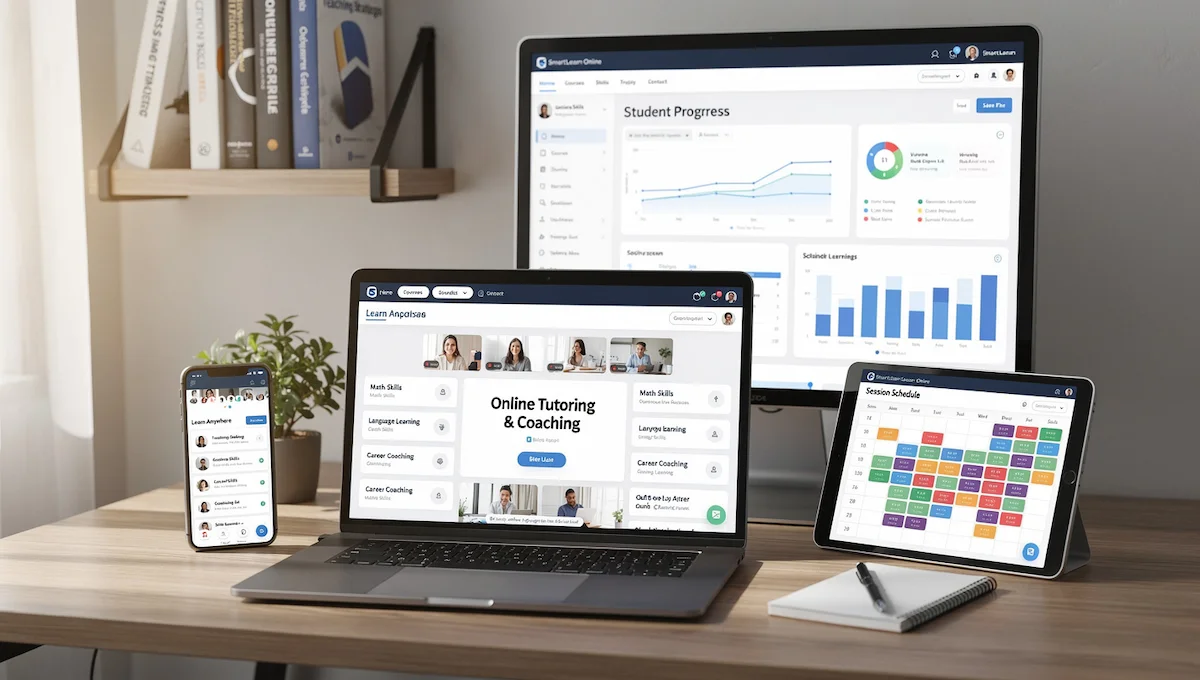
Clients pay monthly for the system and for your support, and you can add one-to-one calls at a higher price. Stay away from therapy, medical and financial advice, which need qualifications, and say clearly what you do not do.
| Detail | Estimate |
|---|---|
| Typical startup cost | Free, with a free assistant plan, a free document app and messaging apps |
| Time to first client | 3 to 6 weeks |
| Income model | Monthly membership plus optional sessions |
| Best for | People with real experience in one area |
Pros
- Monthly payments repeat
- Builds on experience you already have
- Systems and templates are reusable
- Low software cost
Cons
- Needs credibility and a clear result
- Some topics need qualifications you may not have
- Time-intensive once you have several clients
First steps
- Pick one narrow area and write a four-week program outline
- Make an intake form and a weekly check-in template
- Offer a trial month to two people who match your audience
More Small Ideas Worth a Look
These did not get a full review, but each one shows up in other guides and can start for free:
- Flipping thrifted items with AI market research – Use an assistant and sales listings to check what sells, then resell, with a small stock budget
- A digital brand on a blog or YouTube – Share what you know in one niche and earn later from affiliate links, ads or your own products
- A niche newsletter or small social account – Build 100 to 1,000 readers who trust you, then offer products or sponsored posts
- Short video clips for small businesses – Turn photos and text into short clips, after checking the licence terms of the tools
- An online store with AI-written product pages – Sell through a store or print-on-demand and use an assistant for listing text
AI Business Ideas to Skip Until You Have Money
Many lists of AI business ideas include ideas that need a team, data, servers or legal review, and those are not realistic when you have no money. Skip these for now and come back after your first clients pay you. If you are curious about building software later, this guide on how to start a SaaS business in Dubai shows what that path takes.
- Custom AI software and SaaS – Engineering, hosting and support costs add up fast
- Healthcare tools – Medical data is heavily regulated and mistakes can hurt people
- Recruitment platforms – Hiring rules and privacy laws need legal review
- Accounting and finance tools – Bank integrations, security and compliance take months before any revenue
- Smart home and autonomous transport – Hardware, safety testing and large budgets
- Model training platforms – Data, infrastructure and quality control are expensive, although individual annotation work is covered in idea 15
- Security and moderation tools – High stakes and constant updates
One software route costs less than the rest: a no-code micro tool built with a visual app builder and AI help, such as a small scheduler or tracker for one profession. It can start on free plans, but it takes months to find users and you have to support it, so treat it as a second project after your first clients pay.
The Free AI Tool Stack
The tool side of how to start an AI business for free is simple: one assistant, one design app, one place for documents, one scheduling link and a way to invoice. Do not stack ten free AI tools before you have a client. One writing model, one image tool and one scheduler are enough to start earning.
Assistants
ChatGPT, Claude, Gemini and Copilot all have free plans. Free plans usually cap messages and limit the newest models, which is fine for solo service work. If you hit a cap in a long session, spread work across two assistants or take a break. Never paste confidential client files into a free tool without permission. If you want to compare options, see this list of AI tools that work as an alternative to Claude.
Automation
Make offers a free plan with 1,000 operations a month and two active scenarios. Zapier’s free plan gives you 100 tasks and five Zaps a month. n8n is free to self-host, but you need a computer or a small server to run it, and n8n’s managed cloud plans are paid. Free plans work for demos and tiny client jobs, but you will outgrow them quickly, so plan to pay for a plan once a client depends on the workflow.
Design, Documents and Scheduling
Canva has a free plan for logos, flyers, proposals and sample PDFs. Google Docs and Sheets handle documents and trackers, and Notion works well for a client list and templates. Calendly has a free scheduling link, and Loom is useful for short walkthrough videos. For invoices, a free template and a separate bank account are enough in your first year.
What Free Tiers Do Not Cover
- Commercial-use terms for generated images, which vary by tool and change often
- Guaranteed availability when a deadline is close
- Data handling suitable for confidential client material
- Bulk processing, where paid API use is billed per token and rises with volume
Name, Tagline and Logo for Free
You can set up a simple identity in one afternoon, and it does not need to be perfect. A clear name and a clean logo matter less than a sample that works. Use this order:
- Name – Ask an assistant for twenty options, cut the ones that are hard to spell, and pick one that says who you serve or what you deliver, or simply use your own name
- Check availability – Search for the name as a domain, a social handle and a local business name, and avoid names close to a known brand
- Tagline – One sentence that states the niche and the result, such as “Weekly posts for boutique gyms”
- Logo – A simple text logo in a free design app, with two colors and one font
- Stop there – Do not spend more than an afternoon, since the first client cares about the sample and not the logo
Free Ways to Set Up Your Online Presence
You do not need a full website before your first client, but you do need one page where a buyer can see what you do and contact you. Free builders can do that, with trade-offs you should know before you pick one. Plans change, so check the current limits.
- Carrd – A free plan allows up to three one-page sites on a carrd.co address with a “Made with Carrd” badge, and a custom domain needs a paid plan
- Wix – The free plan puts your site on a wixsite.com address with Wix branding or ads, with no custom domain and no online store
- WordPress.com – The free plan gives you a wordpress.com address, shows ads to visitors and limits themes and plugins
- A shared document or PDF – A one-page PDF with your samples and a scheduling link works for the first weeks
The first paid upgrade is usually a custom domain and the removal of the builder’s branding, which often costs a few dollars a month or less per year. Put four things on the page: your offer, three samples, a starting price and a way to book a call. Create a professional-looking email address you control, and move to an address on your own domain once you buy one. Add a LinkedIn profile or one social profile that matches your niche, since many buyers will check it before they reply.
Build Your Portfolio in One Weekend
Nobody hires a service with no examples, and you can fix that in a weekend. Samples also help you land a first paying client, because they give you something specific to send in your first messages.
Three Spec Pieces
Choose three real businesses you like. Produce the deliverable you want to sell, unasked and unpaid, such as a rewritten page, a post plan or a set of cleaned product photos. Add a short note explaining what you changed and why. Keep each piece to one page, since a tight sample that a buyer reads in ninety seconds beats a long case study nobody opens. Label the work clearly as a sample and ask permission before you publish it with a real name.
One Demo and One Page
Record a five-minute screen walkthrough if you sell automation or chatbots, or build a one-page PDF if you sell writing, design or translation. Put the samples, your offer and a scheduling link on a single page. You do not need a full website before you have paying clients.
How to Package Your Service
Beginners lose weeks offering “AI help” and getting blank looks. A packaged, or productized, service gives the buyer a clear thing to say yes to: one niche, one package, one price. For example, “ten local-business posts a week for boutique gyms” is easier to sell than “AI content creation”. Define the package with five lines:
- Who it is for – One niche, such as boutique gyms or small dental offices
- What is included – A number of pieces, revisions and formats
- Turnaround – A fixed number of days from receiving the client’s details
- Price – One price per package, with no custom quotes at the start
- What the client does – Fill in the intake form and approve within a set time
Once the package sells, add a simple ladder: a starter package, a monthly maintenance package and a premium package with more pieces or faster delivery. A low-budget “done-with-you” tier, where you set up templates and teach the client, is a good option for smaller budgets. Pick one number to track, such as booked calls, leads or hours saved, and show it to clients each month.
How to Get Your First Client and Price Your Work
The first paying client matters more than any tool. This part of how to start an AI business with no money takes the most nerve, but it needs no ad budget. Aim for eleven to thirty well-aimed messages over two weeks, not a mass blast, and keep your AI business offer to one deliverable.
Start With People Who Know You
Warm introductions convert much better than cold messages. Begin with former colleagues, clients from a previous job, your local network and small business owners who post publicly about the exact problem you solve. Freelancers in a nearby trade are also good, since they need your layer to finish their own projects. Ask each person one question: who else has this problem?
Write a Four-Sentence Outreach Message
Keep it short and use no attachments. Name something specific you noticed about their business. State the deliverable and what it changes for them. Offer one free sample instead of a call. Close with a question they can answer in a few words. Respect each platform’s rules, since mass copy-paste messages can get your account limited.
The Outreach Math and Message Examples
One beginner guide reports that cold outreach brings roughly one reply per twenty messages, while warm introductions can bring closer to one reply in four. Take those as rough planning numbers, not rules. At the cold rate, thirty to forty well-aimed messages might produce two replies and one conversation, so plan for volume over a few weeks. Two examples of the four-sentence format:
“Hi Dana, I read your clinic’s reviews and noticed three patients asked about weekend hours. I write short answers to common patient questions for local clinics. I made a one-page sample for your front desk. Would you like me to send it over?”
“Hi Marcus, I saw that your gym posts only on Mondays. I plan and write a month of posts for boutique gyms, and I made five sample captions for your page. Want to see them?”
Where Else to Find Buyers
- Community groups and trade associations where members share suppliers
- Local business groups on social platforms, where owners often ask for help
- Google Business Profiles of local companies with weak or outdated posts
- Freelance marketplaces such as Upwork and Fiverr, after you read their rules on AI-generated work
Do a First Job for a Testimonial
A first job at a lower price, or free, in exchange for a written testimonial can help you get started. Agree on a clear scope, a deadline and what the client will say afterward. Be honest about your experience. Fake experience loses clients, and honest confidence wins them.
Start With a Paid Pilot
A small paid pilot beats a long free trial. Offer one week or one set of deliverables at a fixed price, with a clear scope and a date. It lowers the buyer’s risk, gives you real feedback and proves that someone will pay. If it goes well, offer a monthly package right away while the results are fresh. Free work should stay short, and a pilot with a price attached is the first step to a business.
Price per Deliverable, Not per Hour
AI makes you faster, and hourly pricing punishes speed. Price per piece, per package or per build and quote a range. Beginner guides quote about 200 to 1,500 pounds per content project, 500 to 2,500 pounds per automation build and 75 to 150 pounds an hour for consulting. Treat these as ceilings, not plans, since they come from guides and not from your market. Set a floor at the number that would still make you show up on a tired evening.
When to Raise Your Prices
Raise your price after every third client until someone hesitates. Keep your first clients at the old rate for a set period and tell them in writing. Higher prices with fewer clients make a calmer business than low prices with many.
How to Deliver Client Work Without Mistakes
Getting a client is half the job. A simple delivery process keeps quality steady and protects your name when the free tools behave badly. The core idea is that you supply taste, editing and checks, and the model supplies speed.
- Intake form – Business details, services, offers, target customer, brand voice, links and approved claims
- Client notes – A short file per client with FAQs, tone notes, testimonials and a list of do and do not
- Draft – Use the assistant with the client notes pasted into the prompt
- Edit pass – Rewrite, cut and fix, since this is where most of your value sits
- Quality check – Check claims, numbers, names, addresses, prices, policies and links before it goes out
- Approval – One clear approval step before anything is published
- Delivery – A single shared folder or document with labeled files
- Feedback loop – When a client edits something, add that rule to your prompt file so the next draft improves
Keep a swipe file of your best outputs, such as posts, email sequences and scripts, so you can reuse the structure without copying content. A quick checklist before every delivery catches most errors: Is every fact verified? Does it sound like the client? Are the links and numbers right? Is there one clear next step for the reader?
How to Market Your AI Business Without an Ad Budget
You can find early customers with free channels if you show your work in public and keep doing it. Pick two of these and do them every week:
- Share one sample or teardown a week, such as a before and after of a page you improved, with permission if it uses a real name
- Answer real questions in communities where your buyers ask for help, without pitching in every reply
- Keep a short public list of what you learned from each project
- Ask every happy client who else has the same problem
- Email past clients and contacts a short update once a month
Be honest about what you did and what AI did. Never claim results you cannot show, and follow each platform’s rules on posting and messaging.
Set Up the Basics for Free
You do not need a lawyer to send a first invoice, but you do need a few basics in place. Rules vary by country, so use this as a checklist to check where you live.
Write a One-Page Plan
One page is enough to keep you focused and to show a bank or a partner that you have thought it through. Answer these in a line or two each:
- Niche and offer – Who you serve and the one package you sell
- Price – The package price and what each client costs you in time
- Tools – The free tools you use and the first paid upgrade you expect
- First goal – One paying client in 30 days
- Weekly hours – A number you can keep up
- Review date – The day you check what worked
Business Structure and Separate Money
In the US, a one-person business with nothing else registered is generally treated as a sole proprietorship, which means no legal separation between you and the business, as explained in the SBA guide to business structures. That is acceptable for low-risk service work and riskier for anything else. Open a separate bank account for business money. For a general list of steps from another market, see this guide to an online business in Ireland.
When to Register Your Business
You do not need to register before you build samples or run a demand test. Many people set up a basic structure when money is close, such as just before the first invoice or when a client asks for one. Rules differ by country and by income, so check the local requirements and ask an accountant if you are unsure.
Scope, Contracts and Invoices
A one-page scope prevents most disputes. Write the deliverable, the number of revisions, the deadline, the price and the payment terms, and get the client to confirm it in writing. Use a free invoice template and send invoices on the day you deliver.
Copyright and AI Output
The US Copyright Office published Part 2 of its AI report on January 29, 2025. It says copyright does not extend to purely AI-generated material, and that prompts alone do not give enough human control to count as authorship. Human authorship still counts when you creatively select, arrange or modify AI output. The Office tracks each part of its work on its AI initiative page. In practice, tell clients what rights you can promise, and do not offer exclusive ownership of raw AI output.
Client Data and Confidentiality
Ask what material is confidential before you start. Do not paste private files into free tools unless the client agrees. Health, finance and hiring data need legal review before you use a model on them, so avoid those niches while you have no money.
Be Honest About Using AI
Tell clients you use AI tools as part of your process. Check every fact, number and name before delivery, since models can sound confident and still be wrong. Never ship unedited output. An edit pass is where most of your value sits.
A Realistic 30-Day Plan
This plan fits around a job if you can spare four to six hours a week. It shows how to start an AI business with no money in a month without skipping the boring parts. If you are under 18, read how to start an online business at 15 first, since accounts and contracts usually need an adult.
- Week 1 – Pick one niche and one idea using the four checks, set up your free tools and send five demand-test messages
- Week 2 – Build three spec pieces and a demo or one-page PDF
- Week 3 – Send about eleven to twenty messages to people who fit your buyer and offer one free sample to each, aiming for a first paying client
- Week 4 – Deliver the job for your first paying client, or for a testimonial client, write down your process and raise your price for the next client
What You Can Realistically Earn
If you are weighing how to start an AI business with no money, set honest expectations first. Early income is small and uneven, and some months can be zero. Here is a simple example, not a promise. Say you rewrite local service pages for 40 dollars each and a page takes about 45 minutes. In week three you land your first paying client. By week eight you deliver six pages a month, which is about 240 dollars for roughly four and a half hours of production plus two hours of outreach and admin. That works out to about 37 dollars an hour, which is far from a full-time salary but is real, repeatable and costs nothing to start.
- Compare your income to the zero you started with, not to a salary
- Count unpaid sample and admin time honestly
- Treat any promise of guaranteed monthly income from AI as marketing, not data
- Expect free tools to change their terms with little notice
Mistakes That End Zero-Budget Attempts
Many people who try to start an AI business for free quit around week three, right when outreach starts to work. Avoid these:
- Selling “AI services” instead of a named deliverable
- Building a logo and a website before finding one buyer
- Shipping unedited AI output
- Underpricing so much that every client becomes a burden
- Chasing five niches at once
- Waiting for a paid tool before you start
- Promising deadlines that assume the free plan never rate-limits you
- Paying for courses or communities that promise fast income before you have a first paying client
How to Grow Past Your First Clients
Growth breaks a zero-budget AI business in predictable places: free plans hit their caps, manual invoicing eats your production time and quality drifts when you stop checking. Fix problems in that order, and pay for the first tool that removes the most admin, not the one that writes slightly nicer text. After that, raise prices before you raise volume. When orders, suppliers and reports pile up, an online business manager can take over daily tasks while you focus on sales and delivery.
Your First Week Plan
You do not need to do everything at once. This week, pick one idea from the list, score it with the four checks and send five messages to people who might buy it. Once you hear back, you know how to start an AI business with no money in a way that fits your own skills and time. Take the next step only after you have those answers.
Frequently Asked Questions
How Do I Start an AI Business With No Money?
The short answer to how to start an AI business with no money is to pick one narrow service, use free AI tools to deliver it, build three samples and offer one free sample to people who might buy. Start with someone who already knows you, then raise your price after a few clients. Your cost is time, not cash.
Can I Start an AI Business for Free?
Yes. How to start an AI business for free comes down to service ideas such as content, social media, automation and virtual assistant work. Free AI tools such as assistants, design apps and schedulers are enough for samples and a first client. Expect limits on messages, volume and commercial use, and plan to pay for a tool once a client depends on it.
Do I Need Technical Skills to Start an AI Business?
Not for most services. You need to write clear instructions, check output against a real standard and explain the result to a buyer. Automation and chatbot work reward some technical comfort, but you can learn the basics from free tutorials in a few weeks.
Which Free AI Tools Should I Use First?
Start with one assistant such as ChatGPT, Claude or Gemini, a free design app like Canva, Google Docs and Sheets for documents, and a free scheduling link. Add an automation tool like Make or Zapier only if you plan to sell automation. Avoid stacking many tools before your first client.
What Is the Best AI Business to Start With No Money?
Content writing, social media management and virtual assistant work have the shortest path to a first client. Automation and chatbots pay more but take longer to learn. Choose the one where you already know a real buyer and can make a sample in a few hours.
How Much Can I Earn From a Small AI Business?
Early income is small and uneven, and some months can be zero. A part-time service business with a handful of clients can reach a few hundred dollars a month, but there are no guarantees. Prices depend on your niche and skill, so test your market before you rely on figures from guides.
How Long Does It Take to Get the First Paying Client?
Many people land a first paying client in two to four weeks if they build samples first and contact people they know. It can take longer in a crowded niche or if you only send cold messages. Keep working on samples and outreach until someone says yes.
Do I Need a Website to Start?
No. A one-page PDF or page with your samples, your offer and a scheduling link is enough to land your first clients. Build a full website after you have steady income and know which service sells.
How Do I Find Clients Without Followers?
Start with people who know you, then message small business owners who post about the problem you solve. Offer one free sample instead of a call and ask every happy client who else needs the same help. Followers help, but a few well-aimed messages work without them.
Is It Legal to Sell Work Made With AI?
Generally yes, but rules vary by country and by the tool you use. Check each tool’s terms for commercial use, avoid confidential and regulated data, and be honest with clients. In the US, purely AI-generated material is not protected by copyright, so do not promise exclusive ownership of raw output.
Can I Run an AI Business Alongside a Job?
Usually yes, but check your employment contract for exclusivity, moonlighting and intellectual property clauses. Do not sell to your employer’s clients or competitors, and use your own devices and accounts so ownership is clear.
Are AI Income Courses Worth Paying For?
Not before you have a first client. Free tutorials and the free plans of the tools cover what you need to start. Treat promises of guaranteed monthly income as marketing, and only pay for training once a specific skill is blocking you.
What Niche Is Best for Beginners?
Pick a niche where you already know the buyer and the work. Local service businesses, coaches, small online shops and the profession you worked in are good starting points. They have repeating tasks, easy outreach and clear pain, and you can show a sample in a few hours.
How Do I Avoid AI Mistakes and Bad Facts?
Collect facts from the client before you draft, check every number, name, price and policy against a source and run a short checklist before delivery. In sensitive niches, position your work as drafting and editing and not as advice.
How Do I Stand Out When Everyone Has AI?
Focus on a niche, edit with taste and deliver reliably. Clients pay for clean results, consistency and knowing their industry, not for the model itself. A tight sample, quick replies and a repeatable process beat a longer list of tools.
What Should I Deliver First to Prove Value?
Something visible and quick: a rewritten page, two weeks of posts, a set of cleaned product photos, a meeting summary or one working automation. Aim for a result the client can judge in two minutes.
How Do I Price My First Offer?
Price the package and the turnaround, not the hours. Start with one package and one price, check what similar local freelancers charge, and raise your price after every third client until someone hesitates.
When Should I Expand Beyond One Niche?
After you have a repeatable process and steady monthly income from a few clients. Then copy your best workflow into a related niche and change only the client notes and the tone.
Is AI Expensive to Build?
Not for services. You can deliver with free plans and a few hours a week. Building your own software or training models is expensive, which is why this guide starts with services and puts software on the skip list.
What Are the Legal or Ethical Risks?
The main risks are confidential client data in free tools, copyright questions on raw AI output, wrong facts, hiding AI use and regulated topics such as health, law and finance. Use clear scopes, an edit pass and honest disclosure, and avoid regulated niches until you have proper advice.
How Many Hours a Week Do I Need?
About four to six hours a week is enough to build samples and send messages, and more once you have clients. Treat it as a project with a weekly schedule, not as a hobby for spare moments.
Do I Need to Register a Business Before My First Client?
It depends on where you live. Many people register or set up a basic structure when money is close, such as before the first invoice, and keep business money in a separate account. Check local rules and ask an accountant if you are unsure.
What Is an AI Business?
An AI business uses AI tools to deliver something people pay for, or builds products on top of AI. For a beginner with no money, it usually means an AI-assisted service, such as content, automation or consulting, where your skill and judgment are the product and the model speeds up the work.
How Can an AI Business Become Profitable?
Solve a specific, repeated problem for a narrow group of buyers, price per package, protect quality with an edit pass and a checklist, and turn happy clients into monthly retainers. Profit comes from repeat work and low costs, not from the tool itself.
Should I Start an AI Business?
If you have a skill, a few hours a week and can accept slow early income, yes, start small and test with five messages. If you need steady income right away or cannot spare the time, keep your job and treat it as a side project, or choose a different idea.
Can I Run an AI Business From My Phone?
Parts of it, yes: messaging, scheduling, reviewing drafts and answering clients. Most deliverables, such as documents, designs and automations, are easier on a laptop. A phone helps with outreach and quick approvals, but plan to use a laptop for real work.
Which Skills Matter Most for a Beginner?
Clear writing, checking facts, listening to what a client really needs and finishing work on time. Technical skill helps for automation and chatbots, but most services depend more on judgment and communication than on tools.
How Long Before I See Real Income?
Many people land a first paying client in a few weeks, but steady income often takes a few months. Expect small and uneven results at first, and track progress by samples made, messages sent and conversations held, not only by money earned.