Knowing how to run an online business means more than having a website and a product. It means a steady routine, simple systems, and numbers you check every week, so orders, messages, and money do not pile up. Once that base works, you can grow your online business fast without losing control.
This guide shows how to run an online business day by day and how to grow your online business fast with 13 methods, each with a plain description, a table of cost and time to results, and a list of pros and cons. You will also find a daily routine, the tools and KPIs that matter, and a 30-day plan. These steps fit a store, a service, a digital product, or a content site, and they cover online business operations from the first order to the monthly review.
Costs, platform rules, and tax rules change, so check the current terms before you commit money. Results depend on your product, your market, and your consistency, and no method on this page guarantees sales.
How to Run an Online Business and Grow It Fast at a Glance
These 13 methods are the quickest ways to grow your online business fast, and each has a full review below in the same order. The sections before them show how to run an online business day to day.
- Paid Advertising – Get traffic from ads within hours
- Retargeting Ads – Win back visitors who left without buying
- Special Promotions and Discounts – Give buyers a reason to act now
- Social Media Giveaways – Grow your audience and email list with a prize
- Marketplace Listings – Sell where buyers already shop
- Referral Program – Reward customers who bring friends
- Email Marketing – Turn visitors into repeat buyers
- Conversion Rate Optimization – Get more sales from the same traffic
- Micro-Influencer Partnerships – Borrow trust from niche creators
- Partnerships and Collaborations – Share audiences with other businesses
- Affiliate Program – Pay partners only when they sell
- Social Media Marketing – Build trust and traffic with regular posts
- SEO and Content Marketing – Earn traffic that keeps coming
What Does It Mean to Run an Online Business?
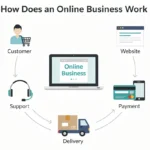
To run an online business means to manage everything that happens after the launch: orders, customer questions, payments, marketing, and the numbers behind them. Starting is a single push, and running is a routine you repeat every day. If you want a clear picture of the whole model, read how an online business works.
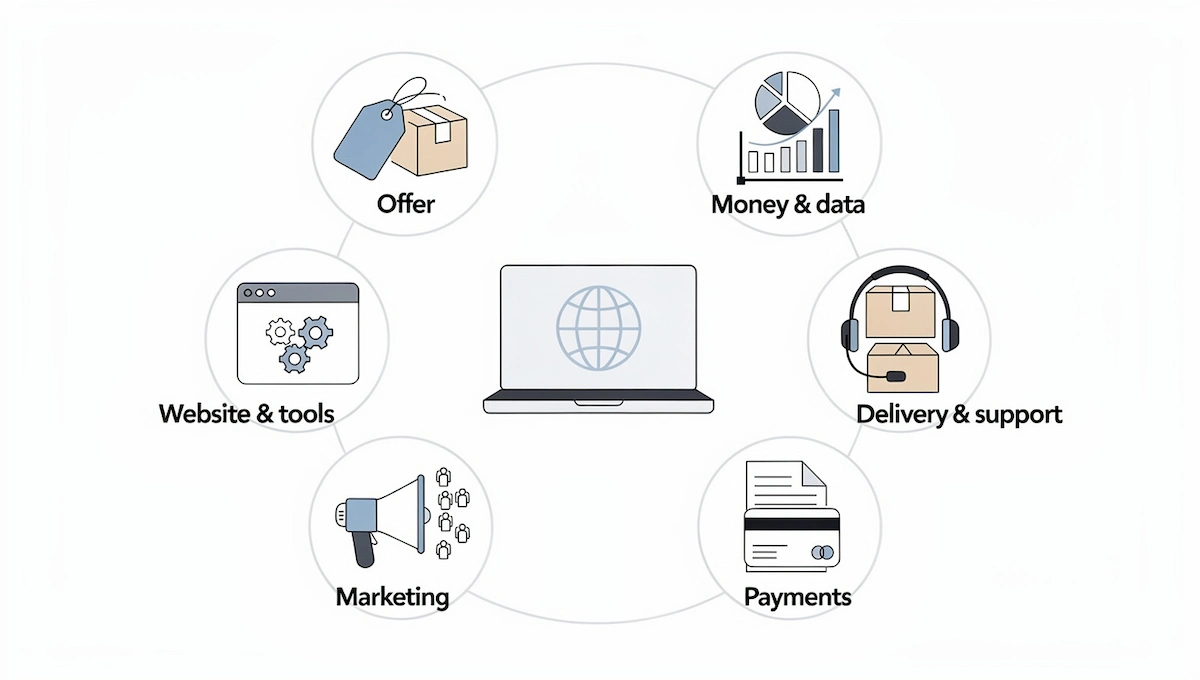
Think of your business as six areas that all need attention:
- Offer – the product or service and its price
- Website and tools – the store, the booking page, and the accounts behind them
- Marketing – how new people find you
- Payments – how you get paid and send invoices
- Delivery and support – shipping, access, and answers to questions
- Money and data – taxes, reports, and customer information
Strong online business operations mean each area has an owner, a routine, and a number to watch. When you work alone, the owner is you, so keep a short checklist and learn how to manage an online business one area at a time.
The Daily, Weekly, and Monthly Routine for Running an Online Business
A fixed routine is the easiest way to keep running an online business without stress. It matters most when you run an online business from home or run an online business part-time, because nobody else sets your schedule. Use the lists below as a starting template for your online business operations and adjust the time to your own week.
Daily Tasks
- Check new orders, bookings, and payments
- Answer customer messages and reviews
- Look at ad results and site speed
- Post or send one piece of marketing
- Update stock or service availability
Weekly Tasks
- Publish content and send your newsletter
- Reach out to partners, creators, or leads
- Review analytics, top pages, and traffic sources
- Check support requests and common questions
- Plan the tasks for next week
Monthly Tasks
- Review income, costs, and profit
- Compare your KPIs with last month
- Update products, prices, and offers
- Check tools, subscriptions, and backups
- Decide what to start, stop, or keep
How to Run an Online Business Step by Step
Follow these steps in order to run a successful online business. Each one adds a layer of control, and together they show how to run an online business that does not depend on your memory.
Step 1: Write a One-Page Plan and Monthly Goals
Write one page that states your offer, your target customer, your price, and your main channel. Add three monthly goals, such as revenue, new customers, and email signups. A short plan is easier to follow than a long one, and it keeps you focused when new ideas multiply.
Step 2: Set Up Legal, Tax, and Money Basics
Choose a business structure, open a separate business bank account, and keep every receipt. Rules differ by country and state, so check local requirements and ask an accountant. In the United States, the IRS runs a tax center for small businesses and the self-employed that explains registration and tax duties.
Step 3: Organize Your Web Assets and Accounts
Keep your domain, hosting, email, social profiles, and tool logins in one secure place with a password manager. Use two-step login on every account. Know who has access, and note renewal dates so nothing expires by surprise.
Step 4: Set Up Payments and Invoicing
Offer simple payment options such as cards and digital wallets, and send clear invoices or receipts. Test the full checkout yourself, including a refund. Make sure your payment tool matches your country and the currencies your customers use.
Step 5: Build a Customer Support Routine
Decide where customers can reach you, such as email, live chat, or social messages, and set a reply time you can keep. Write answers to common questions on an FAQ page. Live chat can answer buyers while they decide, and fast replies build trust.
Step 6: Track the Numbers That Matter
Install Google Analytics and set up your main goals, such as sales or signups. Check traffic, conversion rate, and revenue every week. Watch your monthly burn rate, which is the money you spend each month, so you know how long your cash lasts.
Step 7: Protect Customer Data and Backups
Collect only the data you need, state how you use it in a privacy policy, and keep it secure. Back up your site, files, and customer lists on a schedule. Use secure payment tools, so you never store card numbers yourself.
Step 8: Document and Delegate
Write short step-by-step notes for tasks you repeat, such as shipping, onboarding, or posting. These notes make delegation easy later. Start by handing off the tasks that take time but do not need your judgment.
How to Research Your Customers, Competitors, and Niche
You cannot run an online business well if you guess who your buyers are. A few hours of research save months of wasted effort, and they make every growth method below work better.
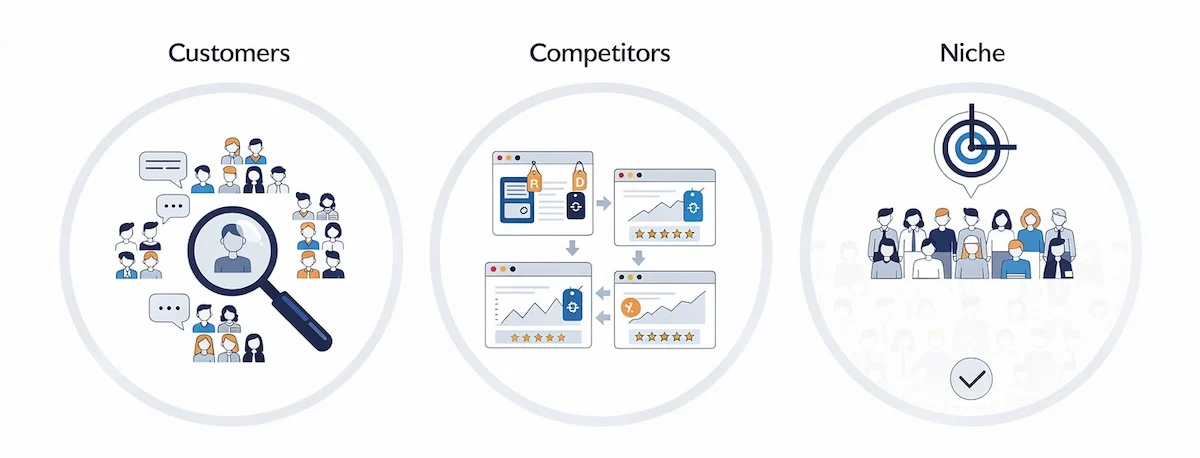
Find Where Your Customers Spend Time
Search your niche in forums, Facebook groups, Reddit, and social media to see what people ask and complain about. Check keyword research tools and Google suggestions to see what they type into search. Note the words buyers use, because they belong in your headlines and product pages.
Study Your Competitors
List five competitors and review their prices, offers, content, and reviews. Look at the keywords they rank for and the ads they run. Find what customers praise and what they dislike, then build your offer around the gaps.
Narrow Your Niche
A narrow niche is easier to reach and easier to rank for than a broad one. Pick a specific group of buyers, a clear problem, and a promise you can keep. Once you own that niche, you can expand to nearby groups.
How to Run Different Types of Online Businesses
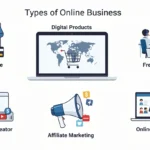
Each model needs a slightly different routine, and how to manage an online business changes with what you sell. Read about the main types of online business if you have not chosen a model yet, then use these notes for your own.
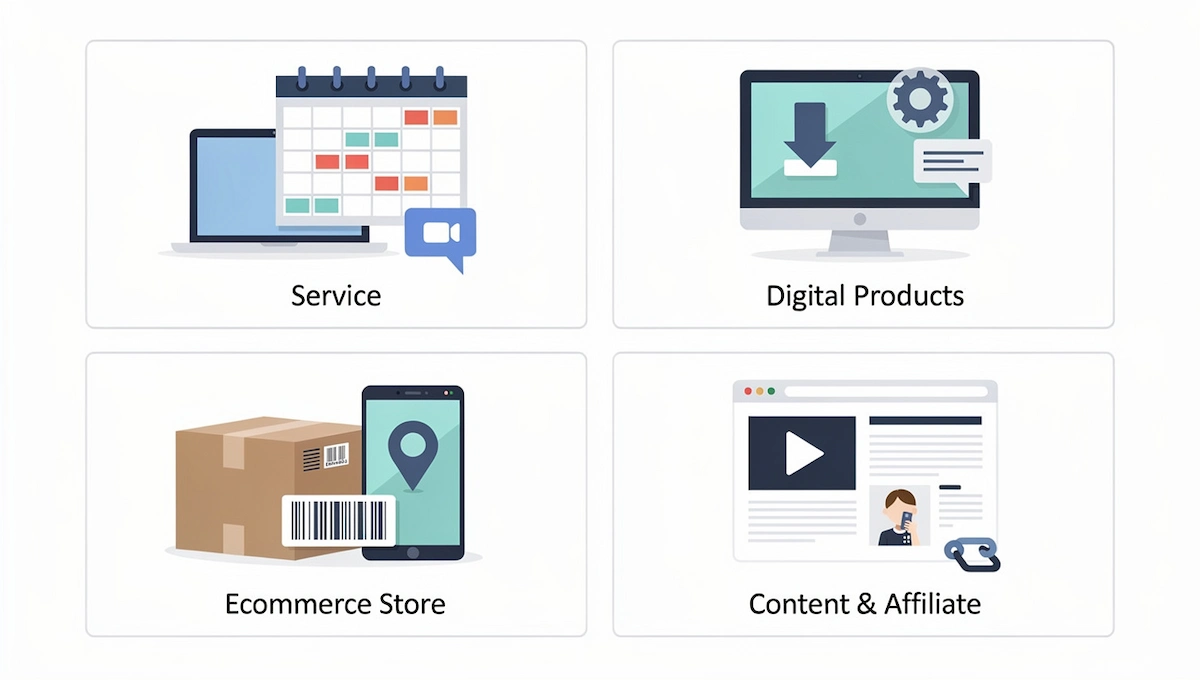
Service Business
Your calendar is the product. Keep a booking system, clear contracts, and a weekly schedule that leaves room for sales calls. Send invoices on time and ask for a short testimonial after each project, because happy clients bring the next ones. Keep a simple list of leads so you never depend on one client.
Digital Product Business
Delivery is automatic, so your daily work is support, updates, and marketing. Check download links, answer buyer questions, and refresh the product when needed. If you are building one now, learn how to start a digital business first.
Ecommerce Store
Stock, shipping, and returns decide your routine. Track inventory each day, process orders fast, and keep a clear returns policy. A store has more moving parts than a service, so automation pays off early.
Content and Affiliate Business
Publishing is the work. Keep a content calendar, track which pages bring visitors, and update old posts. Disclose affiliate links clearly, and watch your traffic sources every week.
How to Run Pricing, Inventory, Orders, and Returns
Pricing and returns apply to every online business, and stock and shipping matter most when you sell physical goods. If you are unsure how your model differs from a store, read how an online business differs from ecommerce, then use the notes below for the parts that apply to you.
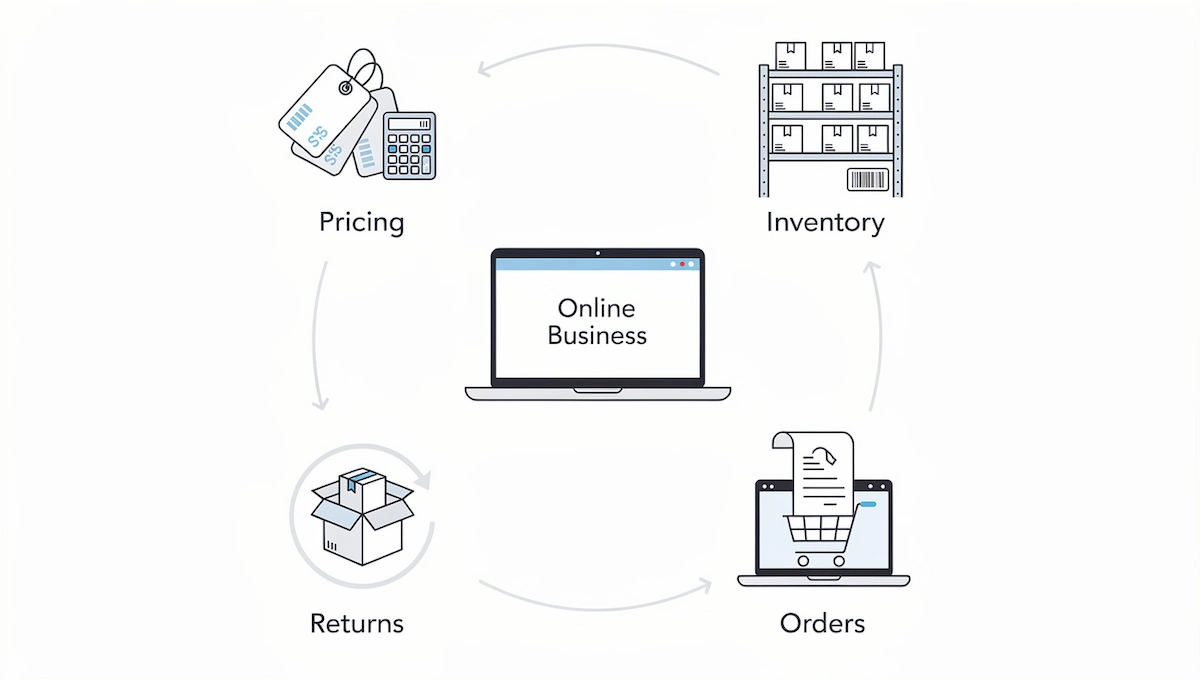
Set and Review Your Prices
Start with your costs, including product, fees, shipping, and ads, then add the profit you need. Compare your prices with competitors, and test one price change at a time. Review prices every month, because costs and demand change.
Manage Inventory and Orders
Track stock in one sheet or an inventory tool, and set a reorder point so you never run out of your best sellers. Process orders on a fixed schedule, and send tracking details as soon as an order ships. Count stock once a month to catch errors.
Handle Shipping and Returns
Show shipping costs and delivery times before checkout, since surprise fees cause abandoned carts. Write a clear returns policy, and process refunds fast. Use returns data to find product problems and fix them at the source.
Tools to Run Your Online Business Every Day
You do not need many tools to run an online business, and good tools keep your online business operations simple. Pick one tool per job, learn it well, and add more only when a task becomes painful.
- Website and store – WordPress, Shopify, or a simple page builder
- Payments – Stripe or PayPal
- Email – Mailchimp or Klaviyo
- Analytics – Google Analytics and Google Search Console
- Projects – Trello or Asana
- Accounting – QuickBooks or Xero
- Communication – Slack and Zoom
Most of these offer a free plan or a trial, so test them before you pay. Prices and plans change, so check current offers.
How to Keep Your Website Fast and Easy to Use
Your website is your shop window, so slow pages and confusing menus cost sales every day. These checks take little time, and they help every growth method in this guide.
- Page speed – compress images, remove unused plugins, and test your pages with a free speed tool
- Simple navigation – clear menus and a visible search box
- Mobile layout – check that every page works on a phone
- Clear calls to action – one main button per page
- Easy contact – show an email, a form, or live chat on every page
- Uptime checks – use a free monitor so you know when the site goes down
- Quality visuals – sharp product photos and short videos
Once a month, test the full path from landing page to payment as if you were a new customer.
Legal and Compliance Basics for Running an Online Business
Rules depend on your country and state, so use this list as a checklist and confirm the details with a local advisor when you start running an online business.
- Terms and conditions – the rules of your sales
- Privacy policy – what data you collect, why, and how you protect it
- Refund and returns policy – clear and easy to find
- Consumer protection – honest prices, product descriptions, and ads
- Sales tax or VAT – register and collect when your sales pass the local threshold
- Intellectual property – protect your brand name and logo, and respect the work of others
Link your policies in the footer of every page, and review them once a year.
KPIs to Track When You Run an Online Business
KPIs show whether your online business is healthy. Pick five or six and review them every week or month, instead of watching dozens of numbers.
- Traffic and sources – where visitors come from
- Conversion rate – the share of visitors who buy or sign up
- Average order value – how much each customer spends
- Repeat purchase rate – how many buyers return
- Customer acquisition cost – what you spend to win one customer
- Profit and cash flow – what remains after costs
- Support response time – how fast you reply
If you sell subscriptions, also track ARR, the yearly value of your recurring revenue. When you run an online business, review these numbers before you decide what to grow next.
How to Keep Customers Coming Back
Repeat buyers do not need the ad spend that new customers need, and happy buyers also bring referrals. Good support and follow-up are part of how to run an online business and grow your online business without constant ad spend.
- Follow up after the sale – send a thank-you and a short how-to email
- Ask for feedback – a one-question survey after delivery
- Fix problems fast – answer complaints within a day
- Reward loyalty – a discount or early access for repeat buyers
- Stay in touch – a monthly email with useful tips, not only offers
Read the feedback every week and act on the patterns, because the same complaint three times is a signal to change something.
How to Grow an Online Business Fast: What Fast Really Means
To grow your online business fast, you need more visitors, more buyers, or higher sales per buyer. Fast does not mean careless. Ads and promotions can bring results in days, email and partnerships in weeks, and SEO in months, so match the speed to your cash and your goal.
The Three Ways to Grow a Business
- Win more new customers – more traffic and a better conversion rate
- Sell to the same customers more often – email, loyalty, and referrals
- Raise the value of each sale – bundles, upsells, and better pricing
Most of the methods below focus on one of these three ways to grow a business, which helps you choose.
What Needs to Work Before You Grow Fast
- A clear offer that people already buy
- Tracking that shows where sales come from
- A page or checkout that converts visitors
- A small budget you can afford to lose while you test
If one of these is missing, fix it first. Growing fast with a leaky page only wastes money faster, and the best way to grow your online business quickly is to find one channel that works and then repeat it.
13 Ways to Grow Your Online Business Fast
Below are 13 ways to grow your online business fast, grouped by how soon they show results. The first six can bring results in days, and the rest take a few weeks to a few months. Each review uses the same format, so you can compare methods quickly.
Fastest Ways to Grow Your Online Business (Results in Days)
These six methods can bring traffic and sales within days, but they need a clear offer and a small test budget. They work best when you already track results.
1. Paid Advertising
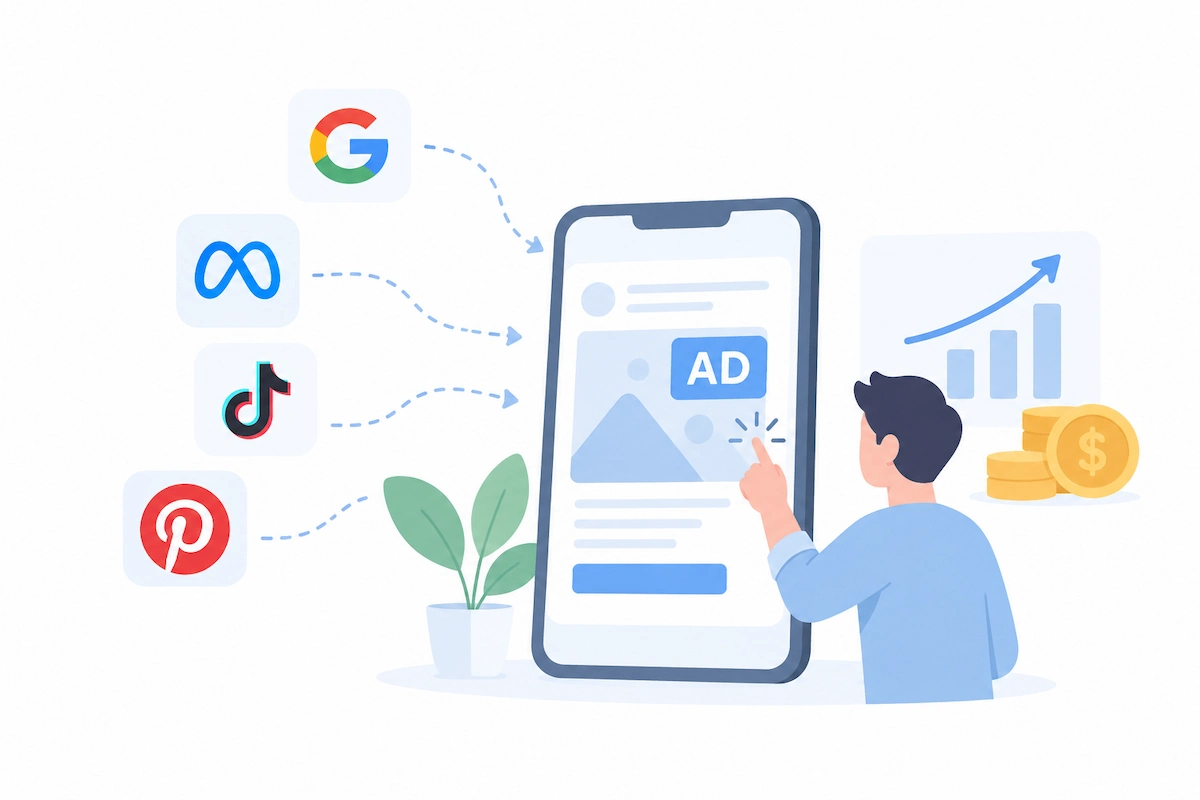
Paid advertising puts your offer in front of buyers on Google, Meta, TikTok, or Pinterest within hours. You choose the audience, the budget, and the page where people land. Start with one platform and one clear offer, and set a daily limit so a bad test cannot drain your account. Track cost per sale from the first day, not only clicks. The main downside is that traffic stops when the budget stops, and weak pages can burn money fast.
| Detail | Estimate |
|---|---|
| Typical cost | A daily budget you set, starting with a small test amount |
| Time to first results | Hours to days |
| Best for | Businesses with a working offer and a tracked page |
| Main risk | Spending before the page converts |
Pros
- Fast traffic
- Precise audience targeting
- Full control of the budget
- Results show quickly in reports
- Works for most offers
Cons
- Traffic stops when you stop paying
- Weak pages waste budget
2. Retargeting Ads
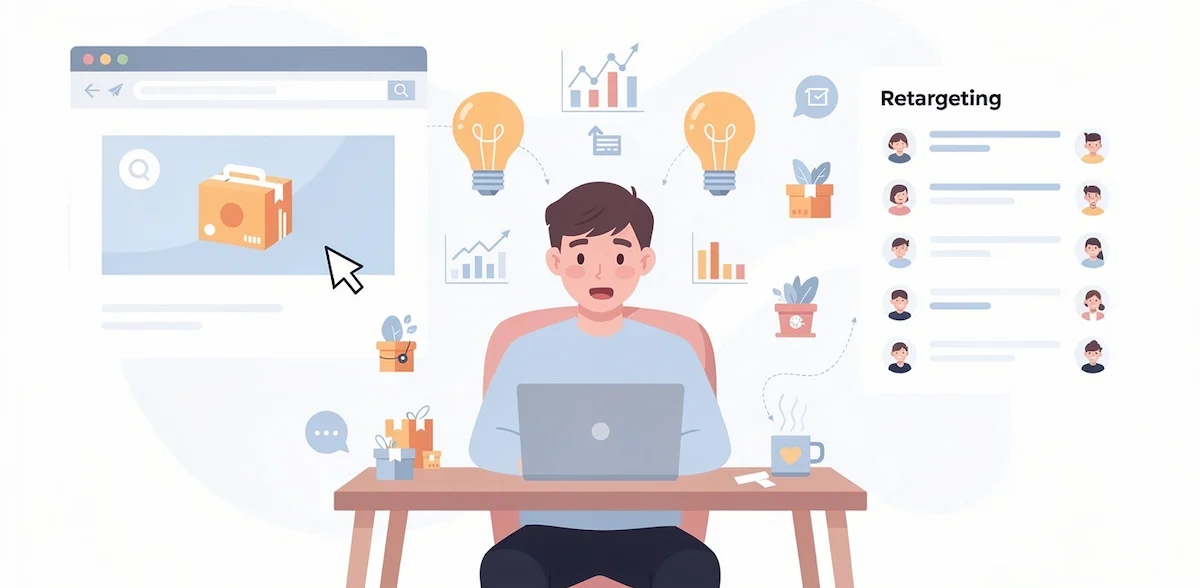
Retargeting shows ads to people who already visited your site, viewed a product, or started checkout. These visitors know you, so they are easier to win back than cold traffic. Install the tracking pixel of your ad platform, build a list of recent visitors, and show a short reminder or a small offer. Keep the audience window short so the ads stay relevant. The main downside is that it needs existing traffic and can feel repetitive when the same ad appears too often.
| Detail | Estimate |
|---|---|
| Typical cost | A small daily budget on top of your site traffic |
| Time to first results | Days after you collect visitors |
| Best for | Stores and sites with steady visits |
| Main risk | Ad fatigue |
Pros
- Targets warm visitors
- Recovers abandoned carts
- Easy to set up with a pixel
- Works with small budgets
- Supports upsells
Cons
- Needs existing traffic
- Repeated ads can annoy people
3. Special Promotions and Discounts
A short promotion gives people a reason to buy now. Flash sales, bundles, free shipping, and first order discounts are common choices. Set a clear end date, a clear limit, and a margin you can afford before you announce it. Promote it by email, social posts, and a banner on your site. Track how many buyers return later at full price. The main downside is that frequent discounts teach customers to wait for the next sale and cut your profit.
| Detail | Estimate |
|---|---|
| Typical cost | The margin you give up |
| Time to first results | The same day |
| Best for | Stores and digital products with room in the margin |
| Main risk | Training buyers to wait for sales |
Pros
- Fast boost in orders
- Easy to set up
- Helps clear old stock or push a launch
- Brings in new buyers
- Works with email and social posts
Cons
- Cuts your margin
- Buyers may wait for the next sale
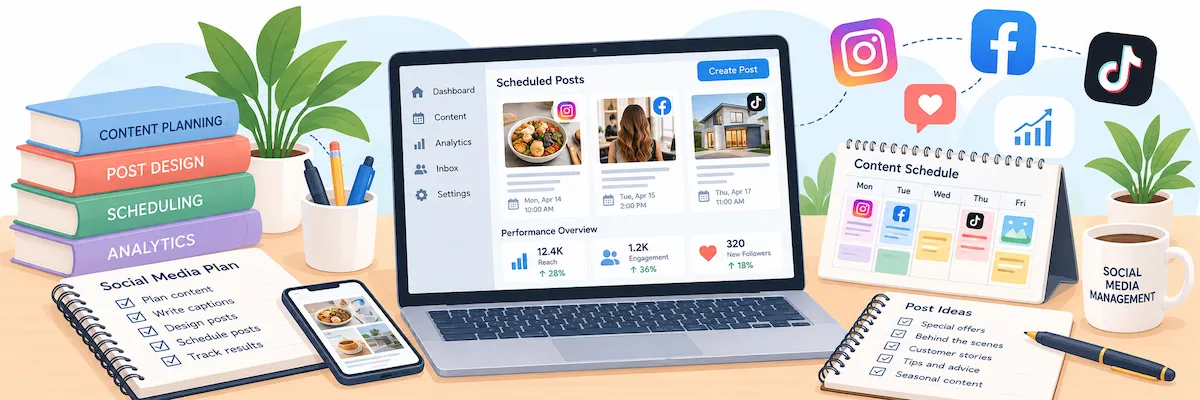
4. Social Media Giveaways
A giveaway asks people to follow your account, tag friends, or join your email list for a chance to win. It spreads your name quickly and adds new followers. Pick a prize that your ideal buyer wants, not a random gadget, so the new audience fits your offer. State the rules and the end date, and follow the platform rules. Follow up with entrants through email. The main downside is that you may attract prize hunters who never buy.
| Detail | Estimate |
|---|---|
| Typical cost | The prize plus a small promotion |
| Time to first results | Days |
| Best for | Brands with an active audience |
| Main risk | Entrants who only want the prize |
Pros
- Quick follower growth
- Builds an email list
- Low cost
- Creates content from your audience
- Works well with partners
Cons
- Many entrants never buy
- Platform rules limit how you run it
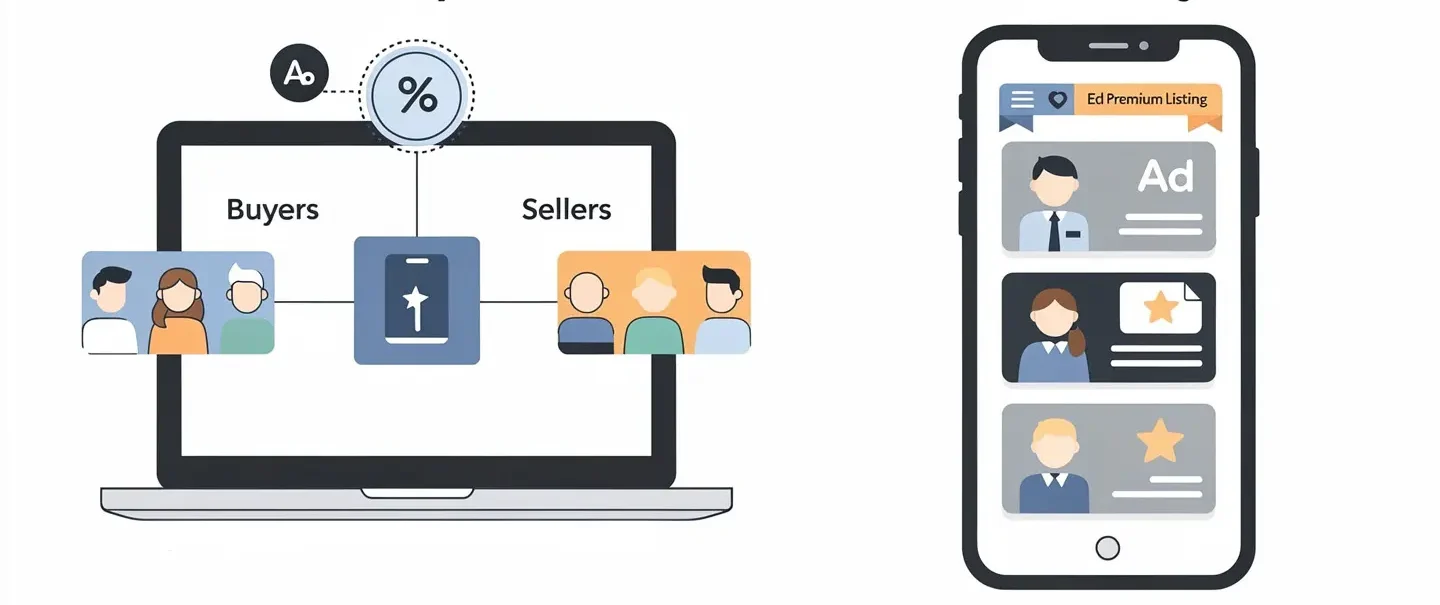
5. Marketplace Listings
Marketplaces such as Amazon, Etsy, and eBay already have buyers who are ready to purchase. Listing there puts your products in front of them without waiting for your own traffic. Use clear photos, accurate titles with search terms, and honest descriptions. Compare fees before you list, because each marketplace takes a share of each sale. Later, move repeat buyers to your own site. The main downside is that you depend on the marketplace rules and you do not own the customer relationship.
| Detail | Estimate |
|---|---|
| Typical cost | Listing and sales fees (check current fees) |
| Time to first results | Days |
| Best for | Sellers of physical or digital products |
| Main risk | Dependence on one platform |
Pros
- Buyers are already there
- No need for your own traffic
- Trusted checkout
- Fast to test
- Reviews build trust
Cons
- Fees reduce profit
- Rules and rankings can change
6. Referral Program
A referral program rewards customers who bring friends. The reward can be a discount, a credit, or a free gift for both sides. Keep the rules simple: one link, one reward, one clear message. Ask happy customers right after a good result, such as delivery or a finished project. Track referral sales so you know what the program costs and earns. The main downside is that it works only when customers already like your product, so fix quality first.

| Detail | Estimate |
|---|---|
| Typical cost | The reward you give for each referral |
| Time to first results | A few days to set up, weeks to see volume |
| Best for | Businesses with happy repeat buyers |
| Main risk | Low use when the product is average |
Pros
- Warm leads from trusted people
- You pay only when someone buys
- Builds loyalty
- Easy to explain
- Works well with email
Cons
- Needs happy customers first
- Slow start with a small customer base
Ways to Grow Your Online Business Fast in a Few Weeks
These seven methods take longer to set up, but they cost less over time and keep working after the first push. Combine one fast method with one steady method for the best result.
7. Email Marketing
Email marketing sends offers, news, and helpful tips straight to people who asked for them. Start collecting addresses from day one with a signup form, a free guide, or a discount on the first order. Send a welcome message, a regular newsletter, and short reminders for abandoned carts. Free plans of email tools cover small lists. The main downside is that results need a growing list and clear messages, so the first weeks can feel slow.

| Detail | Estimate |
|---|---|
| Typical cost | Free plans for small lists, paid plans as the list grows (check current pricing) |
| Time to first results | Days to set up, weeks to build a list |
| Best for | Any business with repeat buyers |
| Main risk | Weak subject lines and unsubscribes |
Pros
- You own the list
- Low cost per message
- Strong for repeat sales
- Easy to automate
- Works for every business type
Cons
- A list takes time to build
- Poor messages cause unsubscribes
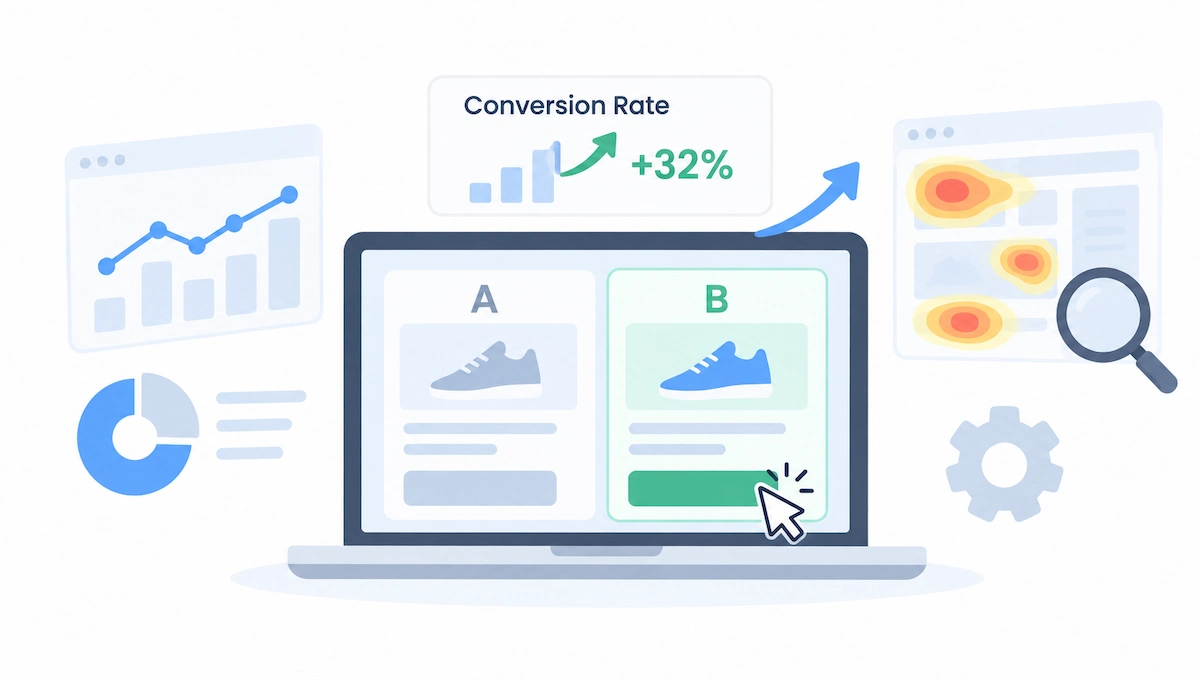
8. Conversion Rate Optimization
Conversion rate optimization means getting more buyers from the visitors you already have. Look at your product pages, checkout, and signup forms, and fix what slows people down. Test one change at a time, such as a clearer headline, a shorter form, or a stronger button. Run A/B tests inside your email, ad, or site tools, and use heat maps or session recordings to see where people leave. The main downside is that small sites may need many visitors before a test gives a clear answer.
| Detail | Estimate |
|---|---|
| Typical cost | Free to low, depending on the tools |
| Time to first results | Weeks |
| Best for | Sites that already get steady visits |
| Main risk | Testing with too few visitors |
Pros
- Grows sales without more traffic
- Often low cost
- Improves every other channel
- Shows real customer behavior
- Gains build up over time
Cons
- Needs enough traffic
- Tests can take weeks
9. Micro-Influencer Partnerships
Micro-influencers have small but loyal audiences in a narrow niche. Their followers trust their advice, so a recommendation can bring buyers who match your offer. Search your niche for creators with engaged followers, send a short message, and offer a free product, a fee, or a commission. Agree on what they will post and when. The FTC expects creators to disclose paid partnerships, so make that part of the deal. The main downside is that results vary, and you may need to try several creators.

| Detail | Estimate |
|---|---|
| Typical cost | A free product, a fee, or a commission |
| Time to first results | Weeks |
| Best for | Niche products with a clear audience |
| Main risk | A mismatch between the creator and your offer |
Pros
- Trusted recommendations
- Focused niche audiences
- Lower cost than large influencers
- Content you can reuse
- Works with commission deals
Cons
- Results vary by creator
- Finding good partners takes time
10. Partnerships and Collaborations
A partnership puts you in front of another business audience, and you do the same for them. Look for companies that serve the same customers but sell something different, such as a newsletter swap, a joint webinar, or a bundled offer. Write a short, specific proposal that explains what each side gets. Start with one small project and measure the results. The main downside is that partnerships take time to arrange and depend on the other side delivering.

| Detail | Estimate |
|---|---|
| Typical cost | Mostly time, sometimes shared costs or discounts |
| Time to first results | Weeks |
| Best for | B2B and niche brands |
| Main risk | Unequal effort or mismatched audiences |
Pros
- Access to new audiences
- Low cash cost
- Builds credibility
- Many formats to test
- Can lead to long-term deals
Cons
- Slow to arrange
- Depends on the partner following through
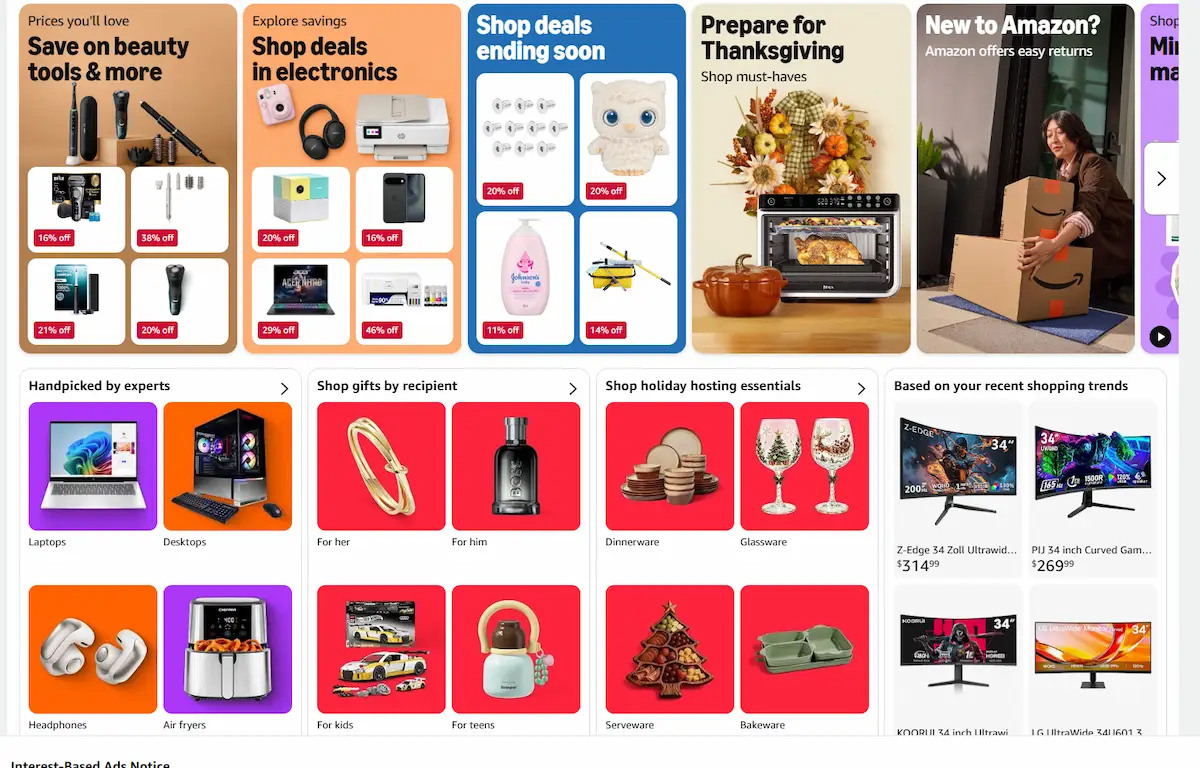
11. Affiliate Program
An affiliate program pays partners a commission for every sale they bring. Bloggers, creators, and review sites promote your product with a tracked link, and you pay only after a sale. Set a clear commission, a cookie length, and simple rules, and give affiliates banners and sample posts. Use affiliate software or a platform to track sales. The main downside is that good affiliates take time to recruit, and low commissions attract little interest.
| Detail | Estimate |
|---|---|
| Typical cost | A commission per sale plus tracking software |
| Time to first results | Weeks to months |
| Best for | Products with healthy margins |
| Main risk | Little interest when the commission is small |
Pros
- You pay only for results
- Many partners at once
- Builds exposure and backlinks
- Works for physical and digital products
- Easy to measure
Cons
- Needs margin for commissions
- Recruiting takes time
12. Social Media Marketing
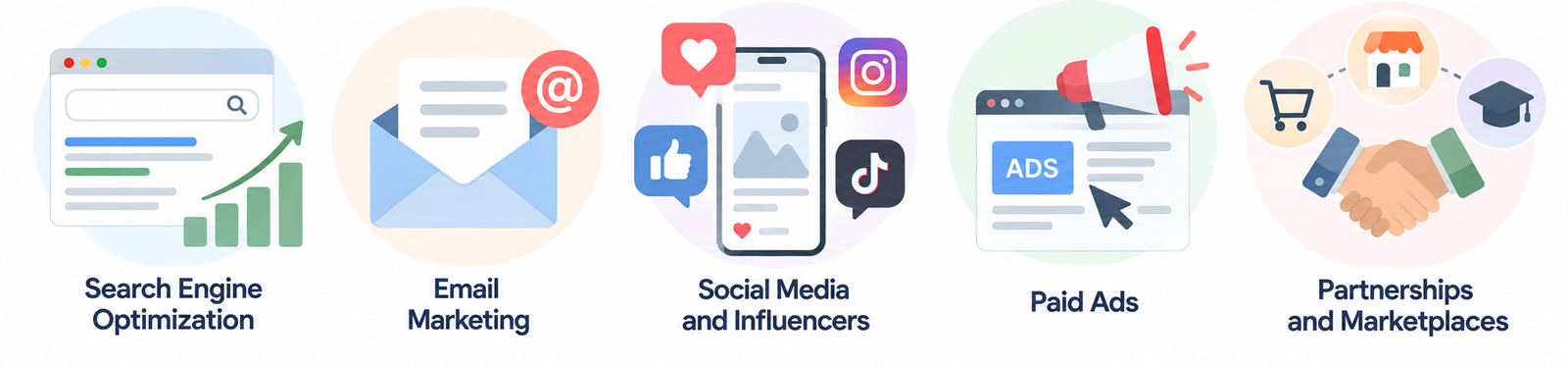
Social media marketing builds an audience and drives traffic through regular posts, short videos, and replies. Pick one or two platforms where your buyers already spend time, and post on a fixed schedule. Share useful tips, behind-the-scenes content, and customer results, not only offers. Reply to comments and messages fast, and track clicks and signups, not only likes. The main downside is that organic reach is limited, and results take weeks of steady posting.
| Detail | Estimate |
|---|---|
| Typical cost | Free for organic posts, paid boosts are optional |
| Time to first results | Weeks |
| Best for | Brands with visual or story-driven products |
| Main risk | Time spent on posts that bring likes but no sales |
Pros
- Free to start
- Builds trust with real people
- Fast feedback on your ideas
- Works with video and images
- Feeds email and referral growth
Cons
- Organic reach is limited
- Needs steady posting
13. SEO and Content Marketing
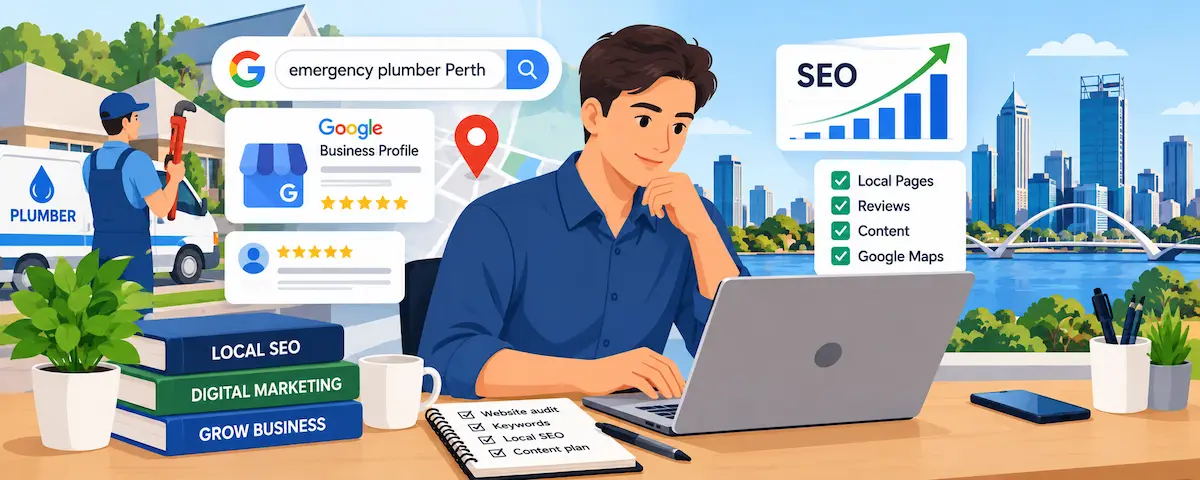
SEO and content marketing bring visitors who already search for what you sell. Do keyword research, publish useful posts, videos, or guides, and make sure your pages load fast. Google Search Console is free and shows which searches bring people to your site. Results are slower than ads, but the traffic keeps coming after you stop paying. The main downside is time: most sites need several months before content ranks and brings steady visits.
| Detail | Estimate |
|---|---|
| Typical cost | Free to low, mainly your time |
| Time to first results | Often several months |
| Best for | Businesses with a clear niche and patience |
| Main risk | Slow results |
Pros
- Free traffic over time
- Builds trust
- Works day and night
- Supports every other channel
- A long-term asset
Cons
- Slow start
- Rankings can change
More Ways to Grow Your Online Business Fast
These ideas appear less often, but they can also help you grow your online business fast. Each row shows who the idea suits and a first step.
| Idea | Best for | First step |
|---|---|---|
| Live Video and Webinars | Experts and coaches | Host one free session and invite your email list |
| PR and Press Outreach | Brands with a story | Write a short pitch and send it to five niche writers |
| Online Communities and Forums | Niche founders | Join two groups and answer questions for two weeks |
| Push Notifications | Stores and publishers | Add a notification tool and send one useful alert a week |
| Social Proof and Reviews | Any business | Ask your last ten customers for a short review |
| Video Content | Brands that teach or demonstrate | Record three short how-to videos |
| Unique Selling Point | Crowded markets | Write one sentence that says why people should choose you |
| Customer Feedback Surveys | Any business with repeat buyers | Send one question to your last 20 customers |
| Loyalty Program | Stores and subscription businesses | Offer a reward after the third purchase |
| Urgency Offers | Stores and digital products | Run one limited-time offer and track the lift |
| Exit-Intent Offers | Sites with steady traffic | Show a discount or a free guide to people who are about to leave |
| AI Search Optimization | Content and service sites | Answer five buyer questions in short, clear sections |
How to Choose the Right Growth Method for You
Use the table to match your situation to a method. If you are still building your skills, these steps to learn online business will help you choose with more confidence. This is how to grow your online business fast without guessing.
Before you pick, ask five questions:
- Goal – do you want sales, leads, or audience?
- Budget – how much can you afford to test?
- Time – how many hours a week can you give?
- Audience – where do your buyers spend time?
- Speed – do you need results in days, weeks, or months?
| Your situation | Best methods | Why |
|---|---|---|
| You have a small budget and some time | Email marketing, SEO, partnerships | Low cash cost and steady results |
| You need sales this week | Paid advertising, promotions, marketplace listings | Results can arrive in days |
| You get traffic but few sales | Conversion rate optimization, retargeting | More sales from the same visitors |
| You have happy customers | Referral program, reviews, email | A warm audience already exists |
| You sell in a niche | Micro-influencers, communities, affiliate program | Trusted voices in your niche |
| You have patience and a clear topic | SEO and content marketing | Free traffic over time |
Pick two or three methods, not thirteen. Combine methods that feed each other, for example content brings visitors, email converts them, and retargeting wins back the rest. Test them for 30 days, keep the one that wins, and drop the rest.
How to Grow Your Online Business Fast With a Small Budget
You can grow your business online without a lot of money if you use free tools and your own time. This is also how to grow your online business for free at the start, and it is the cheapest way to grow a small business online.
- Build an email list from day one – add a signup form to every page
- Publish helpful content – answer the questions your buyers search for
- Join online communities – give real advice before you mention your offer
- Run a small giveaway – pick a prize your buyer wants
- Ask for reviews – show them on your site and listings
- Partner with a peer – swap mentions with a business that is not a competitor
Many founders also use bootstrapping, which means funding growth from sales instead of outside money, and the free methods above fit that approach well.
How to Manage Cash Flow When You Grow Fast
Fast growth uses cash before it brings cash. Ads, stock, software, and freelancers are paid first, and customer payments arrive later. If you plan to grow your online business fast, protect your cash flow first.
- Set spending limits – a daily ad cap and a monthly budget for each method
- Track your cash runway – how many months you can operate at the current spending
- Invoice fast – send invoices the day work ends and follow up on late payments
- Keep a buffer – hold a few months of costs in reserve
- Delay big costs – hire or buy stock only after a method proves it works
- Know your cost per sale – stop methods where the cost passes the profit
Outside funding is possible, but it adds repayments and pressure. Compare every option carefully, and make sure the extra cash raises profit, not only revenue.
A 30-Day Plan to Grow Your Online Business Fast
Use this plan to grow your online business fast in a controlled way. It tests one channel at a time, so you know what works before you spend more.
Week 1: Set Up Tracking and Measure Your Baseline
Set up Google Analytics and your main goals, write down your starting numbers, and check that your checkout works. Pick one fast channel from the list above.
Week 2: Launch One Fast Channel
Launch your chosen channel with a small test budget or a clear free action. Track cost per sale or per signup each day. Do not change five things at once.
Week 3: Capture Emails and Add Retargeting
Add an email signup and a simple welcome message, and set up retargeting for visitors who leave. Ask your first customers for reviews, and run one A/B test on your main page.
Week 4: Review, Double Down, and Drop What Fails
Compare results with your starting numbers. Keep the method with the best return, drop the weakest, and plan the next 30 days. Add a second method only when the first one is stable.
How to Scale Without Burning Out: Automate, Delegate, and Delete
As you grow an online business, tasks pile up. Three actions keep your time under control:
- Automate – email replies, order confirmations, social scheduling, and invoices
- Delegate and outsource – hand tasks to a virtual assistant or a freelancer, with written steps
- Delete – stop tasks that do not bring sales or save time
Scale what already works instead of starting new things. Raise your ad budget in small steps while your cost per sale stays steady, repeat the content formats that bring signups, and add a new channel only after the first one is stable.
Write standard operating procedures, or SOPs, for every task you repeat. When you hire help, interview carefully and test the skills you need. These AI tools to help with interviews can make that process easier.
Keep your work hours fixed and protect time off. A business that needs you every hour does not scale, and burnout can stop a business faster than competition.
Common Challenges When You Run an Online Business
Every owner who runs an online business hits the same problems. Plan for them early, and each one costs less.
- Website downtime and glitches – use uptime alerts and a tested backup
- Strong competition – narrow your niche and improve your service, not only your price
- Slow growth – set 30-day tests and measure each one
- Work-life balance – fix your working hours and automate repeated tasks
- Cash flow gaps – track cash weekly and keep a buffer
- Reputation risks – monitor reviews and mentions, and reply politely and fast
- Changing trends and tools – follow two or three trusted industry sources and test new tools on a small scale
Know when to stop, too. If a product or method fails after a fair test, end it, learn from the numbers, and move that time to something that works.
Mistakes When You Run and Grow an Online Business
These eight mistakes slow down both running and growing an online business:
- Running without a plan. Goals keep your days focused.
- Mixing personal and business money. A separate account makes taxes and reports simple.
- Trying too many channels at once. One tested channel beats five weak ones.
- Not tracking the numbers. You cannot fix what you do not measure.
- Spending the ad budget before testing. Start small and scale what works.
- Ignoring customer support. Slow replies cost sales and reviews.
- Depending on one channel. If a platform changes its rules, your sales can drop overnight.
- Not knowing when to stop. Set a review date, and end methods that do not pay back.
Final Verdict: Where to Start
The simplest way to learn how to run an online business is to build the routine first: a daily checklist, one tracking tool, and a few KPIs. Add one fast growth method, test it for 30 days, and keep what works. A small budget, or a plan to grow your online business for free, favors email, content, and partnerships, while a need for quick sales favors ads, promotions, and marketplace listings.
Take one step today: write your daily checklist and set up tracking. When the numbers are clear, you will know how to grow your online business fast and which method deserves your next hour.
How to Run an Online Business FAQ
How do I run an online business successfully?
To run a successful online business, keep a fixed daily routine, track a few KPIs, and use simple systems for payments, support, and data. Review the numbers weekly, document repeated tasks, and delegate when sales grow. Consistency matters more than any single tool.
Do I need a business plan to run an online business?
A short plan helps, even if it is only one page. It states your offer, your customer, your price, and your main channel, and it keeps you focused. You can update it as you learn, so do not wait for a perfect document.
How do you run an online business from home?
Set up a dedicated workspace, a fixed schedule, and a separate business bank account. Use cloud tools for payments, email, and projects. When you run an online business from home, a daily checklist keeps work and personal time apart.
Can I run an online business part-time?
Yes. Many owners run an online business part-time next to a job, using a fixed routine and automation. Start with one hour a day and add time as sales grow. See the benefits of an online business for more reasons it fits a busy schedule.
How much time does it take to run an online business each day?
It depends on the model. A small service or content business may need one to three hours a day, while a store with orders and shipping needs more. Automate repeated tasks and use a checklist to keep the time under control.
What is the daily routine for running an online business?
A daily routine covers orders and payments, customer messages, one marketing action, and a quick look at ad and site results. Weekly and monthly tasks handle content, outreach, reports, and finances. A written checklist keeps every day consistent.
What tools do I need to run an online business?
You need a website or store, a payment tool, email software, analytics, a project board, and accounting software. Start with free plans such as Google Analytics, and add paid tools only when a task becomes too slow or too risky.
What legal documents do I need to run an online business?
Most online businesses need terms and conditions, a privacy policy, and a refund or returns policy, plus any local registration and tax forms. Rules depend on your country and state, so confirm the list with a local advisor.
What payment methods should I offer?
Offer cards and a digital wallet such as PayPal, Apple Pay, or Google Pay, plus local options your customers use. More options reduce abandoned checkouts, but keep the list simple and test the full checkout yourself.
How do I grow my online business fast?
Here is how to grow your online business fast: pick one fast method such as paid advertising, promotions, or marketplace listings, and test it with a small budget and clear tracking. Add email and conversion tests so each visitor is worth more, then repeat what works.
How long does it take to grow your business online?
Paid ads, promotions, and giveaways can show results in days. Email, partnerships, and conversion tests need weeks, and SEO and content usually need several months. The timeline depends on your niche, your offer, and your effort, so track results from the first week.
How can I grow my online business for free?
To grow your online business for free, build an email list, publish helpful content, join online communities, run a small giveaway, ask for reviews, and partner with a peer. These methods cost time, not ad money, and they work best when you repeat them every week.
What is the cheapest way to grow a small business online?
Email marketing and content are usually the cheapest way to grow your business online, because free plans and your own time cover the start. Reviews, communities, and partnerships also cost little. Compare each method by time, cost per sale, and how long the results last.
What are the three ways to grow a business?
The three ways to grow a business are to win more new customers, sell to existing customers more often, and raise the value of each sale. Most growth methods focus on one of these, so choose the one that matches your biggest gap.
How do I know my online business is growing?
Track traffic, conversion rate, revenue, repeat purchases, and profit each month. Growth shows when these numbers rise together over several months. If only traffic rises while sales stay flat, fix your pages and your offer first.
What KPIs should I track in the first three to six months?
Track traffic, conversion rate, revenue, average order value, customer acquisition cost, and repeat purchases. In the first months, focus on whether visitors turn into buyers and whether each customer costs less to win than they pay you.
When should I outsource or delegate tasks?
Delegate when a task repeats, takes time away from sales, and does not need your judgment, such as inbox support, posting, or data entry. Write the steps first, start with a small task, and check the results before you hand off more.
How do I optimize my online business for AI search?
Write clear answers to real buyer questions, use simple headings, keep your business details accurate, and earn reviews and mentions on trusted sites. AI search tools cite pages that give direct, reliable answers, so keep your content current.
Can I run an online business without a website?
Yes. You can sell through marketplaces, social media, booking tools, or a link page. A website still helps with trust, email capture, and search traffic, so most owners add one once sales start.