AI tools to help with interviews now cover almost every step: reading the job post, building answers, practicing out loud, applying faster and following up. The choice is wide, and many lists mix very different products, so this guide sorts them by what you actually need.
You will find ten AI interview tools with prices, free options and pros and cons, a short section on where prep ends and cheating begins, seven prompts you can paste today, a plan for HireVue style video interviews and a look at AI tools to apply for jobs.
Prices come from public pages in October 2026 and change often, so check each site before you pay. Where two sources disagree, the article says so.
AI tools to help with interviews at a glance
Short answer: start with a free chatbot for question practice, add one dedicated AI mock interview tool for feedback, and use job application tools only after your resume is solid. Here are all ten AI interview tools in one place, from free options to paid ones.
- ChatGPT, Gemini or Claude – free chatbots for questions, STAR stories and voice practice
- Huru – quick mock interviews built from a job listing
- Yoodli – feedback on pace, filler words and clarity
- Big Interview – lessons plus video and voice practice
- MyInterviewAI – spoken questions built from your resume
- Exponent Practice – peer mocks and AI mocks for tech roles
- Interviewing.io – coding and system design practice
- AceRound AI – mocks with difficulty levels and follow-up questions
- Final Round AI – prep, practice and debrief in one app
- Interviews by AI – question sets built from the job description
Why use AI tools for interview preparation?
What AI does well
AI gives you something most people never had: unlimited practice at any hour with nobody judging you. A tool will hear the same answer ten times without sighing, and some measure pace, filler words and structure so you can see progress in numbers. Cost matters too. A candidate without access to a career coach can now get mock interviews and feedback for free or for the price of a lunch.
Job-specific prep is the other gain. Instead of memorizing a generic list, you can paste a real job post and practice the questions that role is likely to bring.
Where AI falls short
AI does not create real pressure, and it cannot read a room. Chatbot answers can sound polished and generic at the same time, and some tools state wrong facts about a company with full confidence. Feedback quality also varies a lot between products. Use AI for repetition and structure, then test your answers on a real person at least once.
How to use AI to prepare for a job interview
Before you pick a paid tool, the groundwork can be done with the chatbot you already use. These five steps give you most of the value of AI tools for interview preparation, and every one of the AI tools to help with interviews below builds on them.
Break down the job description
Paste the job post and your resume into a chatbot and ask for the five skills the employer cares about most, the parts of your resume that match them and the gaps. Gaps are where interviewers push. Tell the AI not to invent experience, so every answer stays true to what you actually did.
Research the company and the interviewer
Ask about the company’s market position, products, competitors and recent news, and attach press releases or public reports if you have them. If you know who will interview you, their public profile hints at what they may ask. Treat those guesses as ideas, not predictions, and draft a few questions of your own for the end of the call.
Build your STAR stories
Pick five real experiences, such as a conflict, a mistake, a win, a tight deadline and a team project, and shape each one into Situation, Task, Action and Result. Keep the first two short and spend most of your time on Action and Result. Let the AI ask for missing details instead of filling them in for you.
Practice out loud with voice mode
Reading questions in your head does not prepare you for the room. Switch on voice mode in a chatbot, describe the interviewer, upload the job post and your resume, and ask for one question at a time. Then speak your answers. If you interview in another language, some of the AI tools for live translation can help you practice with people abroad.
How often to practice
Short and regular beats long and rare. Career center advice points to 15 to 30 minutes a day over two or three weeks. Go deep on two or three companies at a time, because spreading yourself over ten makes every answer generic. After each session, fix one weak answer before the next one.
What to look for in an AI interview tool
Before you pay for anything, check six things. They matter more than the logo or the number of features.
- Question quality: are questions built from your job post and resume, and does the tool ask follow-ups?
- Feedback you can act on: specific notes on structure and examples are better than a single score.
- Format: voice, video or text should match the interview you expect.
- Role fit: technical, behavioral and case interviews need different practice.
- Privacy: check what is stored and whether you can delete recordings and transcripts.
- Price and limits: look at credits, session caps, free tier rules and the refund window.
Free tiers are enough for a first test. Pay for one month when you have an interview date.
Best AI interview tools by what you need
Each review below follows the same order: a short description, a table with cost and limits, then pros and cons. The details on these AI interview tools come from public product pages and 2026 roundups, not from hands-on testing, and prices are listed as the vendors and reviewers show them.
1. ChatGPT, Gemini or Claude
General chatbots are the easiest place to start, and they work as a free AI interview coach. Give them a job post and your resume and they can predict questions, build STAR stories, run a spoken mock interview and critique one answer at a time.
They are weaker at judging body language, and they do not remember your progress across sessions unless you paste it back in. Free plans have limits, and paid plans sit around $20 a month. If you want options beyond one brand, compare these AI tools alternative to Claude.
| Detail | Estimate |
|---|---|
| Cost | Free tier, paid plans around $20 a month |
| Free access | Yes, with usage limits |
| Best for | Question practice and answer critique |
| Main limit | No video or delivery scoring |
Pros
- Free to start
- Flexible prompts for any role
- Voice mode for spoken practice
- Also helps with resume and cover letter
Cons
- Quality depends on your prompt
- No feedback on pace or eye contact
2. Huru
Huru builds an AI mock interview from a job listing, and its Chrome extension can start one straight from LinkedIn, Indeed or a company page. It records your answers on video and gives a report on structure, clarity and speech patterns.

Pricing is the confusing part. The company site says the core features are free, while one 2026 review lists $24.99 a month or $99 a year. Check the pricing page before you plan around it.
| Detail | Estimate |
|---|---|
| Cost | Free on the vendor site, $24.99 a month listed by one review |
| Free access | Yes, per the vendor |
| Best for | Quick job-specific mock interviews |
| Main limit | Not built for deep technical roles |
Pros
- Starts from a job listing
- Video practice with a feedback report
- Supports many languages
- Easy to repeat
Cons
- Pricing information conflicts
- Light on technical interviews
3. Yoodli
Yoodli focuses on how you speak. It tracks pace, filler words and clarity, and its AI mock interview roleplays can simulate different personas and pressure levels, which suits behavioral rounds and roles with a lot of talking.

The Pro plan is listed at about $8 a month on yearly billing, and the free tier covers only a few sessions. It is not meant for coding or case practice.
| Detail | Estimate |
|---|---|
| Cost | About $8 a month on yearly billing |
| Free access | A few free sessions |
| Best for | Speaking delivery and behavioral practice |
| Main limit | Not for technical depth |
Pros
- Clear feedback on delivery
- Realistic roleplays
- Low price
Cons
- Small free tier
- Some users report slow processing
4. Big Interview
Big Interview mixes lessons with AI mock interview practice. Its video tool reviews delivery, pace, vocabulary and eye contact, and a voice feature asks questions based on your resume. It also includes an answer builder and a resume tool.

It suits people who are new to interviewing or uncomfortable on camera. Access starts at about $39 for 30 days with a 30-day money-back guarantee, and some universities give students free access.
| Detail | Estimate |
|---|---|
| Cost | About $39 for 30 days |
| Free access | Free course content, main platform paid |
| Best for | Camera confidence and the basics |
| Main limit | Less useful for senior or niche roles |
Pros
- Video and voice practice
- Lessons and a large question bank
- Money-back window
Cons
- Paid access
- Basic for experienced candidates
5. MyInterviewAI
You upload your resume, pick a role and run an AI mock interview with spoken questions built around your own projects, education and skills. Afterwards you get a scorecard with a resume fit check and a job readiness score.
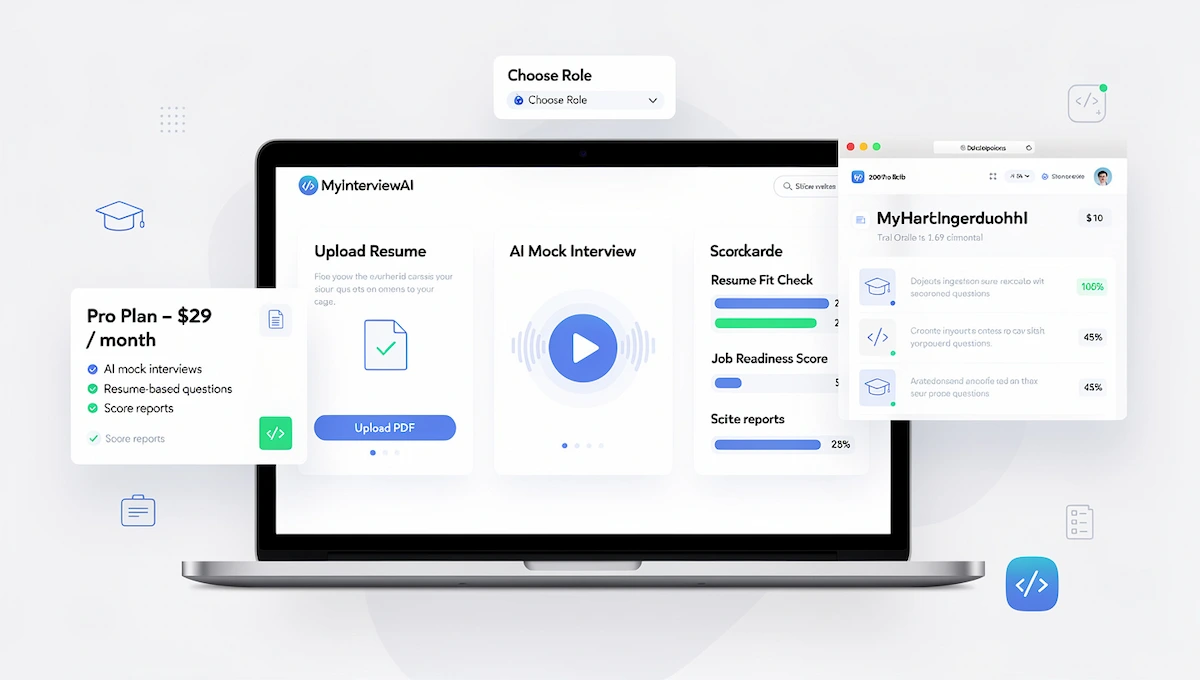
That makes it handy for students and first-time job seekers, who tend to get resume-based questions. One review lists $29 a month and notes there is no coding editor.
| Detail | Estimate |
|---|---|
| Cost | About $29 a month |
| Free access | Free start offered, limit not clear |
| Best for | Freshers and resume-based practice |
| Main limit | No coding tools |
Pros
- On demand, no scheduling
- Questions built from your resume
- Scorecard after each session
Cons
- Pricey for a short search
- Not for technical roles
6. Exponent Practice (formerly Pramp)
Exponent Practice pairs you with another candidate for a one-hour peer mock, thirty minutes each way, and then you grade each other. It also has an AI mock interview that runs ten to twenty minutes.
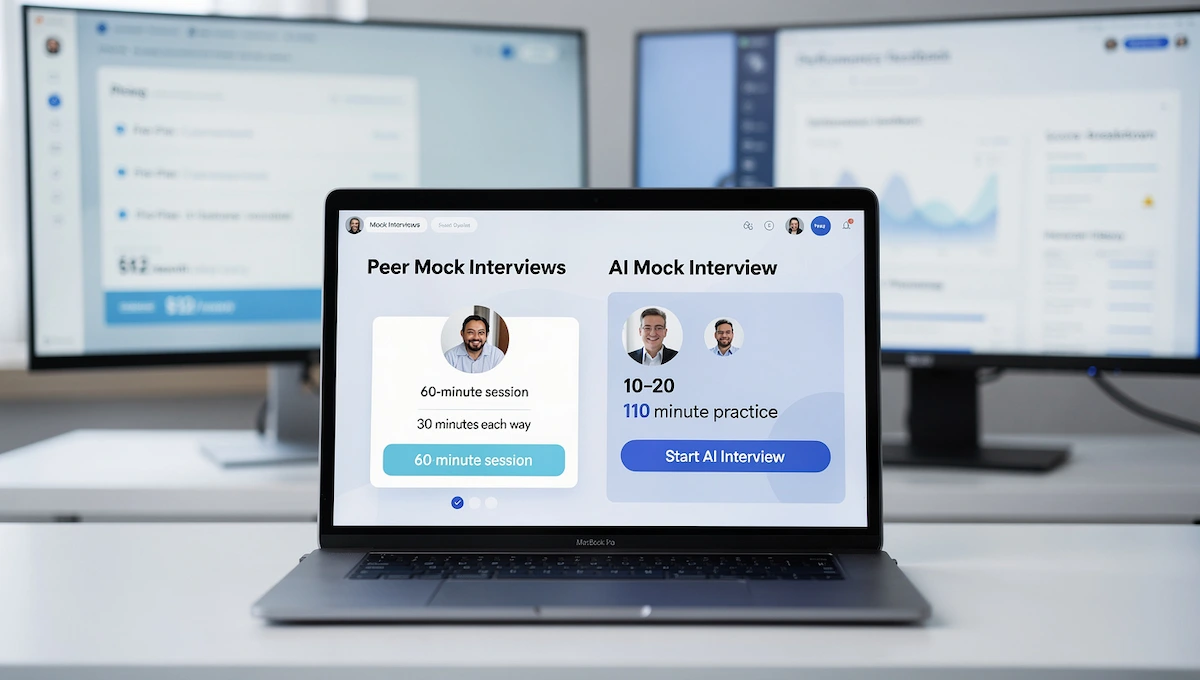
It is aimed at product, data, engineering and system design roles. The free plan lists five peer sessions a month, and the AI features sit behind a paid plan of around $12 a month on yearly billing.
| Detail | Estimate |
|---|---|
| Cost | About $12 a month yearly for AI features |
| Free access | 5 peer mocks a month |
| Best for | Tech roles |
| Main limit | Peer quality varies |
Pros
- Real human practice
- Free peer sessions
- Shared code editor
Cons
- Scheduling takes effort
- AI features are paid
7. Interviewing.io
A long-time name for software engineers. The AI interviewer offers more than 200 coding and system design problems, and the paid side lets you book anonymous mocks with engineers from large tech firms.
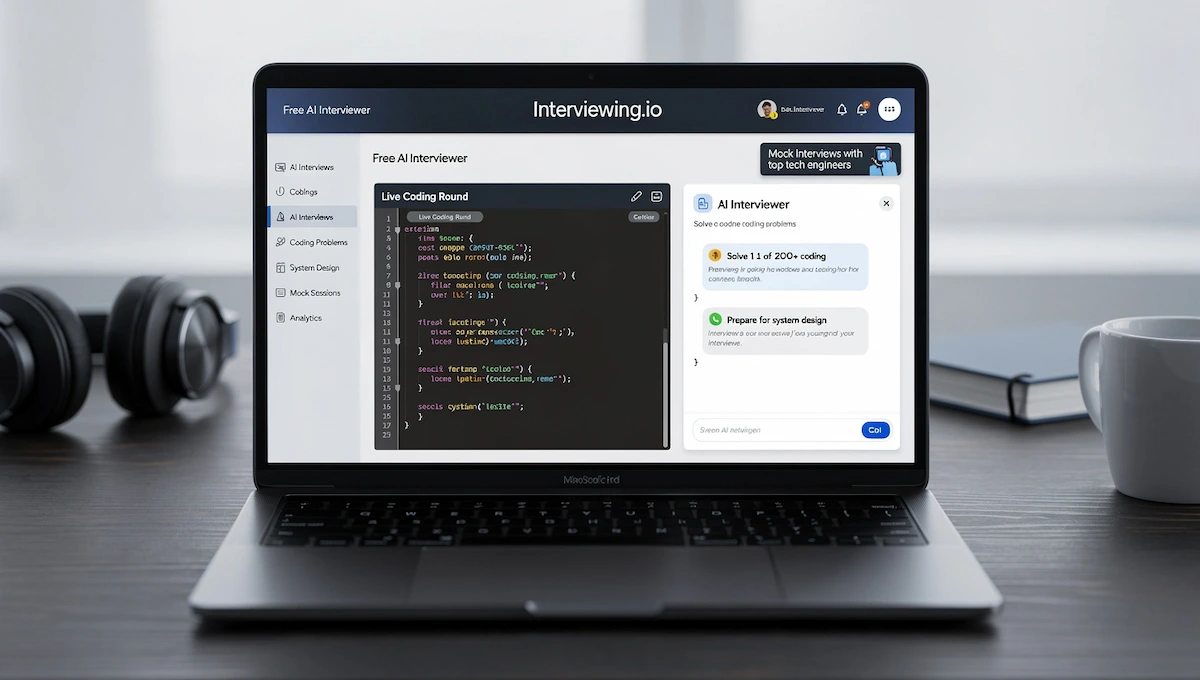
The AI part is listed as free for now, which makes it a cheap first step. For live coding rounds in particular, see our notes on AI tools for live coding interviews.
| Detail | Estimate |
|---|---|
| Cost | AI interviewer free for now, human mocks cost more |
| Free access | Yes, for the AI interviewer |
| Best for | Coding and system design |
| Main limit | Narrow focus |
Pros
- Anonymous sessions
- Large problem set
- Replays of your sessions
- Respected among engineers
Cons
- Human mocks are expensive
- Only useful for technical roles
8. AceRound AI
AceRound runs AI mock interviews with set difficulty levels, from entry level to high-bar tech roles, and it asks follow-up questions based on what you say. It also sells a live copilot, which raises the question covered in the next section.
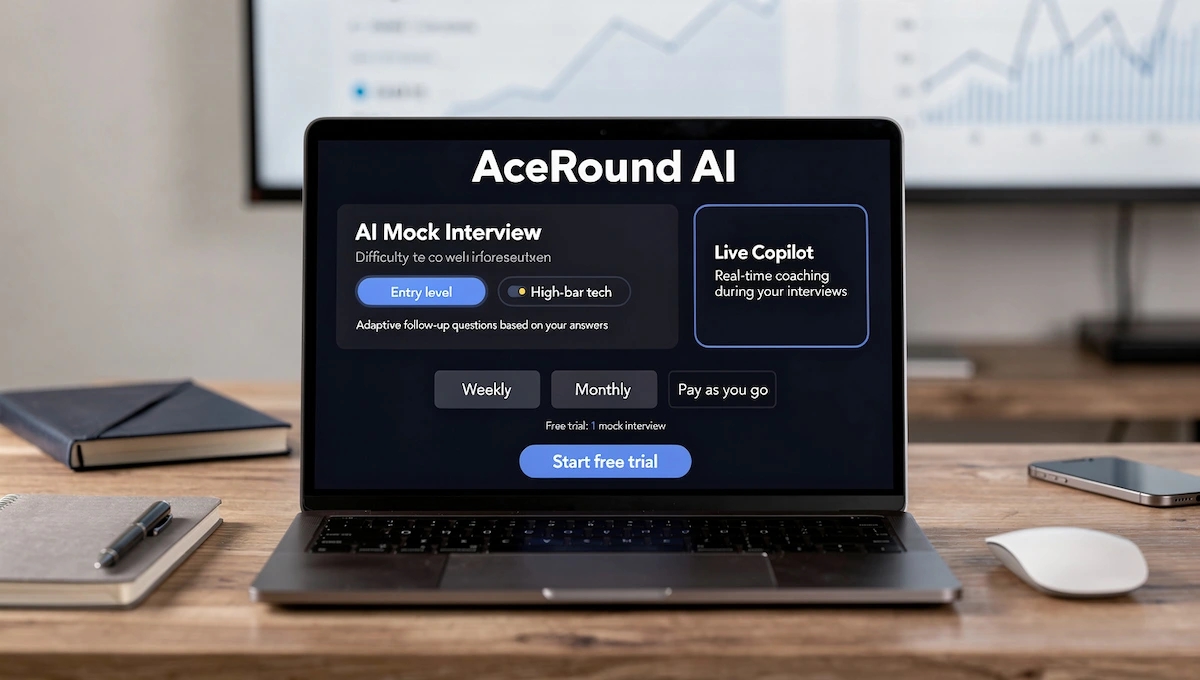
Plans are weekly, monthly or pay as you go, and some reviewers find the price high. Free access is a trial with one mock.
| Detail | Estimate |
|---|---|
| Cost | Weekly, monthly or pay-as-you-go plans |
| Free access | Trial with one mock |
| Best for | Hard technical and behavioral mocks |
| Main limit | Price |
Pros
- Difficulty levels
- Adaptive follow-up questions
- Performance analytics
Cons
- Price may feel steep
- No human feedback
9. Final Round AI
Final Round covers the whole loop: a practice goal built from your resume and the job post, mock interviews, a live assistant and a debrief afterwards. It appears in most 2026 roundups of AI interview tools.
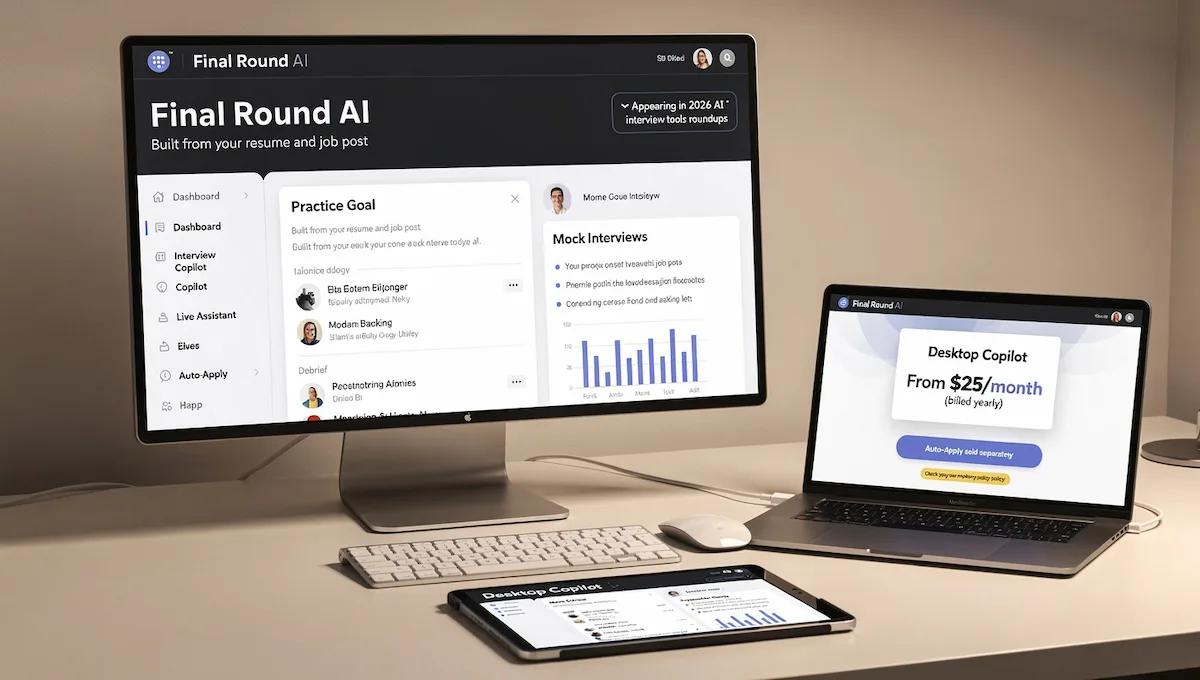
Its desktop copilot is the feature to treat with care, since many employers do not allow outside help. One review lists about $25 a month on yearly billing, and its auto-apply feature is a separate paid product.
| Detail | Estimate |
|---|---|
| Cost | About $25 a month on yearly billing |
| Free access | Limited |
| Best for | A full prep cycle in one app |
| Main limit | Live help can break interview rules |
Pros
- Practice, live help and debrief in one place
- Many interview formats
- Debrief shows weak answers
Cons
- Live copilot is risky to use
- Auto-apply is sold separately
10. Interviews by AI
Interviews by AI builds AI mock interview question sets from the job description you paste, then scores your spoken answers.
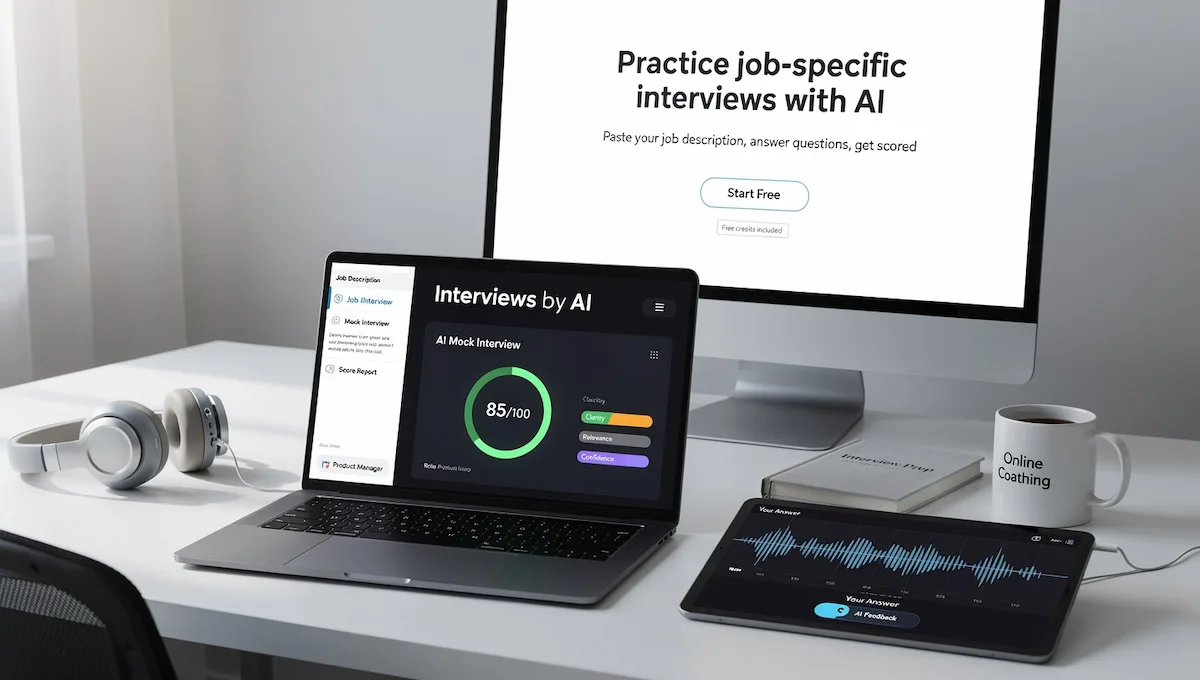
It suits people who want job-specific practice without a big budget, since it gives free credits to start. Zapier lists it among interview coaching tools too. Credits run out, so plan a few focused sessions.
| Detail | Estimate |
|---|---|
| Cost | Free credits, then paid |
| Free access | Yes, through credits |
| Best for | Practice based on a job description |
| Main limit | Limited free credits |
Pros
- Questions come from the job post
- Personal coaching style
- Free to start
Cons
- Credits run out
- Less known than the bigger names
One name that still appears in older lists is Google Interview Warmup. Google retired it in April 2026, and its address now leads to general interview tips and points users to Gemini Live and Career Dreamer, so skip any list that still recommends it.
If you want free AI interview tools first, start with a chatbot, the Interviews by AI credits, Huru and the AI interviewer on Interviewing.io, then pay only if you still need more feedback.
More AI interview tools worth knowing
These names show up often in 2026 roundups. They did not get a full review here, either because they overlap with the tools above or because public information is thin. Three of them sell live copilots that listen during a real call, which brings the rules and honesty problems covered further down.
| Tool | Best for | Cost listed | Watch out for |
|---|---|---|---|
| LockedIn AI | Practice plus career tools and a live copilot | Free tier, paid plans | Live help may break interview rules |
| Interviews.Chat | Multilingual practice and live help | 30 free credits, then paid | Same live-help caution |
| Linkjob AI | Mocks built from your resume | Free to try, paid tiers | Stealth live feature raises honesty problems |
| Sparklane | Practice built around one job and interview stage | No clear price found | Little public pricing information |
| ApplyArc | Questions from a job description with a STAR outline | Free tier, Premium listed near 19 pounds a month | Free generations run out quickly |
| Parakeet AI | Short daily voice drills | Free tier, paid plans differ by source | Price listings disagree |
| InterviewBuddy | AI sessions plus mock interviews with real professionals | $29 to $99 a month listed | Higher price |
| Skillora | Resume-driven mocks with adaptive follow-ups | Free tier, paid plans | Newer, fewer independent reviews |
| Gemini Live | Free voice conversation practice | Free daily limit | No scored feedback |
Is it cheating to use AI during a job interview?
Where the line is
Using AI to prepare is fine. Researching the company, rehearsing answers and polishing how you describe your real experience builds skill you take into the room. The problem starts when you read AI-written answers off a second screen and present them as your own thinking.
What interviewers notice
The signs are behavioral and add up. A short pause before every answer, eyes drifting to a second screen, answers that sound polished and generic at once, and a stall on the first follow-up nobody could script. Most panels will not accuse you. They simply stop believing you, and the offer goes elsewhere.
Survey numbers vary and come mostly from vendors, so treat them as rough. Resume Genius put live AI use at 22% of candidates in 2026, with 78% using AI somewhere in the search, and a 2025 Blind poll found 20% admitted using it in secret.
Hiring teams are adapting. Many now ask candidates to explain why they chose an approach, test edge cases or change an assumption halfway through an answer to see whether the person can adjust. Some add an in-person round. These methods test thinking, and a hidden assistant cannot fake that for long.
When employers allow it
Rules differ by company. Some tech firms now let candidates use AI in coding rounds because the job itself involves AI. Others ban any outside help. If the rules are unclear, ask the recruiter before the interview. Use AI heavily in preparation and answer the real questions yourself.
AI prompts for interview practice
These seven prompts are written to be copied into ChatGPT, Gemini, Claude or any other chatbot. Replace the brackets with your details and keep your real experience in the answers.
Analyze the job description against your resume
“Act as a hiring manager. Read the job description and my resume below. List the five most important requirements, the parts of my resume that match, the weak spots, and the questions you would ask about them. Do not invent skills I do not have. Job description: [paste]. Resume: [paste].”
Run a realistic mock interview
“Interview me for [role] at [company]. Ask one question at a time and wait for my full answer. Add follow-up questions based on what I say. Do not give feedback until the end, then score my answers on clarity, relevance and detail and name my five biggest weaknesses.”
Ask me the hardest questions
“Act as a skeptical interviewer who is not yet sure I am the right person. Use my resume to find gaps, vague achievements and weak claims. If an answer is vague, push back with a follow-up. At the end, tell me which answers could hurt me and how to improve them without exaggerating.”
Build a STAR story from my experience
“Here is a rough story from my work: [paste]. Turn it into a short STAR answer for the question [question]. Keep Situation and Task brief, spend more time on Action and Result, and ask me for missing details instead of making them up.”
Critique one answer
“Here is an interview question and my answer. Tell me whether I answered the question, what was convincing, what sounded generic and what follow-up an interviewer would ask. Then give a stronger version that keeps my real experience and sounds natural out loud.”
Prepare questions to ask the interviewer
“Based on this job description and what I know about [company], suggest eight questions I could ask the interviewer about the team, success in the first 90 days and current challenges. Skip anything the job post already answers.”
Draft a thank-you note
“Here are my notes from the interview: [paste]. Write a short thank-you email, under 120 words, that mentions one specific topic we discussed and restates why I fit the role. Keep it warm and plain, with no clichés.”
How to prepare for a HireVue or AI video interview
More employers now screen candidates with a recorded or AI-led interview before any person speaks to them. The format feels different, and it rewards a little extra preparation.
How to tell it is an AI interview
Read the invitation. Phrases like on-demand interview, video assessment, automated interview or complete it at a time that suits you often mean no live person is present. Greenhouse’s 2026 candidate report found that 70% of candidates were never clearly told in advance that AI would evaluate them, and 21% learned it only when the interview began.
What the system looks at
Most systems compare your answers with the job description, so use the wording from the post wherever it is honest to do so. Some also review delivery, such as pace and clarity, and a few penalize answers that sound read from a script. You will not know the exact scoring, so put your effort into clear examples, direct answers and steady delivery.
How the format works
In a one-way video interview you see a question, get roughly 30 seconds to think, then record an answer lasting one to three minutes. Retakes are limited or not allowed. Employers set the details, so read the start screen before you press anything.
Structure every answer
Use STAR for behavioral questions and aim for about 90 seconds, even when more time is allowed. The hardest part is talking to a camera or a voice that gives no reaction, so people speed up, ramble or freeze. A voice mock interview that scores pace and structure gives you that practice. Record yourself with a timer and watch the playback for filler words and eye contact.
Setup checklist
HireVue’s own tips suggest using the practice question and recording yourself first. Add these basics:
- Camera at eye level, light in front of you, not behind
- Upper body in frame so gestures are visible
- A quiet room and a headset or clear microphone
- A test of audio and video before the real session
- Eyes on the lens when you answer
- A check of whether notes are allowed
Ask about AI use and adjustments
You can ask the recruiter whether AI will be used and how the result is reviewed. Some regions are working on rules that require employers to say so. If you have a disability or need an adjustment, ask for it before the session, not during it.
AI tools to apply for jobs
A different group of AI tools to apply for jobs helps with the application itself. They fix your resume, draft cover letters, track applications and sometimes submit forms for you. These AI job application tools and other AI job search tools work best after your resume is strong.
Resume and ATS checkers
Many companies scan resumes with applicant tracking systems before a person looks at them. An ATS resume checker such as Jobscan, Teal or Rezi compares your resume with a job post and shows missing keywords. An AI resume builder like Kickresume can draft bullet points from a job title, but you should edit them so they match what you did. Kickresume’s premium plan is listed at $24 a month or $96 a year.
Cover letter generators
An AI cover letter generator saves the most time when you apply to many roles. Give it the job post and your background, then rewrite the opening and closing in your own voice. Kickresume and CoverDoc are purpose-built, and any chatbot can do the same job.
AI job matching and search
Matching tools scan listings and rank the roles that fit your resume. Jobright and Sonara are common names, and LinkedIn has AI search features of its own. Use them to widen your list, not to skip reading the post.
LinkedIn profile and outreach
A chatbot can tighten your headline and summary and draft short messages to people at companies you want to join. Mention something specific about the person or team, and send messages one at a time, because copy-pasted notes get ignored. If you freelance next to your job search and want a simple brand mark for your portfolio, see these AI tools for 3D logos.
Auto-apply vs autofill
The two terms sound alike but are not the same. Auto-apply tools submit applications for you, often on a server while you do something else. Autofill tools fill the form and leave the final click to you. One 2026 review found that six of eleven tools did not submit on their own. Quality matters more than volume, because a generic resume sent to hundreds of jobs rarely works. Review what was sent, and read the pricing, since credits are often sold separately from the subscription.
Job trackers
A tracker keeps every job, deadline and follow-up in one place. Teal has a free tracker with a browser extension, Huntr offers a visual board with a Pro plan listed at about $40 a month, and Simplify has free autofill with a paid plan listed between $30 and $40 a month, depending on the source. Careerflow lists a premium plan at $19.99 a month.
AI tools to help you get a job after the interview
AI tools to help you get a job do not stop when the call ends. Follow-up, pay research and a human touch decide many offers, and AI job search tools for job seekers can support each of those steps.
Follow-up and thank-you emails
Ask a chatbot to draft a short thank-you note that mentions one specific topic from the conversation, then edit it so it sounds like you. Send it within a day. A debrief with the AI is also useful: paste your notes and ask which answers felt weak.
Salary negotiation
Pay tools such as Payscale estimate what a role should pay based on title, experience and location. You can also use a chatbot to rehearse the conversation, including what to ask for besides base pay, like flexible hours or remote work. Research the range first, then practice saying your number out loud.
Keep it human and keep options open
Hiring managers see more AI-written applications every month, so sound like yourself. If the search drags on, a side project can fill the gap, and the guide on online business without investment shows options that need almost no money.
How to choose the right AI interview tool
Match the tool to your situation and your budget. Among all the AI tools to help with interviews, these are the best starting points:
| Your situation | Start with | Cost |
|---|---|---|
| Want free and flexible | A general chatbot with voice mode | Free to about $20 a month |
| Nervous speaker | Yoodli or Big Interview | Free sessions, about $8 to $39 |
| First job or fresher | MyInterviewAI or Interviews by AI | Free credits to about $29 a month |
| Software engineer | Interviewing.io or Exponent Practice | Free AI and peer sessions |
| Career changer | Huru or ApplyArc | Free tier to a paid plan |
| Senior or executive | Yoodli roleplays plus a human mock | Pro about $8 a month, human mock extra |
| Interview in 48 hours | A chatbot mock plus one STAR session | Free |
| Full cycle in one app | Final Round AI, with live help off | About $25 a month on yearly billing |
Whichever of the AI interview tools you pick, run one session, review the feedback, fix the weak answers and try again. Two or three focused sessions beat a dozen without review. Students still hunting for a first role can also browse business ideas for students as a way to earn while they apply.
Common mistakes when using AI for interviews
Even the best AI tools to help with interviews fail when they are used badly. Watch for these five habits.
- Memorizing scripts. You sound like a teleprompter and freeze when the question changes.
- Letting the AI invent experience. Interviewers dig into details, and invented ones fall apart.
- Practicing once. One mock the night before is not enough.
- Pasting private data. Check what a tool stores before you upload a resume or company documents.
- Skipping real people. A friend or mentor still spots things an AI misses.
Final thoughts on AI tools to help with interviews
AI tools to help with interviews work best as practice partners, not as stand-ins. Start with a free chatbot, add one dedicated tool for feedback, and keep your answers rooted in real experience. If remote operations work appeals to you, the online business manager role is one path worth reading about while you search.
Frequently asked questions about AI tools for interviews
What is the best AI tool for job interview preparation?
There is no single winner among AI interview tools. A free chatbot works for questions and STAR stories, Yoodli suits speaking practice, Huru and Interviews by AI build mocks from a job post, and Interviewing.io fits software engineers.
Can ChatGPT help me prepare for a job interview?
Yes. Give ChatGPT your resume and the job post, then ask it to predict questions, run a mock interview one question at a time and critique your answers. Voice mode makes the practice feel closer to a real call.
Are AI mock interviews worth it?
They help most when the AI asks follow-up questions and gives specific feedback. Use them for repeated practice, and add a session with a friend or mentor when you can.
Which AI interview tools are free?
Free AI interview tools include chatbots, Huru, Interviewing.io’s AI interviewer, Interviews by AI credits and a few free sessions on Yoodli and Exponent Practice. Limits change, so check each site before you start.
Can I use AI during an actual job interview?
Only if the employer allows it. Many companies ban outside help, and using a hidden assistant risks your reputation. Use AI heavily for preparation and answer the live questions yourself.
Can interviewers tell if you use AI?
Often yes, through behavior. Pauses before answers, eyes on a second screen, generic polished answers and trouble with follow-up questions give it away more than any software does.
What is the best AI tool to apply for jobs?
The best AI tool to apply for jobs depends on the step. Jobscan, Teal and Rezi check resumes, Kickresume drafts documents, Teal and Huntr track applications, and auto-apply tools send forms for you but need careful review.
Is auto-apply safe and does it work?
It can save time, but results vary. Some tools only autofill, some submit generic resumes, and credits cost extra. Pick quality over volume and read what was sent in your name.
What is the best AI tool for software engineers?
Interviewing.io and Exponent Practice focus on coding, system design and peer practice. A chatbot can add extra questions and explain your mistakes.
What is the best AI interview tool for freshers?
MyInterviewAI and Interviews by AI suit a first job, since they build questions from your resume or a job post. A free chatbot with voice mode covers the basics at no cost.
Can AI help with last-minute interview prep?
Yes. Paste the job post and your resume into a chatbot, ask for the likely questions and run one spoken mock. Then fix your two weakest answers and get some sleep. A short plan beats cramming.
How do I know if my interviewer is an AI?
Read the invitation. Terms like on-demand interview, video assessment or automated interview usually mean no live person is present. You can also ask the recruiter directly.
How many AI mock interviews should I do?
There is no fixed number. Do one, review the feedback, fix the weak answers and repeat. Two or three focused sessions are more useful than many without review.