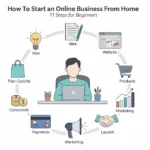
If you want to know how to start an online business from home, the short answer is that you need a clear idea, a small budget and a plan to follow. You do not need an office, a team or a big loan. This guide covers 11 steps, from picking a business model to your first sales, plus ideas, tools, costs and the mistakes to avoid.
Many people run an online business from home as a side hustle before they quit a job. Others start because they are tired of the commute, want flexible hours or need an income they can control. Whatever the reason, the steps below work for a service, a digital product or an online store.
First you will see whether this path fits you. Then you will get ideas to choose from, the step by step plan, the best tools to build with and a realistic view of time and money.
Key Takeaways
Keep these points in mind before you begin:
- You can start with a laptop, an internet connection and a few hundred dollars, or even less for a service business.
- Choose one business model and one niche, because trying everything slows you down.
- Test your idea with real people before you spend money on a website or stock.
- Set up a home workspace and fixed work hours, so the business does not take over your life.
- Check local rules for a home-based business, including registration, permits and taxes.
Is an Online Business From Home Right for You?
This path suits people who like to work alone, learn new skills and take small risks. It also suits anyone who wants to start a business from home without a lease or an office.
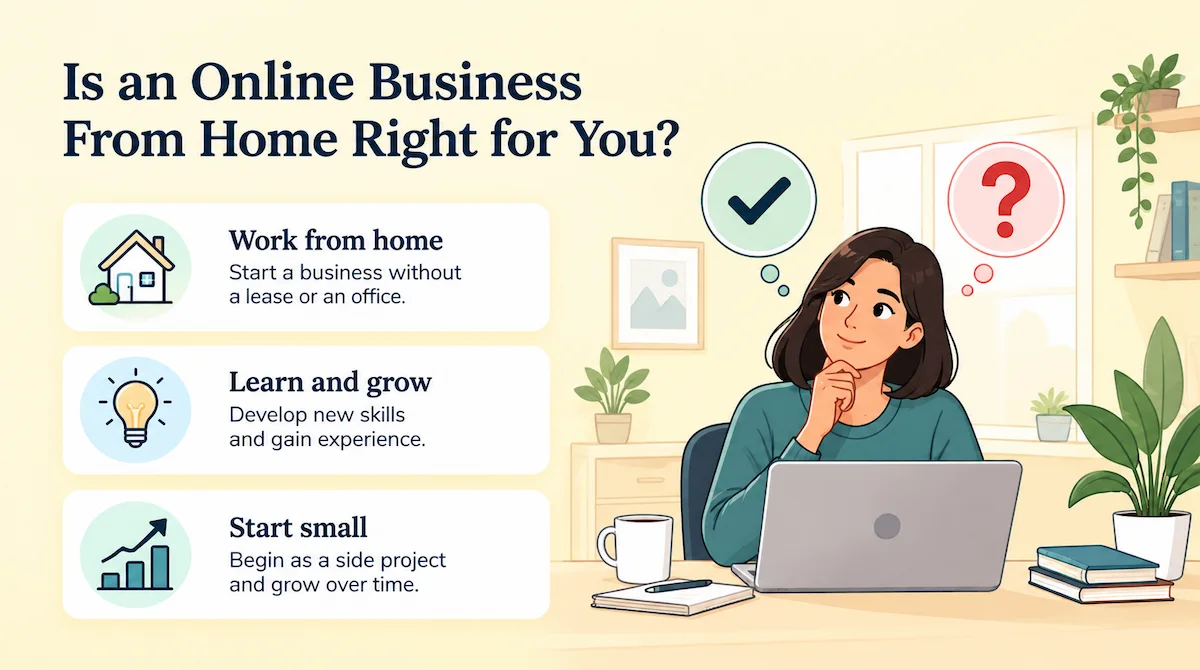
Before you commit, look at both sides. Many people start a home-based business as a side project, and some grow it into full-time work.
Benefits of Working From Home
The biggest advantage is low overhead. You skip rent, and many business models let you start with only a laptop and a few subscriptions. Read more about the benefits of an online business if you want a longer list.
- Flexible hours: you set your own schedule and can work around a job or family.
- Low startup costs: no storefront, no commute and often no stock.
- Global reach: your customers can live in any city or country.
- Room to scale: many tasks can be automated as the business grows.
Challenges You Should Expect
Running a business at home is not always easy. You must stay disciplined without a boss, and it is hard to keep work-life balance when your desk is in the living room. Income can also be uneven at the start, since a new business needs weeks or months to find its first customers. Other common problems are website downtime, strong competition and the lack of coworkers. Plan for these problems early, and they become much easier to manage.
Are You Ready To Start?
Before you invest time or money, check if you are ready. Ask yourself if you can work alone, how many hours you can give each week and how long you can live without business income. Then look for training. The Small Business Administration (SBA) offers a free readiness assessment and free courses, and SCORE offers free mentors for new owners. If your answers are mostly yes, you are ready to pick an idea. If not, spend a few weeks learning first, and start a small test while you keep your job.
Online Business Ideas You Can Start Today
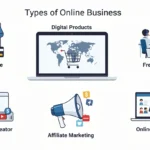
The right idea sits where your skills, market demand and profit meet. Start by listing what you are good at, what you enjoy and what people already pay for. This overview of the types of online business shows the main models. Here are six online business ideas that work well for beginners:
- Freelance services: sell a skill such as writing, design or bookkeeping
- Digital products and templates: planners, resume templates and checklists
- Print-on-demand store: shirts, mugs and posters with no stock
- Niche blog with affiliate links: reviews and guides on one topic
- Online course with an email list: teach one skill to a small audience
- Social media management: run accounts for local shops
Freelance Services
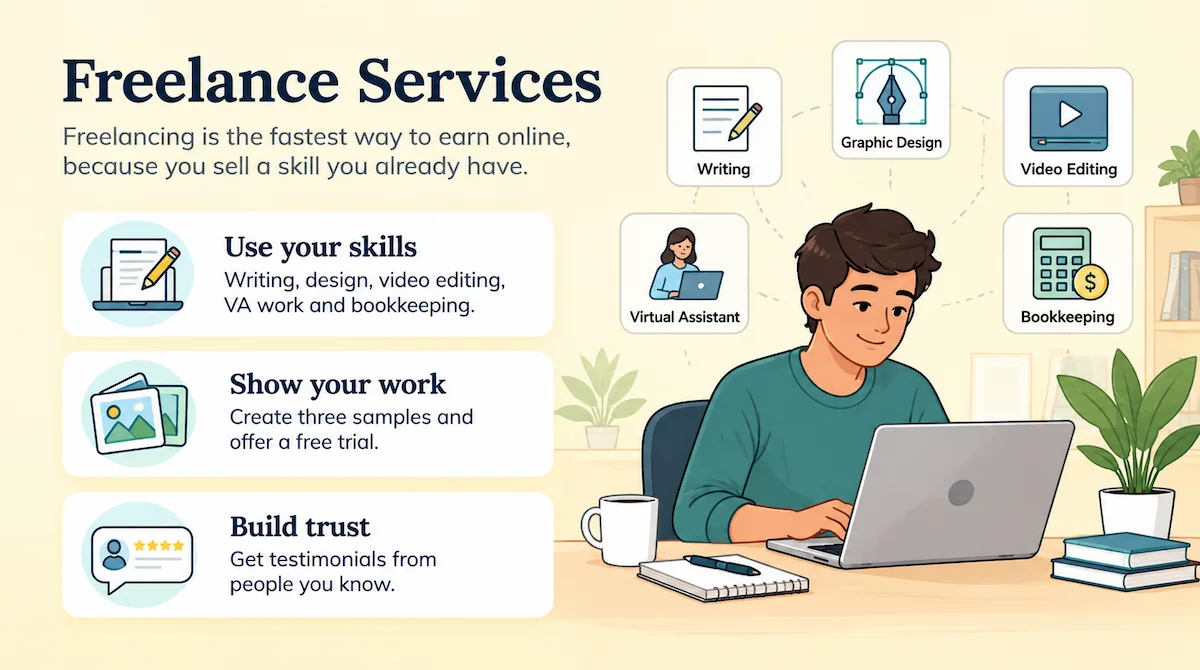
Freelancing is the fastest way to earn online, because you sell a skill you already have. Writing, graphic design, video editing, virtual assistant work and bookkeeping are all in demand with small companies. Show three samples, offer a free trial to a few people you know, and ask for a testimonial. If money is tight, read this guide to an online business without investment.
| Detail | Estimate |
|---|---|
| Starting cost | Under $100 |
| Time to first client | 1 to 4 weeks |
| Income model | Hourly rates or project fees |
| Best for | Anyone with a skill companies pay for |
Pros
- Lowest cost and risk
- First income can come within weeks
- Prices rise as you collect reviews
Cons
- Income stops when you stop working
- Needs steady outreach to find clients
Digital Products and Templates
Planners, templates, social media packs and ebooks are made once and sold many times. Canva is enough for most of them, and you can sell the files on your own site or on a marketplace.
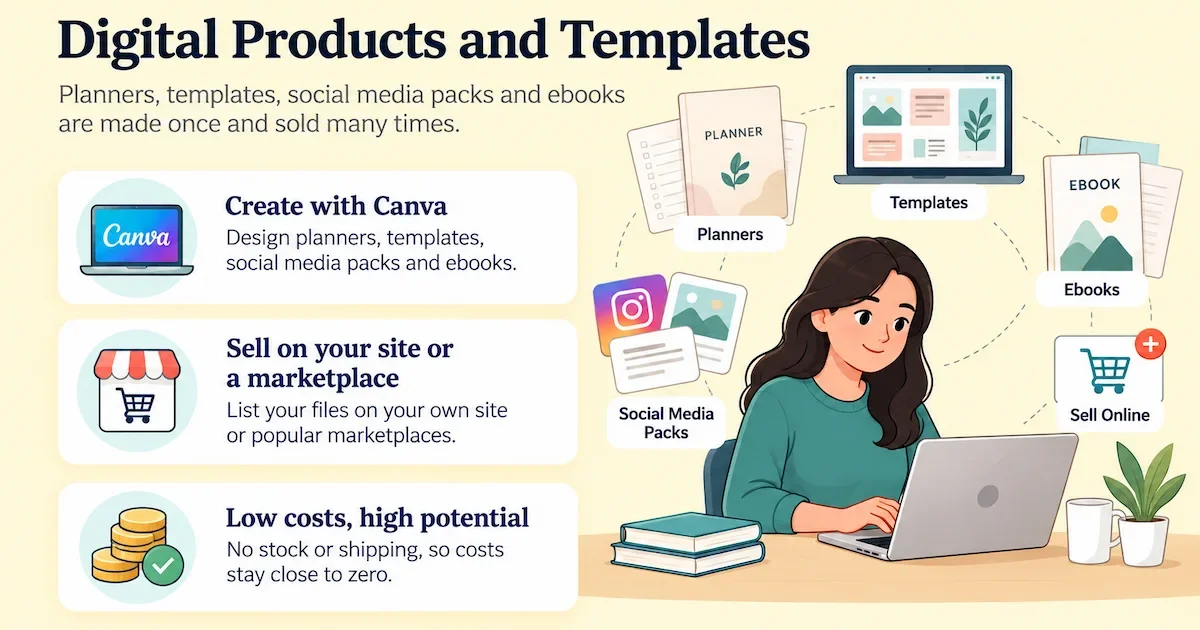
There is no stock or shipping, so costs stay close to zero. Pick a niche, such as teachers or real estate agents, so your product stands out.
| Detail | Estimate |
|---|---|
| Starting cost | Under $50 |
| Time to first sale | 1 to 4 weeks |
| Income model | One-time sales of files |
| Best for | People with a clear skill or niche |
Pros
- Made once, sold many times
- No stock or shipping
- Costs stay close to zero
Cons
- Many sellers offer similar files
- Needs steady traffic to earn
Print-on-Demand Store
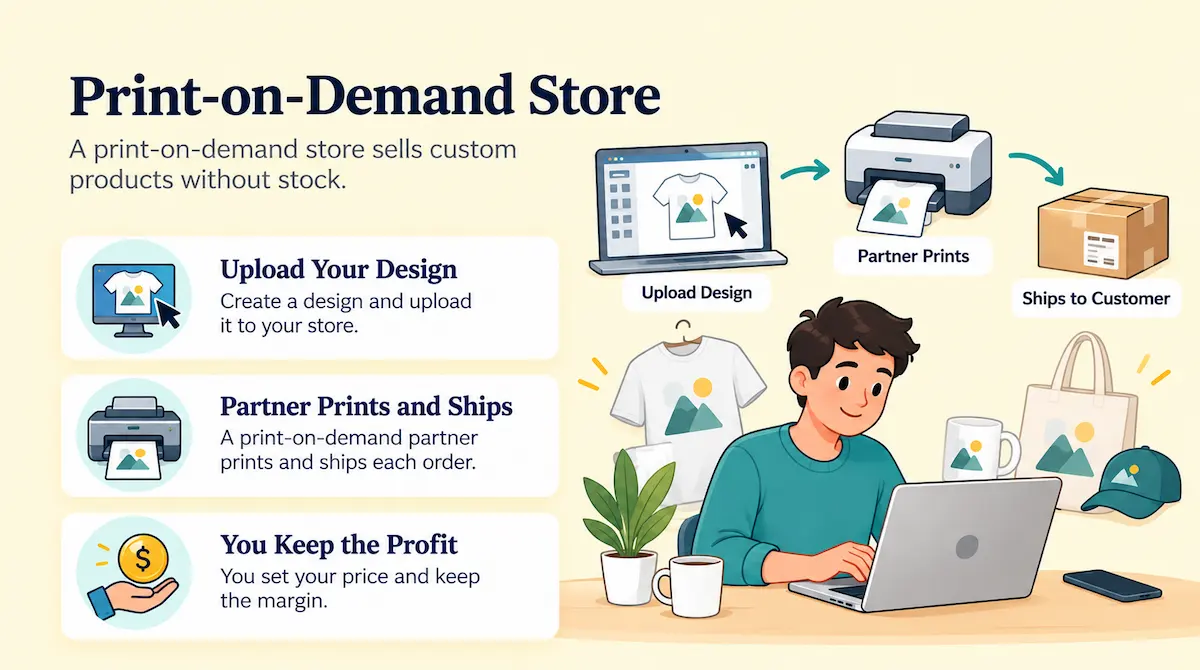
A print-on-demand store sells custom products without stock. You upload a design, a partner prints and ships each order, and you keep the margin. A Shopify store is a common base for this setup. Check your margins first, since shipping and fees cut profit, and test a few designs before you build a bigger catalog.
| Detail | Estimate |
|---|---|
| Starting cost | Under $100 plus store fees |
| Time to first sale | 2 to 6 weeks |
| Income model | Margin on each printed item |
| Best for | Designers and niche audiences |
Pros
- No stock and no shipping work
- Easy to test many designs
- Easy to run alone
Cons
- Shipping and fees cut margins
- Standing out takes a clear niche
Niche Blog With Affiliate Links
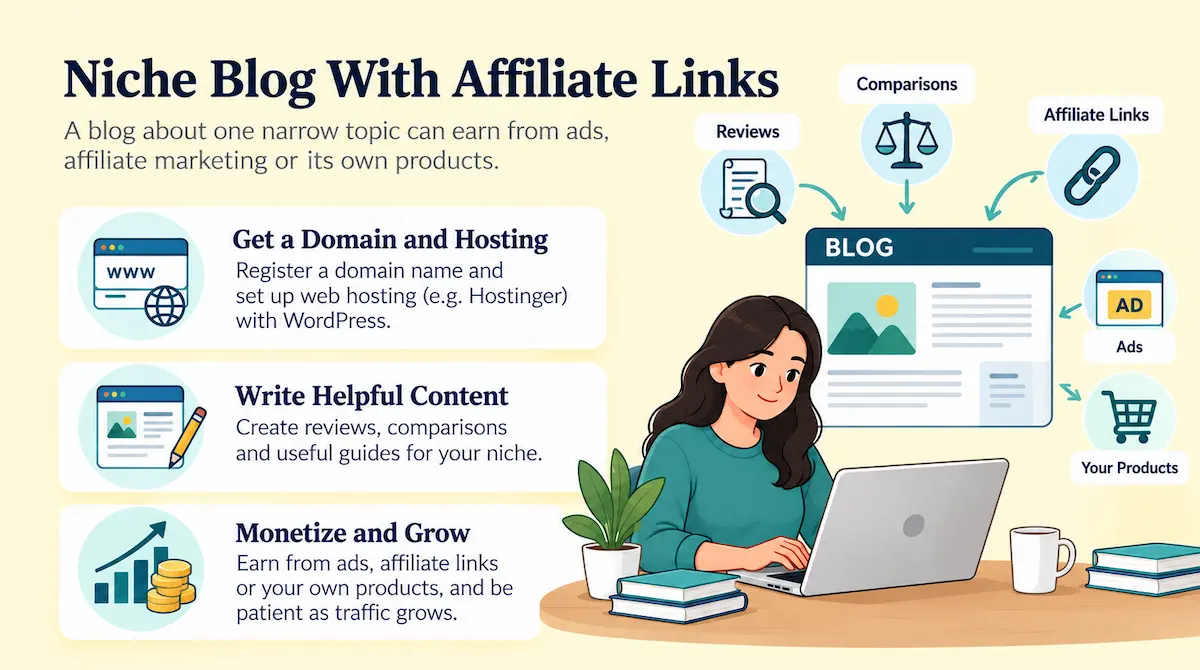
A blog about one narrow topic can earn from ads, affiliate marketing or its own products. Reviews and comparisons work well, because readers search for them before they buy. You need a domain name, web hosting and patience, since traffic takes months to grow. Hostinger is one option for the hosting and the WordPress setup.
| Detail | Estimate |
|---|---|
| Starting cost | About $50 to $150 for the first year |
| Time to first income | 3 to 12 months |
| Income model | Ads, affiliate links, own products |
| Best for | Patient writers with a narrow topic |
Pros
- Low cost to start
- Content keeps working after you publish it
- Several ways to earn
Cons
- Traffic takes months
- Search rankings can change
Online Course With an Email List
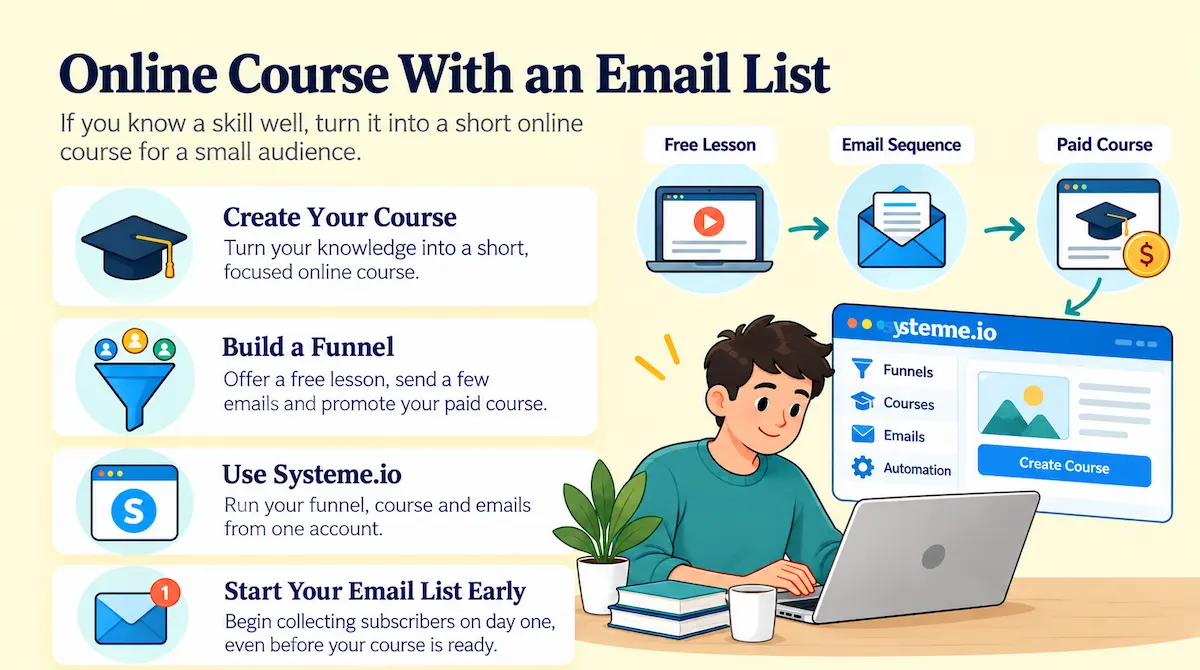
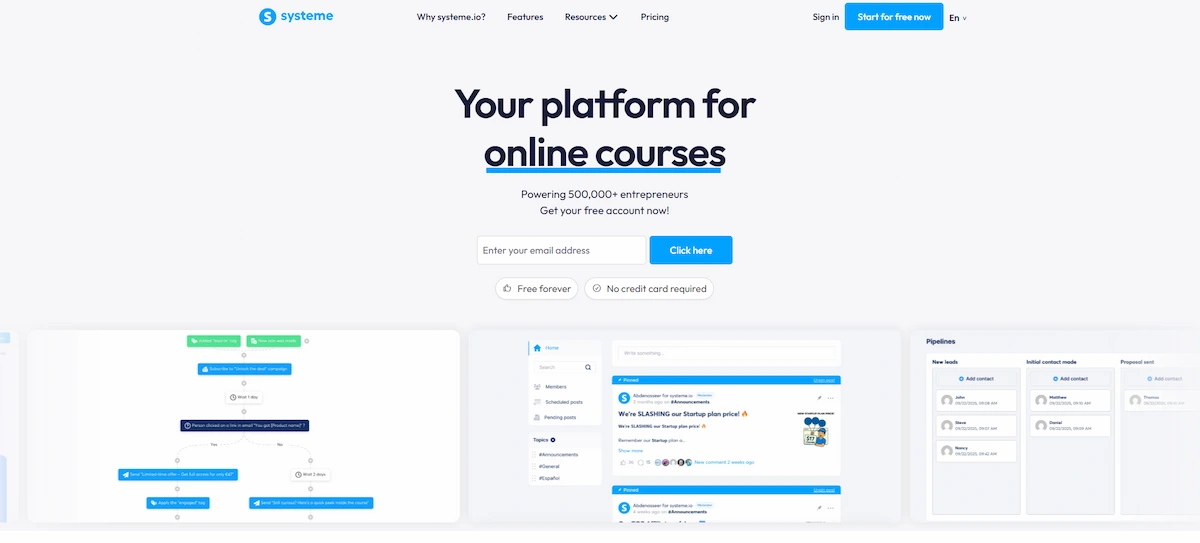
If you know a skill well, turn it into a short online course for a small audience. Build a funnel with a free lesson, a few emails and a paid offer. Systeme.io runs the funnel, the course and the emails from one account, so you skip a pile of separate tools. Start your email list on day one, even before the course is ready.
| Detail | Estimate |
|---|---|
| Starting cost | Free to about $20 a month |
| Time to first sale | 4 to 8 weeks |
| Income model | Course sales and email offers |
| Best for | Experts with one teachable skill |
Pros
- One course can sell for years
- Your email list becomes your own audience
- Higher price per customer
Cons
- Recording and writing take time
- Needs an audience before it sells
Social Media Management
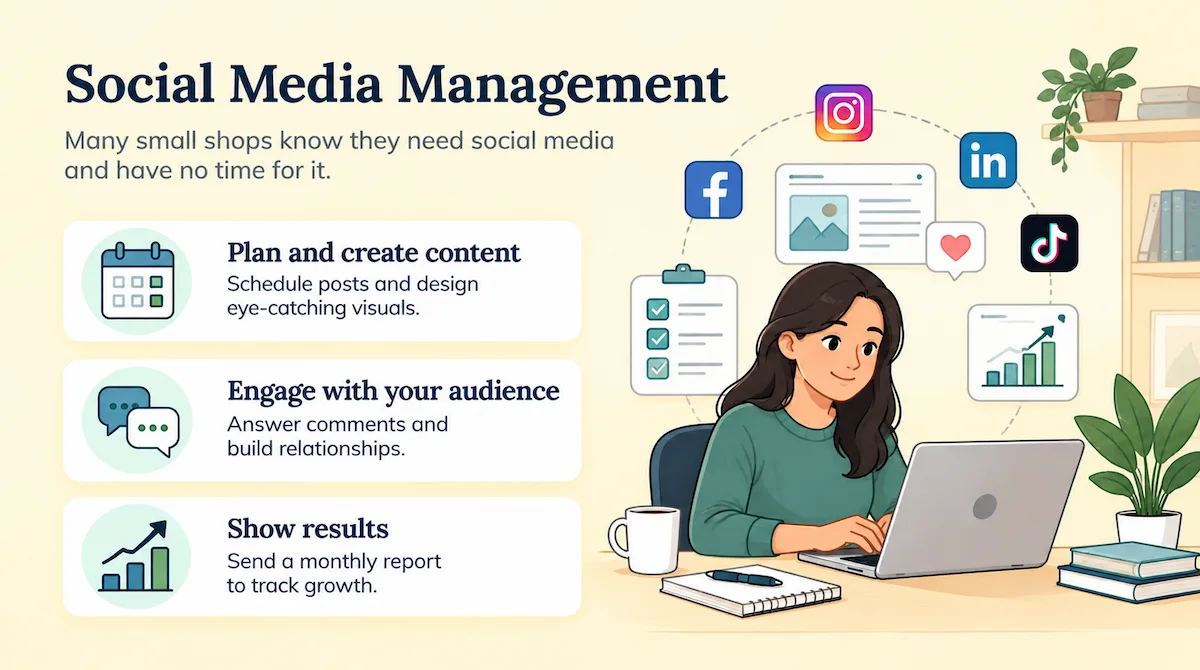
Many small shops know they need social media and have no time for it. You plan posts, design them, answer comments and send a monthly report. A design tool and a scheduler are all you need, and many owners can work from anywhere. See these remote business ideas if you want more options. Charge a monthly retainer and aim for three clients before you quit anything.
| Detail | Estimate |
|---|---|
| Starting cost | Under $100 |
| Time to first client | 2 to 4 weeks |
| Income model | Monthly retainers |
| Best for | People with a strong eye for content |
Pros
- Local shops need the help
- Templates can be reused across clients
- Retainers give predictable income
Cons
- Results take weeks to appear
- Clients may leave if growth is slow
Where To Find Business Ideas
If none of the six ideas fit, look for ideas in your own life. Run a skills audit: list your work experience, hobbies, training and the topics friends ask you about. Read reviews and complaints on Amazon and Reddit, because repeated complaints show a gap in the market.
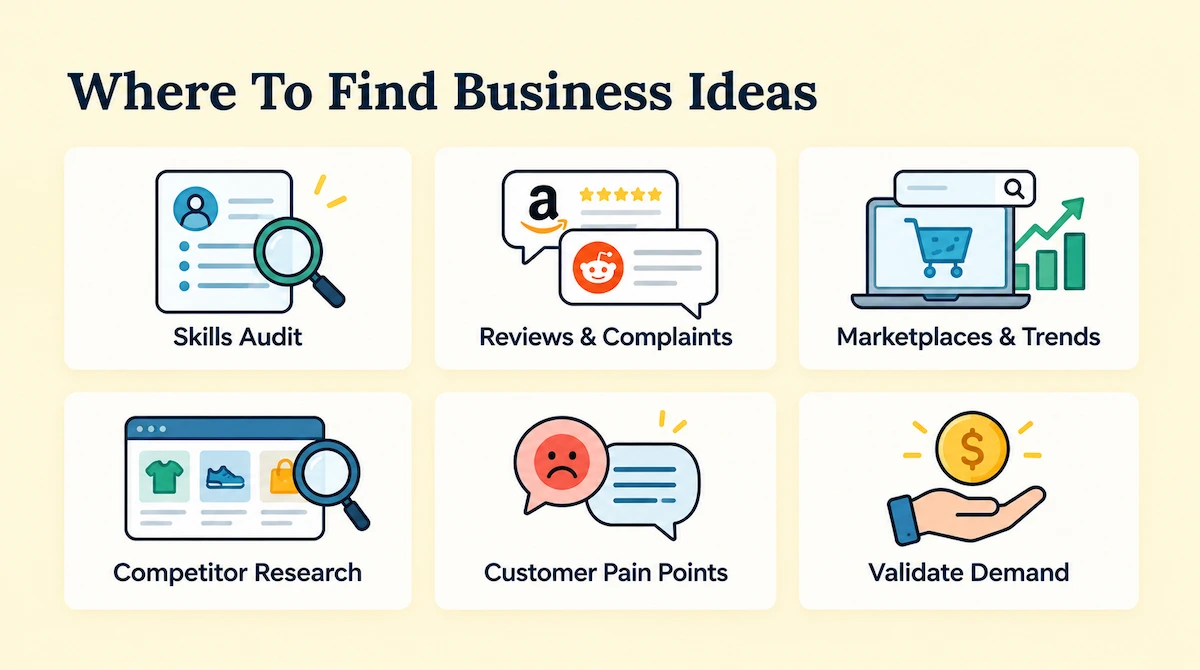
Browse marketplaces and trending products, and look at what competitors sell and where customers feel unhappy. Then confirm that people are willing to pay for the solution.
More Quick Ideas To Consider
If you want more options, these also work from a home office:
- Web design and development for small companies
- Virtual assistant work and bookkeeping
- SEO and email marketing consulting
- Online tutoring and coaching
- Resume and cover letter writing
- Proofreading and technical writing
- Voiceover and sound editing
- Subscription box service for a niche
- Membership site with paid content
- Dropshipping store with a small product line
- Domain name flipping, which needs patience and a small budget
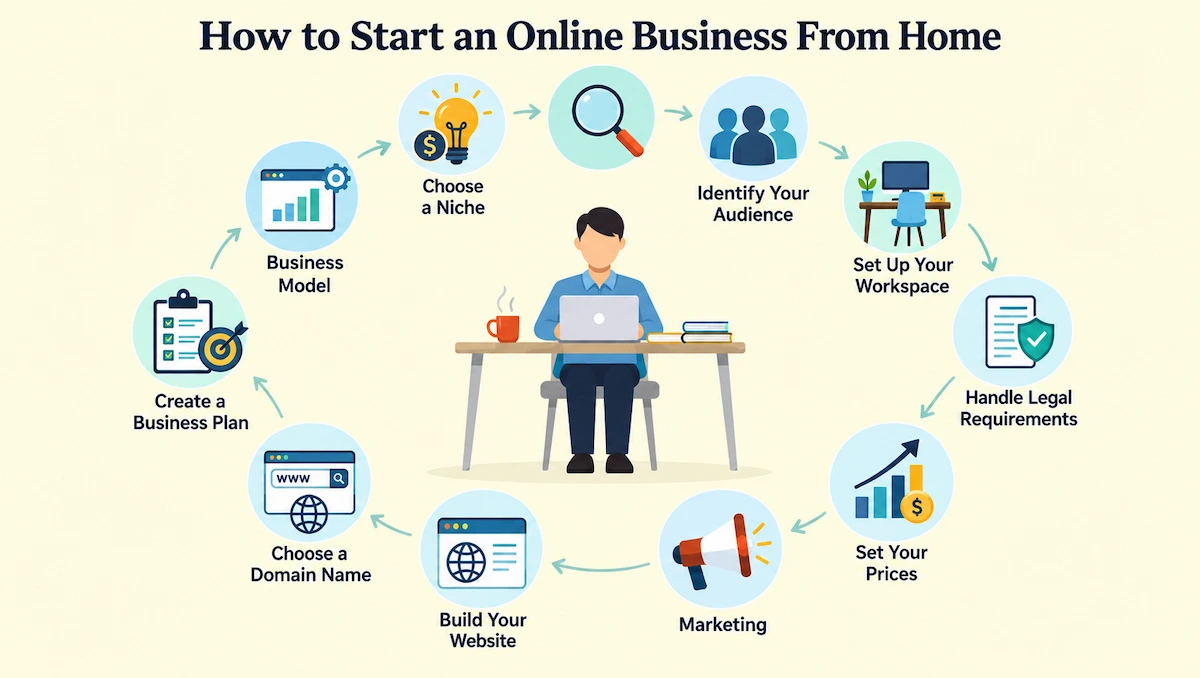
How To Start an Online Business From Home Step by Step
These 11 steps take you from an idea to your first customers. Follow them in order, and repeat any step when you need more practice. The plan works for a start an online business project of any size, from a one-person service to an online store.
1. Choose a Business Model
The business model decides how you earn money, so pick it before anything else. Browse a few online business ideas before you decide. Services, digital products, ecommerce, content and software all work at home, but they differ in cost and risk. If you have no budget, begin with a service where your time and skills are the product. Digital products and content can also start for free, but they take longer to earn. Ecommerce usually needs money upfront for stock or tools. Choose the model that fits your budget, your skills and the hours you have.
Ways To Sell Products Online
If you choose a product business, decide how you will get the products:
- Resell: buy products at a low price and sell them for a profit
- Dropship: sell products without stock, while a supplier ships to the customer
- Print-on-demand: create custom items only when a customer orders
- Wholesale: buy in bulk at a discount and sell items one by one
- Make your own: create products yourself or work with a manufacturer
Source Your Products
Look for suppliers on wholesale marketplaces, ask for samples and compare prices, shipping times and minimum orders. Order a sample of every product before you sell it, so you know the quality your customers will get. If you work with a manufacturer, ask about production time and returns. For a very small budget, dropshipping and print-on-demand carry the lowest risk, since you pay only when you sell.
2. Find Your Niche and Validate It
A niche is a narrow group of customers with a clear problem. Write down what you are good at, what you enjoy and what friends ask you for advice on. Then do market research: search the problem on Google, read competitor reviews and see what people already pay for. If many sellers charge for the same thing, demand is real. Before you spend money, test the idea with a landing page, a short survey or a free trial. If ten people ask to buy, you have a good sign. Good market research also shows what customers complain about in reviews, and that is where new products can win.
3. Know Your Target Audience
Your target audience is the group of people most likely to buy from you. Describe them in a few lines: age, location, job, what they want and what they already tried. Check which websites, forums and social networks they use, because that is where you will find them later. Write a short unique value proposition that says why they should choose you over other sellers. Knowing your target audience also helps you choose the right price and the right channel, and a clear audience makes every later step easier, from the name to the marketing.
4. Set Up Your Home Workspace
A good home office helps you stay focused and keeps the business separate from family life. Treat your home office like a real workplace, even if it is only a desk. You do not need a full room. A desk, a good chair, fast internet and a quiet corner are enough to start. Add a headset for calls, a second screen if you can and a shelf for papers. Set fixed work hours, and tell the people you live with when you are not available. Keep business files and money in separate folders and accounts, because it makes taxes much easier later.
5. Write a Business Plan and Plan Your Funding
You do not need a long document. A one-page business plan with your idea, audience, prices, costs and goals is enough to begin. Add a list of your startup costs and a simple forecast for the first three months. Decide how you will fund the business, and keep the plan flexible, since it will change as you learn. Many owners use bootstrapping, which means starting with their own savings and early sales instead of outside money.
Fund Your Business
Most online businesses need less money than a store with a lease, but you still need a budget. Common ways to fund the start are your own savings, a side job, money from family and friends, a small business loan, crowdfunding and grants for small owners. Start with the cheapest option. Keep your first spending small, track every dollar and grow with the income the business earns.
6. Handle the Legal Basics
Rules for a home-based business depend on your city, state and country, so check them early. Start with the business structure, because choosing the right one early saves problems when the business grows. A sole proprietorship is the simplest, while a limited liability company (LLC) separates your personal assets from the business. Then register the business name if required, and ask your city about zoning rules and a home occupation permit. The SBA guide to licenses and permits explains what many US owners need. Also check sales tax, since many states can require online sellers to collect it, and keep a record of every sale from the first day. Rules differ a lot between countries, so if you live in Europe, this guide to an online business in Ireland shows an example.
Data Privacy and Consumer Protection
If you collect emails or sell to customers, you must handle their data with care. Add a privacy policy, ask for consent before you send marketing emails and keep customer data safe. Rules such as GDPR in the European Union and CCPA in California set limits on how you collect and use personal data. Consumer protection laws also require clear prices, honest product descriptions and a fair refund policy.
Intellectual Property
Protect your brand and respect the work of others. Search trademark databases before you choose a name, and consider registering the trademark when the business grows. Do not copy photos, text, music or designs without permission. Use your own work, licensed images or free resources with a clear license.
7. Choose a Business Name and Register a Domain
A good name is short, easy to spell and available as a domain. Check that the name is free in your state and on social media before you fall in love with it. Then register the domain name on Namecheap or another registrar, and use a .com when you can. Design a simple logo and a color scheme in Canva, and use them everywhere so customers recognize you. A clear business name also helps people remember you, and a consistent brand makes even a one-person business look credible.
Build a Simple Brand Identity
Brand identity is how people recognize and trust you. Pick a simple logo, two or three colors and one or two fonts, then use them on your site, social media and emails. Decide how you will talk to customers: friendly, professional or playful. A strong brand helps even a one-person business look as dependable as a big company.
8. Build Your Website or Online Store
Your website is your home base. For a service, one page with your offer, samples, prices and a contact form is enough. For products, pick an ecommerce platform such as Shopify, add product pages and set up checkout. For a blog or a simple site, Hostinger offers hosting and a WordPress setup at a low price. Keep the design clean, make it work on phones and write clear product descriptions. Do not wait for a perfect site, because you can improve it after launch.
Turn Visitors Into Customers
Traffic only helps if visitors take action. Make the site easy to use, with fast pages, clear menus and a clear call to action on every page. Show customer reviews and testimonials near the buy button, since people trust other buyers. Test one change at a time, such as a headline or a button color, to see what gets more sign-ups and sales. This is called A/B testing, and small improvements add up.
9. Set Up Payments, Delivery and Business Finances
Customers must be able to pay you easily. Set up payment processing through your platform or a provider, and check the fees before you choose. For a digital product, set up automatic delivery by email or download. For physical products, decide if you will ship yourself, use dropshipping or use print-on-demand, and compare shipping providers. Write simple terms of service and a refund policy, and place them on your site.
Pick a Sales Channel
You can sell through your own website, on marketplaces such as Amazon or Etsy, or on social media. Marketplaces bring ready-made traffic, but they charge fees and limit your branding. Your own store gives you control and customer data, but you must bring the visitors. Many owners start on a marketplace to test demand and then open their own site.
Set Up Your Business Finances
Open a separate business bank account, so personal and business money never mix. Use simple accounting or bookkeeping software to record income and expenses, send invoices and track payments. Set aside part of each payment for taxes, including self-employment tax if you work for yourself in the US. Review your numbers every month, and keep receipts for every business purchase.
10. Market Your Business
Without visitors, no website earns anything, so digital marketing matters from day one, and good digital marketing means doing a few things well and repeating them. Start with two or three channels instead of all of them. Write useful posts for search engine optimization, share them on social media and build an email list. Systeme.io lets you collect emails and send a welcome series on its free plan. Track what it costs you to win a customer, also called customer acquisition cost, so you know which channels pay back. Ask early customers for reviews, because social proof helps new buyers decide.
Content Marketing and SEO
Write useful posts that answer questions your customers search for. Use clear titles, simple language and the keywords people type into Google. Content brings free traffic over time, but it needs months of steady work.
Social Media Marketing
Create business profiles on the networks where your target audience spends time. Post helpful content, answer comments and show behind-the-scenes work. Pick one or two networks first instead of trying all of them.
Email Marketing
An email list is an audience you own. Offer a free guide or a discount in exchange for an email address, then send a welcome series and regular updates. Email often brings more sales than social media for small owners.
Paid Advertising
Search and social ads can bring fast traffic, but they cost money. Start with a small daily budget, test a few ads and stop what does not work. Wait to scale until you know your customer acquisition cost and your profit per sale.
Collaborations and Partnerships
Team up with other owners, bloggers or creators who serve the same audience. A guest post, a joint giveaway or an affiliate partnership puts your business in front of new people at a low cost.
Free Marketing Ideas and Local Networking
With no budget, use free ways to get known: answer questions in online communities, share useful posts and ask happy customers for reviews. Do not forget your local community. Attend events, join local groups and tell neighbors about your service, since local customers can become your first buyers.
11. Launch, Track and Grow
Set a launch date and tell everyone you know. Announce the business on social media, send your first email and offer a small launch discount. After launch, check your numbers every week: visitors, sign-ups, sales and costs. If something does not work after a few months, change the price, the offer or the channel. Once the business earns steady income, automate repeated tasks and consider hiring help. Write down simple steps for each task first, so another person can follow them later and you can keep your hours under control. This guide on how to run an online business covers the next stage.
Tools for Daily Operations
As orders and clients grow, simple tools keep the work under control. Use a calendar and a task list to plan your week, a scheduling tool for client calls, invoicing software for payments and a shared folder for files. Many of these tools have free plans, so you can start small and upgrade when you need more.
Best Tools To Build Your Business
These five tools let you build a store, a site, a funnel and a brand without writing code. Pick the ones your model needs instead of buying everything at once.
Some links on this page are affiliate links, so the site may earn a commission at no extra cost to you. We follow the FTC guidance on disclosing affiliate links. Prices are US prices at the time of writing and can change, so check each site before you buy.
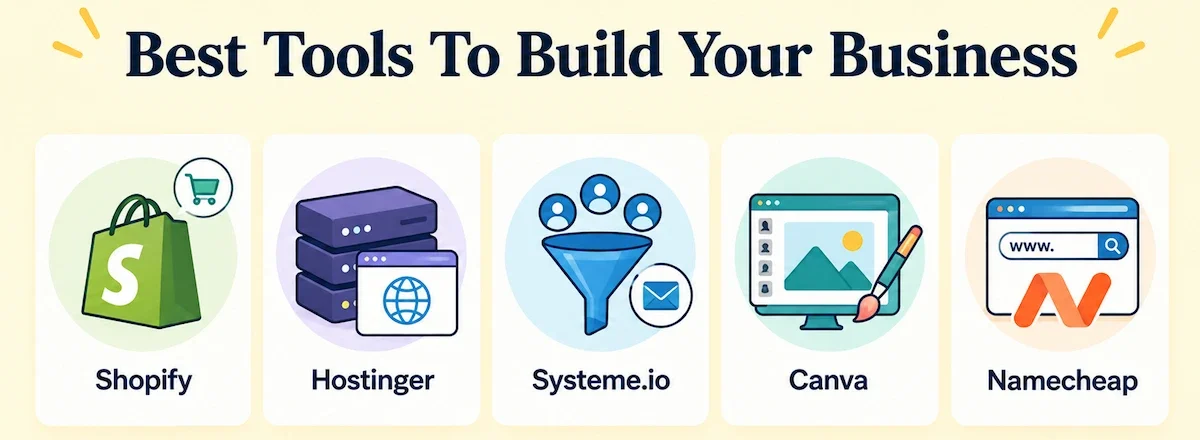
- Shopify: an online store, from $29 a month on yearly billing
- Hostinger: a blog or website, from $2.99 a month on a 48-month term
- Systeme.io: email list, funnels and a course, free plan and paid plans from $17 a month
- Canva: logo and designs, free plan and Pro at $144 a year
- Namecheap: a domain name, a .com at about $11 for the first year
Shopify for an Online Store
Shopify is a platform for building an online store, taking payments and managing orders. The Basic plan starts at $29 a month on yearly billing, and the trial is currently three days free, then $1 a month for three months. Card payments carry a fee of 2.9% plus 30 cents on Basic in the US. It fits print-on-demand, dropshipping and your own products.
| Detail | Estimate |
|---|---|
| Best for | Online stores and print-on-demand |
| Starting price | From $29 a month on yearly billing |
| Trial | 3 days free, then $1 a month for 3 months |
| Card fee | 2.9% plus 30 cents on Basic in the US |
Pros
- Store, payments and orders in one place
- Large app library for print-on-demand
- Easy to set up without code
Cons
- Monthly fee starts before you sell
- Card fees and app fees add up
Hostinger for a Blog or Website
Hostinger sells web hosting and a website builder, and it supports WordPress. The Premium plan is listed from $2.99 a month on a 48-month term, with a higher renewal price, and it includes a free domain for the first year and free SSL. It suits blogs, review sites and landing pages for a service business.
| Detail | Estimate |
|---|---|
| Best for | Blogs, review sites and landing pages |
| Starting price | From $2.99 a month on a 48-month term |
| Included | Free domain for the first year and free SSL |
| Watch out for | Higher renewal price |
Pros
- Very low entry price
- WordPress setup is simple
- Domain and SSL included
Cons
- Long term needed for the lowest price
- Renewal costs more than the first bill
Systeme.io for Email, Funnels and Courses
Systeme.io combines sales funnels, email marketing, online courses, a blog and an affiliate program in one account. The free plan includes 2,000 contacts, 3 funnels and 1 course, and paid plans start at $17 a month. It lets you build an email list and a funnel without paying for separate tools.
| Detail | Estimate |
|---|---|
| Best for | Email list, funnels and courses |
| Starting price | Paid plans from $17 a month |
| Free plan | 2,000 contacts, 3 funnels, 1 course |
| Watch out for | Fewer design options than some builders |
Pros
- Funnels, email and courses in one account
- Free plan is enough to start
- Built-in affiliate program
Cons
- Templates look plain
- Learning curve for new users
Canva for Logos and Digital Products
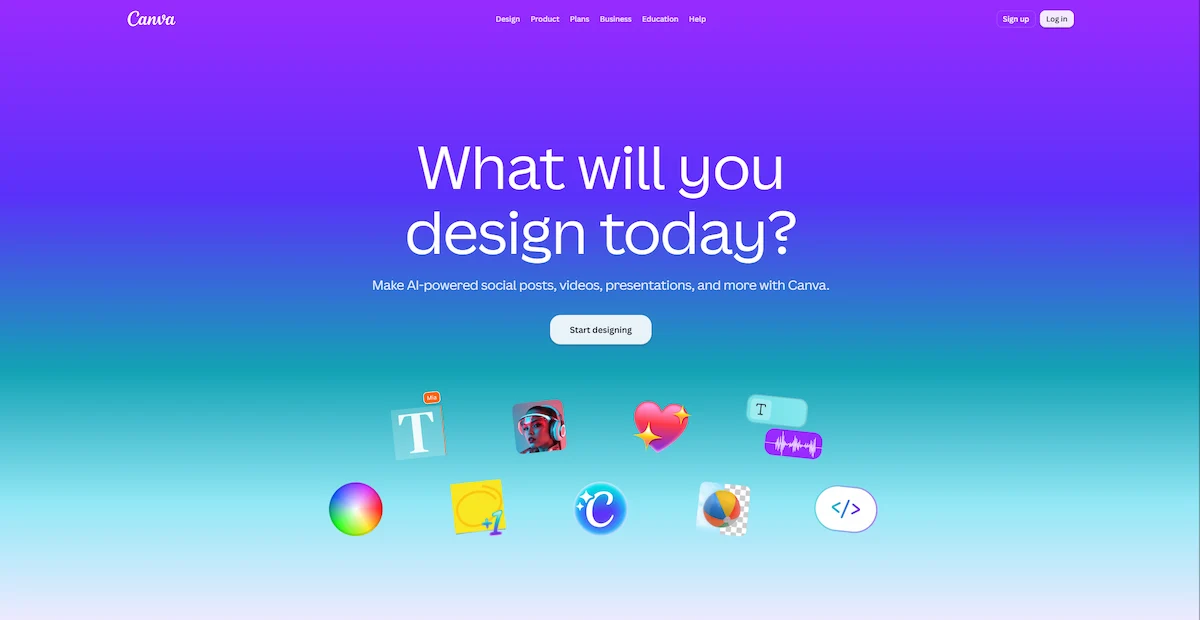
Canva is a design tool with templates for logos, social posts, presentations and printable products. The free plan covers basic work, and Pro costs $144 a year in the US with a bigger template library and more brand kits. It helps with a logo, social media posts and digital products to sell.
| Detail | Estimate |
|---|---|
| Best for | Logos, social posts, printable products |
| Starting price | Pro at $144 a year |
| Free plan | Basic templates |
| Watch out for | Premium templates need Pro |
Pros
- Easy for people with no design skills
- Huge template library
- Brand kits keep posts consistent
Cons
- Many people use the same templates
- Best features sit behind Pro
Namecheap for a Domain Name
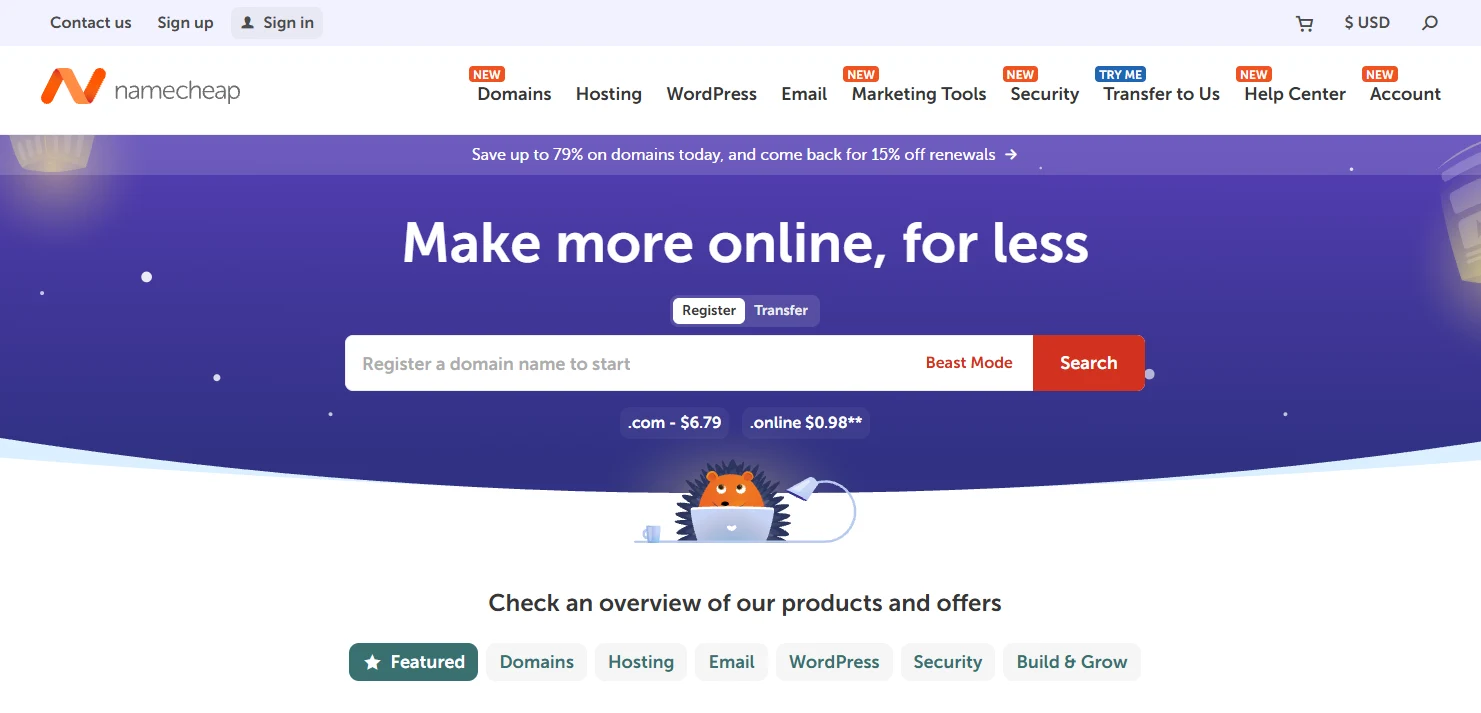
Namecheap is a domain registrar that also sells hosting, SSL and email. A .com is listed at about $11 for the first year, and the renewal price is higher, so check it before you register. Domain privacy is listed as free. Register the name early, even before the website is ready.
| Detail | Estimate |
|---|---|
| Best for | Domain names and simple hosting |
| Starting price | A .com at about $11 for the first year |
| Included | Free domain privacy |
| Watch out for | Higher renewal price |
Pros
- Low first-year prices
- Easy domain search and comparison
- Hosting, SSL and email available
Cons
- Renewal costs more
- Extras can raise the final bill
How Much Does It Cost To Start an Online Business?
Costs depend on your model. A service can start for under $100, while a store or a software idea needs more. Add the startup costs to your plan, and compare them with what you expect to earn in the first three months.
| Cost item | Typical range | Note |
|---|---|---|
| Domain name | About $11 to $20 a year | Renewal is often higher |
| Web hosting | From about $3 a month | Longer terms lower the price |
| Online store platform | From $29 a month plus card fees | Shopify Basic, yearly billing |
| Email and funnel tool | Free to $17 a month | Systeme.io plans |
| Design tool | Free to $144 a year | Canva Free and Pro |
| Legal and registration | Varies by location | Check state and city fees |
Can You Start With No Money?
Yes, but your options are narrower. Services, freelancing, coaching and affiliate marketing need almost no upfront investment, because your time is the product. You can also use free plans for email, design and a basic website. The trade-off is time, since free tools often limit features. This guide to an online business with no money shows more ways.
Can You Start With $1,000?
Yes. With $1,000 you can register a domain, build a site, pay for a year of hosting and run a small test for a print-on-demand store or a digital product. Keep a few hundred dollars for marketing, because a good product still needs visitors. Track every cost in a simple sheet, so you know when the business starts to pay back.
How Much Money Can You Make?
Income depends on your model, your prices, your hours and how many customers you reach. A service business earns by the hour or by the project, and your income grows with your rates and your clients. A store earns from the margin on each sale, so traffic and conversion matter most. A blog or a course can earn more over time, but the first months are usually slow. Set a realistic goal for the first three months, track your numbers and raise your targets as the business grows.
How Long Does It Take To Make Money?
The time depends on your model, your hours and your market. These are rough estimates for someone who works a few hours a week, and they change by person and project.
| Model | Rough time to first income |
|---|---|
| Freelance services | 1 to 4 weeks |
| Digital products | 1 to 4 weeks |
| Print-on-demand store | 2 to 6 weeks |
| Online course | 4 to 8 weeks |
| Niche blog | 3 to 12 months |
Becoming profitable takes longer than the first sale, because costs and marketing eat the early income. Most owners need several months to cover their expenses, so plan for a slow start.
Business Trends To Watch
A few shifts are changing how small owners work. AI tools help with writing, research and customer replies, so learn one tool at a time and check every result. Buy now, pay later options are common at checkout, and customers expect fast, mobile-friendly stores. Subscriptions and memberships bring steady income. More shoppers also buy through social media, so keep an eye on the networks your audience uses. Follow industry trends, but only copy what fits your niche.
How To Stay Productive and Balanced Working From Home
A business at home blurs the line between work and life. Set a schedule and stick to it, for example a fixed start and end time, with a break for lunch. Choose a place that you can leave at the end of the day, even if it is a corner of a room. When you work at home, tell family and friends your hours, so they do not interrupt you. Plan time off and exercise, and use a task list to keep your day under control. Automating repeated tasks and outsourcing when you can helps you protect your work-life balance as the home business grows.
Common Mistakes To Avoid
Most beginners slow themselves down in the same few ways. Watch for these five:
- Skipping validation. Test your idea with real people before you build a site or buy stock.
- Trying everything at once. Stay with one business model until you see results.
- Ignoring legal basics. Check registration, permits and taxes before you take payments.
- Waiting for a perfect website. Launch with a simple version and improve it later.
- Forgetting marketing. A business with no visitors earns nothing.
Conclusion
Now you know how to start an online business from home: choose a model, find a niche, know your audience, set up a workspace, write a plan, handle the legal basics, build a site, set up payments and market your business. You do not need a big budget or a team. A laptop, a clear idea and a few hundred dollars are enough to begin.
Pick one of the ideas above, finish step 1 this week and move forward one step at a time. The first sale is the hardest, and every step after it gets easier.
Frequently Asked Questions
How do I start an online business for beginners?
Choose one business model, find a niche and test your idea with real people. Then write a short business plan, handle the legal basics, build a simple website and start marketing. Start small with a service or a digital product, and improve as you learn.
How to start an online business from home with no money?
Pick a business where your time and skills are the product, such as freelancing, virtual assistant work or social media management. Use free plans for email, design and a basic site. You only pay for items you truly need, such as a domain, when the first clients arrive.
Can I start an online business with $1,000?
Yes. A thousand dollars covers a domain, hosting, a website, design tools and a small marketing test. Services and digital products cost the least, while print-on-demand and dropshipping need money for the store and ads. Track every cost, so you know your numbers.
What is the best online business to start from home?
For most beginners, a service based on a skill you already have is the best choice. It has the lowest cost and risk, and you can get paid by the first client. Later you can add digital products or a store.
What is the most profitable online business?
Profit depends on your skills, market and costs, so there is no single answer. Online courses, software, coaching and well-run stores can earn a lot, but they need more time or money to start. Services give faster income with lower profit per hour.
How much money do you need to start an online business?
You can start a service for under $100 and a digital product for under $50. A store or a blog costs more, often a few hundred dollars in the first year. Software and app ideas can cost thousands. Estimate your startup costs before you commit.
How long does it take for an online business to become profitable?
Many service businesses earn within weeks, but covering all costs takes longer, often several months. A blog or a store can need a year or more. Profit depends on your costs, your marketing and how fast you win your first customers.
Do you need a business license to sell online?
It depends on your location and business type. Most states require at least a basic business registration, and you may need a sales tax permit. Some cities also require a home occupation permit. Check your state and city websites before you start selling.
Can I start a business from home with no experience?
Yes. Many owners learn while they build. Start with free courses, a simple model and a small test project. Read this guide to an online business with no experience for a clear starting plan.
What are the biggest challenges of running a home business?
The top challenges are staying disciplined, keeping work-life balance and handling every task alone. Setting clear work hours, using a separate workspace, automating tasks and outsourcing when you can helps keep things manageable.
What is the easiest online business to start with no money?
Freelancing and virtual assistant work are the easiest, because you sell a skill you already have and need almost no tools. Affiliate marketing and content creation also start free, but they take longer to earn.
How do I become an online seller?
First decide what you want to sell, a product or a service. Then set up a store on an ecommerce platform or a marketplace, add your products and set up payment processing. If you sell a service, create a profile or a simple site and start promoting your offer.
How can I make money online without paying anything?
Sell a skill you already have through freelancing, virtual assistant work or coaching. You can also start affiliate marketing or content creation with free tools. Free options take more time, so expect a slower start than with paid tools.
What are the best passive income ideas for beginners?
Digital products, online courses, affiliate marketing and a niche blog can earn after the work is done. They are not fully passive, since you must market them and update them. Expect to put in work first before income grows.
How do I start a dropshipping business for free?
Pick a niche, find a reliable supplier and open a store on a platform with a free trial. List a few products, set a price above the supplier cost and market through free channels such as social media. You still pay fees when you sell.
What is required to start a business from home?
You need an idea, a plan, a workspace and the right registration for your location. Open a business bank account, check zoning rules, apply for permits if needed and set up payments and marketing. Requirements vary by city and state.